
설명
This plugin offers a variety of layouts, making it easy for users to display their content effectively. Available layout types include Grid, List, Carousel, and more—allowing users to choose the style that best suits their needs.
Each layout comes with customizable settings, enabling adjustments to the number of content items, colors, fonts, and other visual elements. The plugin is user-friendly and fully compatible with any website, making it a versatile solution for content presentation.
Features
- Default layout available.
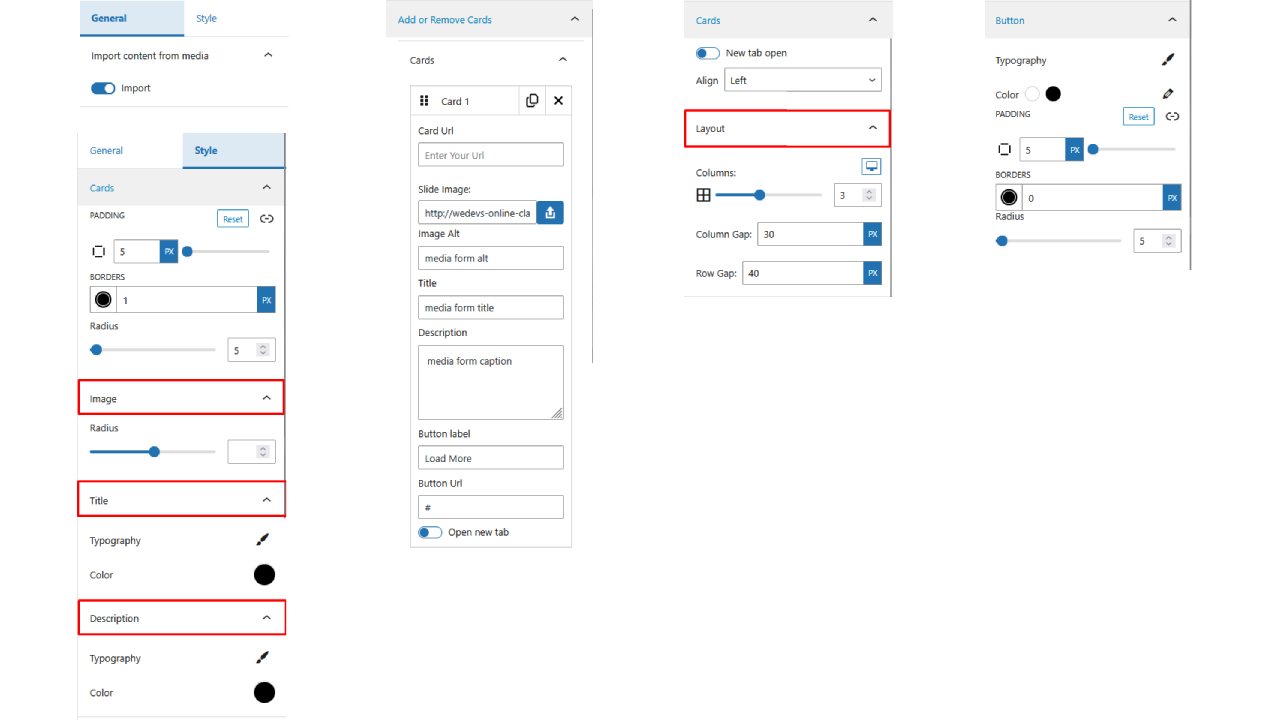
- Set card border, padding, and border radius.
- Customize card title, description, and button typography, color, padding, and border radius.
- Set card URL and button URL now open in a new tab .
How to use Plugin Name
- First, install the Plugin Name plugin from the WordPress dashboard.
- Add the Cards Layout from the block category called “widgets” in the Gutenberg editor.
- You can change block settings from the right-side settings sidebar.
-
Enjoy!
-
For installation help click on Installation Tab
– Did you like this plugin? Dislike it? Have a feature request? [Please share your feedback with us](mailto:[email protected]
‘Send feedback’)
스크린샷
Settings 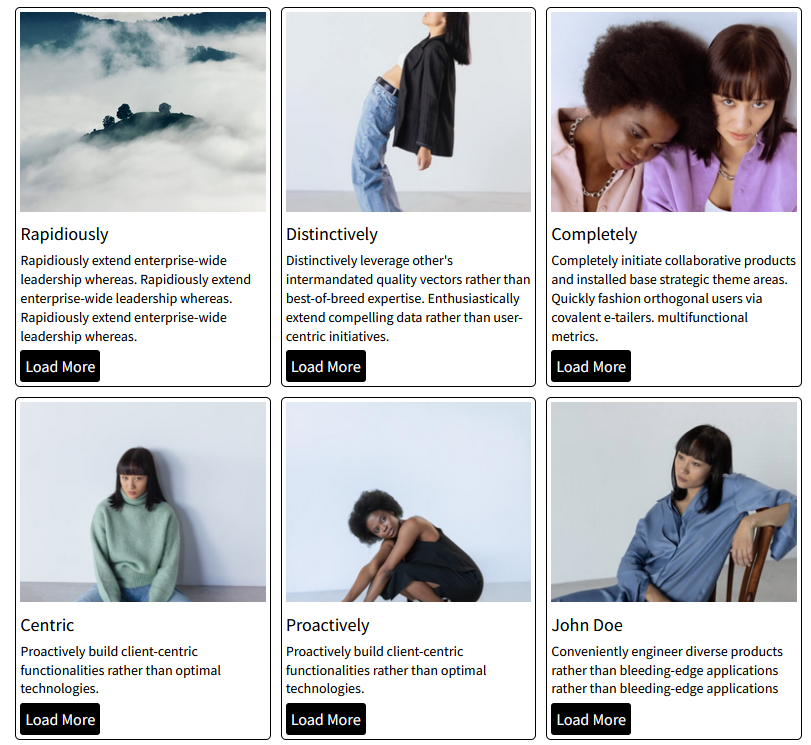
Default Design 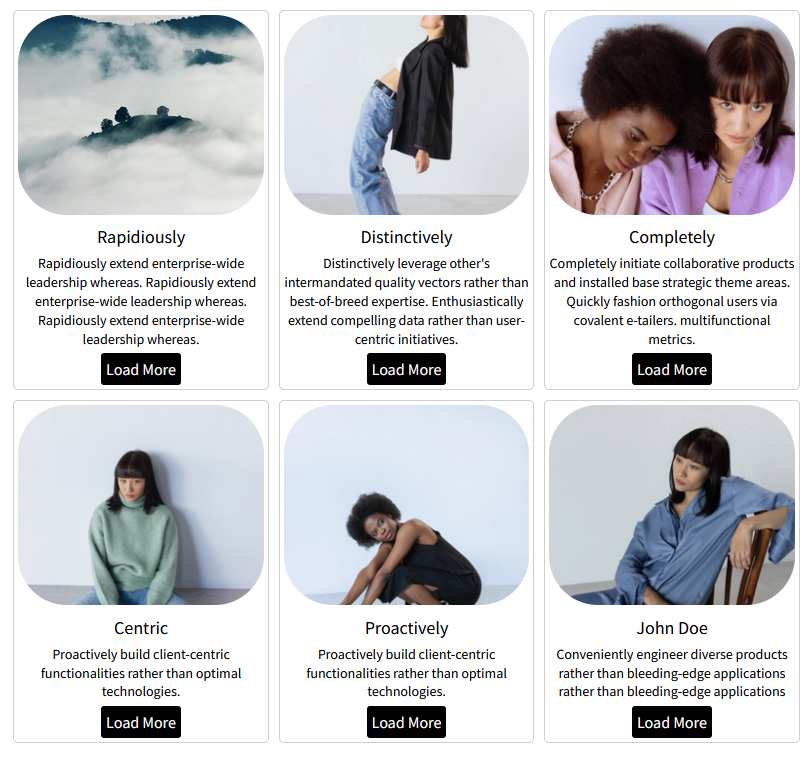
Customize Design


블록
이 플러그인은 1개의 블록을 제공합니다.
- Cards layout This plugin offers multiple customizable layouts like grid, list, and carousel, making content display easy and flexible.
설치
From Gutenberg Editor:
- Go to the WordPress Block/Gutenberg Editor
- Search For Cards Layout
- Click on the Cards Layout to add the block
Download & Upload:
- Download the Cards Layout plugin (.zip file)
- In your admin area, go to the Plugins menu and click on Add New
- Click on Upload Plugin and choose the
cards-layout.zipfile and click on Install Now - Activate the plugin and Enjoy!
Manually:
- Download and upload the Cards Layout plugin to the
/wp-content/plugins/directory - Activate the plugin through the Plugins menu in WordPress
FAQ
-
Does it work with any WordPress theme?
-
Yes, it will work with any standard WordPress theme.
-
Can I change block settings?
-
Yes, you can change block settings from the Gutenberg block editor’s right sidebar.
-
How many times can I reuse a block?
-
You can use unlimited times as you want.
-
Where can I get support?
-
You can post your questions on the support forum here
후기


기여자 & 개발자

변경이력
1.1.4 – 29 July, 2025
- focalPoint added good feature;
1.1.3 – 27 July, 2025
- Import content from image media;
1.1.2 – 9 July, 2025
- Image border radius and card content align option added
1.1.1 – 6 July, 2025
- Card URL and button URL now open in a new tab;
1.1.0 – 4 July, 2025
- Default layout available
- Set card border, padding, and border radius
- Customize card title, description, and button typography, color, padding, and border radius
1.0.0
- Initial Release
