Your Cart

Get special upgrade deals! Sign in to see if you qualify for deals.
Cart Empty

Your cart is empty

There are no items in your cart

Taxes: Calculated at checkout
Subtotal: $0.00

Keep shopping

Product Image
MixedInKey Logo

You own this software | Purchased on

Included Software:

Get special upgrade deals! Sign in to see if you qualify for deals.

Wingman

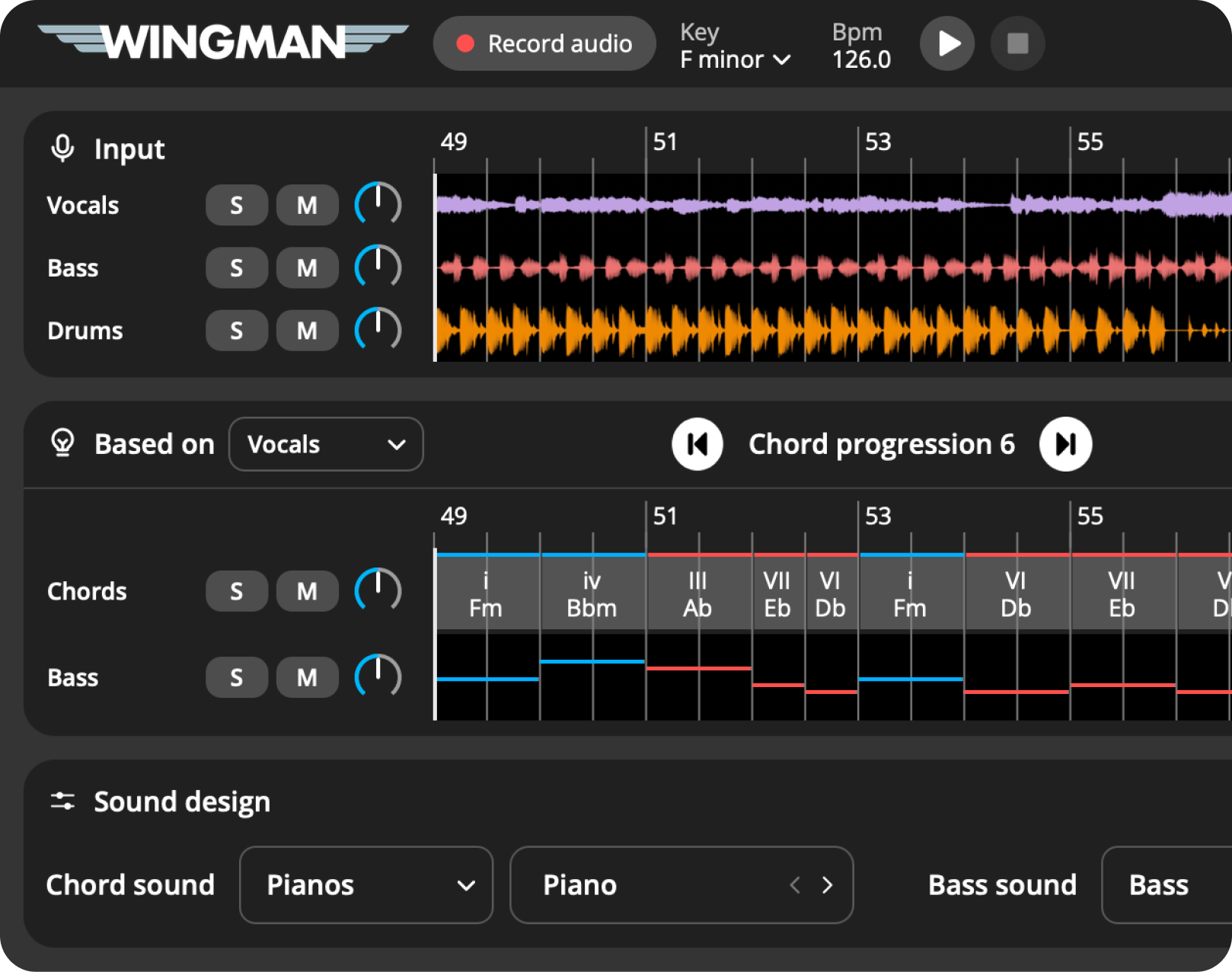
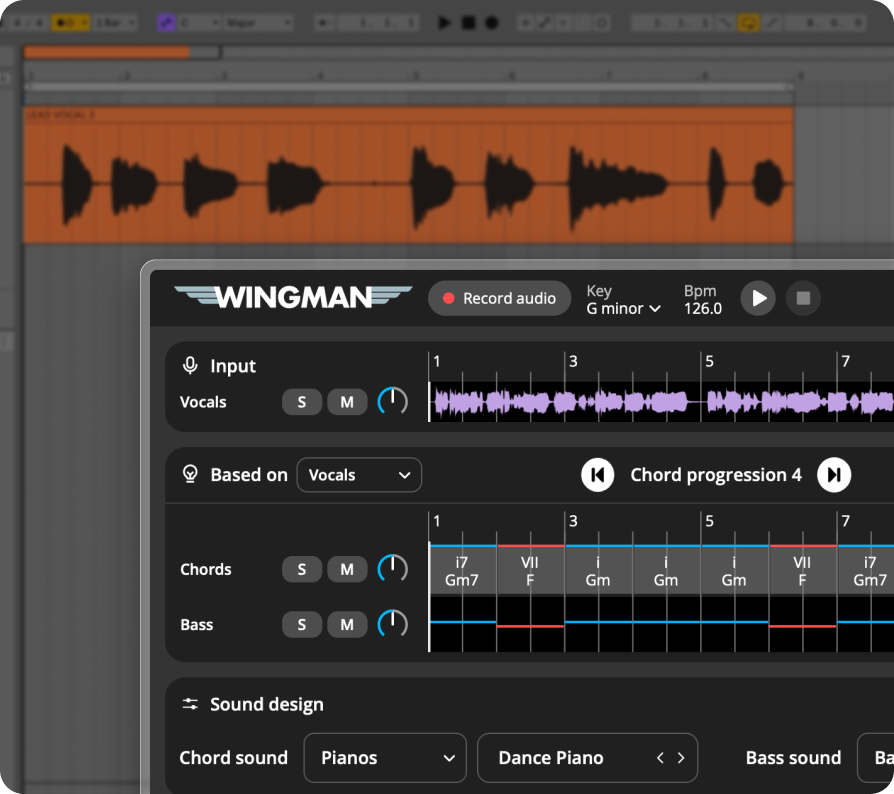
Get chords and bassline ideas that fit the audio in your DAW.

Buy now

Musical ideas based on the sound in your DAW

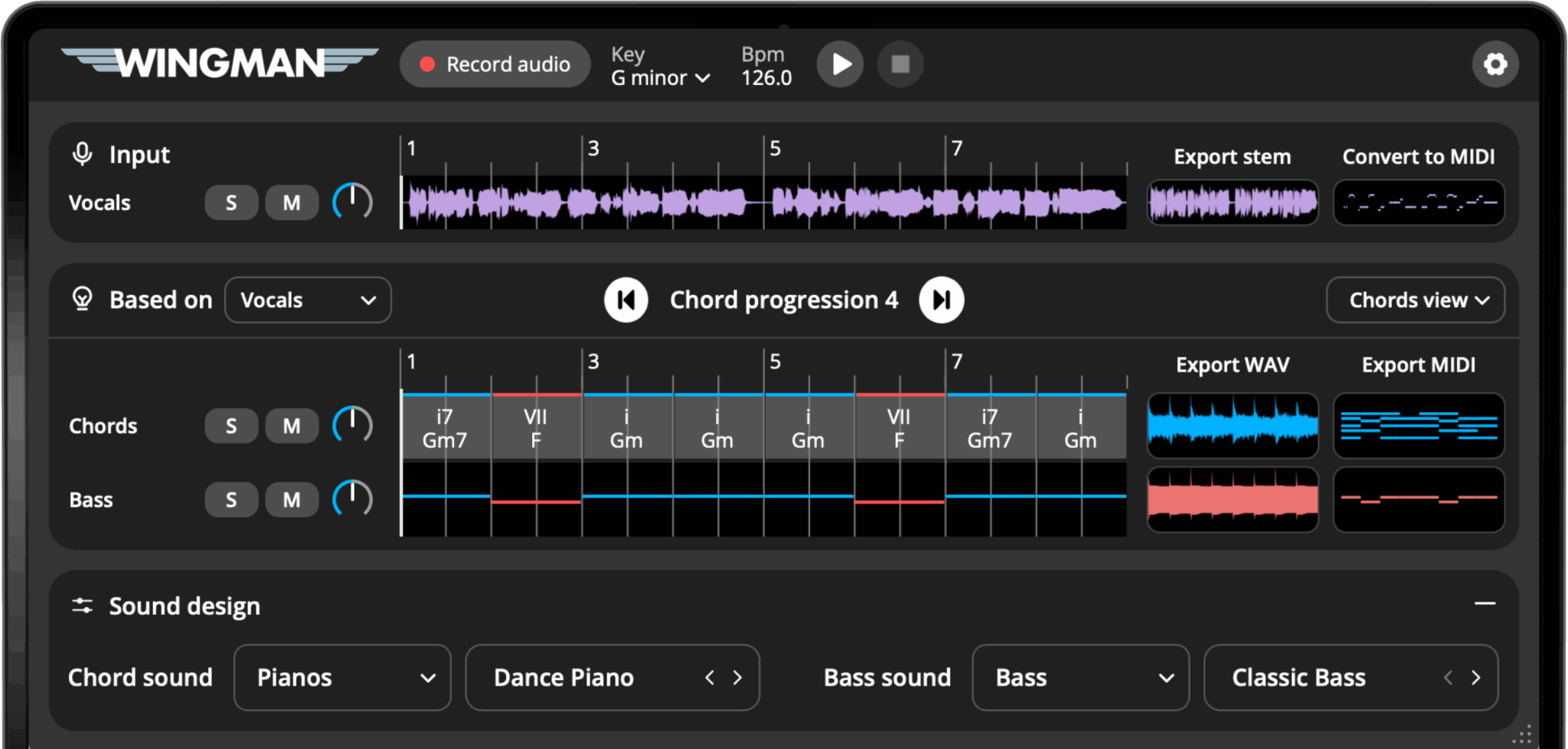
Wingman analyzes your audio and suggests chords and basslines built around it — not random, just smart.

  • Analyze your audio instantly
  • Suggest chords based on what it hears
  • Create basslines that match your progression
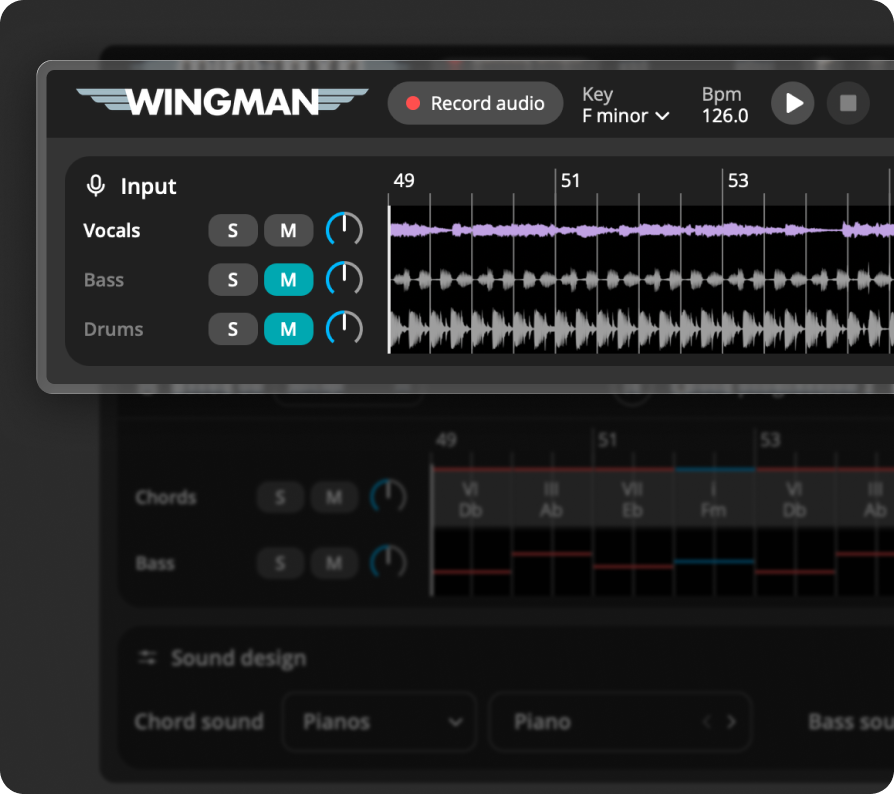
  • Includes vocal, bass, drum, and instrument stem separation
Level up DJ
 

Explore the tools inside Wingman

This plugin listens to your audio and gives you musical suggestions that actually fit. Here are the key features that make that possible.

Buy now

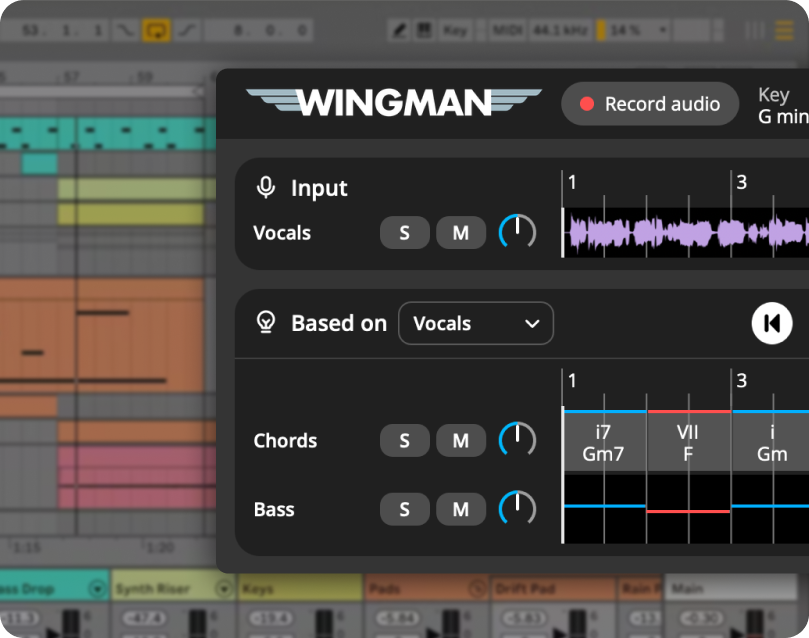
Context-Aware Idea Generation

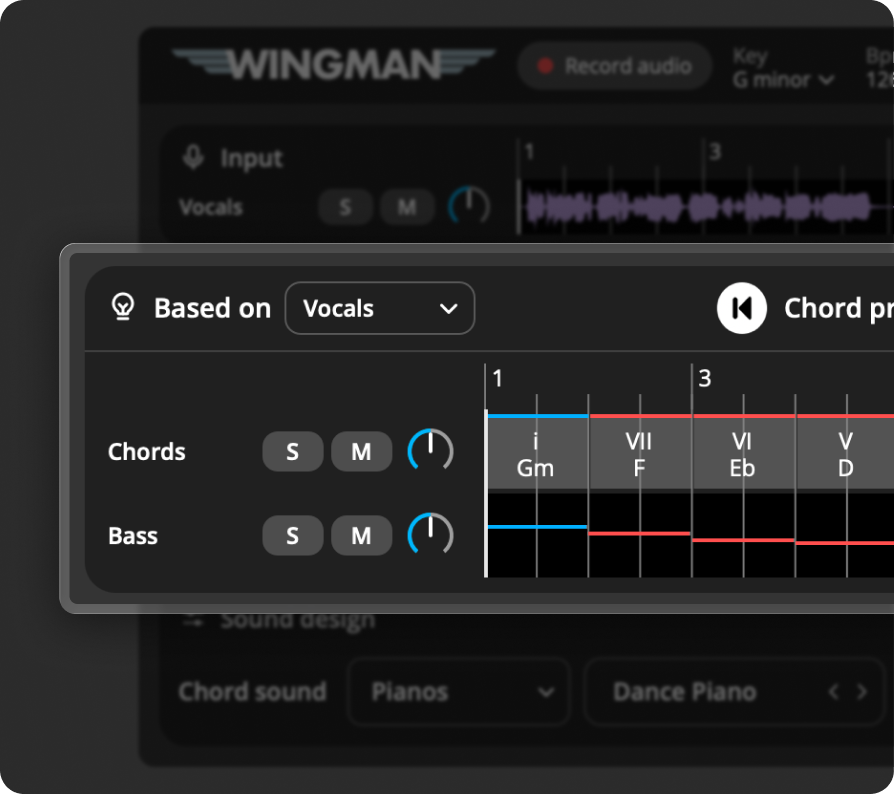
Generate chords and basslines based on the actual audio playing in your DAW. Wingman listens first — and gives back suggestions that fit your track’s key, rhythm, and feel.

Image

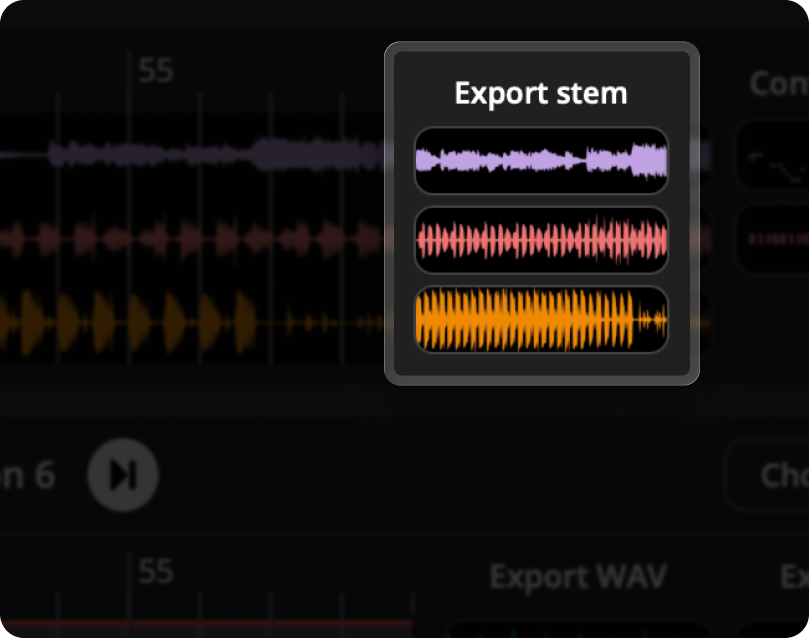
Instant Stem Separation

Separate your audio into vocals, bass, drums, and other stems. Perfect for remixing, idea generation, or isolating musical parts.

Image

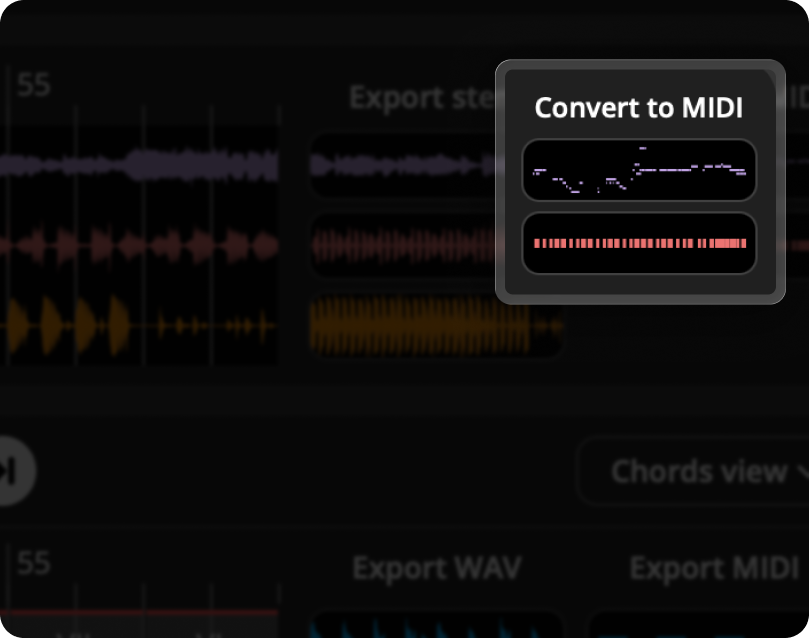
Audio to MIDI Conversion

Turn any audio you’re working with into editable MIDI. Rebuild melodies, layer harmonies, or reshape your sample with total control.

Image

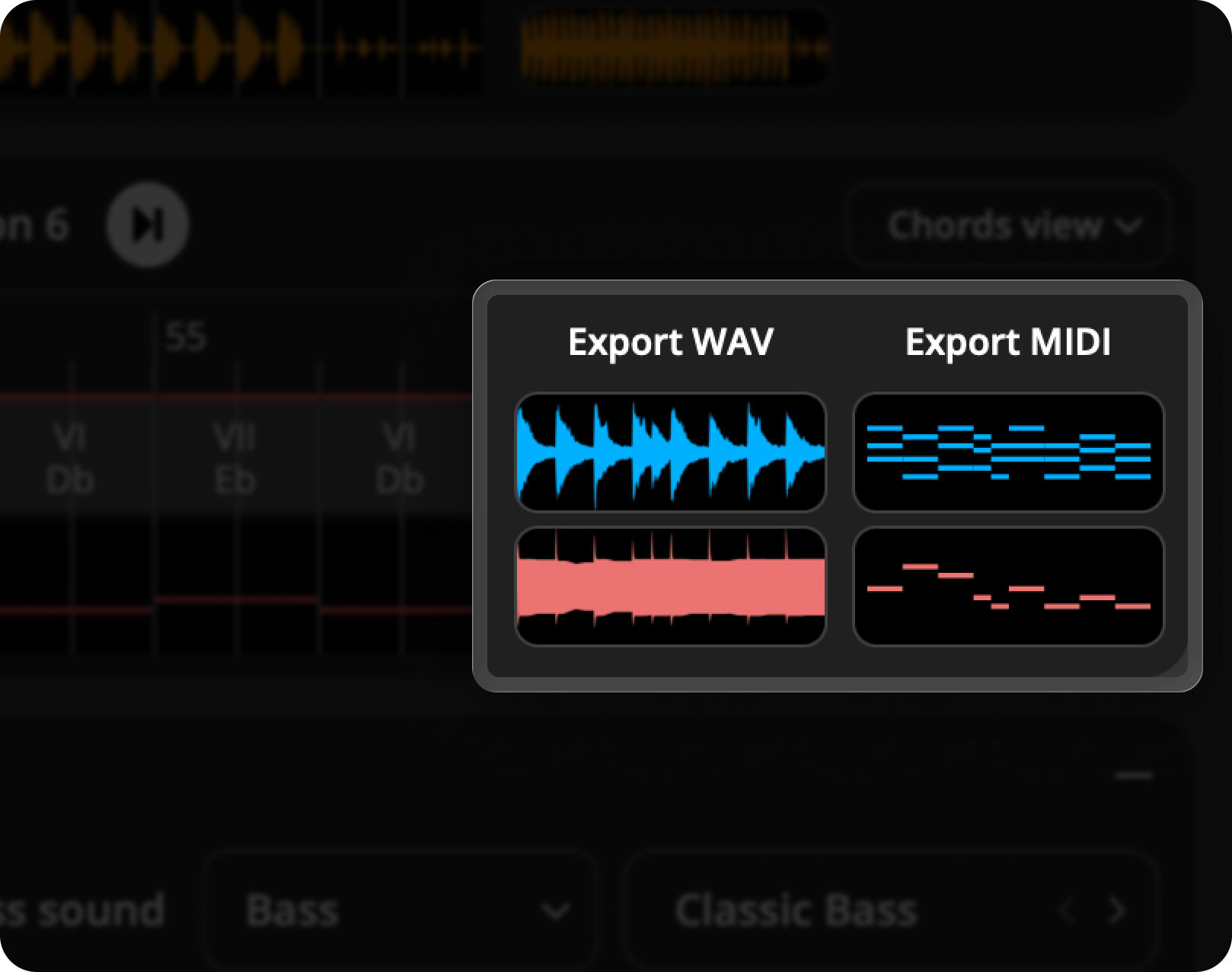
Export as MIDI or WAV

Every idea can be dragged straight into your project — whether you want raw MIDI to tweak or ready-to-use WAV files.

Image

Industry-Leading Key Detection Built In

Wingman uses the same key detection engine as Mixed In Key, trusted by top producers and DJs for its unmatched accuracy.

Image

Loop & Listen Workflow

Loop a section of your audio, hit “Record Audio,” and Wingman will suggest ideas based on that moment. Great for fine-tuning sections or building layer by layer.

Image
Image
Image

Take a closer look
inside the plugin

Here’s a preview of Wingman’s layout — everything is designed to help you move quickly from audio input to creative output. Hover over any icon to see what it does.

Tooltip icon

Key

Change the detected key of your audio. Wingman instantly updates its suggestions so you can explore chords and basslines in a new key.

Tooltip icon

Record Audio

Click to capture the audio from your DAW channel. Wingman listens in real time and uses this recording to generate stems, MIDI, chords, and bassline ideas.

Tooltip icon

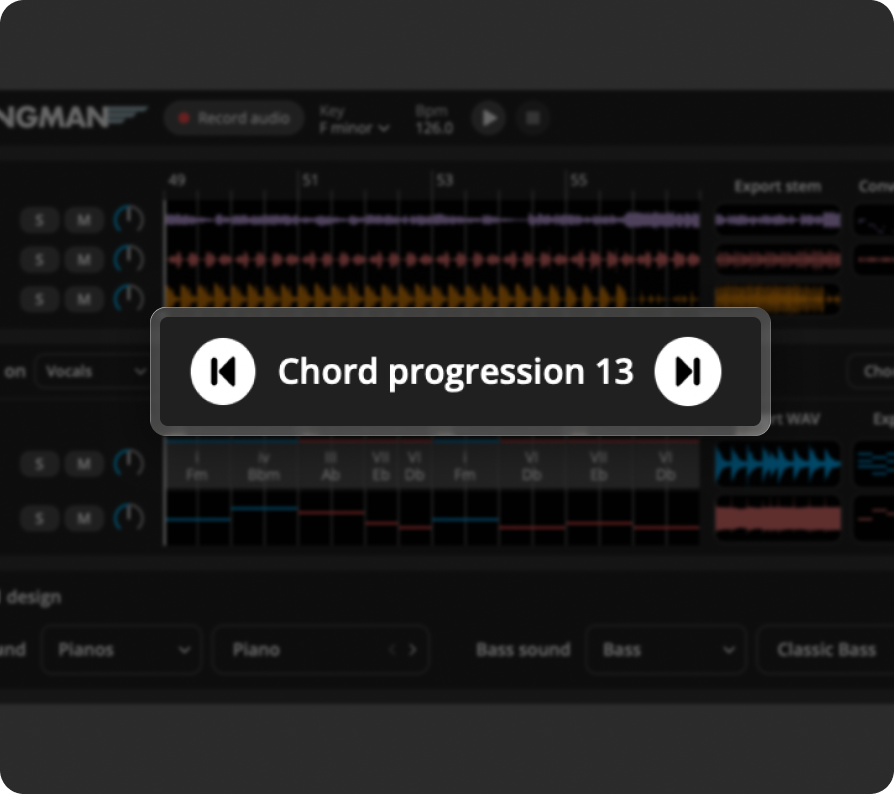
Chord Progression Ideas

Click to audition different chord progressions generated by Wingman. Each progression is tailored to the audio you recorded.

Tooltip icon

Chord sound

Choose the instrument that plays your chord progression. Wingman will use this sound for all suggested chord ideas.

Tooltip icon

Bass sound

Pick the bass instrument used in your generated basslines. Wingman will use this sound for all suggested bassline ideas.

Tooltip icon

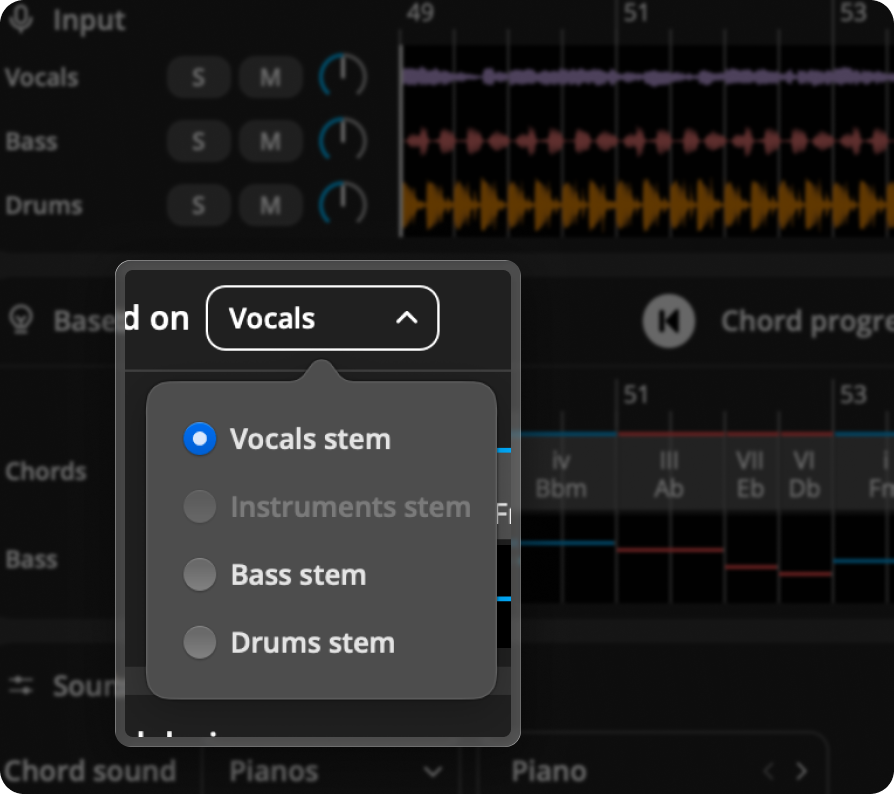
Based on

You can base ideas on Vocals, Instruments, Bass, or Drums for more accurate musical suggestions.

Tooltip icon

View Modes

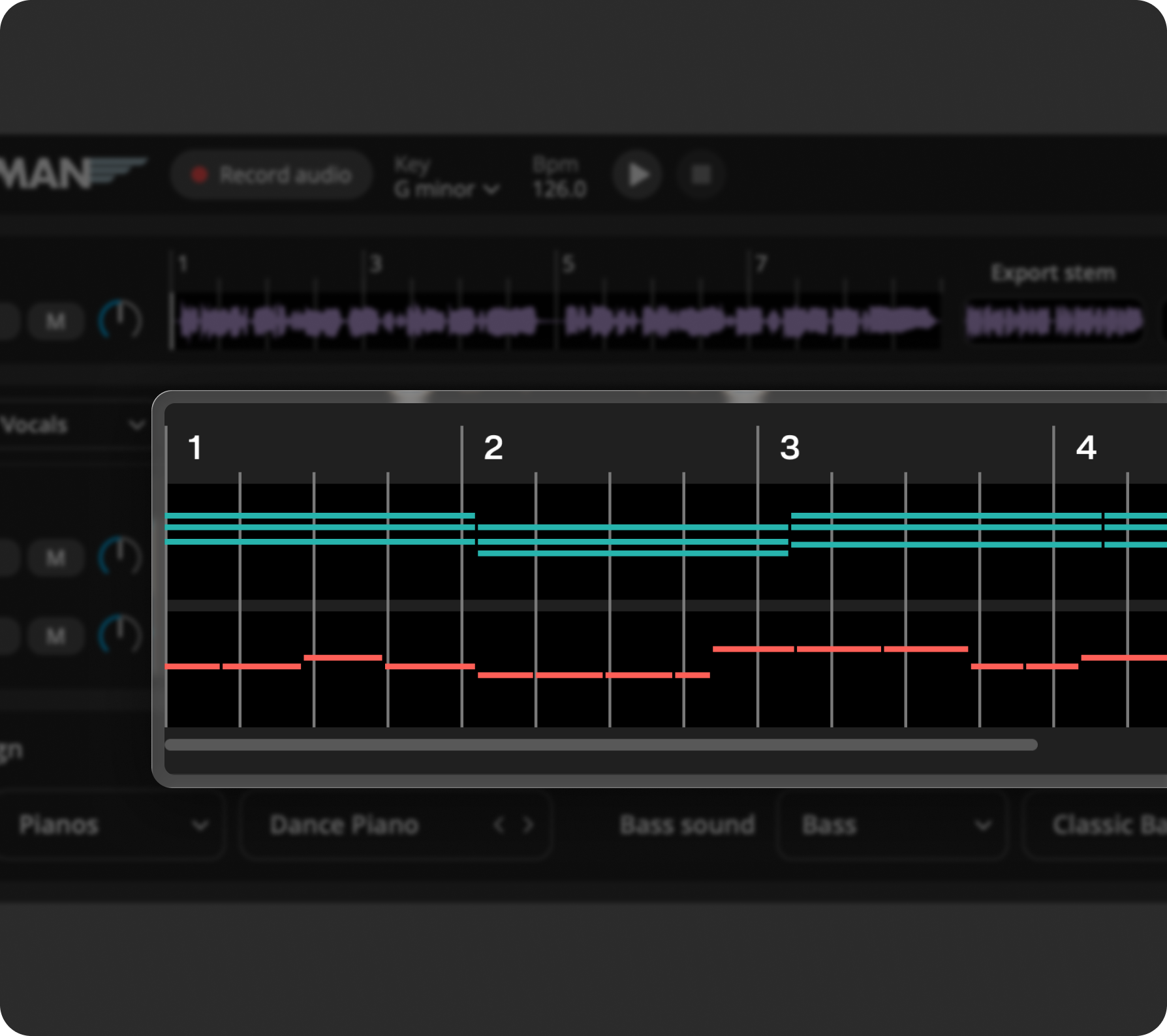
Switch between Chords, Notes, and Audio views. Each view gives you a different way to visualize and understand the ideas Wingman creates.

Tooltip icon

Convert to MIDI

See the MIDI version of your recorded audio. Export the MIDI to your DAW and use it to create melodies, harmonies, or new arrangements.

Tooltip icon

Export Stems

Export the separated vocals, instruments, bass, or drums created by Wingman. Drag them straight into your DAW to continue working on your track.

Tooltip icon

Export WAV

Export ready‑to‑use WAV audio for your chord or bassline idea. Perfect for dropping directly into your project timeline.

Tooltip icon

Export MIDI

Export the MIDI for your chord progression or bassline idea. Use it in your DAW to customize, layer, or rearrange the part.

Mashup

Watch tutorial

This is a great demo to explain how Wingman works.


Start with any sound.

Wingman analyzes your audio and suggests chord progressions that sound great with it.

Wingman gives you chords and basslines based on your audio. It’s like getting songwriting suggestions that fit your track.

Start with just a vocal. Wingman helps you craft chords and bassline that fit your production.
Image
Image
Image

Explore ideas. Keep what works.

Isolate vocals, drums, and instruments to work with only the parts you need.

Choose whether to base your chord and bass suggestions on vocals, instruments, bass, or drums. Wingman tailors its output to the stem you care about most.

Browse through multiple musical ideas for each input and keep what inspires you.
Image
Image
Image

In beta, designed to work with:

Designed For:

Ableton Logic Pro FL Studio Studio One Cubase

Buy Wingman

Wingman helps you generate musical ideas, extract stems, and convert audio to MIDI.
No subscriptions.

Wingman

$99 $49

One time purchase

Buy now
Features included
  • ImageStem separation
  • ImageGenerating ideas
  • ImageAudio to MIDI Conversion
  • ImageExport as MIDI or WAV
  • ImageGenerates chords that fit
  • ImageKey detection

Frequently Asked Questions

Everything you need to know about Wingman

No, Wingman is a plugin that runs inside your DAW. It listens to audio from a track and generates ideas based on it.

Yes! Wingman is now available as a beta for Windows. When you buy now, you’ll get access to the beta version immediately — plus the final release as soon as it’s ready.

You can add any audio to a DAW channel—vocals, instrumentals, loops, or full tracks. Wingman listens and generates ideas based on what it hears.

Yes, you can export the generated chords and basslines as MIDI or WAV files and use them directly in your DAW projects.

Wingman is compatible with major DAWs like Ableton Live, Logic Pro, FL Studio, Cubase, and Studio One. If you’re unsure, reach out to our support team.

Wingman supports macOS 12 and above. All features work on both Apple Silicon and Intel Macs, except Stem Separation, which requires an Apple Silicon chip (M1/M2/M3/M4/M5).