
File ITR using mobile app for just ₹99/-
Tax filing made easy on our national award winning mobile app.
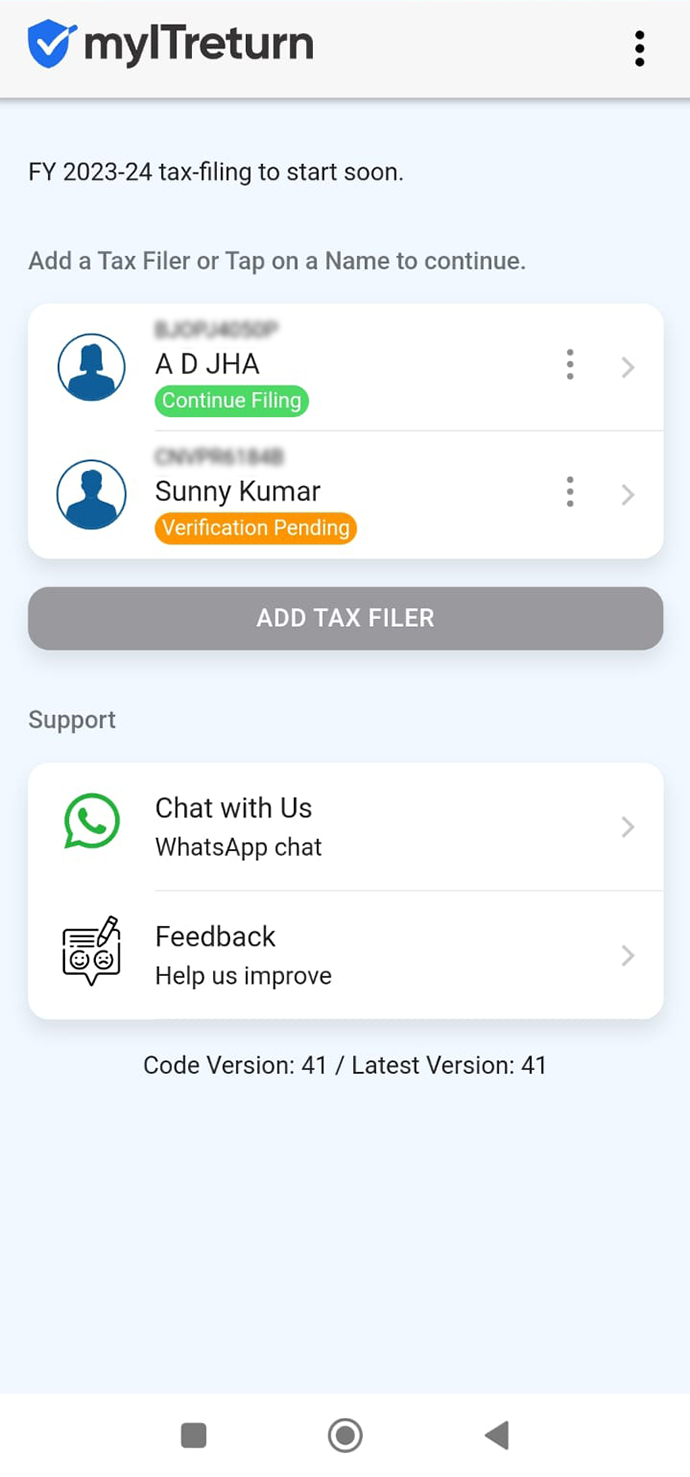
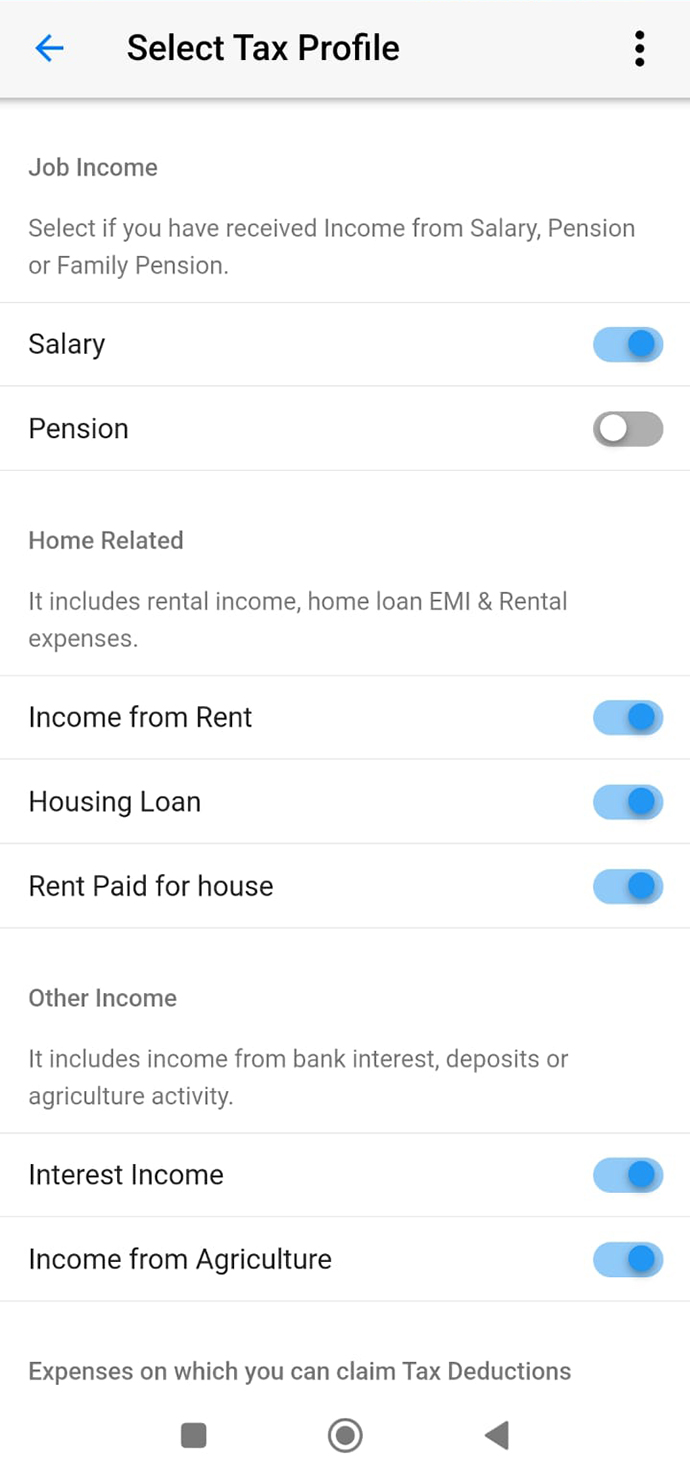
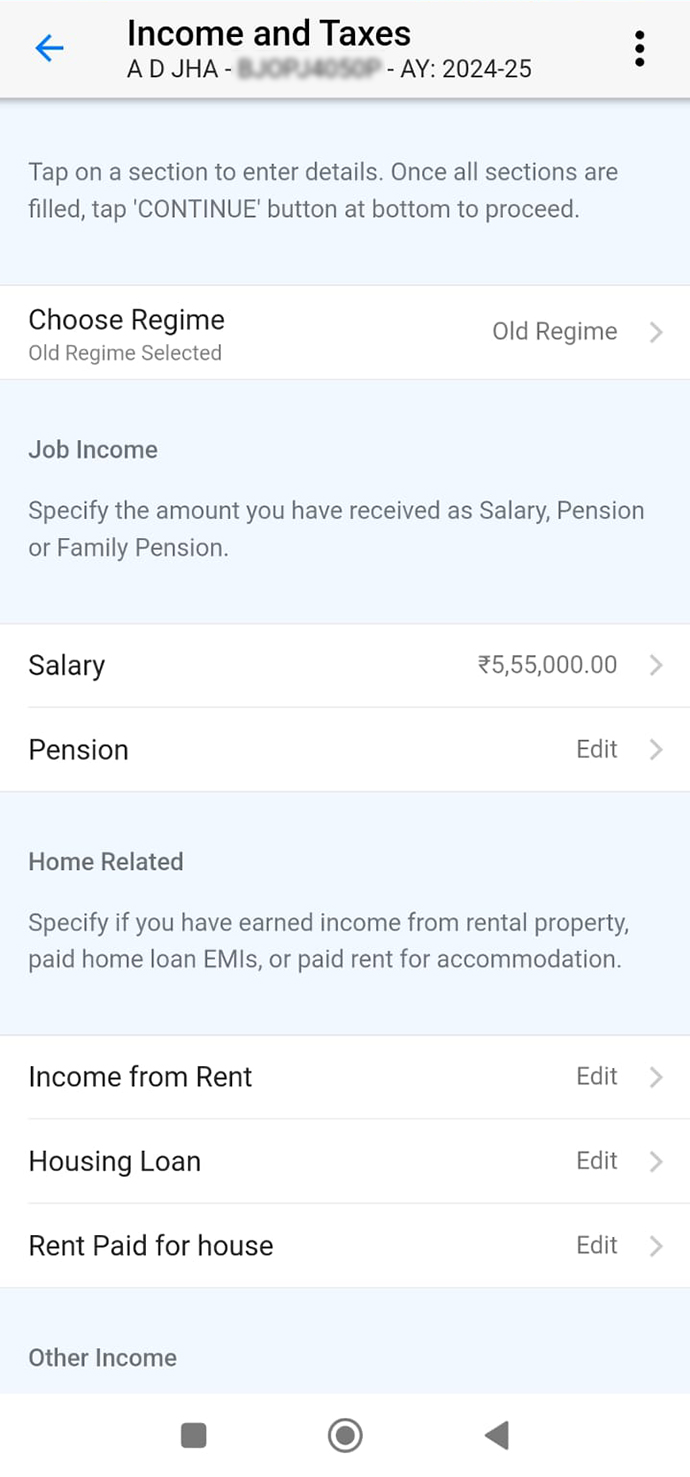
Verify your PAN today
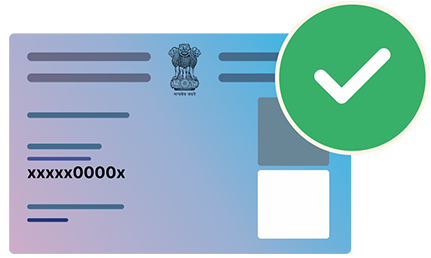
Avoid last minute hassle! Verify your PAN on myITreturn.com and file your tax return with ease.

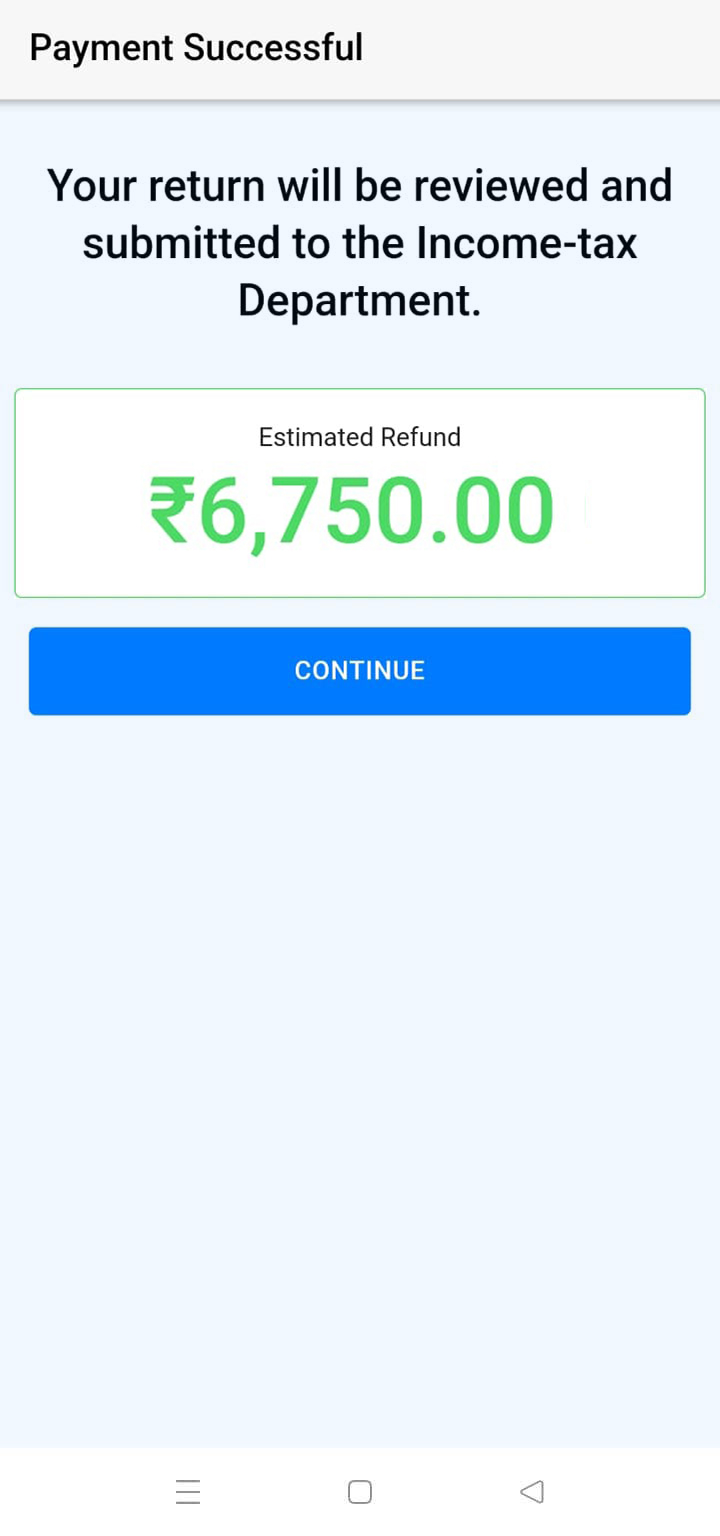
Get Max Refund
File in 10 minutes
Starts at ₹199
FREE Filing available: Pay only if you earn above ₹2.5 lakhs.
Fill, File and Smile


4.7 | 22,500+ Reviews
Mobile App Filing
Android and iOS
- Salary, Pension
- Bank Interest
- Capital Gain
- House Property
Salary Income Plan
For Salary, Interest, etc
- Salary
- Bank Interest
- Pension
- House Property
All Income Plan
Simple & Complex Returns
- Salary, Interest, Pension
- Capital Gains
- Foreign Income
- Everything else
Assisted Filing
For Complete Satisfaction
- Salary, Interest, Pension
- Capital Gains
- Foreign Income
- Everything else
Notice Assistance
For Complete Satisfaction
- Defective Return
- Demand Determined
- Refund Adjusted
- Calling of Information

Government Authorised Tax Return Preparer
Winner of Aatmanirbhar App Challenge
4.70 out of 5 starts from our reviews
Over 30 lakh users and counting
4 easy ways to file your tax return

Quick Import from ITD
Fetch your tax data directly from the Government records and get a pre-filled form. Just review and file tax return.

Easy Q&A Filing
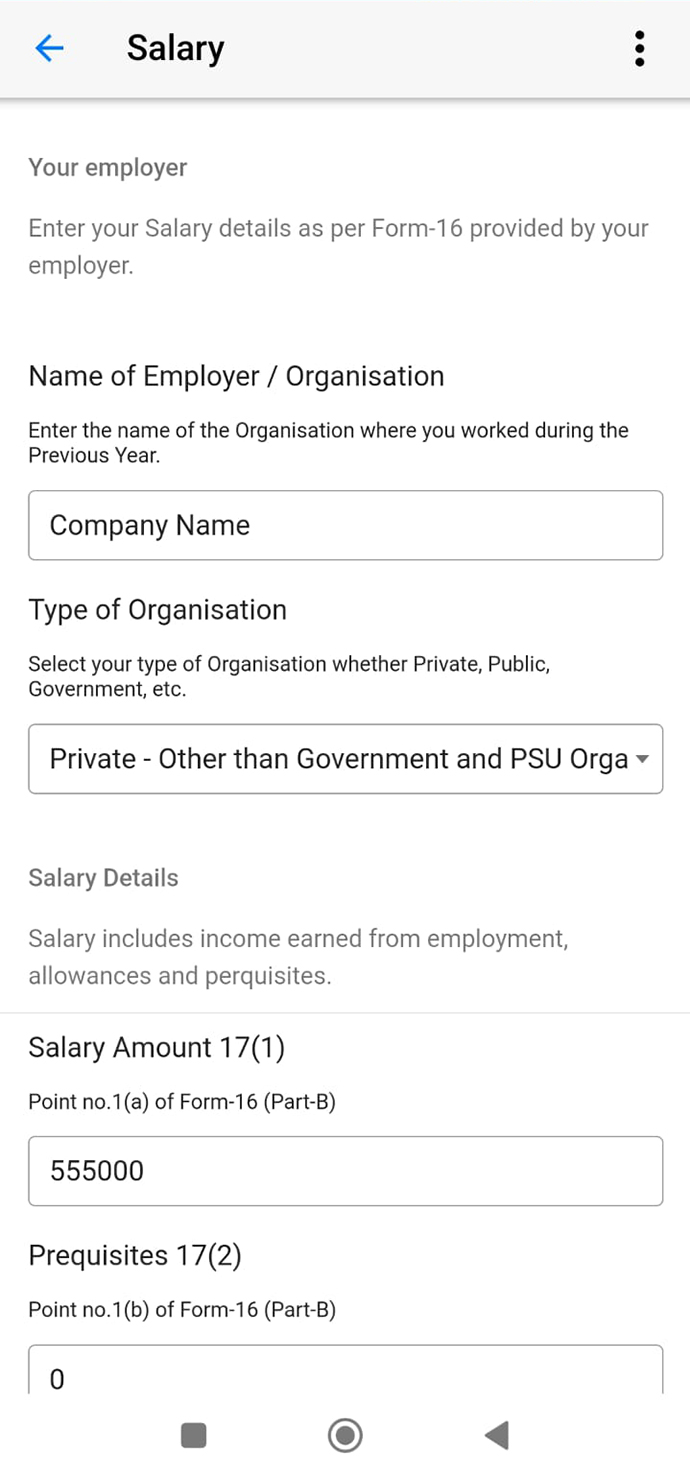
Simple, guided Q&A format that breaks down complex forms into easy, answerable questions.

Mobile App Filing
File your taxes conveniently on our user-friendly mobile app, designed for on-the-go filing.
No Document Uploads Needed
No documentary proofs needs to be uploaded to file your tax return. Just fill, file and smile.
Start Now
Easy Filing Wizard
Answer easy questions to file your return. Our easy to use filing process is designed to guide you step-by-step, myITreturn.com simplifies complex tax forms into a straightforward, easy-to-understand process, saving you time and reducing errors.
Start Now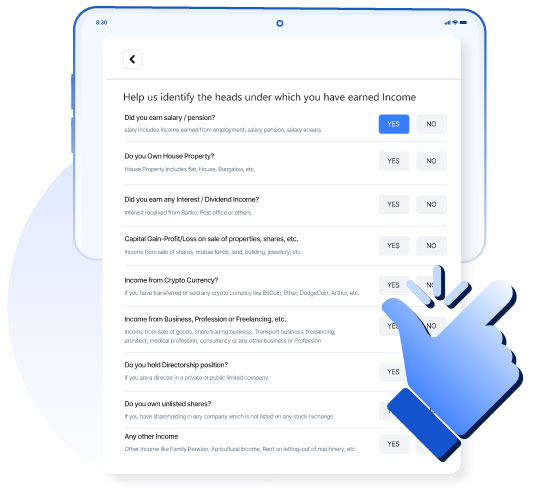
Capital Gain from Shares / Mutual Funds in one click
Automatically imports transaction data from all major broking platforms and seamlessly calculates your capital gains and losses. Our systems ensure your capital gains are accurately reported, maximizing your potential deductions and minimizing your tax liability.
Calculate Now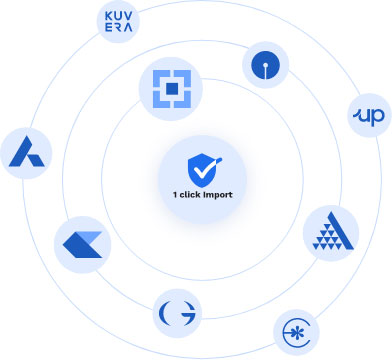
Need Help? Ask your Question
Our backend team and guides can help you answer all your tax related questions. You could also opt for assisted services.
Ask Now Opt for Assisted Service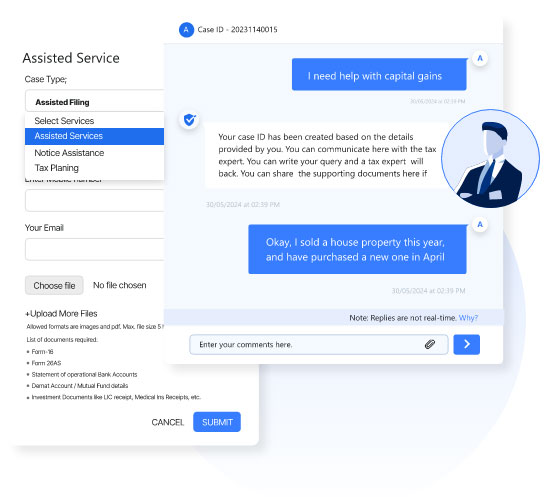
Worried about Notices? We handle it for You
If you receive a tax notice, our team of professionals will handle the entire process, from response to resolution, ensuring peace of mind and compliance with tax regulations.
Solve your Notice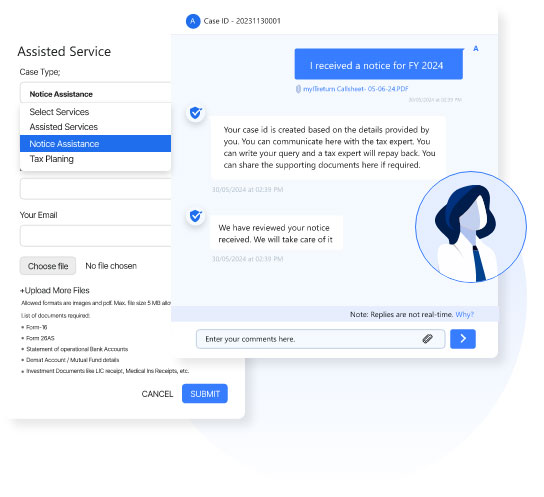
Introducing our Community: For peer support and expert advice
You're never alone in your tax filing journey. Our platform connects you with a community of other users. Engage with fellow filers to exchange tips, seek advice, and navigate tax challenges together. Whether you're a first-time filer or a seasoned pro, our community has a place for everyone.
Ask Community
Trusted by employees from 2000+ companies

















See what our users say about us
Users love our tax filing service
The new UI is outstanding, clear and crystal. Good work team!!
Really appreciate your timely service & alerts, which helps me a lot. Thank you very much. keep on going!!!
I am filing the tax from last 10 years through myitreturn.com; I found the service is excellent.
Our Pricing Plans
A small fee to ensure Safe and Accurate Income-tax Filing.
We provide FREE filing to Unemployed, Widow with family pension, Student and Retired Individuals.
Basic Filer
- Salary/Pension upto ₹ 10,00,000
- House Property
- Deductions
- TDS from Salary
- Other Source (Bank Interest)
- TDS other than salary (Bank Interest upto ₹ 10,000)
- Self Assessment Tax
Deluxe Filer
- Salary/Pension upto ₹ 20,00,000
- House Property (more than 1 property)
- Capital Gain
- Agriculture Income
- Exempt Income
- Relief u/s 89
- Special Rate Income
- Losses
- Advance Tax
Premier Filer
- Salary/Pension more than ₹ 20,00,000
- Foreign Income
- House Property (more than 1 property)
- Income from Firms
- Capital Gain (51 records and above)
- Foreign Assets
- Relief u/s 90 / 91

Income Tax Assistance Included in all our plans
You get full access to our Tax Experts on Chat, 1000+ Income Tax Article Guides, and Customer Support for any technical issue with option to upgrade to full Tax Expert Services.
Frequently Asked Questions - FAQs
Here are some very common questions that we are asked
The main stages of individual Income tax return are:
- File Income Tax (Last date 31st July) on myITreturn.com or incometax.gov.in
- eVerify your return
- ITD will check / process your return and issue refund / notice for mismatch in their calculation with yours or if their is a mismatch in the income reported.
If you are a myITreturn user and have filed your return through myITreturn, you simply have to login to your myITreturn web or app account and check the status of your tax filings on the Filer Dashboard page.
Follow these steps to check if you have filed your Income tax return from somewhere else.
- Login to Income-tax portal - click here.
- From the top menu, select e-File › Income Tax Return › View Filed Returns.
- You will find the list of the years when you have filed your Income-tax return.
- Here is a detailed step wise guide for you to refer to above steps: click here.
If you have missed the deadline and not filed your return, you still have the option to file your return by requesting the Income Tax Department to allow you to file your Income-tax return. You can do it online or offline.
- Online Process
- You can raise a condonation request from your Income-tax portal login and if the income-tax Department finds your reason as genuine, you will be allowed to file your return.
- Offline process
- You can write a letter to PCIT/PCCIT/CBDT and request them to allow you to file your return. Make sure that the reason mentioned for non-filing should be genuine and it should be acceptable to the authorities.
For a detailed guide on this you can read the article here.
e-Verification of ITR is an important step in tax filing and needs to be completed online or offline. Many users prefer to do it by entering a simple OTP. This step is done after your return has been submitted by yourself or anyone else (e.g. myITreturn) and it basically ensures the Income tax Department (ITD) that you have checked the return and confirm the contents of it.
eYou can check e-verification status from this Income-tax Department webpage - click here. Also, you can e-verify your return from this page - click here.
If you have not e-verified your return and you have filed your Income-tax return from myITreturn using the OTP authentication, you can e-verify from your filer dashboard page after login. If you have filed your return by uploading a JSON file on Income-tax portal, you will have to e-verify from the Income-tax portal only.
If you have not e-verified your return and you have filed your Income-tax return from myITreturn using OTP authentication, you can e-verify from your filer dashboard page after login.
To verify your Income-tax return on the Income-tax portal, please visit this page - click here. Read guide here: click here
To find if any refund was due or not, you have to check your acknowledgment (ITR-V) of the particular year. You can find the ITR-V in your Income-tax portal login by following this process - view here.
ITR-V stands for the “Income-tax Return- Verification" form.
After filing the Income-tax return, the Department verifies your submission and generates ITR-V as an acknowledgement of filing the return. After receiving ITR-V, the same is to be e-verified.
You can check the status of your Income-tax refund for any particular year from this link - click here.
You need to check what is the current status of your return first. Refer this guide to check status - click here. If there is no such relevant update, you are suggested to raise a grievance with the Income-tax Department to process it soon. You can contact the Income-tax Department from this page - click here. You can also opt for Expert assistance with myITreturn.
To check if you have received any notice, follow these steps. First, login to the Income-tax portal - click here. Then after you login, from the top menu, select Pending Actions > e-proceedings. You will find the list of all the years for which you have filed. You can check each year to see if you have received any Income Tax Notice.
You might have also got a notice for some non compliance.To check that follow these steps. Login to Income-tax portal - click here. Once you login, from the top menu, select Pending Actions > compliance portal. Select the year to check if you have any compliance pending from DIT.
Notice in Income Tax means any communication or letter issued by the Department of Income Tax informing you about the error or omission or misrepresentation or evasion or misreporting done by you. It can be for incorrect reporting or non reporting.
You can primarily receive the following kind of notices.
- Section 139(9): Defective Income Tax Return.
- Section 142(1): Notice for Preliminary Enquiry before an assessment (non filers) & documentary proof (Filers).
- Section 143(2): if assessee fails to comply with the notice received u/s 142(1).
- Section 148: Income escaped assessment.
- Section 156: Notice of Demand
- Section 245: Refund adjusted against the tax demand.
E-filing API gateway is expected to start in May 2022 for the FY 2021-22. You can check the status of your FY 2021-22 filing from your myITreturn’s dashboard page inside login. If you have filed from outside, you can check the status from the Income-tax portal login.
You can start preparing your Income-tax Return right away from myITreturn. E-filing API gateway is expected to start in May 2022 for the FY 2021-22. Post this, your return will be submitted and you will get your Acknowledgment .
Self e-filing fees for myITreturn users starts from Free. You can check all pricing from this page - click here. You can also, opt for assisted services, starting from Rs.1,500 plus taxes. Detailed pricing is mentioned on the same page.
With myITreturn.com it takes less than 20 mins to file a return on an average. We have in-built intelligence to speed up the process while maintaining the accuracy of the return.
Once your return is prepared, it is auto-reviewed by our system for accuracy and invalid information if any. Also, you will be prompted for the OTP authentication to auto-submit the return. For the handsfree cases (no issue cases), where OTP is submitted, it will be almost instant filing and you will get the acknowledgment (ITR-V). On an average, it will take 10 mins to get acknowledgements from the Income-tax Department after users submit and authorise the return from their side.
Following is the list of suggested documents required for filing of return.
- Your PAN card.
- Your aadhar card.
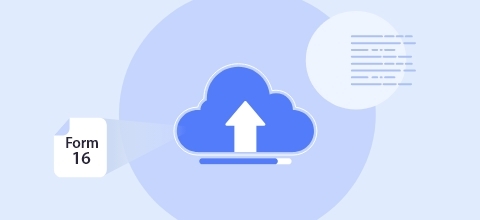
- Your Form 16 (For salary earners).
- You bank statement (For interest income).
- Interest income & TDS certificate issue by banks.
- Your Annual Information statement/Taxpayer information Statement.
- Your Form 26AS.
- Your Investment details are eligible for tax deductions like children’s school tuition fees, LIC receipt etc.
- Home loan interest certificate (For Interest deduction).
We are always available to help you; simply click here and follow the instructions to select myITreturn’s expert assistance services.
Assisted service starts from just Rs.1,500 plus taxes. You can opt for this service from here
Yes, e-filing is available through our mobile app in 9 Indian languages. You can download the app from here
There are many reasons to choose myITReturn. Here are some of the reasons:
- myITreturn is registered with the Income-tax Department as an eReturn Intermediary to help citizens file their Income tax returns.
- myITreturn web and mobile app makes the tax filing process very easy and accurate.
- Trusted by over 2 million registered users and over 1 million registered app users across the globe.
- The first Income-tax return in India was filed using our software.
- We had developed this software for the Income-tax Department. The first tax filing app was launched by us.
- myITreturn app is amongst the winners of Aatmanirbhar Bharat App Innovation challenge, awarded by the Government of India.
Yes, myITreturn is registered with the Income-tax Department, Government of India as a registered e-Return Intermediary (ERI) having ERI ID ERIP000249.
You can login to your Income-tax portal and check amongst the list of ERIs. Follow this guide on how to check this - click here.
myITreturn portal makes the tax filing process very easy and accurate for you.
All returns go through numerous checks to ensure accuracy. It prepares your return basis the information entered by you in the electronic format as needed by the Income-tax Department. The same is then submitted to the Income-tax Department electronically and you receive the acknowledgement (ITR-V) for the same. Once a return is submitted, it allows you to e-verify the same from its platform itself. Further, it provides you with the status of your refund also from the same login of yours in myITreturn. Above all it guides you through the process of tax filing and will help you file or solve a tax filing or post tax filing problem for you. Click here to start your tax return
JSON file is an structured electronic format. ITR returns are submitted in JSON format as required by the Income-tax Department.
There are no free lunches. If someone is filing your tax return for free they must be having some way to earn money from your data. We do not recommend users to go for free sites as their objectives are unclear.
We strive to answer all your queries within 24 hours. You can see our support timings from this page. During peak season our replies may be delayed due to pressure and you are advised to file much before the due date.
You can find all our support channels on this page
If your existing ticket is unsolved beyond 48 hours, you can escalate it. Refer this guide to escalate an existing ticket - click here.
File with confidence on myITreturn.com