EN
EN RU
RU CN
CNSince the rollout of Google AI Overviews (AIO), the search experience has transformed dramatically. Instead of directing users to multiple websites, Google now uses AI to generate summarized answers—front and center on the results page. While convenient for users, this shift poses a new challenge for businesses, SEOs, and researchers who rely on search data to understand trends and visibility.
That’s where scraping comes into play. Learning how to scrape Google AI Overview results can provide valuable insights into which sources Google trusts, what information it prioritizes, and how the AI frames complex topics.
But Google doesn’t make it easy. AIO content is dynamic, JavaScript-rendered, and heavily protected by anti-bot mechanisms. In this guide, we’ll break down the practical steps for extracting Google AI Overview data safely and efficiently in 2025—complete with tools, automation techniques, and the strategic use of proxies like those offered by NetNut to stay under the radar.
What Are Google AI Overviews?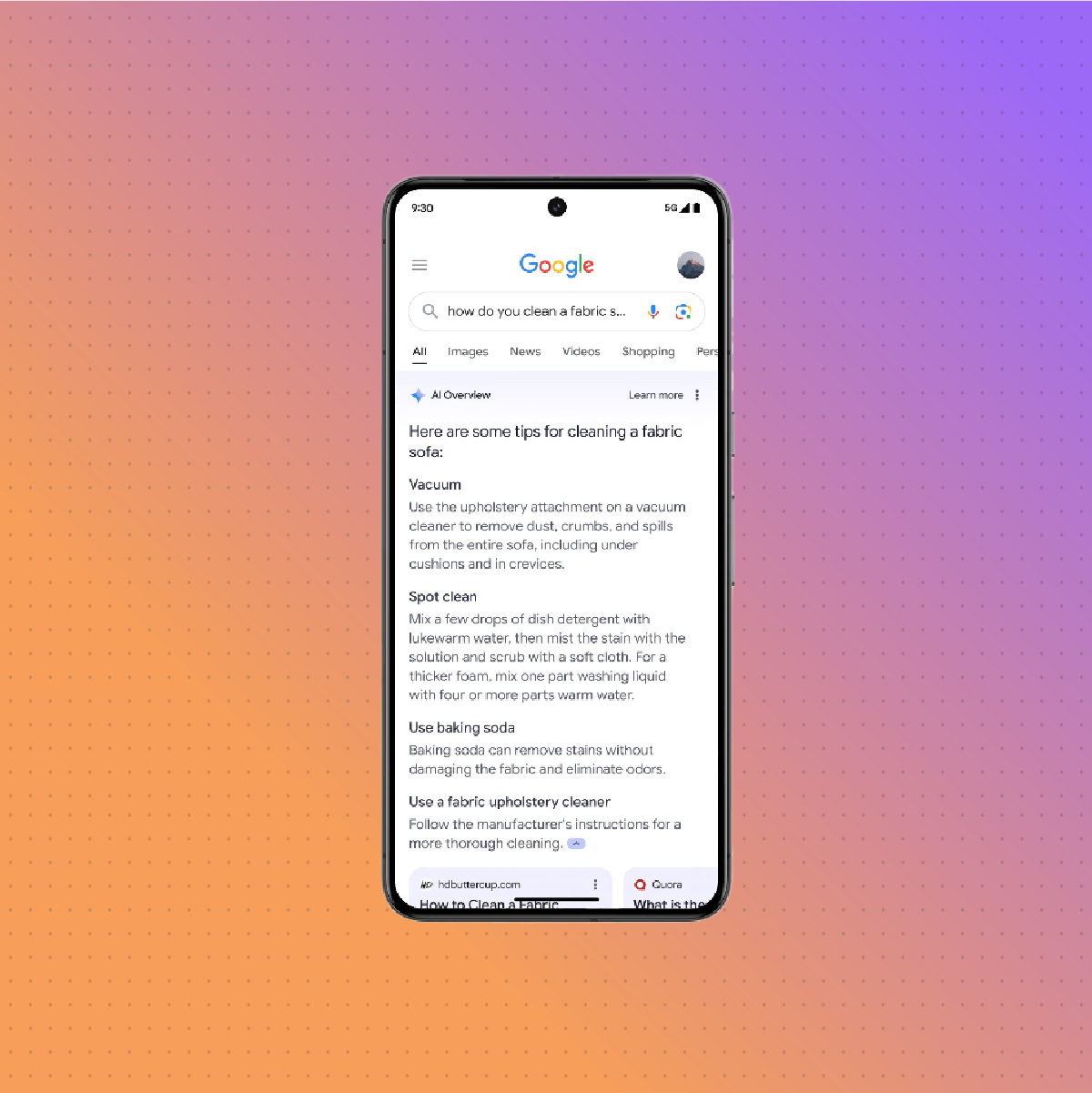
Google AI Overviews are intelligent, AI-generated summaries that appear at the top of search engine results pages (SERPs). These overviews pull together information from multiple web sources, distill it into a concise explanation, and often cite supporting content via clickable links.
Unlike traditional featured snippets, AIO blocks are more comprehensive and dynamic. They might include:
- Bullet-point explanations
- Contextual comparisons
- Embedded citations from diverse domains
- Product reviews, definitions, or real-time data summaries
They’re powered by Google’s AI models and reflect the search engine’s best attempt to “answer” a query rather than just provide relevant links. For SEOs and data analysts, understanding what goes into these summaries—and how to track their evolution—is becoming just as important as monitoring organic rankings.
Why Scrape Google AI Overview Results?
Scraping AIO content opens up a wealth of opportunities, especially for those in competitive markets or research-heavy industries. Here’s why it matters:
1. Real-Time SEO Intelligence
Scraping AI Overviews lets you see which sources Google elevates for specific topics. This is a game-changer for SEO strategy—you’re not just optimizing for links anymore, but for AI interpretation.
2. Competitive Monitoring
If your competitor is consistently cited in AIOs, that’s a strong indicator of authority in your niche. Tracking these appearances helps you benchmark performance and content visibility.
3. Trend Discovery
AI Overviews change as new information becomes available. By scraping these blocks over time, you can detect emerging trends, evolving answers, and shifts in Google’s AI focus.
4. Enrichment for Tools and Platforms
If you build tools for market research, content curation, or digital intelligence, integrating scraped AIO data can boost insight depth. Using residential proxies from providers like NetNut ensures that your scraper operates reliably without triggering Google’s bot defenses.
Challenges in Scraping Google AIO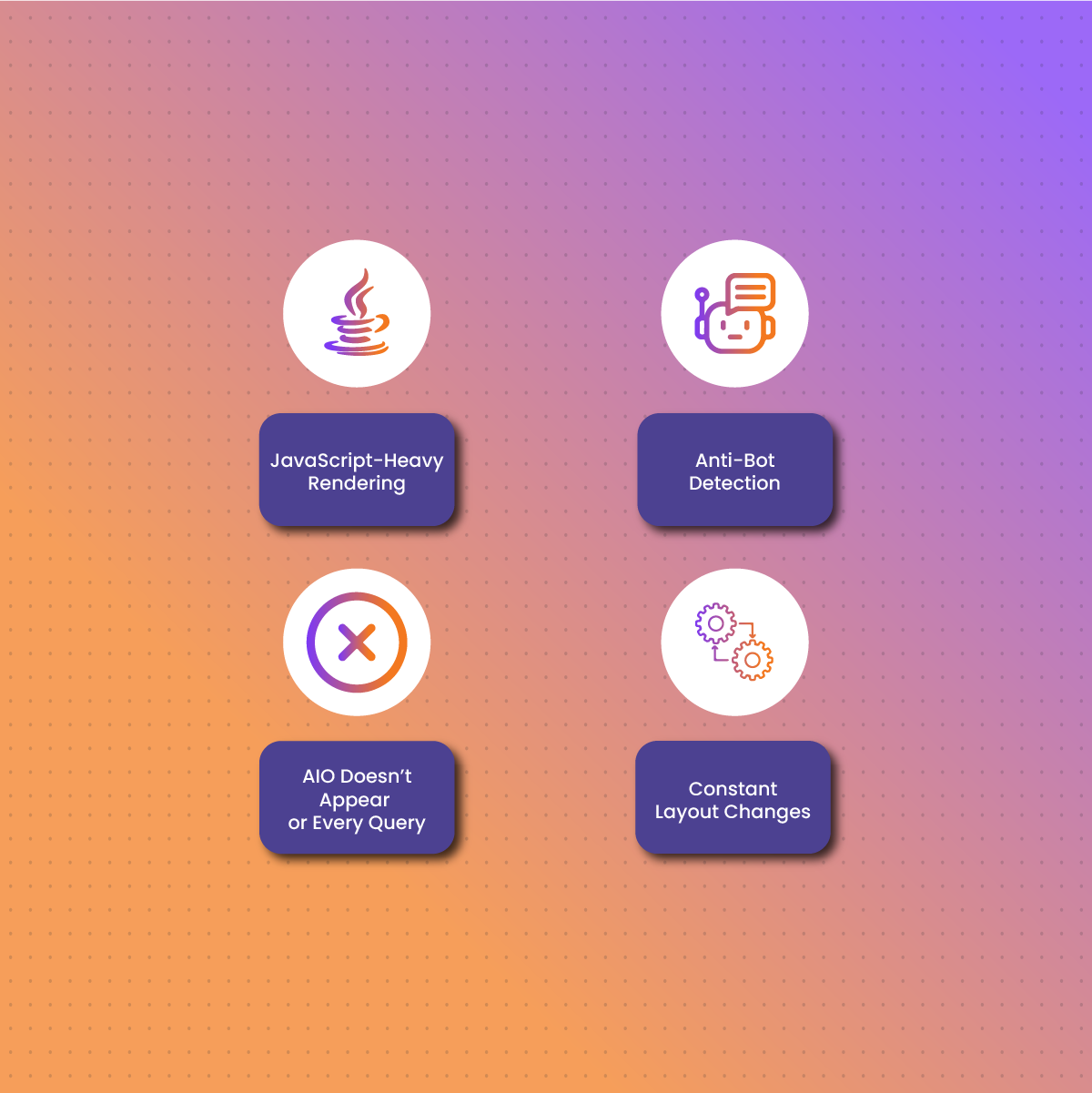
While scraping traditional Google search results is already tricky, scraping Google AI Overviews introduces an even higher level of complexity. Here are the biggest hurdles you’ll face:
1. JavaScript-Heavy Rendering
AI Overview content is often loaded dynamically after the initial page load, meaning the HTML source doesn’t include the full overview. You need a tool like Playwright or Selenium to render the page in a browser environment and access the final DOM.
2. Anti-Bot Detection
Google employs sophisticated systems to detect and block bots—especially those accessing features like AIO. Frequent scraping without protective measures can quickly lead to CAPTCHAs, IP bans, or 403 errors. That’s where residential proxies, such as those from NetNut, become essential—they help your requests look like real user traffic.
3. AIO Doesn’t Appear for Every Query
Not all search terms generate an AI Overview. And when they do, the format and content can vary widely depending on the topic and search intent. Your scraper needs to be flexible enough to detect when an AIO is present—and gracefully skip or log queries when it isn’t.
4. Constant Layout Changes
Google continually tweaks its UI. Selectors that work today might be broken tomorrow. Maintaining your scraper requires regular updates and a dynamic approach to parsing.
Step-by-Step: How to Scrape Google AI Overviews
Ready to get your hands dirty? Here’s a streamlined process to reliably scrape AIO results:
Step 1: Choose Your Target Keywords
Identify search queries likely to generate AIOs—typically informational queries like “how does quantum computing work?” or “best strategies for content marketing.”
Step 2: Use a Headless Browser
Since AIOs are JavaScript-rendered, use tools like Playwright or Selenium to fully render the page. These tools simulate a real browser, ensuring you see exactly what a human user would.
Step 3: Extract the AI Overview Content
Inspect the rendered page and identify the DOM element(s) containing the AIO text. These often reside in <div> blocks with dynamically generated classes. Use XPath or CSS selectors to target them accurately.
Step 4: Integrate Proxy Rotation
To avoid detection and ensure consistent access, rotate your IP using a proxy provider like NetNut. Their residential IPs mimic real-user behavior and support location targeting—helpful if AIOs vary by region.
6. Tools You’ll Need
Scraping Google AIO effectively requires a blend of scraping, automation, and anti-blocking tools. Here’s a quick checklist:
1. Web Automation Framework
- Playwright (recommended for speed and reliability)
- Selenium (well-established, slightly heavier)
2. Parsing Libraries
- BeautifulSoup or lxml for HTML parsing
- Regex for fine-grained text extraction from AI Overviews
3. Proxy Service
- NetNut Residential Proxies for rotating IPs, high reliability, and geo-targeted scraping.
4. Headless Browser Settings
- Use stealth mode, rotate user agents, and randomize mouse movements to simulate real interactions.
Why Use Proxies When Scraping Google AIO?
Scraping Google—especially its AI Overview content—without proxies is like walking a tightrope without a safety net. Google is aggressive about blocking repetitive or suspicious traffic, and scraping AIO data draws even more scrutiny due to the complexity and novelty of the feature.
Here’s why using proxies is non-negotiable:
1. Bypass IP Rate Limits
Google monitors how frequently an IP sends requests. Too many queries in a short period, and you’ll trigger blocks or CAPTCHA challenges. Rotating residential proxies help distribute requests across a wide pool of IPs, avoiding detection.
2. Access Geo-Specific Results
AIO content can vary depending on location. With geo-targeted proxies—such as those offered by NetNut—you can test how AI answers differ across regions, languages, or countries.
3. Maintain Session Integrity
Browser-based scraping tools often rely on persistent sessions. Proxies ensure those sessions aren’t tied to a flagged IP, helping maintain stability during long scraping tasks.
4. Avoid Google’s Advanced Bot Detection
Residential proxies look like traffic from real users because they’re routed through genuine ISP networks. Unlike datacenter proxies, they’re less likely to be flagged by Google’s AI-based bot detection systems.
Advanced Features and Automation Tips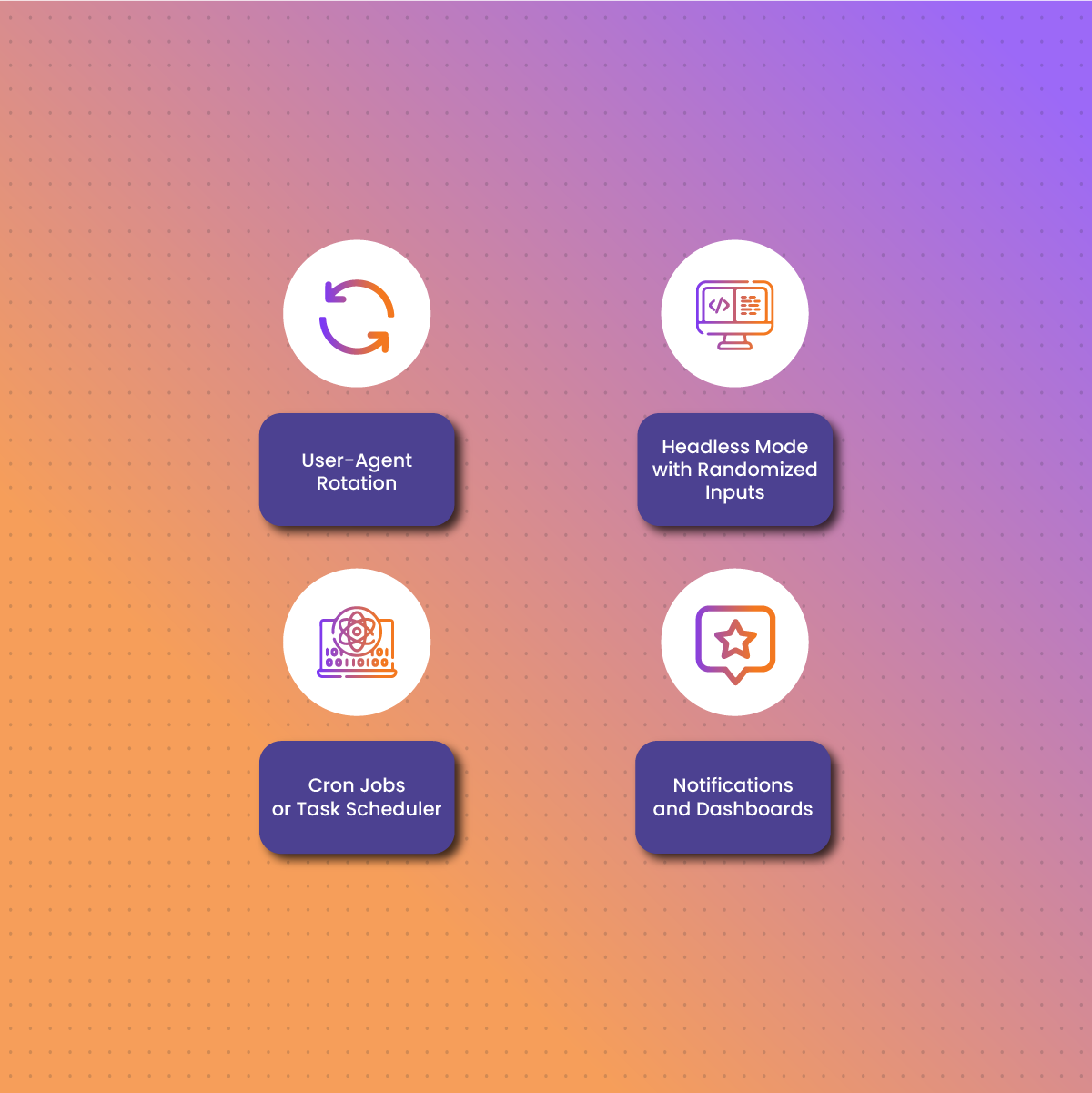
Once you’ve built your base scraper, you can level up your operation with a few smart additions. These features will improve performance, reliability, and the value of your extracted data.
1. User-Agent Rotation
Rotate user-agent strings with each request to mimic traffic from different browsers and devices.
2. Headless Mode with Randomized Inputs
Use stealth plugins or custom scripts to randomize mouse movement, keyboard input, and window size—helping your scraper mimic human behavior.
3. Cron Jobs or Task Scheduler
Automate daily scraping tasks by setting up cron jobs (Linux) or Task Scheduler (Windows). This allows you to track AIO changes over time.
4. Notifications and Dashboards
Trigger alerts via email, Slack, or webhook when an AIO appears, changes, or disappears. You can also visualize your results in a dashboard using tools like Grafana, Streamlit, or Looker Studio.
Legal and Ethical Considerations
Before scraping anything—especially content generated and displayed by an AI model—it’s essential to understand the legal landscape.
1. Google’s Terms of Service
Google explicitly disallows automated access to its services, including scraping. While many still scrape SERPs for research or SEO, it’s technically against their policies. Violating these can lead to legal notices or service restrictions.
2. Responsible Scraping
If you proceed, do so respectfully:
- Limit request frequency.
- Use delay intervals between queries.
- Avoid heavy scraping that disrupts Google’s infrastructure.
3. Cited Sources in AIO
Much of the AI Overview content is derived from third-party websites. If you plan to republish or analyze this data, consider the copyright status of those sources and whether citation or attribution is required.
4. Transparency and Compliance
If you’re using scraped AIO data in a product or publication, be transparent about how the data was sourced and always comply with relevant data protection and copyright laws.
Final Thoughts
Scraping Google AI Overviews in 2025 is no small task—but for those willing to navigate the technical and ethical challenges, the payoff is substantial. These AI-generated summaries offer a real-time window into how Google interprets and prioritizes information across the web. For SEOs, market analysts, researchers, and digital strategists, tapping into this layer of the SERP is like having a cheat sheet for what Google considers authoritative and relevant.
However, success depends on using the right tools. With JavaScript-heavy pages, dynamic layouts, and advanced anti-bot systems, traditional scraping techniques just won’t cut it. You’ll need headless browsers, smart automation, and most importantly, rotating residential proxies—like those offered by NetNut—to keep your scraper running smoothly and undetected.
As always, scrape responsibly. Understand what data you’re collecting, respect usage rights, and remember that the ultimate goal is insight—not exploitation.
FAQs About Scraping Google AI Overviews
Can I legally scrape Google AI Overview results?
Technically, scraping Google content is against its Terms of Service. That said, many professionals still do it for research, SEO, and analytics under the banner of fair use. It’s best to consult a legal advisor if you’re unsure, especially for commercial use.
How do I avoid getting blocked when scraping AIO?
Use a combination of rotating residential proxies, user-agent rotation, headless browsers, and rate-limiting to mimic real user behavior. These tactics significantly reduce the risk of being flagged.
Is it better to use Playwright or Selenium for scraping AIO?
Both can work, but Playwright is generally faster, more modern, and better at handling dynamic content. It also supports multiple browsers and has native support for headless mode with stealth features.
How frequently do AIO blocks change?
AIO content can change daily—or even hourly—depending on the topic. Scraping regularly helps track these changes, but always monitor for layout shifts or selector updates.