 OpenRazer
OpenRazer
A community-led effort to support Razer peripherals on Linux. It consists of:
Written in C and configured to rebuild on kernel updates using DKMS
Adding persistence support, battery notifications and turning off brightness on screensaver
For integration with scripts and applications ↓
OpenRazer enables Razer-specific capabilities of the hardware, such as:
Exposing what’s supported on the firmware. Devices retain settings across power cycles*
Such as brightness, DPI** and polling rate
Enable custom lighting via software
* Not supported by all hardware. Using the device on a computer running Razer Synapse will reset this state.
** Most mice DPI hardware buttons are not intercepted and continue to use default behaviour/range.
Originally written for the BlackWidow Chroma, the driver is now compatible with 224 Razer peripherals.
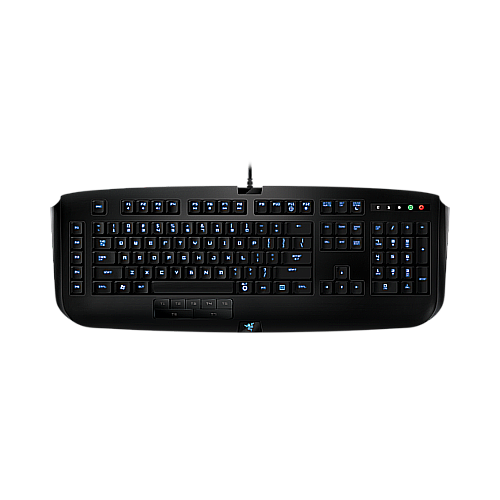
1532:010F

1532:0241

1532:0203
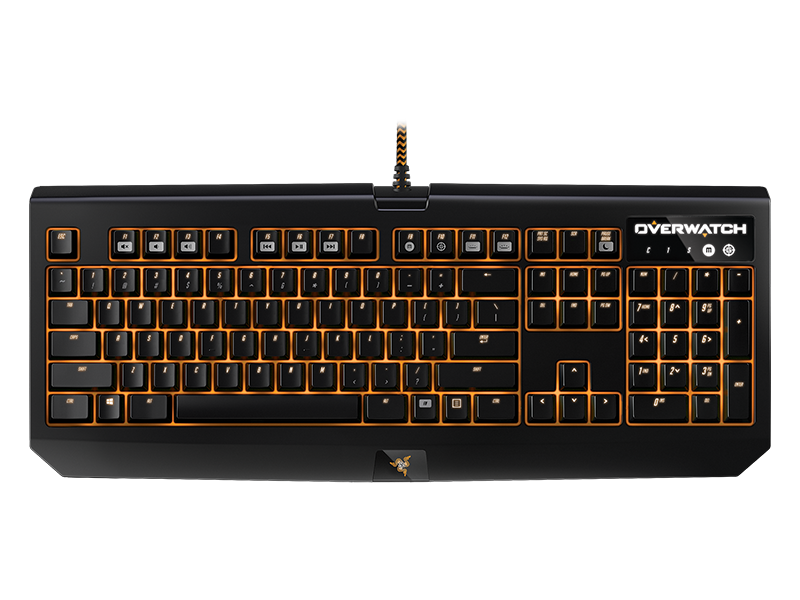
1532:0211

1532:0209

1532:0221

1532:0228
1532:0237

1532:0235

1532:011B
1532:010E

1532:011C

1532:010D

1532:011A
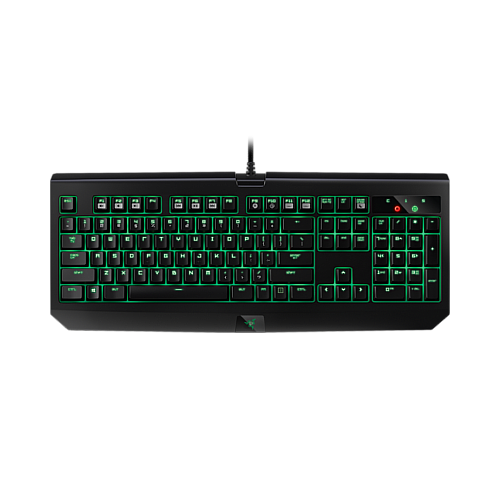
1532:0214

1532:024E

1532:0258
1532:0271

1532:025A
1532:025C

1532:0A24

1532:0287

1532:02A5

1532:02B9
1532:02BA

1532:028D

1532:0293

1532:0216

1532:021A
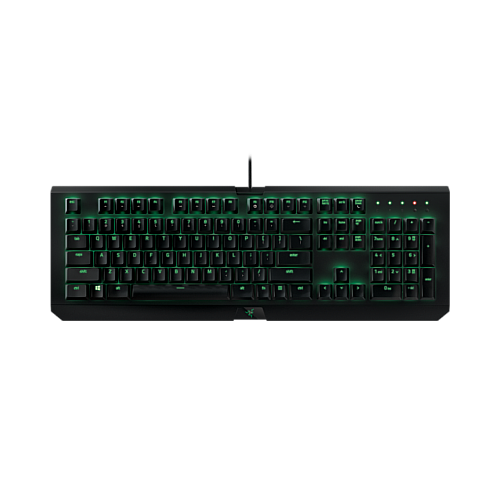
1532:0217
1532:0224

1532:0270

1532:028C

1532:029D
1532:02B6

1532:02C5

1532:0233
1532:023B

1532:0240

1532:023A

1532:0246

1532:029E

1532:0245

1532:0253

1532:026D

1532:028A

1532:0276

1532:027A

1532:0255
1532:026F

1532:0268

1532:024D

1532:029F

1532:02C6
1532:028B

1532:026E

1532:0279

1532:02A0
1532:02B8

1532:02C7
1532:024B

1532:0225
1532:0234

1532:0256
1532:0210
1532:024C
1532:022F
1532:0205
.png)
1532:0239

1532:0252
1532:0220

1532:0232

1532:024A
1532:0259
1532:022D
1532:020F

1532:026A

1532:022A

1532:022C

1532:023F

1532:025E

1532:0204

1532:0295
1532:0292
1532:0290

1532:0298
1532:0296

1532:0118
1532:0202
1532:0227

1532:0226

1532:0257

1532:0269
1532:0282

1532:0243

1532:026C

1532:0266

1532:026B

1532:02A6
1532:02A7

1532:021F

1532:021E

1532:025D

1532:028F
1532:02A1

1532:02A3

1532:02A2
1532:0294
1532:0020
1532:005E

1532:0042
1532:006A

1532:006B
1532:005B
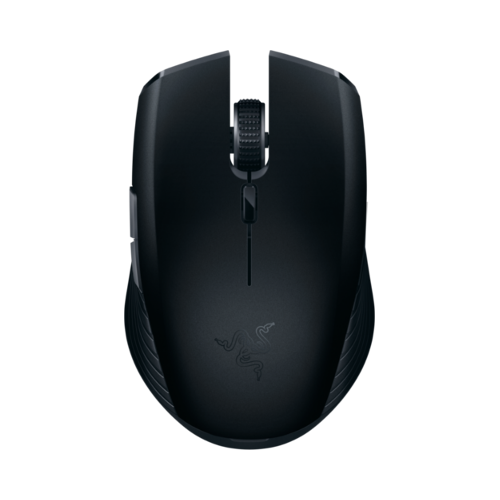
1532:0062
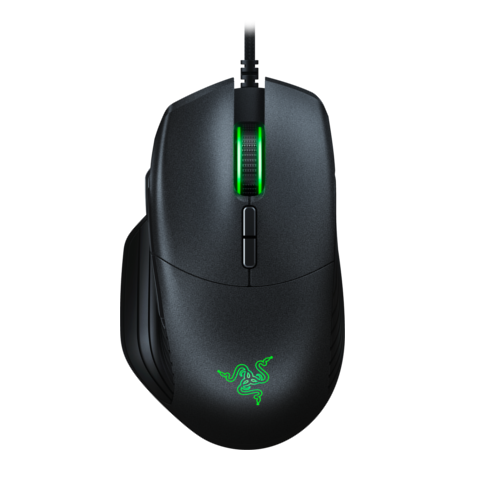
1532:0064
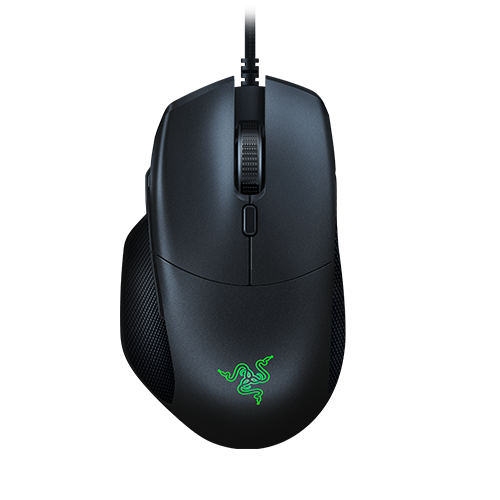
1532:0065

1532:0088
1532:0086

1532:0085

1532:0099
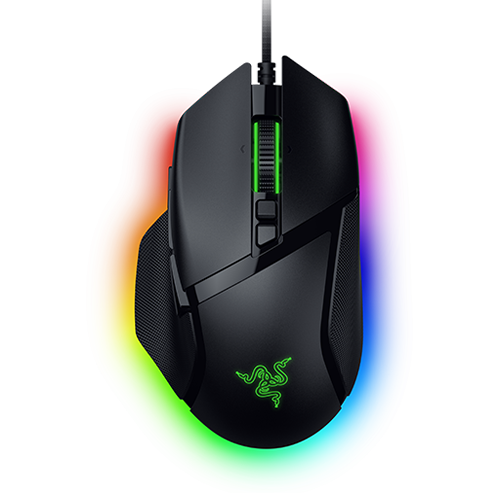
1532:00CB

1532:00AA
1532:00AB

1532:00CC
1532:00CD
1532:00D6
1532:00D7

1532:00B9

1532:0083
1532:00A3

1532:00AF
1532:00B0

1532:0038
1532:004F
1532:0037

1532:0016
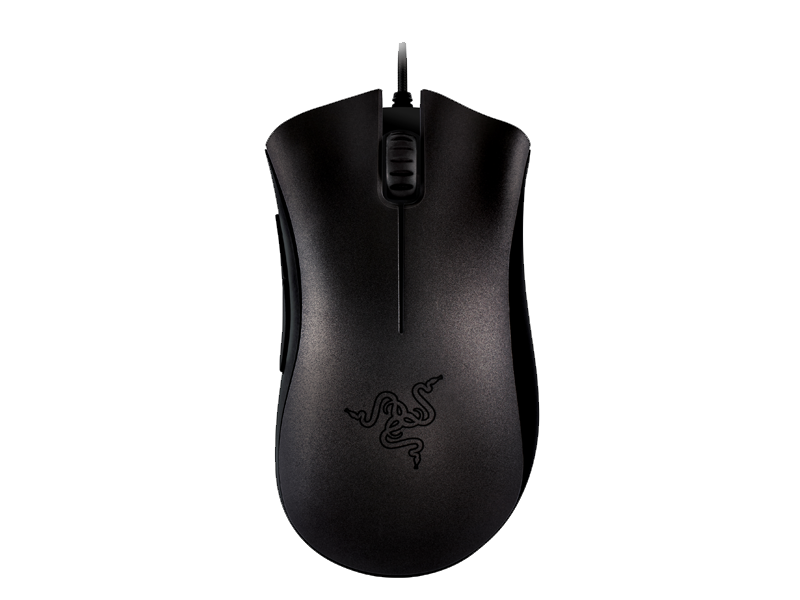
1532:0029
1532:0054

1532:0043

1532:005C

1532:006E
1532:0098

1532:0071
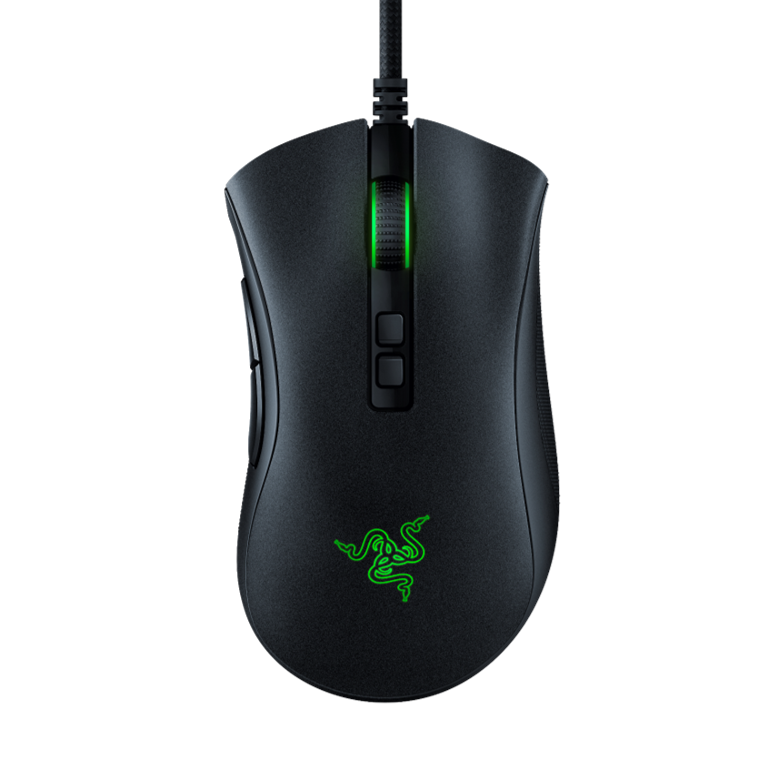
1532:0084

1532:00A1
1532:008C

1532:007C
1532:007D
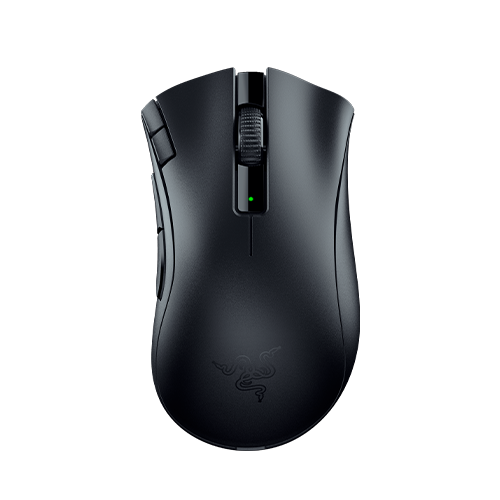
1532:009C

1532:00B2
1532:00C4
1532:00C5

1532:00C2
1532:00B6
1532:00B7
1532:00C3

1532:00BE
1532:00BF
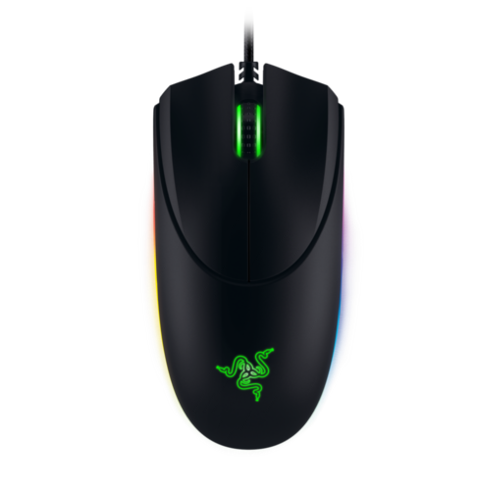
1532:004C

1532:00B3

1532:002F

1532:0059
1532:005A

1532:0060
1532:006F
1532:0070
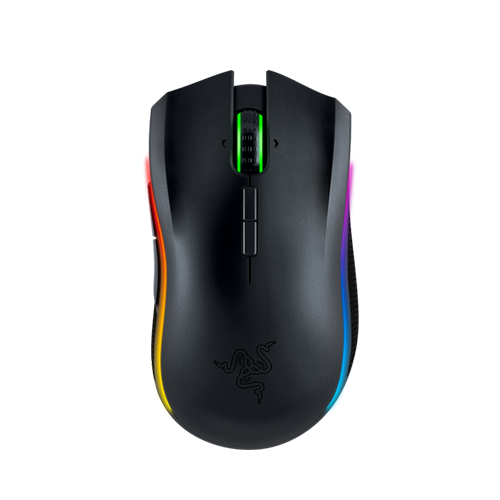
1532:0044
1532:0045
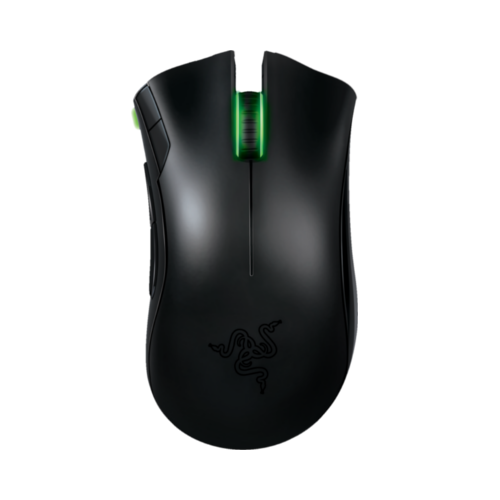
1532:0024
1532:0025

1532:006C

1532:0046

1532:0072
1532:0073

1532:0015

1532:002E
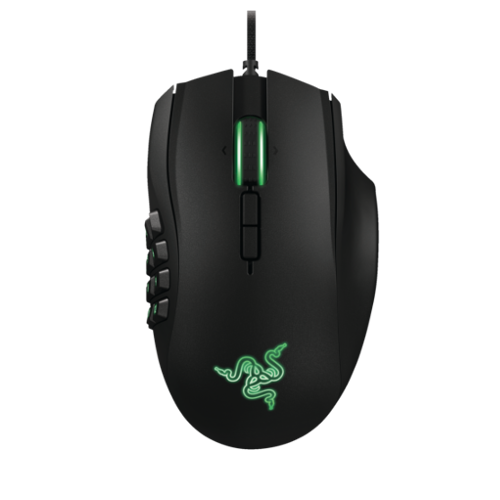
1532:0040
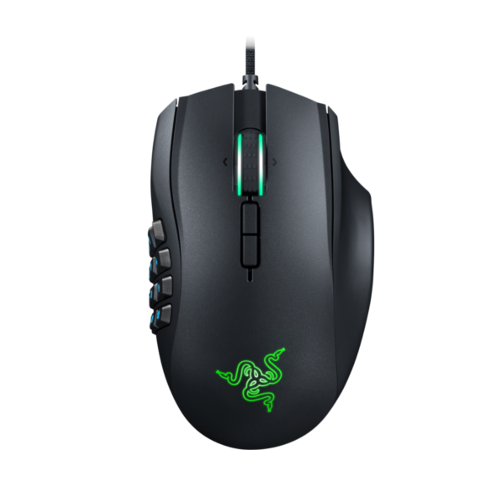
1532:0053
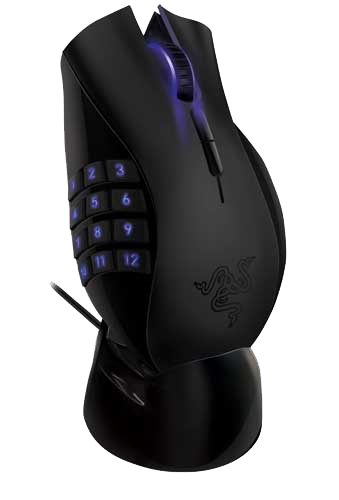
1532:001F
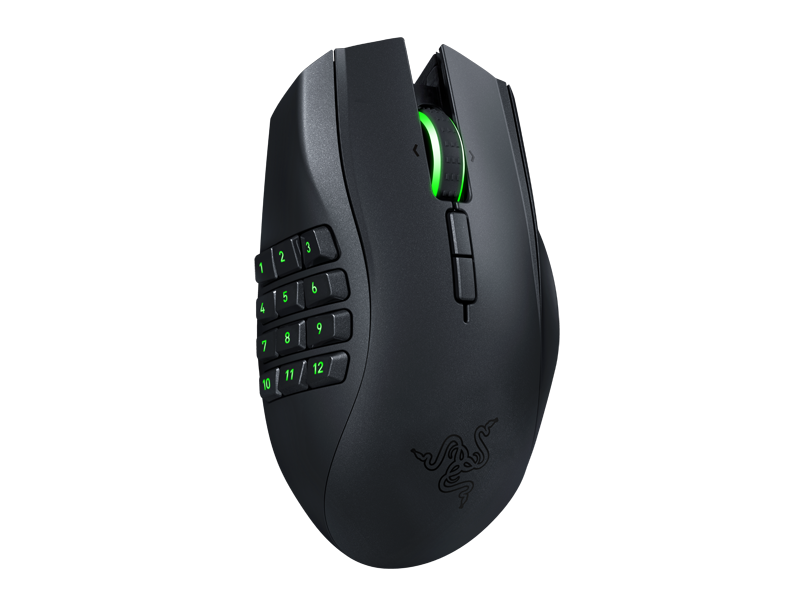
1532:003E
1532:003F
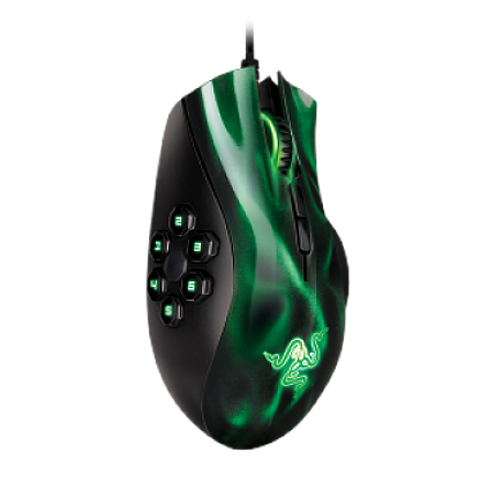
1532:0041
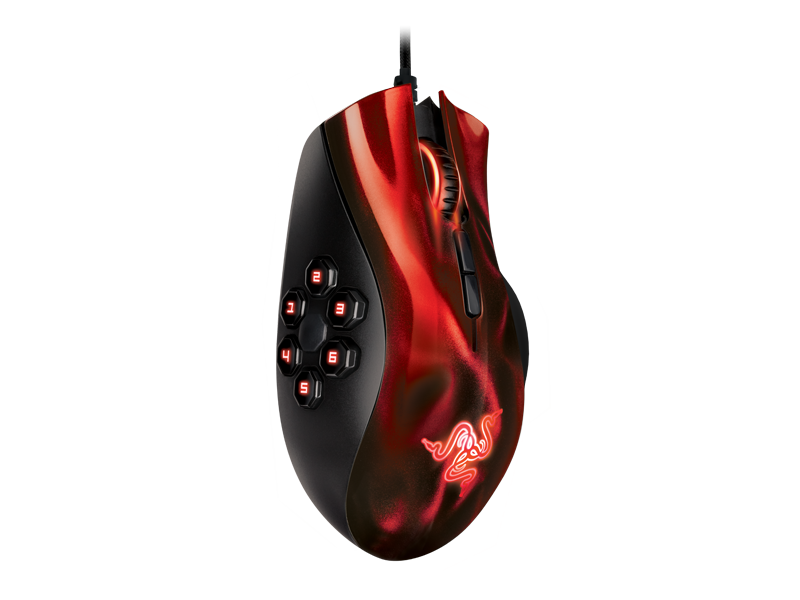
1532:0036
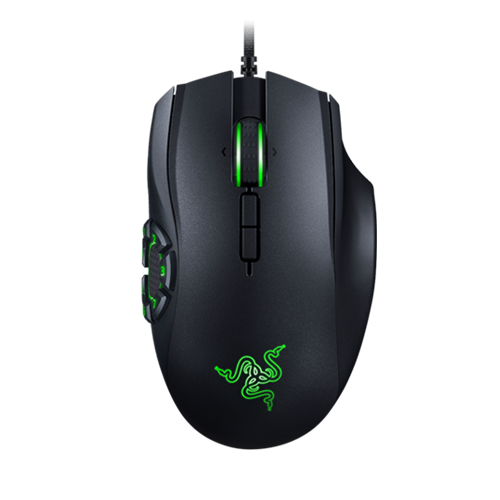
1532:0050

1532:008D
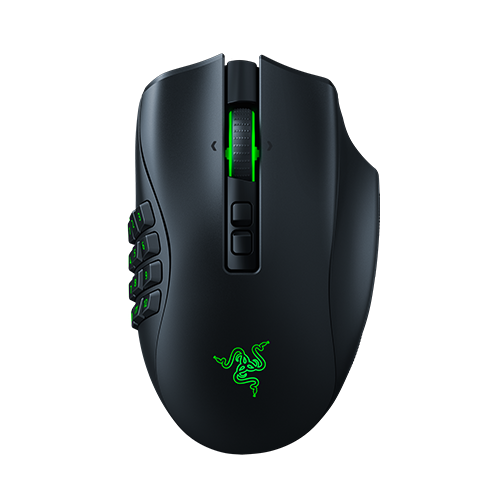
1532:008F
1532:0090
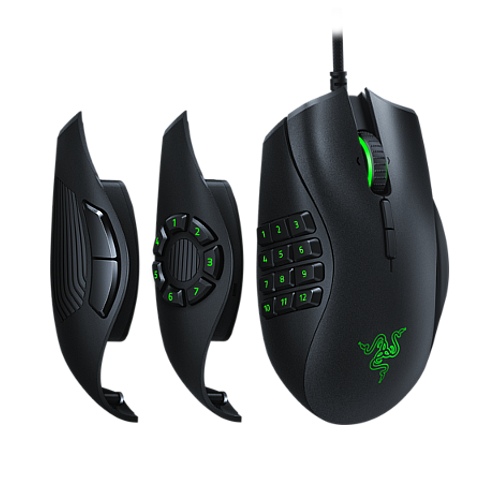
1532:0067
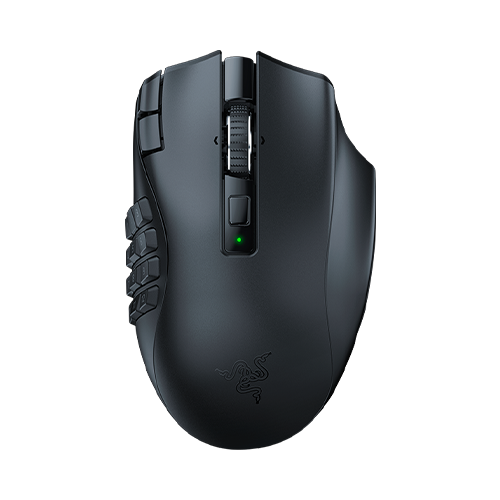
1532:00B4

1532:00A7
1532:00A8

1532:0096
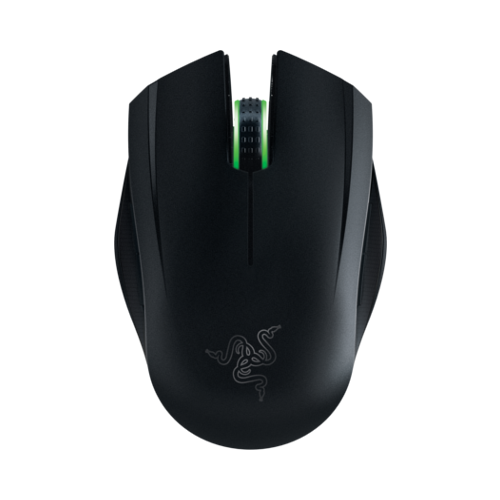
1532:0048
1532:0013
1532:0039

1532:0095
1532:0094
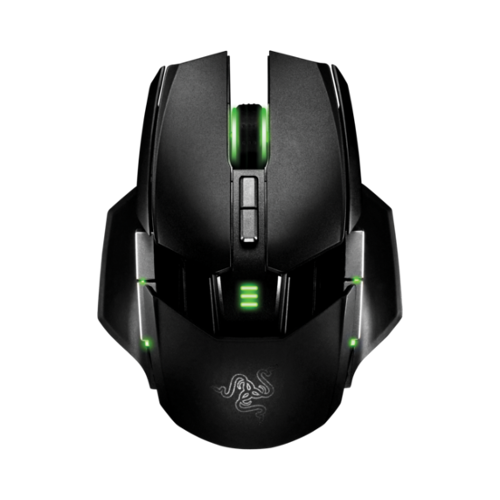
1532:0032

1532:0077
1532:0080

1532:009A

1532:00D0
1532:00D1

1532:00C7
1532:00C8
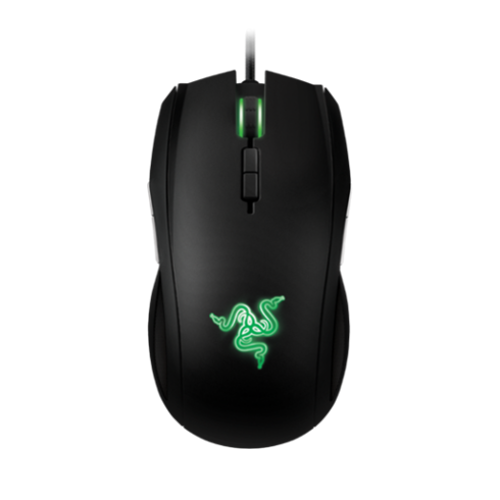
1532:0034
1532:0078

1532:0091

1532:008A

1532:009E
1532:009F

1532:007A
1532:007B

1532:00A5
1532:00A6

1532:00B8

1532:00C0
1532:00C1
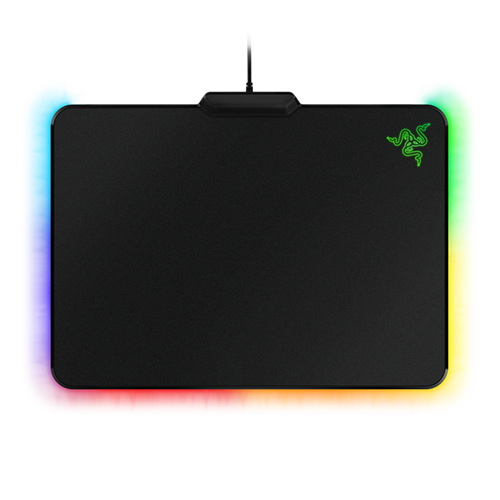
1532:0C00
1532:0068

1532:0C04

1532:0C08

1532:0C01

1532:0C06
1532:0C02

1532:0C05
A third party application is required for key rebinding, such as input-remapper.

1532:0111
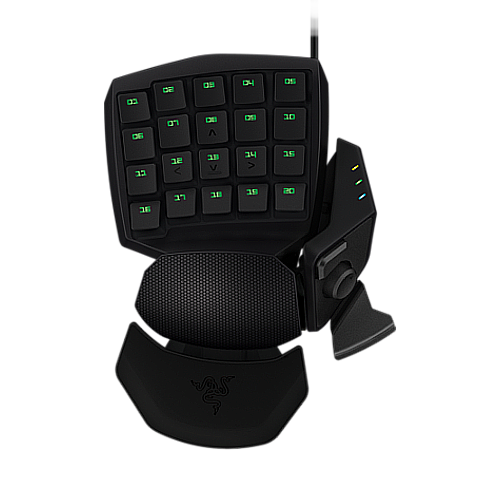
1532:0113
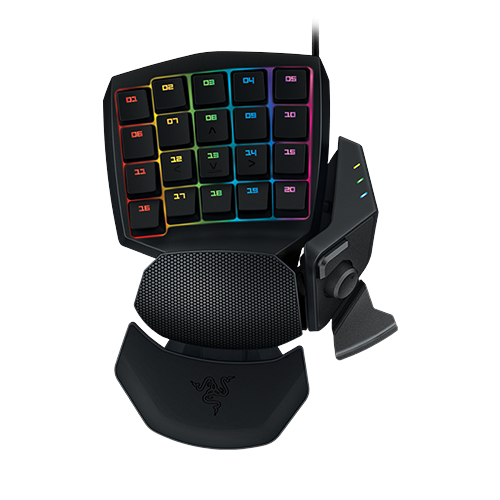
1532:0207
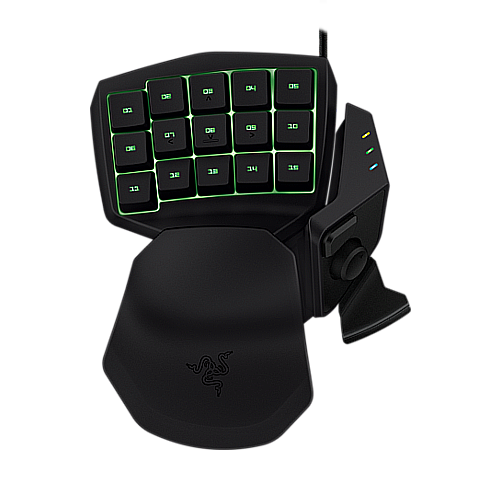
1532:0201

1532:0208
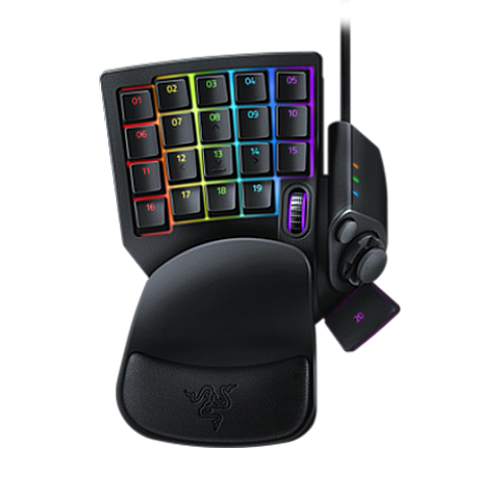
1532:022B
Only lighting features are supported. OpenRazer doesn’t provide additional audio features.
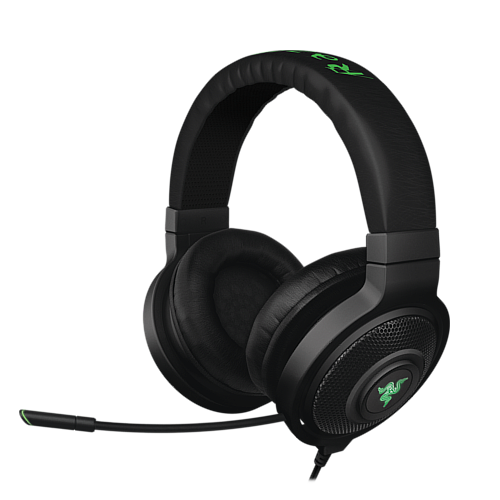
1532:0501
1532:0506
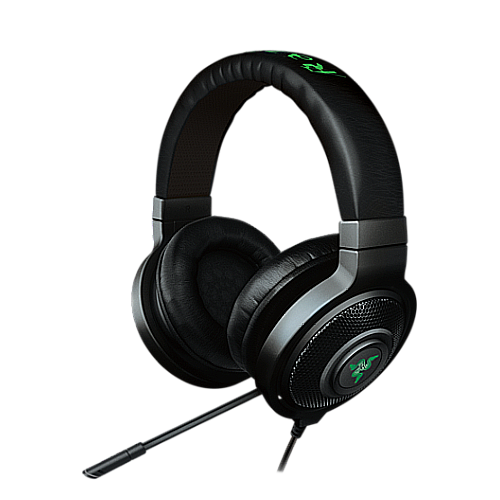
1532:0504
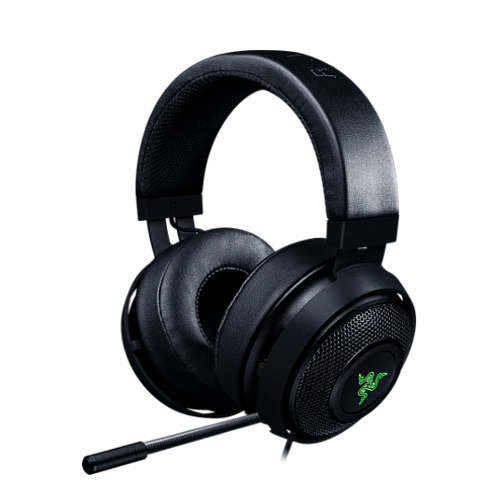
1532:0510

1532:0F19

1532:0560
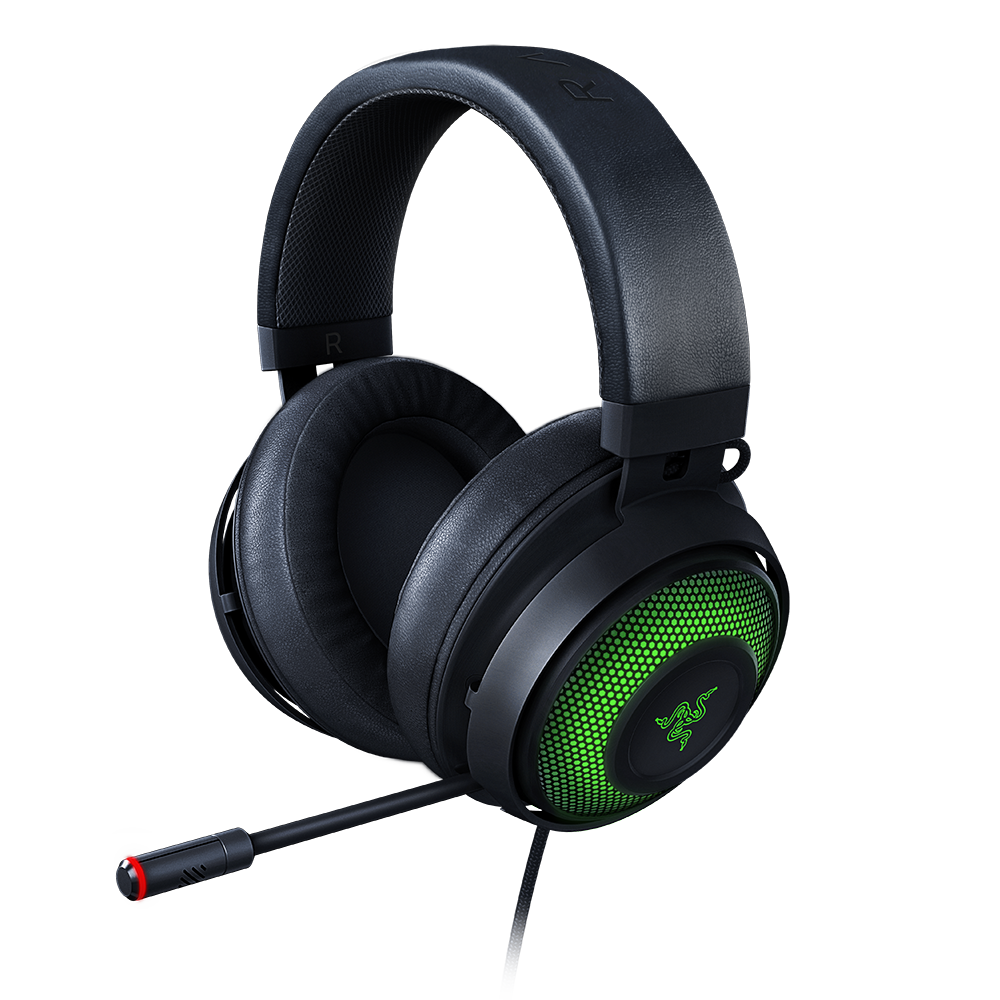
1532:0527
Webcams with no lighting features are not supported. Try cameractrls to enable HDR and related functionality.

1532:0F08

1532:0F20

1532:0F26

1532:0F1F
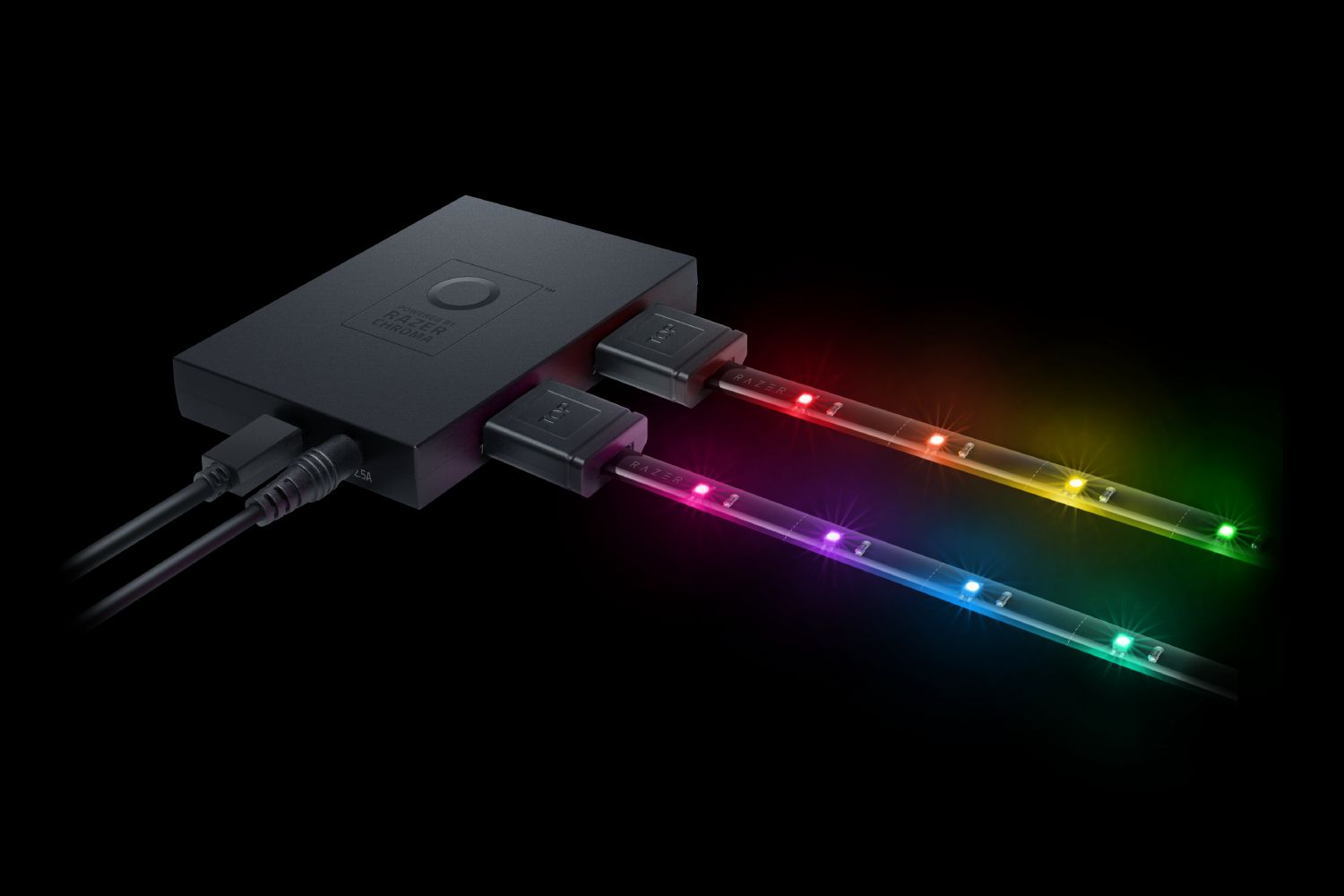
1532:0F09
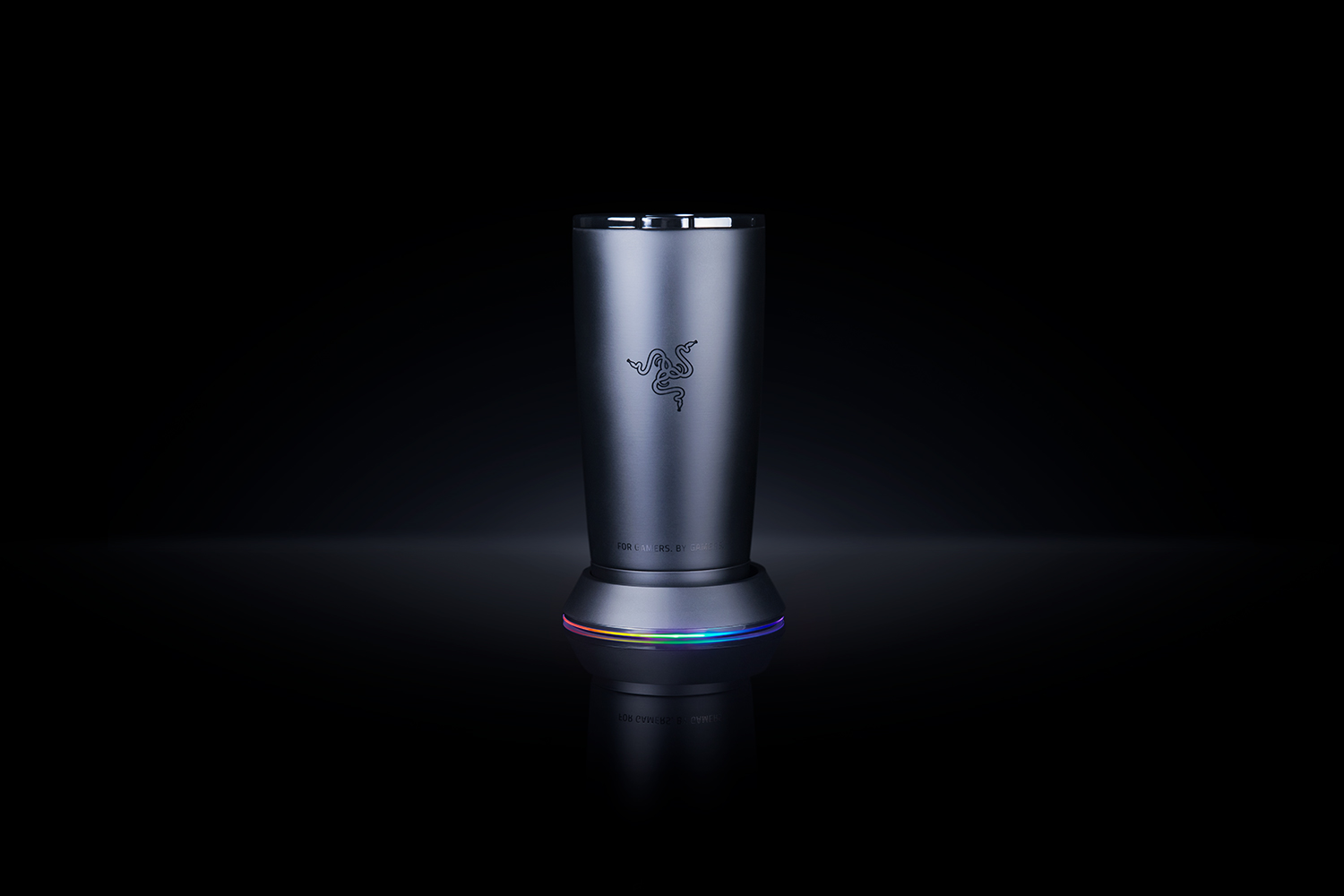
1532:0F07
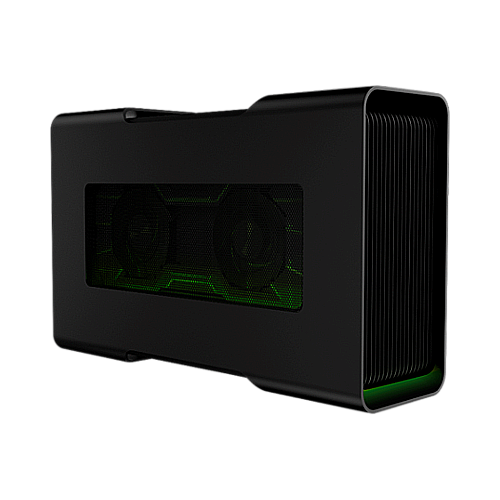
1532:0215
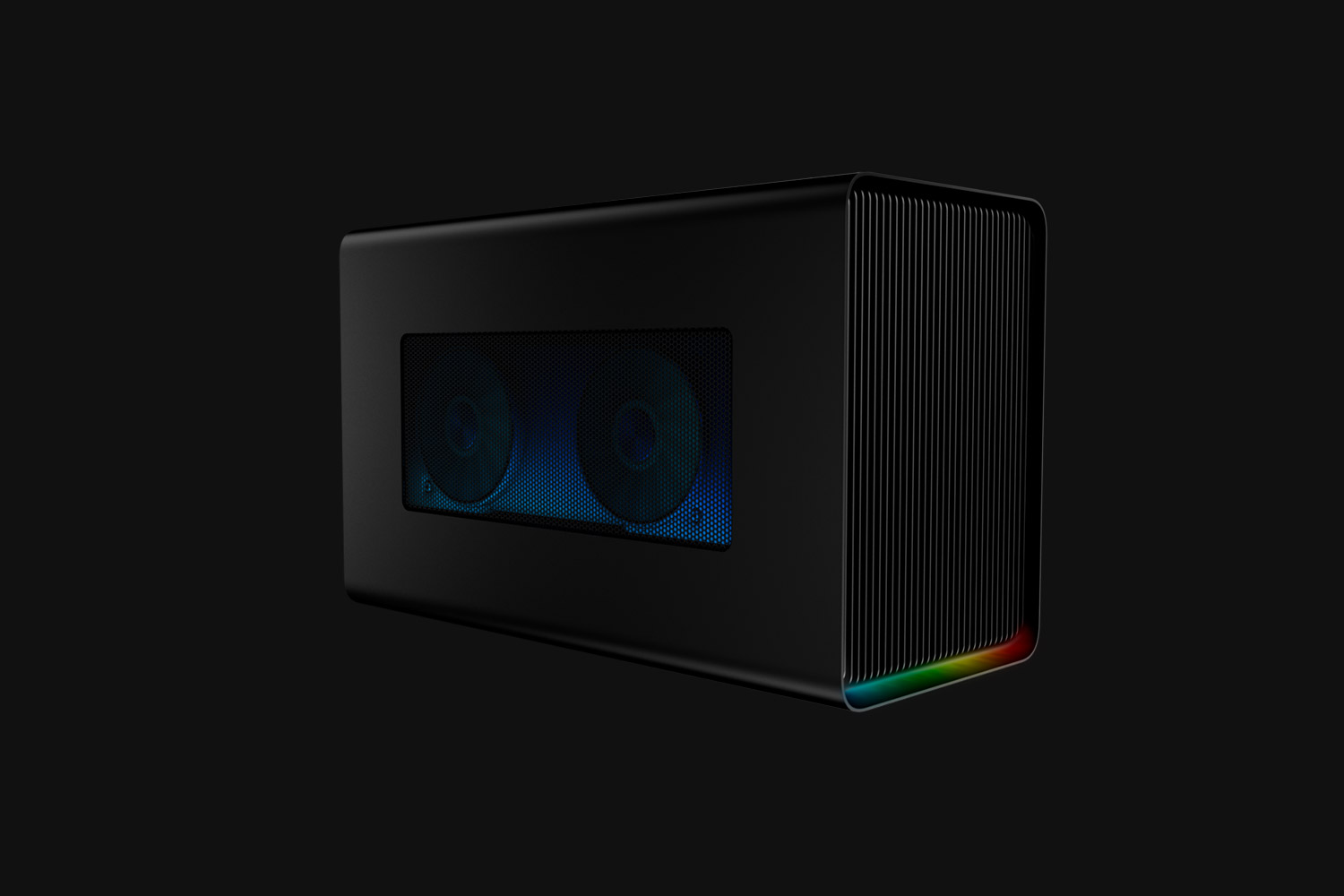
1532:0F1A
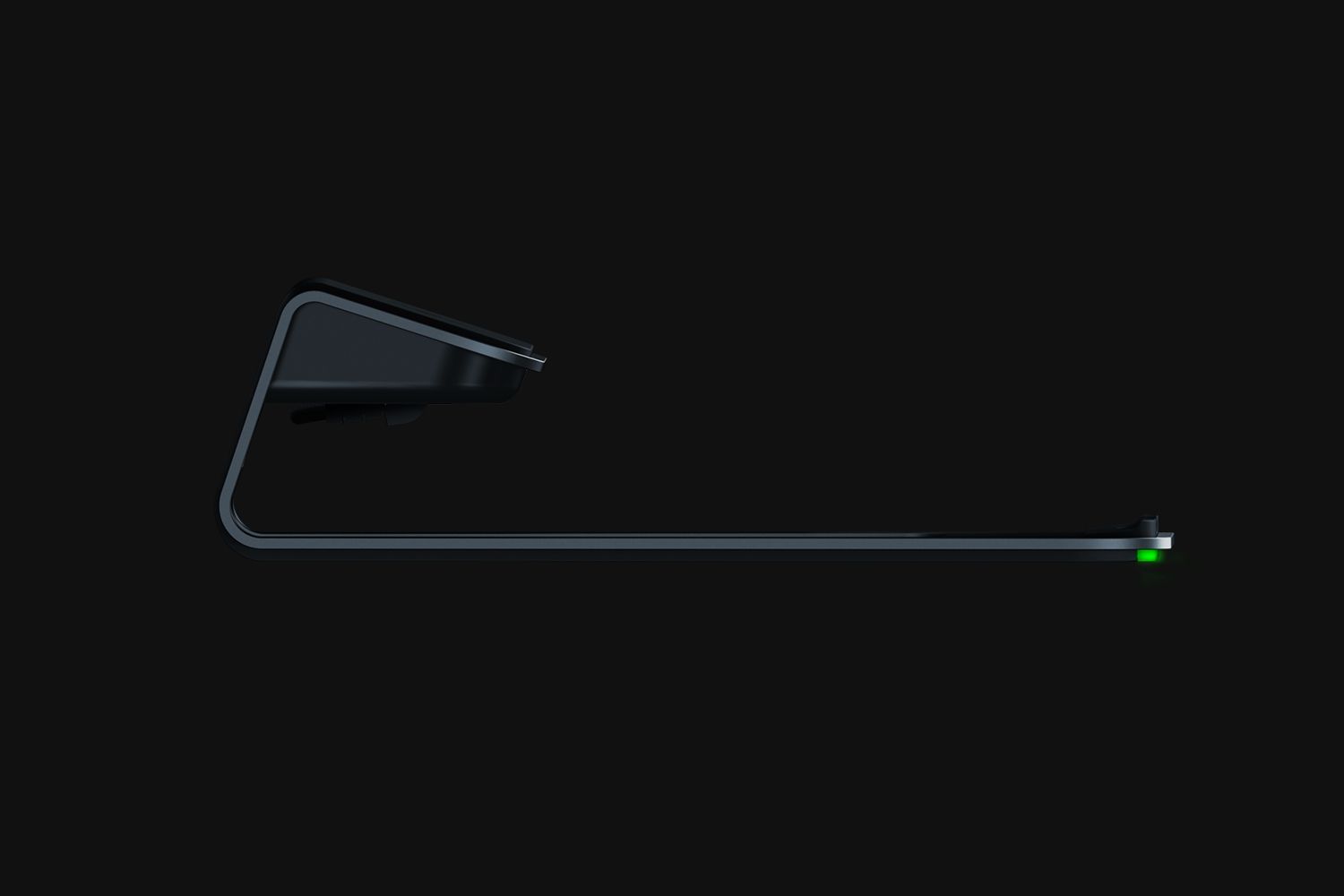
1532:0F0D

1532:0F2B

1532:0F1D

1532:007E
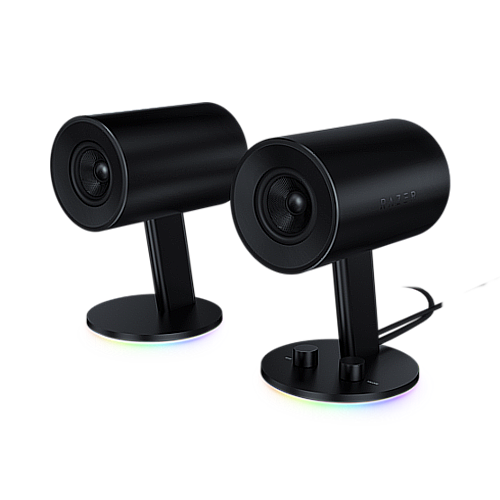
1532:0517

1532:0518
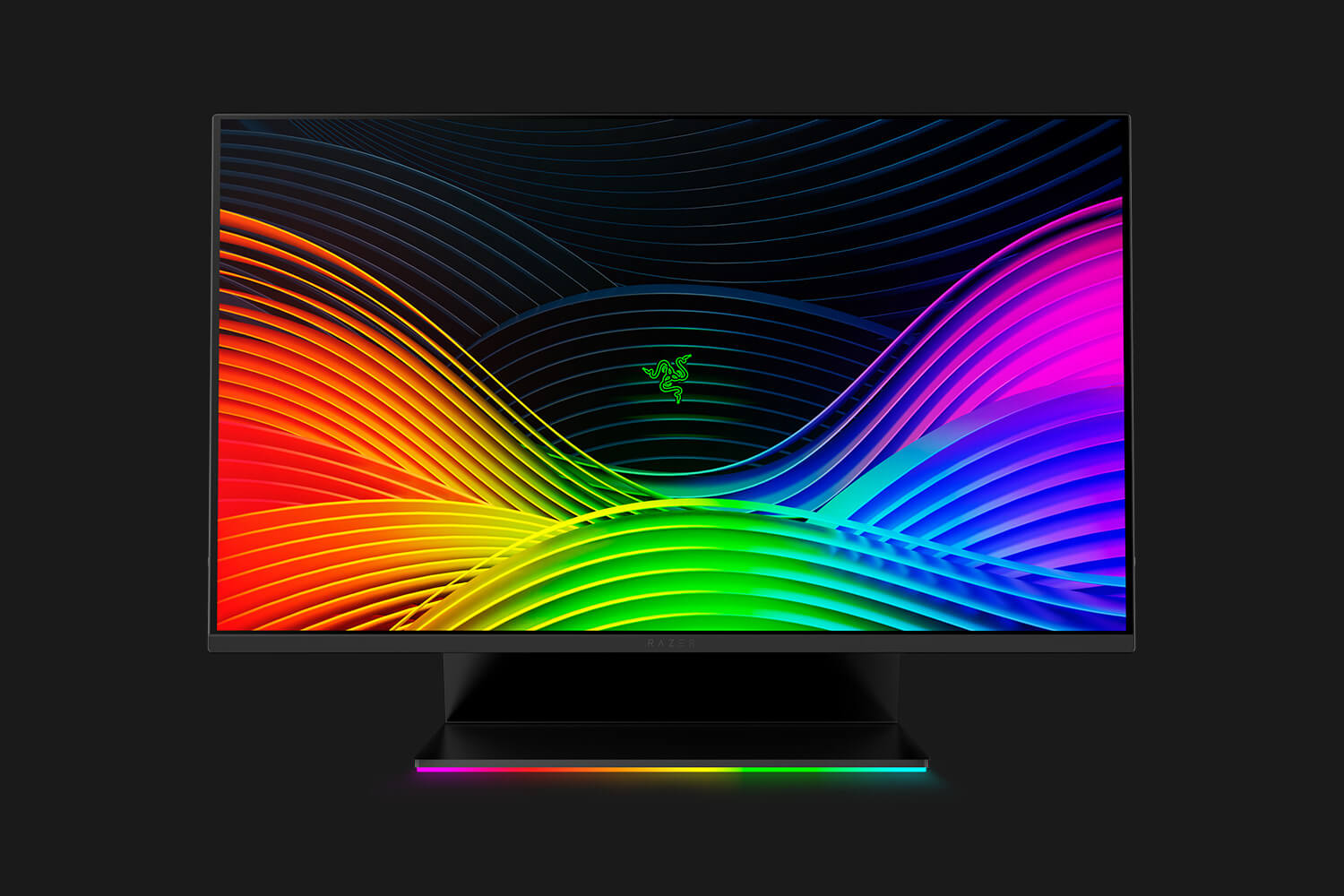
1532:0F12

1532:0F21

1532:0F17
Before installing the driver, you’ll need to install a kernel headers package that matches your kernel version. This is because the driver is “out-of-tree” and needs to be compiled for the kernel (using DKMS).
For example, Arch has linux-headers and linux-lts-headers. Other distros like Ubuntu/Debian may install them automatically, as the packaging system “recommends” the necessary package.
Before using OpenRazer, you’ll need to add your user to the plugdev group. In most distributions, this is:
sudo gpasswd -a $USER plugdev
After following the instructions for your distribution below, a system reboot is essential so the driver and user group permissions take effect. Secure boot may need to be disabled due to the nature of the driver being unsigned.
After successful installation, reboot the computer and pick an application to interact with the driver.
We provide packages for these distros.
Starting with Debian 10, OpenRazer is available from the official repositories. However, you may need to add our repository and upgrade if your device was added in a newer version.
Instructions and downloadable builds for Debian are available from the openSUSE Build Service.
Due to a bug in Fedora, the wrong kernel headers (kernel-debug-devel) may be installed and cause OpenRazer to fail installation. To fix this, you must install kernel-devel explictly before installing OpenRazer:
sudo dnf install kernel-devel
For Fedora / Nobara 41 (and later), run the following:
sudo dnf config-manager addrepo --from-repofile=https://openrazer.github.io/hardware:razer.repo

sudo dnf install openrazer-meta
For Fedora Rawhide, run the following:
sudo dnf config-manager addrepo --from-repofile=https://download.opensuse.org/repositories/hardware:/razer/Fedora_Rawhide/hardware:razer.repo

sudo dnf install openrazer-meta
For Fedora / Nobara 40 (and earlier), run the following:
sudo dnf config-manager --add-repo https://openrazer.github.io/hardware:razer.repo

sudo dnf install openrazer-meta
Instructions and downloadable builds for Mageia are available on openSUSE Build Service.
Instructions and downloadable builds for openSUSE are available on openSUSE Build Service.
After installation, please enable dkms.service to ensure that the driver will also be built when installing kernel updates:
sudo systemctl enable --now dkms.service
Starting with 20.04, OpenRazer is available from the official repositories. However, you may need to add our repository and upgrade if your device was added in a newer version.
elementaryOS users need to install a prerequisite first:
sudo apt install software-properties-gtk
To install the latest release, add this PPA:
sudo add-apt-repository ppa:openrazer/stable
Or for latest development builds:
sudo add-apt-repository ppa:openrazer/daily
After adding the PPA, install the packages:
sudo apt update
sudo apt install openrazer-meta
If you get dependency errors when trying to install the driver packages, please make sure that you have enabled the “universe” repository in Software & Updates.
Packaged and supported by the wider community.
Packages are available from the community repositories.
doas apk add openrazer openrazer-src
The kernel modules are built via akms.
Packages are available from the official repos.
sudo pacman -S openrazer-daemon
If you need the latest development builds, install openrazer-meta-git package from the AUR.
An ebuild is available, to install:
emerge -av --autounmask sys-apps/openrazer
To enable the OpenRazer module in NixOS, add this snippet to your configuration.nix:
hardware.openrazer.enable = true;
In order to run the openrazer-daemon service, your user needs to be part of the openrazer group.
hardware.openrazer.users = ["<name>?"];
Rebuild your NixOS configuration:
sudo nixos-rebuild switch
Alternately, use nix-shell:
nix-shell -p openrazer-daemon
While SteamOS is based on Arch Linux, SteamOS is built differently and is more involved. Due to the immutable filesystem, you may need to reinstall OpenRazer after a system update.
We can’t help you with any issues, but a member of the community aims to keep these instructions up-to-date:
https://daniele.tech/2022/12/how-to-get-openrazer-working-easily-on-steam-deck/
Steam and the Steam logo are trademarks and/or registered trademarks of Valve Corporation in the U.S. and/or other countries.
An eopkg is available, to install:
sudo eopkg install openrazer
Packages are available at the following URLs:
For details on how to install, see the SlackBuilds.org FAQ.
Void Linux provides these packages:
To install:
xbps-install -S openrazer-meta
These projects integrate with OpenRazer:

Python, Qt 6
Tray Applet
Qt 5

Java

GTK
Python

Python
These applications can further extend your device's functionality, but are not related to OpenRazer.

 Debian
 Fedora / Nobara
 Mageia
 openSUSE
 Ubuntu / Linux Mint / elementaryOS / Pop!_OS / Zorin OS
 Alpine Linux
 Arch Linux / Manjaro
 Gentoo
 NixOS
NixOS
 SteamOS
 Solus
Solus
 Slackware
 Void Linux

