
Description
The Ultimate WordPress Recipe Plugin for your Food Blog
Easily create and share mouthwatering recipes with Recipe Card Blocks. With its sleek design and intuitive features, it’s never been easier to create professional-quality recipes on your website.
10.000+ websites are getting more traffic from Google by adding food recipes using Recipe Card Blocks!
👉 New Website recipecard.io NEW! 👈
⭐️ Recipe Card Blocks PRO NOW AVAILABLE! ⭐️
📩 Subscribe to our newsletter for updates
🥑 View Demo 🥑
Did you find this plugin helpful? Please consider leaving a 5-star review.
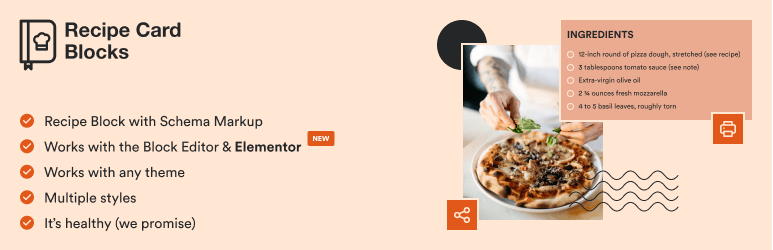
Inspired by our popular food blog theme Foodica, Recipe Card Blocks is a powerful WordPress recipe plugin that adds beautiful recipe cards to the new block editor & Elementor to help you create recipes easily on your food blog.
📌 INCLUDED BLOCKS
- Recipe Card (with Schema.org Markup)
- Recipe Details
- Ingredients
- Directions
- Nutrition Facts
- Recipe Card Widget for Elementor
📌 FEATURES
- Elementor Support
- Structured Data Integration
- Generate recipes using AI 🆕
- AMP Support
- Multiple Designs
- Gutenberg-ready
- Works with any theme
- Import recipes from WP Recipe Maker
- Video integration
- GDPR-compliant
- Bulk Add Ingredients and Directions
- WPML Support
- Recipe Shortcode
⭐️ PRO FEATURES ⭐️
- Star Rating
- Unit Conversion (US – Metric) – 🆕
- Comments Rating
- Recipe Submissions – 🆕
- Recipe Roundup – 🆕
- Recipe Index – 🆕
- Equipment
- Cook Mode
- Gallery in Directions
- Multiple Styles
- Adjustable servings
- Ingredients quantity
- Custom Pinterest image and description for Pin
- Color Schemes
- Food Labels – 🆕
- Social Call-to-action (Facebook, Instagram, Pinterest)
- Premium Support
- and many new features coming soon!
⭐️ Get the PRO version! ⭐️
📌 WHAT’S NEW IN 3.0?
- You can now view all your recipes created using Recipe Card Blocks on the All Recipes page. Managing your recipes or adding new ones has become much easier!
- Added a new tool to collect all recipes from all posts and organize them in the new Recipes section
📌 WHAT’S NEW IN 2.3?
- Added Video Recipe feature in the block
- Numerous changes and improvements; new admin menu
📌 WHAT’S NEW IN 2.1?
- New Feature: Ingredients and Directions Groups: you can now organize in sub-sections ingredients and directions
- New Feature: Bulk Add. You can add ingredients and directions by inserting more entries at once.
📌 WHAT’S NEW IN 2.0?
- New Block with Schema Markup: Recipe Card Block (schema.org)
- Now you can use a single block to create a recipe card. You don’t have to add any more blocks like Ingredients or Directions separately.
- JSON-LD Schema Markup
- 2 Styles
- New Settings Page (Settings > WPZOOM Recipe Card)
- You can now add Images in the Directions
📌 Where I can view a Demo?
You can view the Recipe Card Block live here.
🙌 FOLLOW US
100% GDPR COMPLIANT
This plugin is 100% GDPR compliant. It doesn’t integrate any Google Fonts.
Recipe Card Blocks does not collect any information outside your WordPress installation, therefore it’s 100% GDPR compliant.
Screenshots
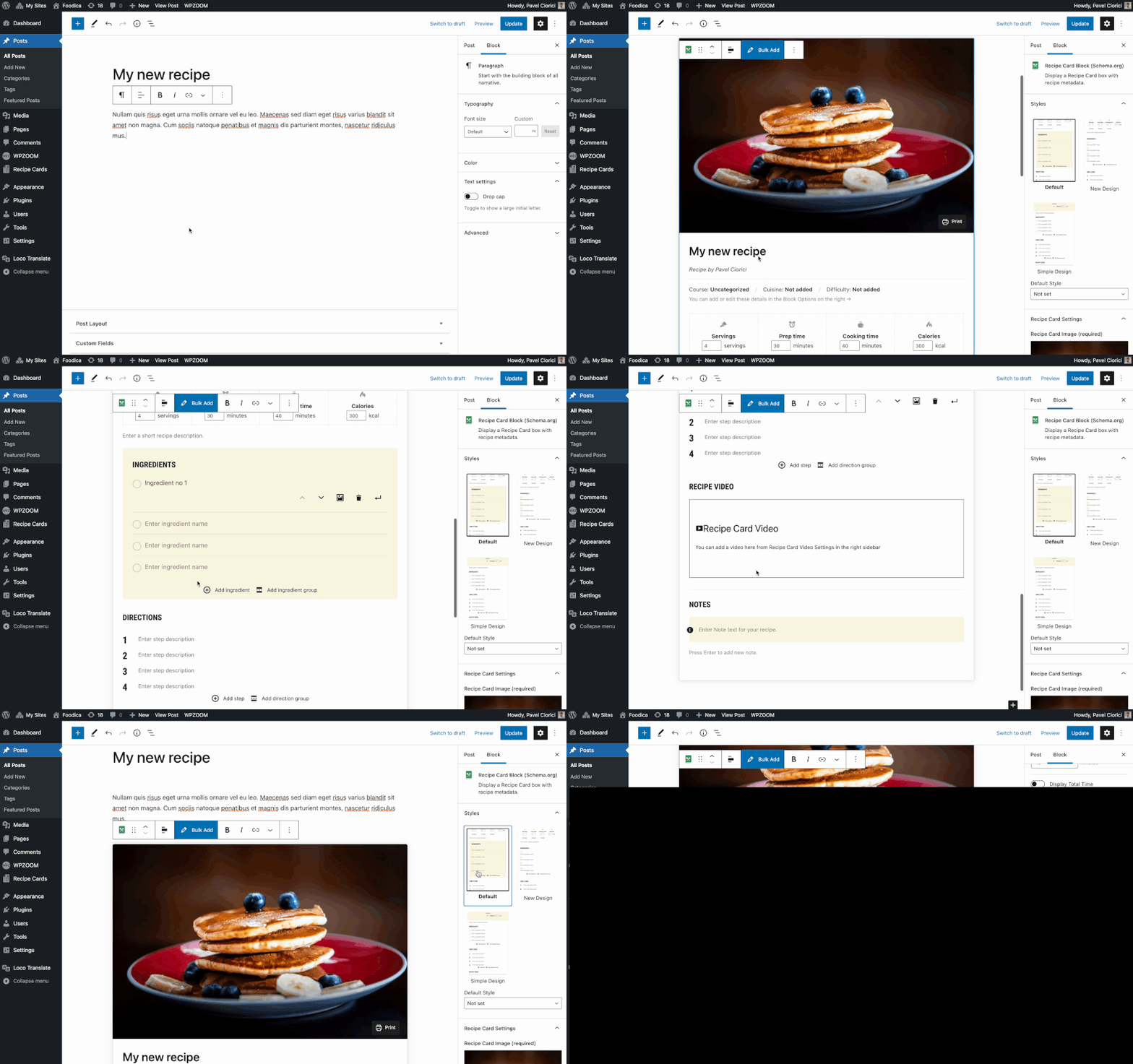
Adding a recipe card to the editor 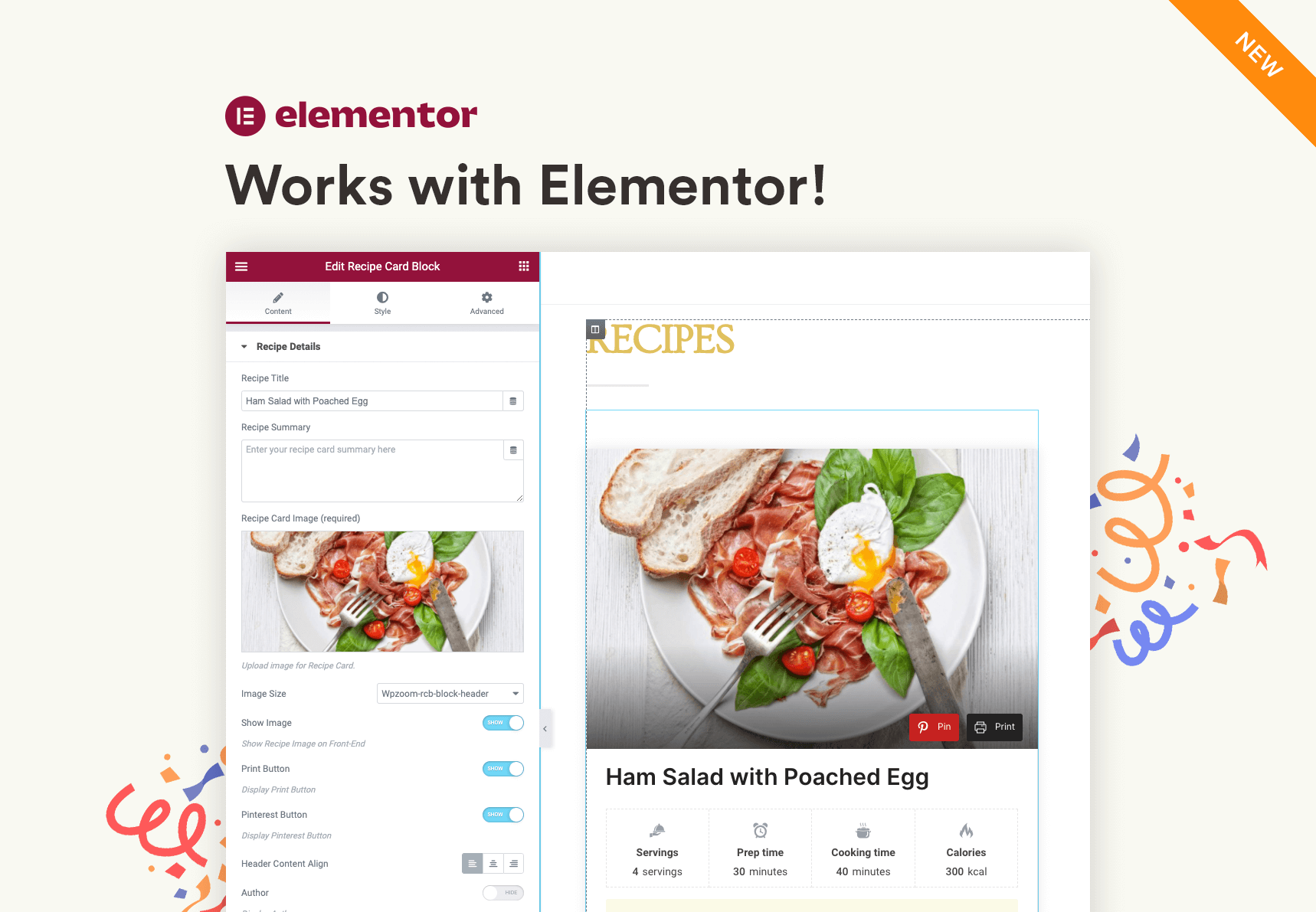
Recipe Card widget in Elementor 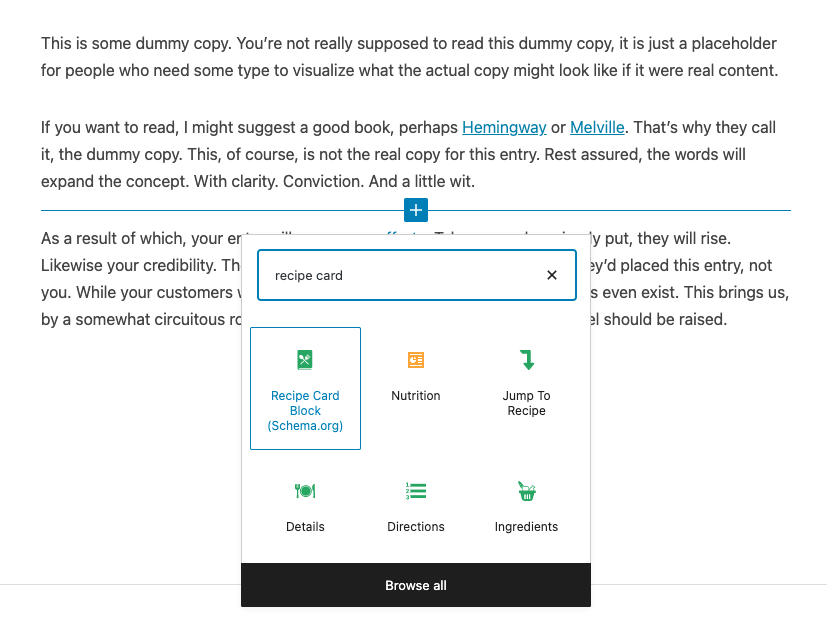
All blocks included 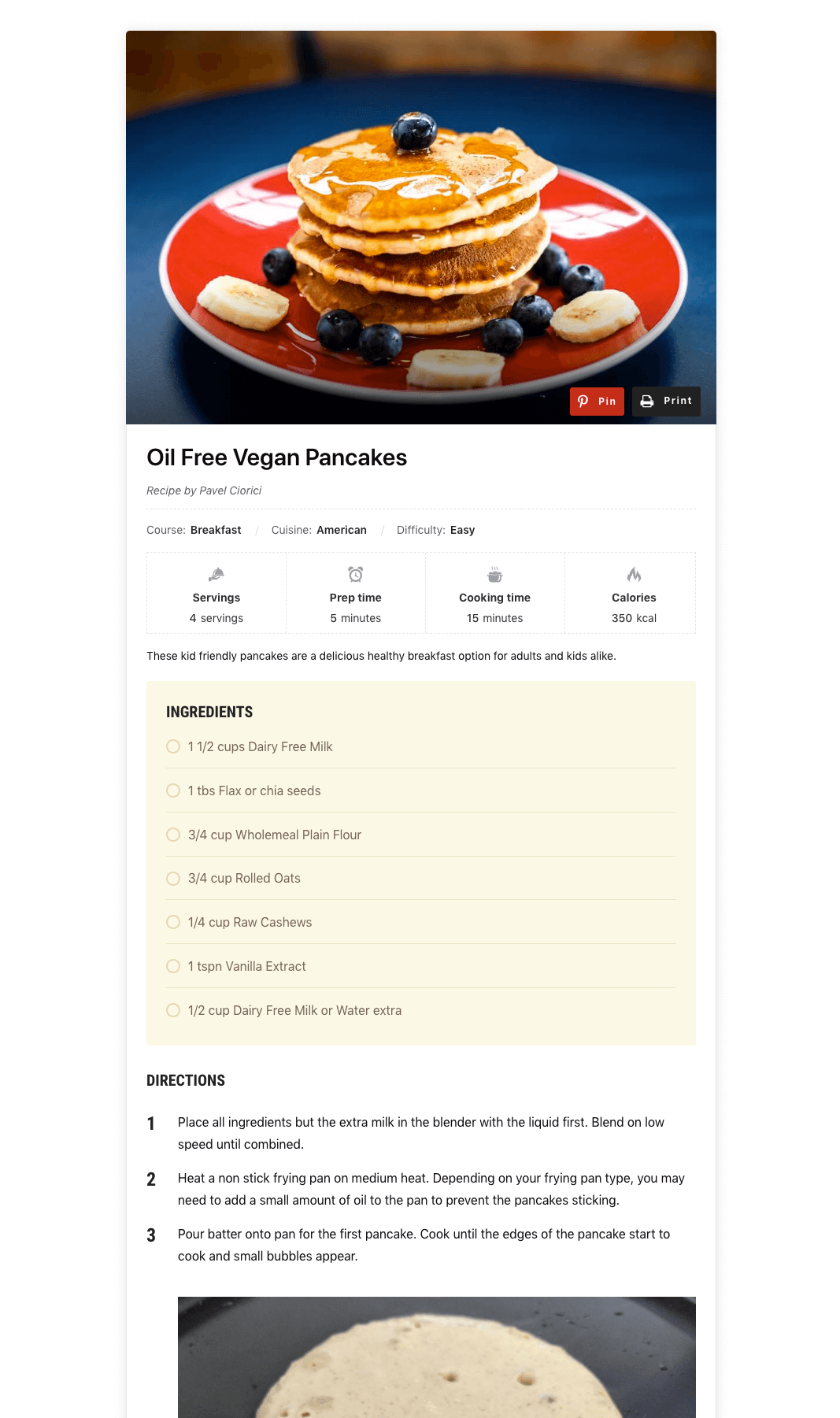
Preview of the Recipe Card Block 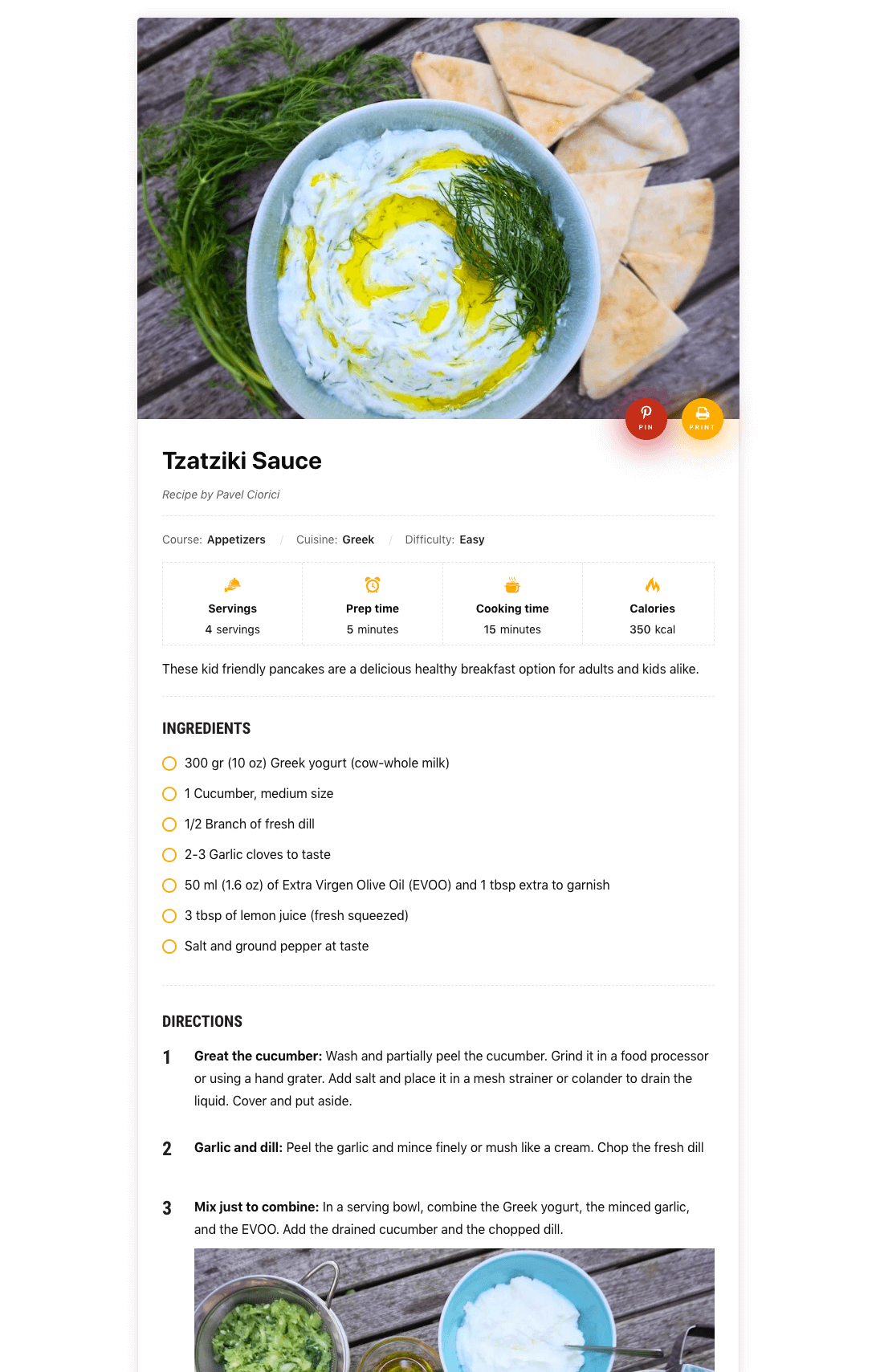
Additional Design for Block 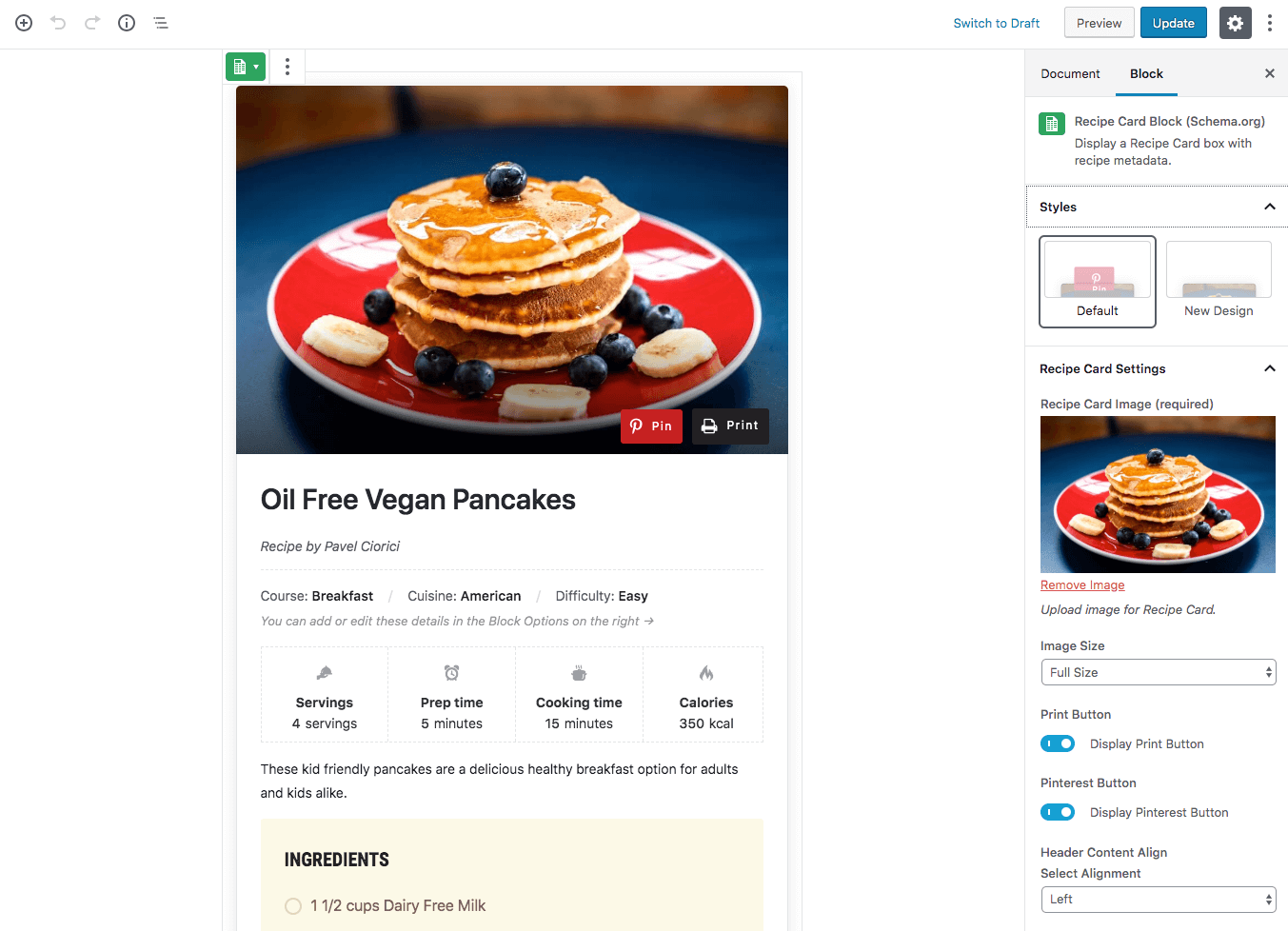
Block Editor 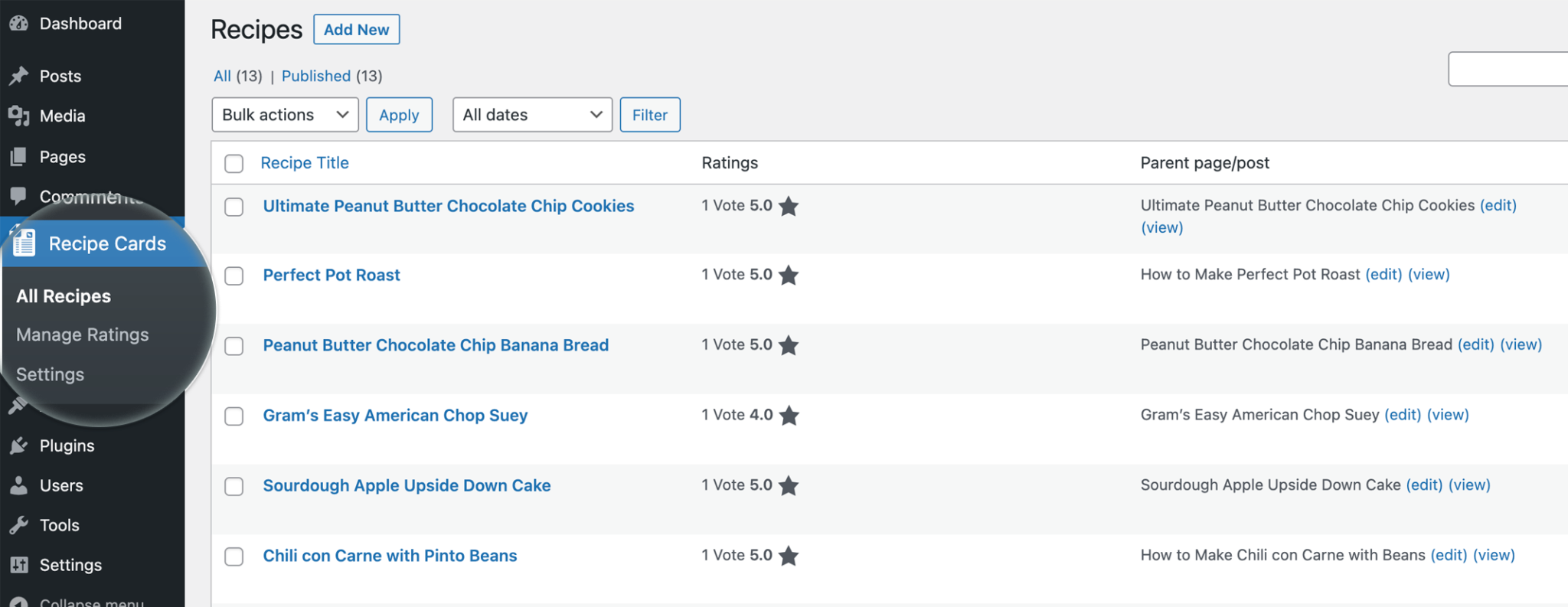
Recipes Page 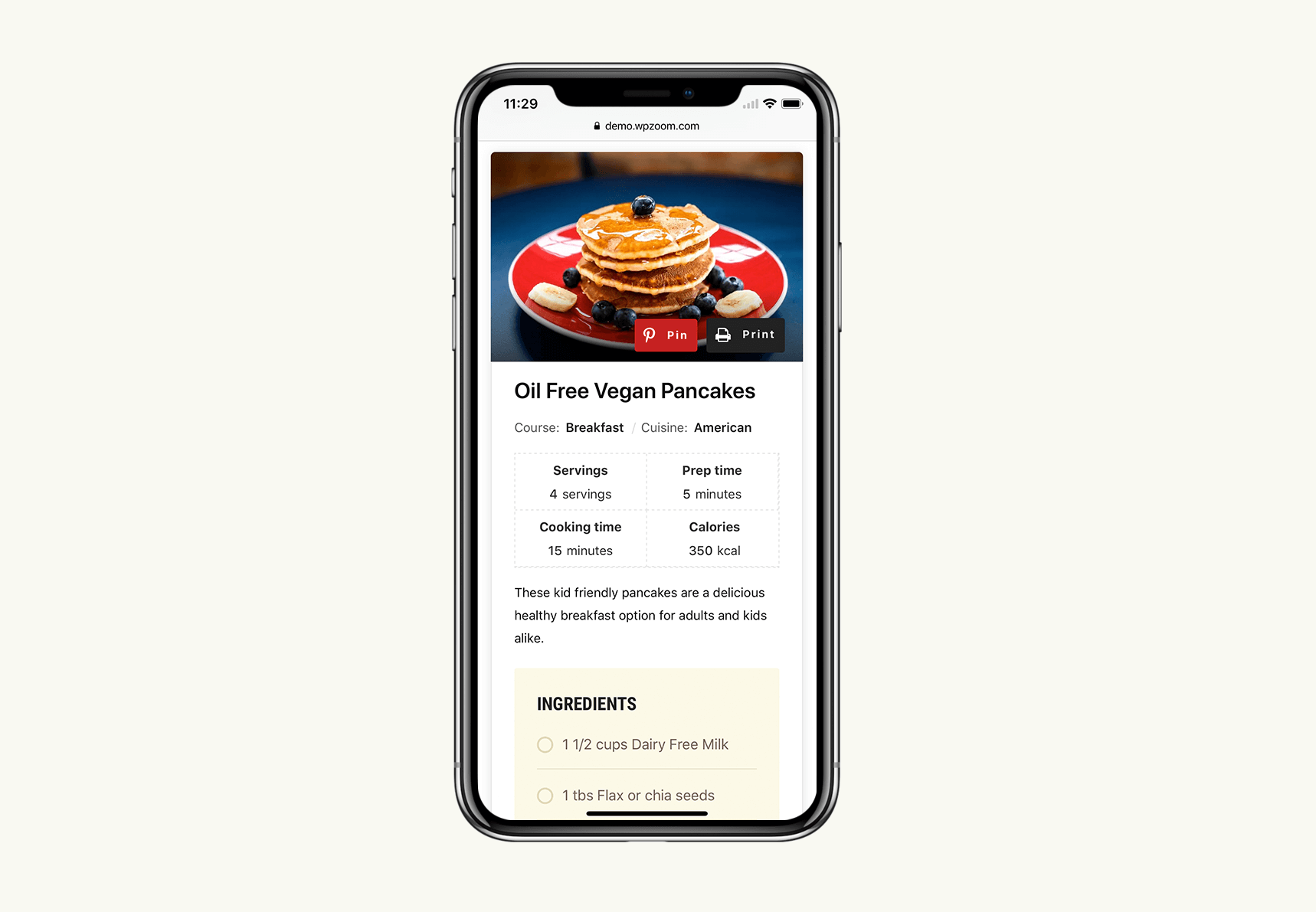
Mobile Design 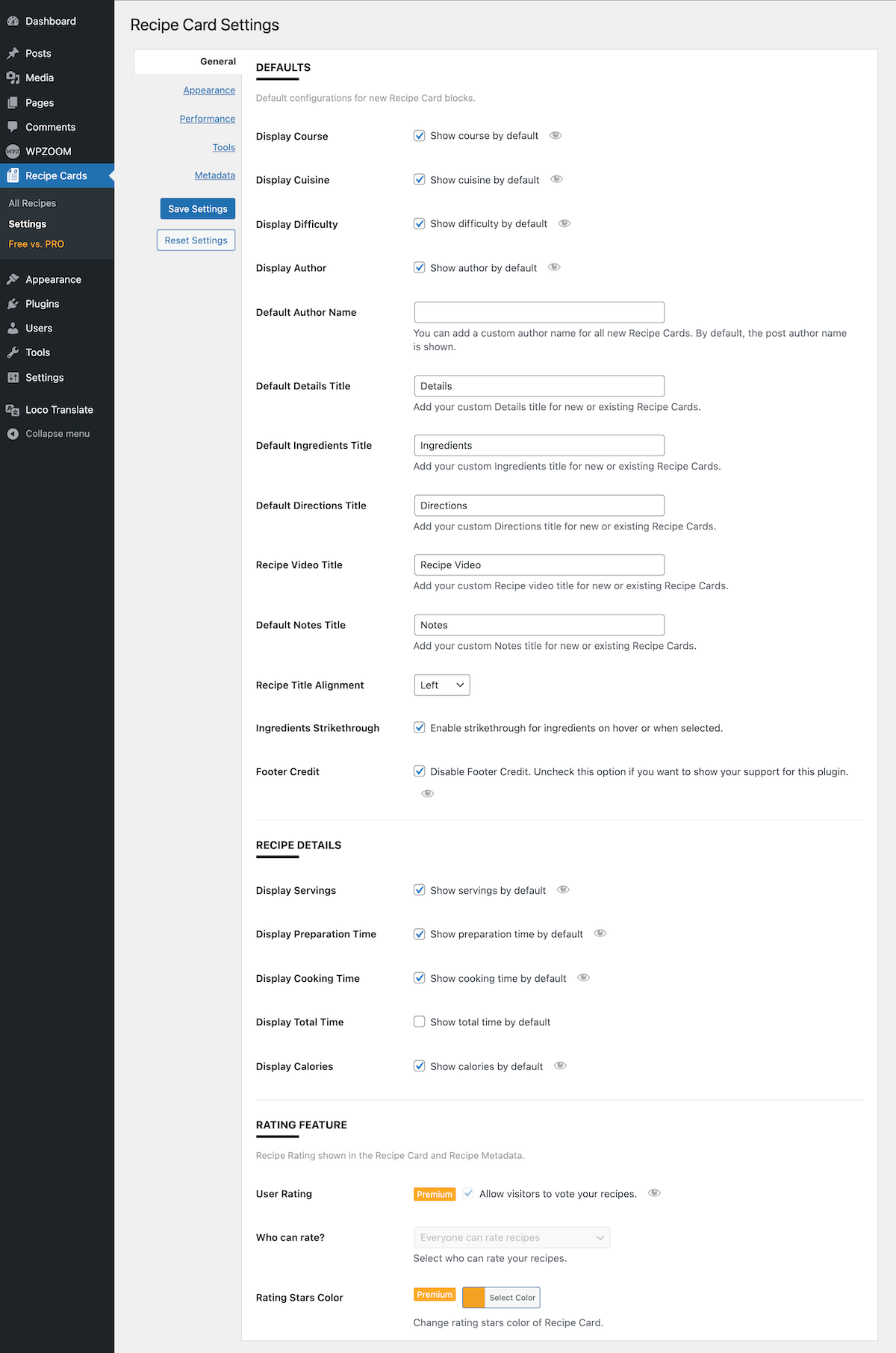
Settings page


Blocks
This plugin provides 8 blocks.
- Wpzoom Recipe Card Block Recipe Card
- Wpzoom Recipe Card Block Directions
- Wpzoom Recipe Card Recipe Block From Posts
- Wpzoom Recipe Card Block Details
- Wpzoom Recipe Card Block Nutrition
- Wpzoom Recipe Card Block Print Recipe
- Wpzoom Recipe Card Block Jump To Recipe
- Wpzoom Recipe Card Block Ingredients
Installation
Simply search for the plugin name Recipe Card Blocks” via the Plugins -> Add New page in the Dashboard of your WordPress website and click the install button. Once installed, click on the blue Activate button.
After installation, create a new post or edit an existing one using the block editor (Gutenberg), and when adding a new block, look under Recipe Card Blocks section to find the Recipe Card” block.
FAQ
-
I just installed the plugin and can’t find the blocks
-
Make sure you haven’t disabled the new block editor using the Classic Editor plugin, as these blocks work only with the new editor.
-
Is there Documentation available?
-
Yes, you can find documentation for this plugin with more instructions on our website.
-
Is it possible to migrate recipes from another plugin?
-
Yes, our plugin includes an intuitive and easy-to-use tool that allows you to import recipes created using the WP Recipe Maker plugin.
Reviews


Contributors & Developers
“Recipe Card Blocks Lite” is open source software. The following people have contributed to this plugin.
Contributors
“Recipe Card Blocks Lite” has been translated into 3 locales. Thank you to the translators for their contributions.
Translate “Recipe Card Blocks Lite” into your language.
Interested in development?
Browse the code, check out the SVN repository, or subscribe to the development log by RSS.
Changelog
3.4.13
- Bug fix with the recipe importer
3.4.12
- Minor bug fix
3.4.11
- Minor bug fix
3.4.10
- Improvements to the Nutrition Facts block
3.4.9
- Minor bug fix
3.4.8
- Improvements to the Recipe AI Generator
3.4.7
- CSS bug fix
3.4.6
- Added a tooltip for cooking details.
- Fixed an issue with keywords in the recipe schema.
3.4.5
- Minor fixes
3.4.4
- Minor bug fixes
3.4.3
- Minor bug fix with the Ingredients and Directions blocks
- Added a new option to change the heading tag for recipe title.
3.4.2
- WordPress 6.7 notice fix
- Added a button to refresh the number of AI credits
3.4.1
- Added the Print button to recipes without an image
- Minor fixes
3.4.0
- NEW: Generate Recipes & Recipe Image using AI
- Multiple bug fixes
3.3.2
- Bug fix with the recipe importer
3.3.1
- Fixed a bug with the Schema markup in the Elementor widget
- Minor bug fixes
3.3.0
- New: Import recipes from WP Recipe Maker
- New: Create a Draft Post when creating a new recipe card post.
