
Opis
This block plugin makes the displays fully customizable, so you can create unique team showcases for your site. This is the best WordPress team plugin that displays in a fantastic way of your team members on your site. It is 100% responsive and mobile-friendly, which guarantees the best views across all devices.
Free Features
- Universal Shortcodes – Works with Gutenberg and all page builders.
- Easy to use.
- Multiple Team Layouts.
- Fully Responsive Design – Optimized for desktop, tablet, and mobile.
- Social Media Icons – Add social links for each member.
- It does not require much technical knowledge to use.
- It is lightweight because it relies on JavaScript.
Pro Features
- All Free features.
- Fully Responsive – Looks great on all devices.
- Member Styling – Customize photo, name, title, and bio.
- Typography & Color Controls – Full text and color customization.
- Photo Effects – Size, filter, and hover effects.
- Social Icons – Add and style social media links.
- Element Visibility – Show or hide any member content.
- Hover Effects & Animations – Smooth interactive effects.
- Layout Controls – Width, alignment, spacing options.
- Theme-Specific Features – Shapes, serials, stats, and more.
- Beginner Friendly – No coding required.
How to use
– First, install the Team Section plugin
– Add the Team Section block from the block category called „Widgets” in the Gutenberg editor.
– You can change block settings from the right-side settings sidebar.
– Enjoy!
- For installation help click on Installation Tab
Feedback
– Did you like this plugin? Dislike it? Have a feature request? Please share your feedback with us
Check out the Parent Plugin of this plugin-
B Blocks – A blocks collection and page building tool for Gutenberg.
Check out our other WordPress Plugins-
Html5 Video Player – Display videos as single and playlist in multiple skins.
PDF Poster – Display/Embed PDF files with different styles.
Html5 Audio Player – Listen audios with awesome visuals.
StreamCast – Customizable radio player with different skins.
3D Viewer – Embed 3D models and 3D products with interaction.
Advanced Post Block – Show posts and custom posts in different layouts.
Zrzuty ekranu
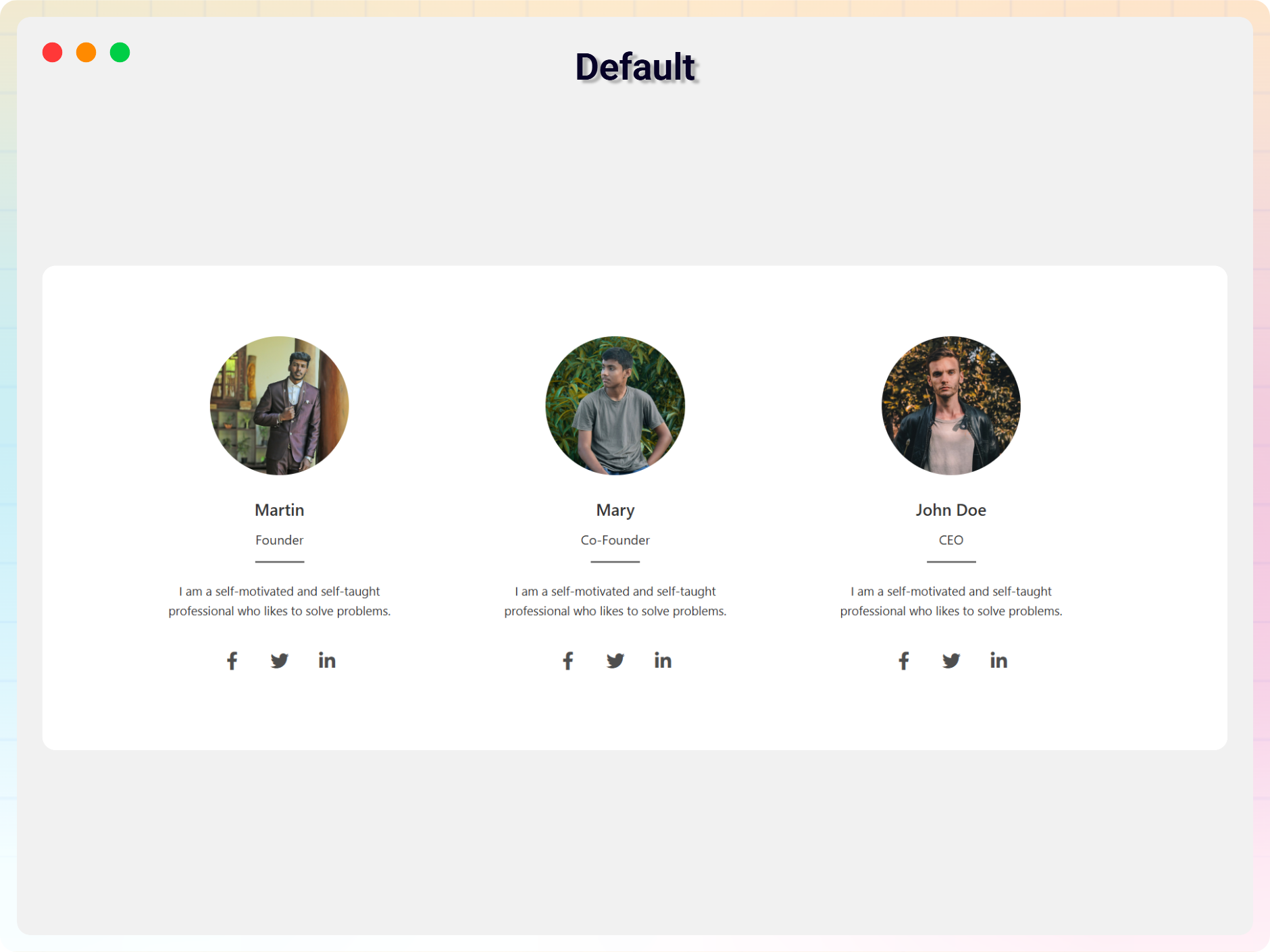
Default 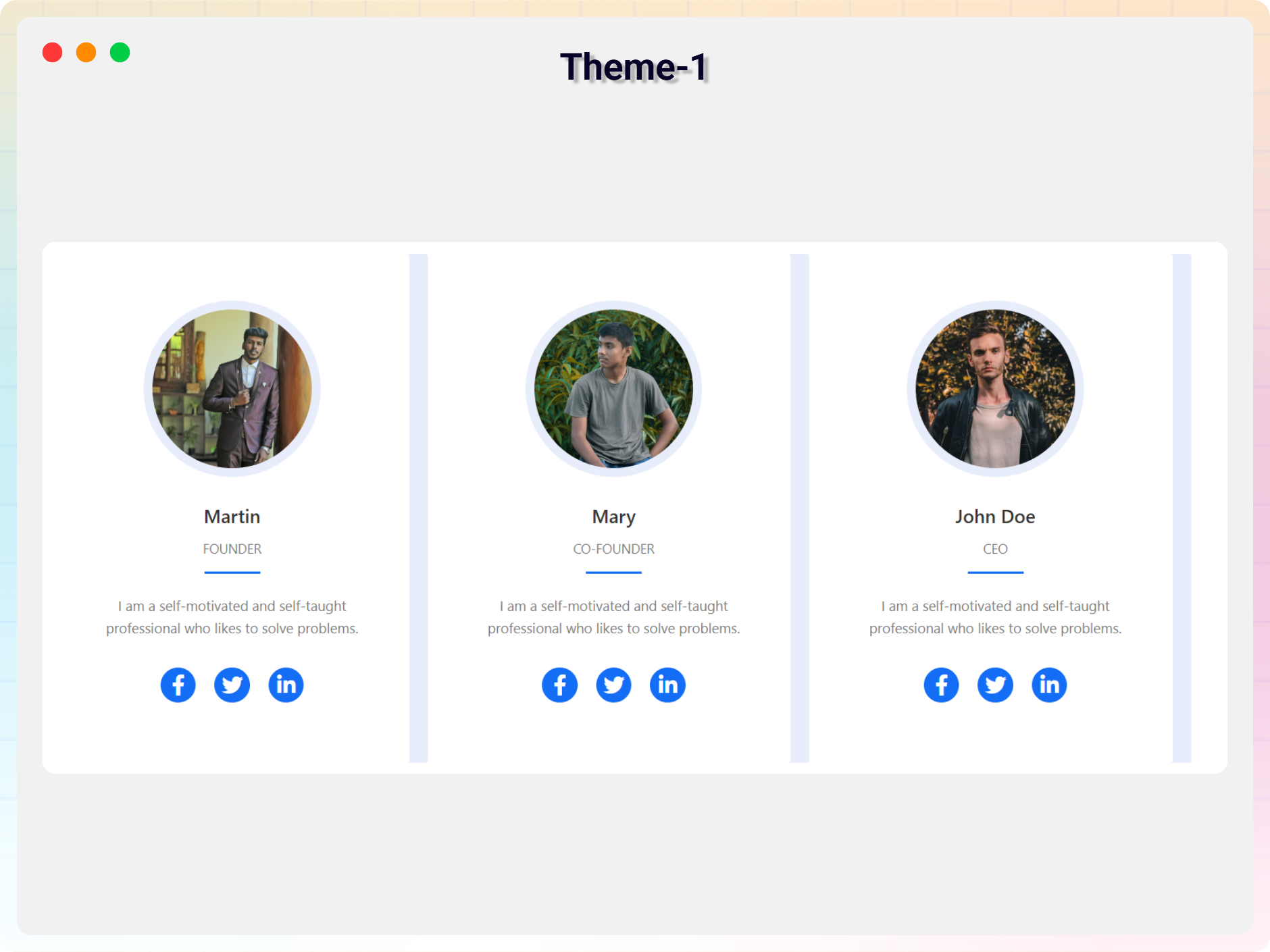
Theme 1 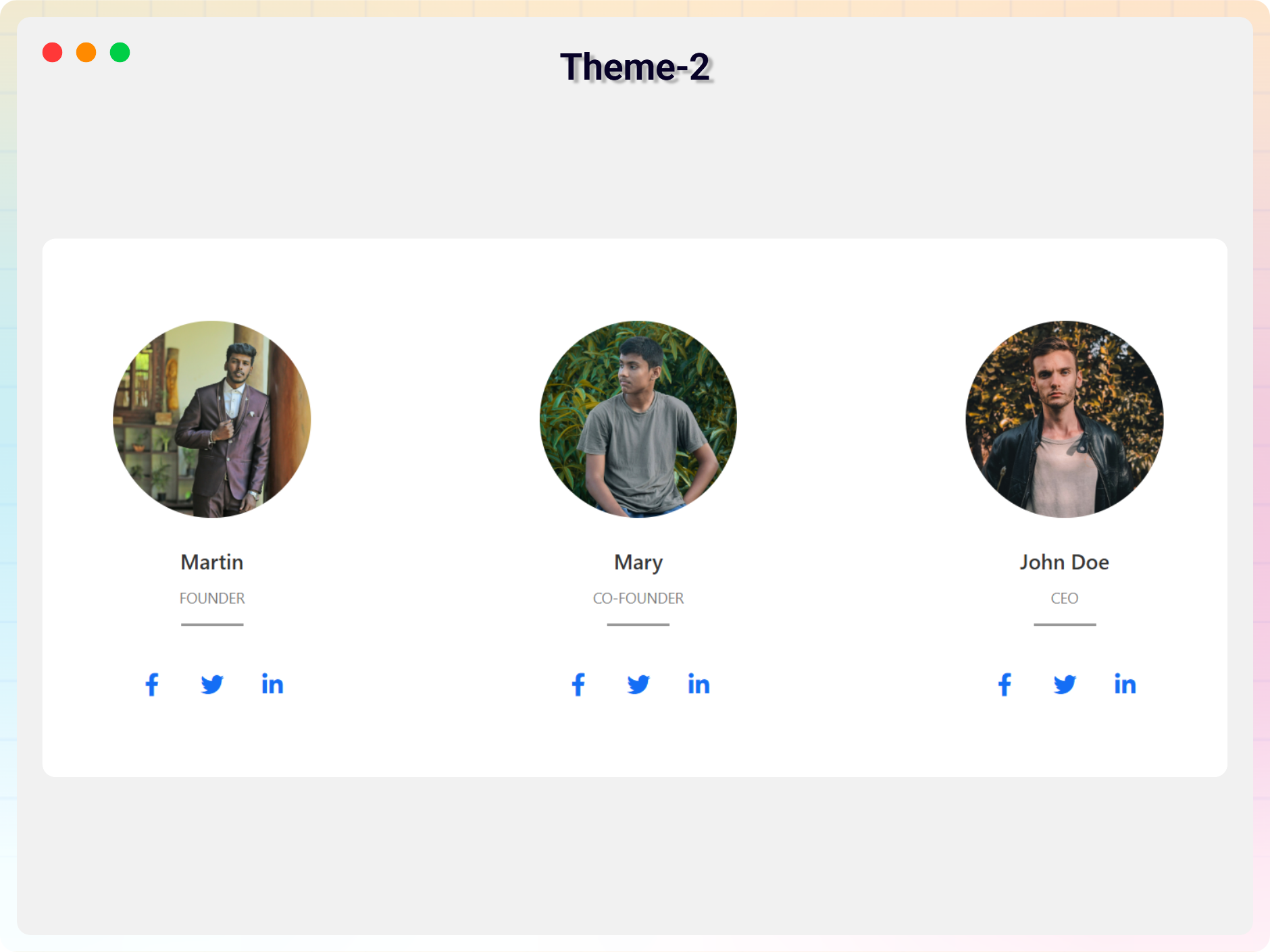
Theme 2 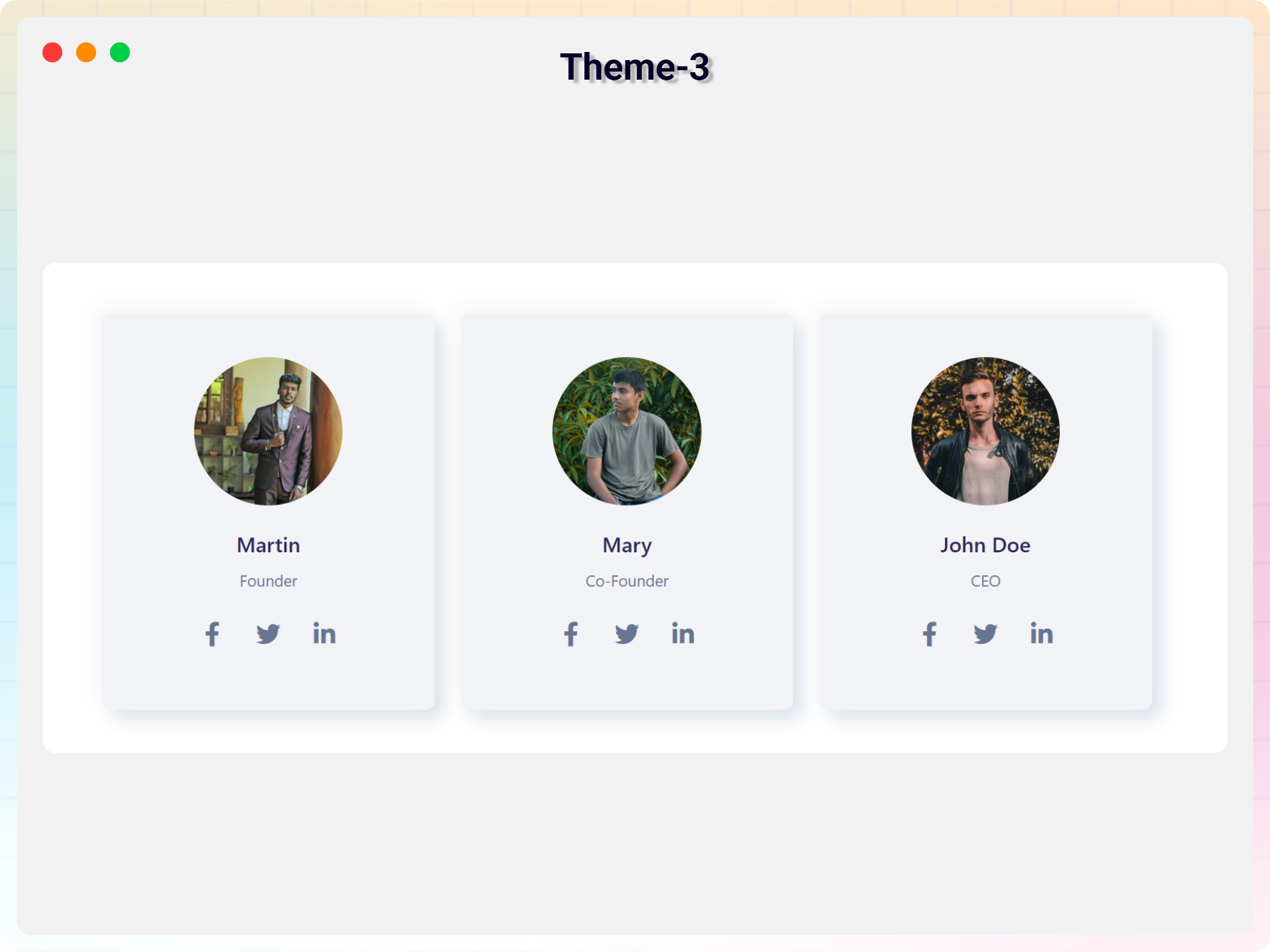
Theme 3 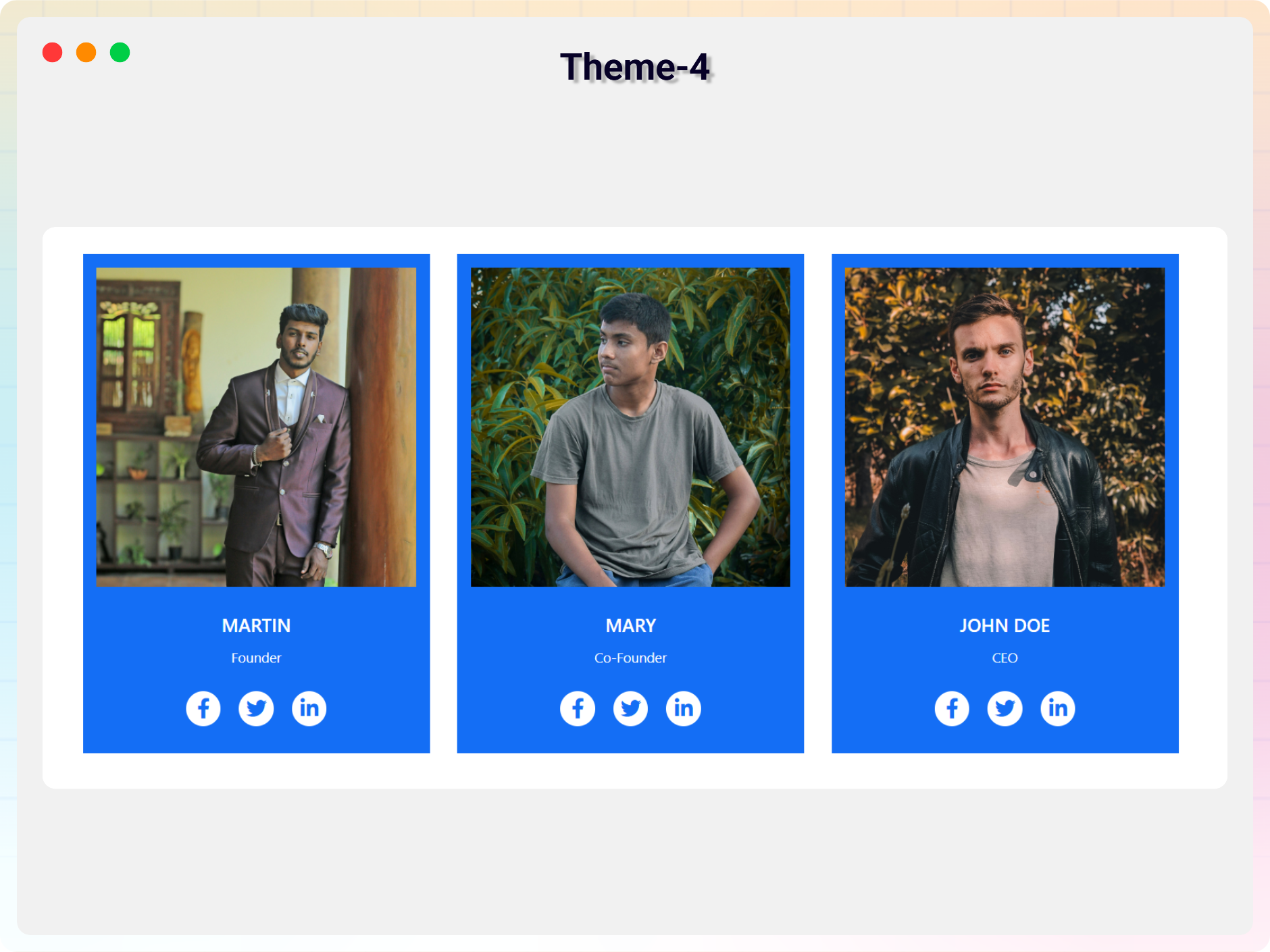
Theme 4 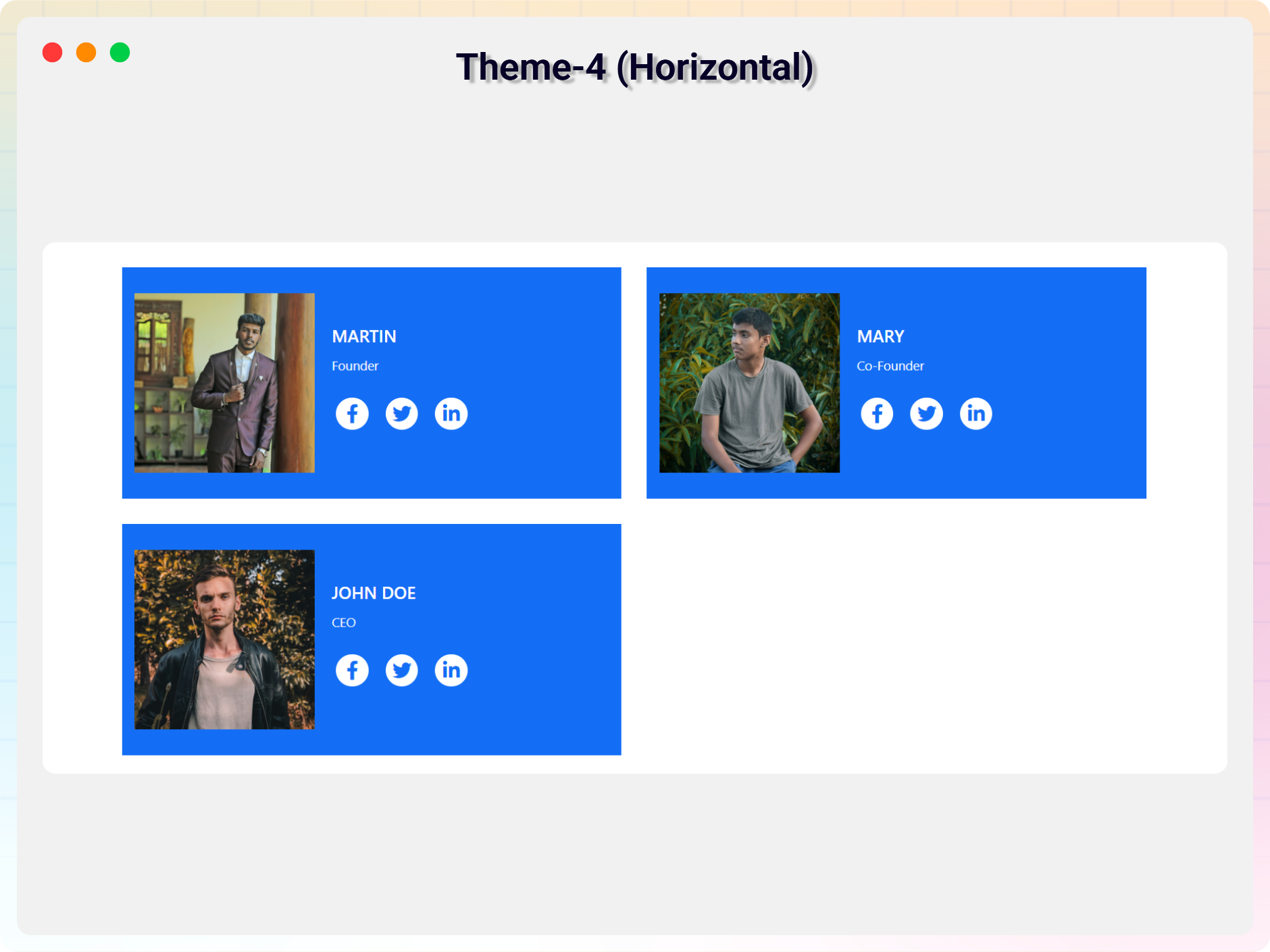
Horizontal Layout & Theme 4 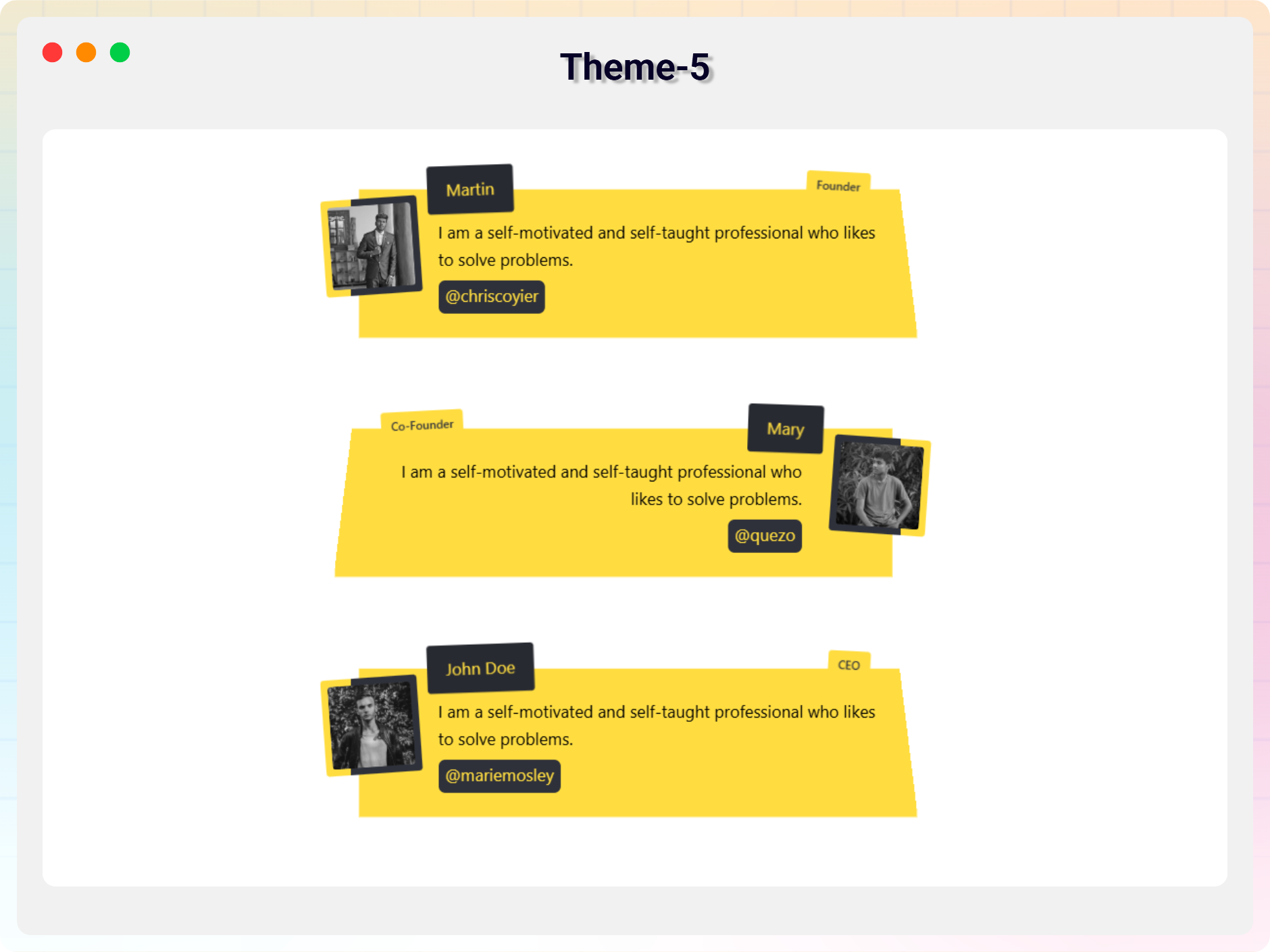
Theme 5 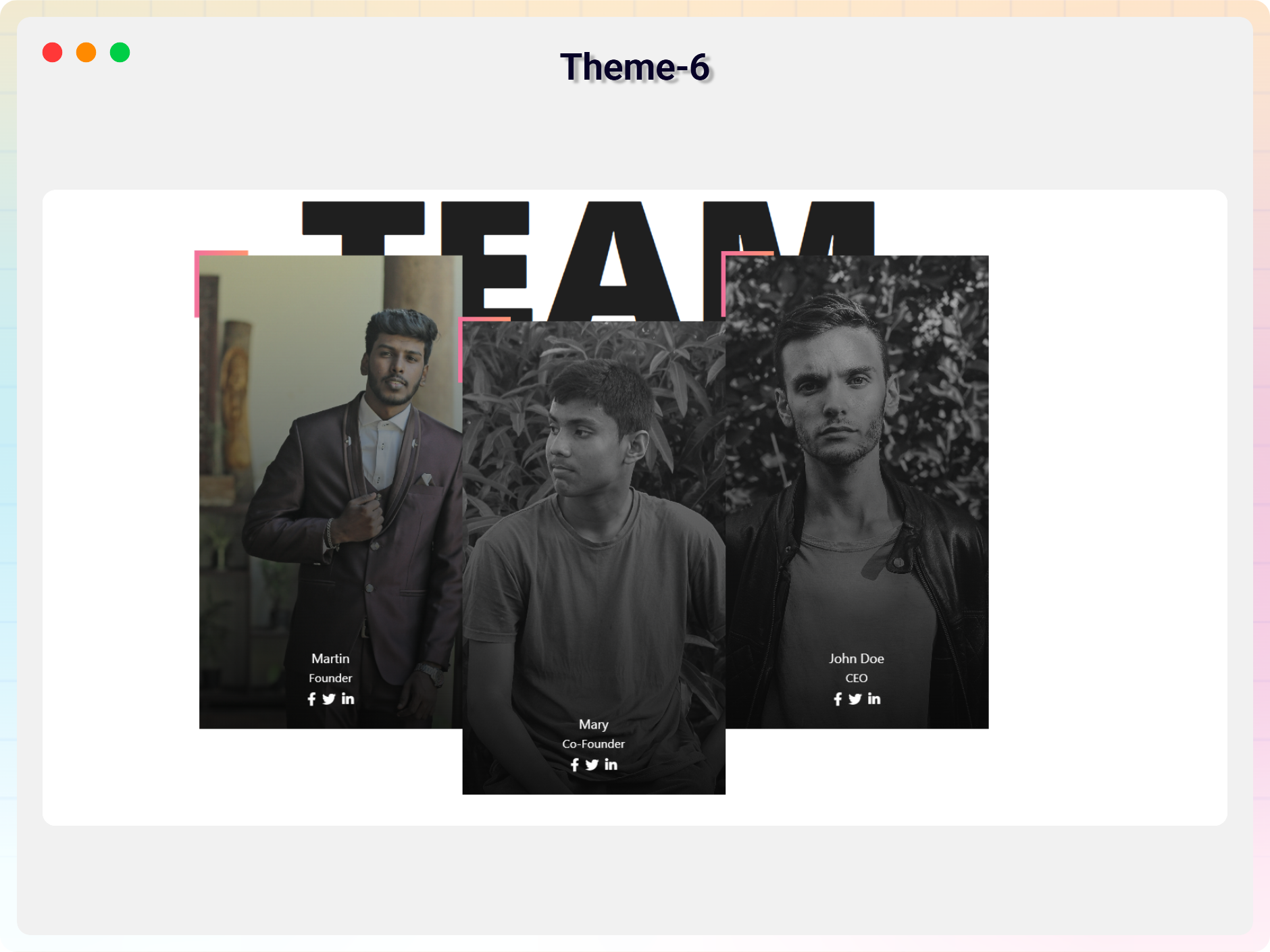
Theme 6 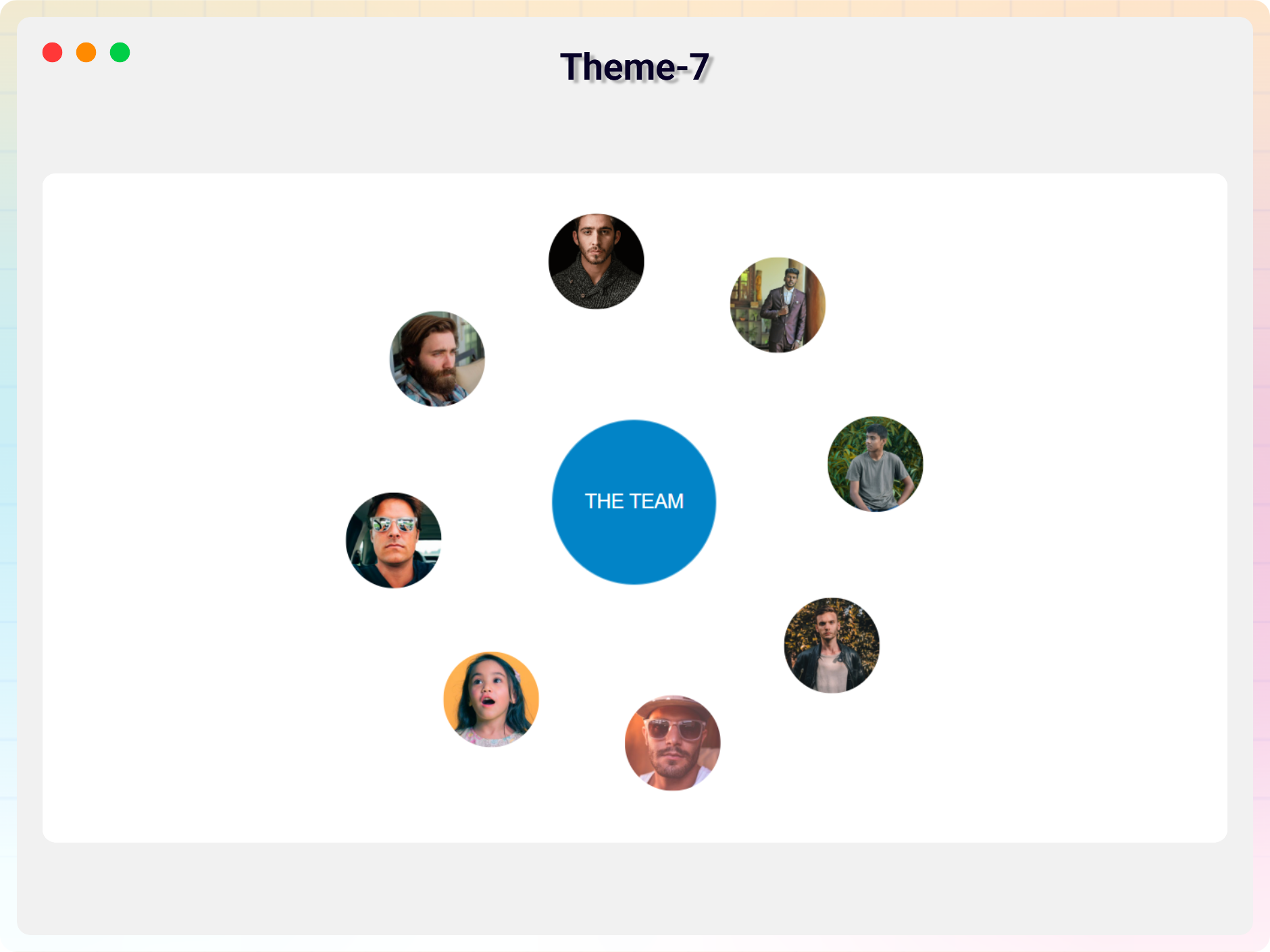
Theme 7 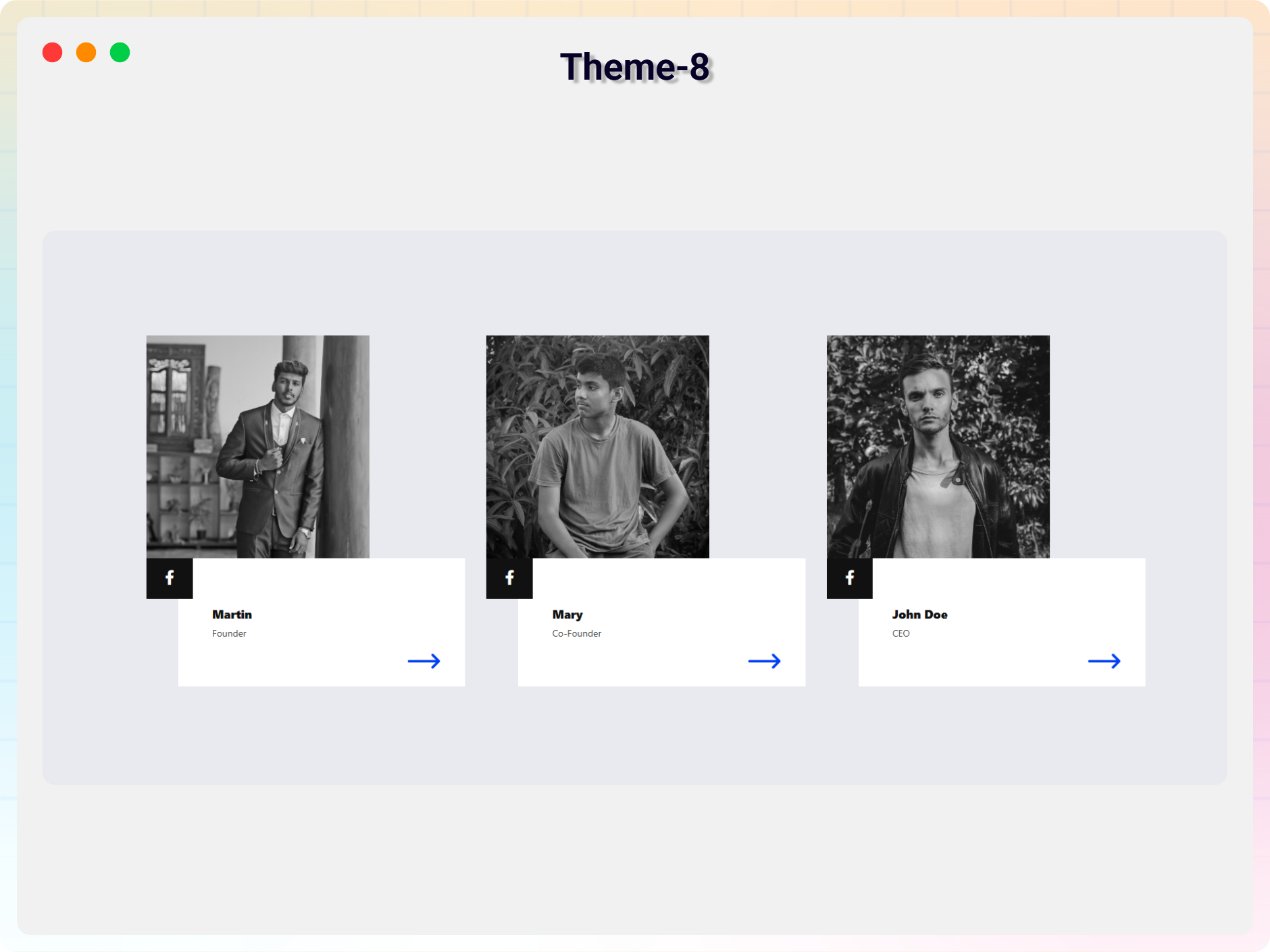
Theme 8 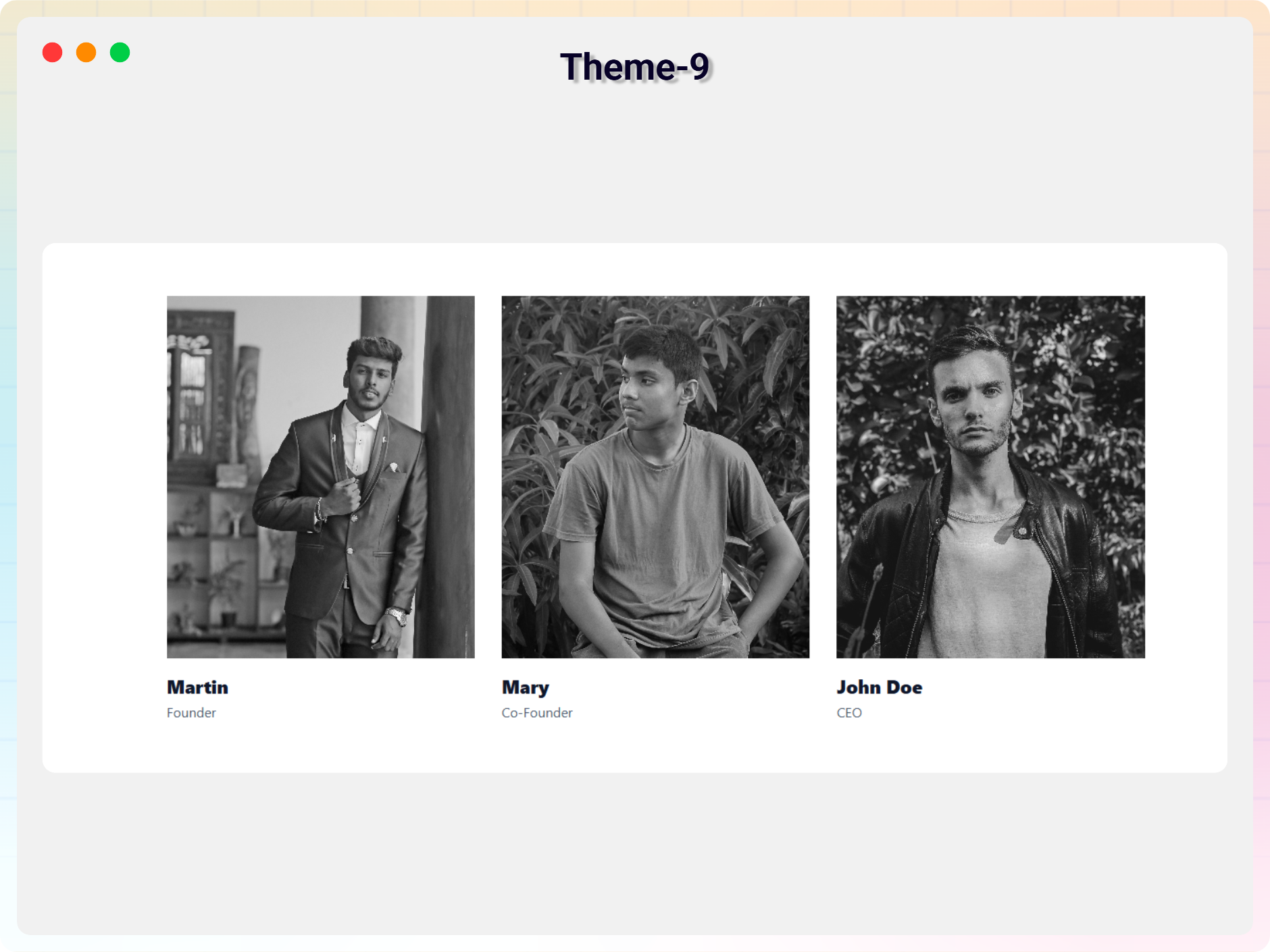
Theme 9 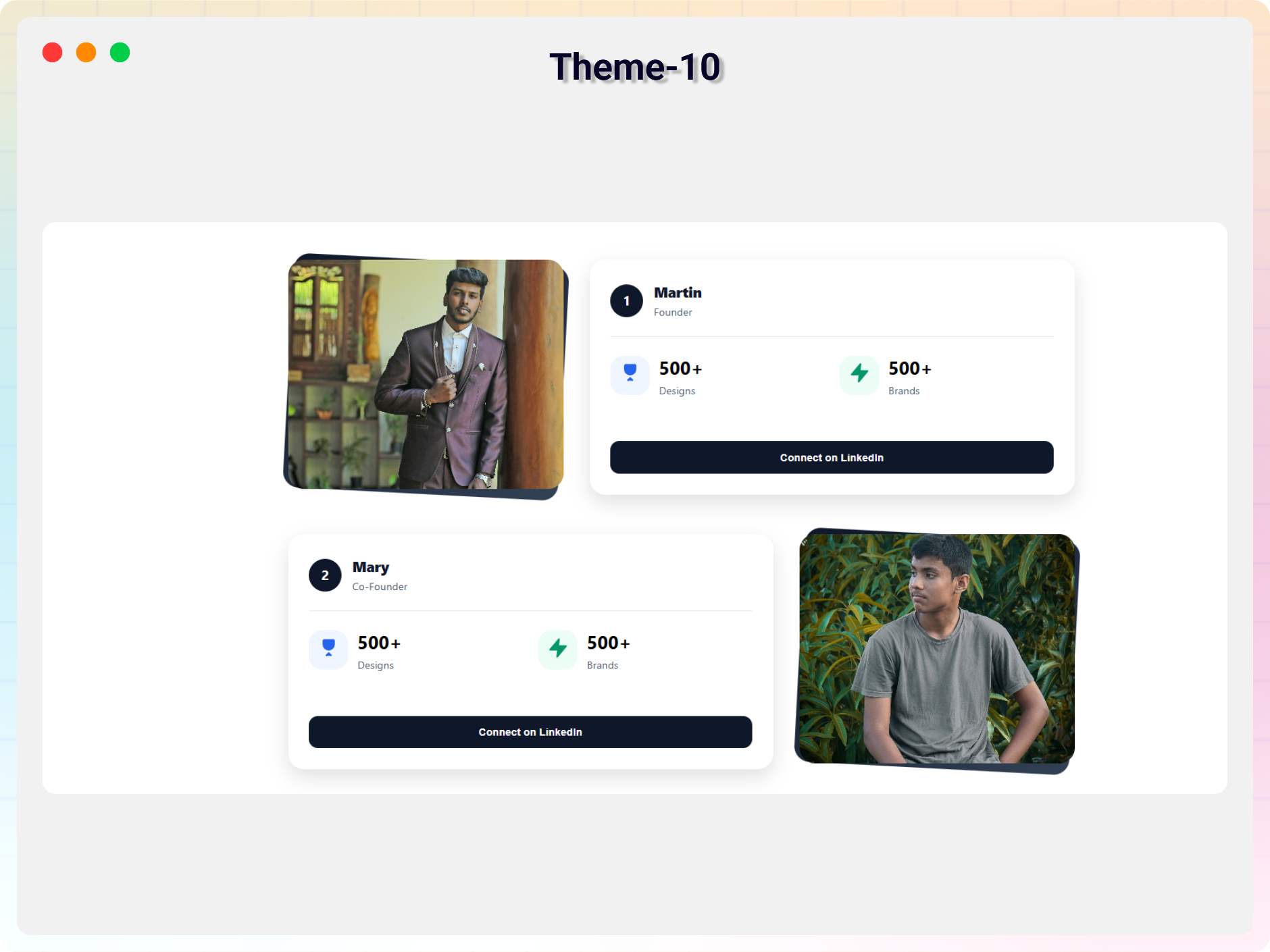
Theme 10 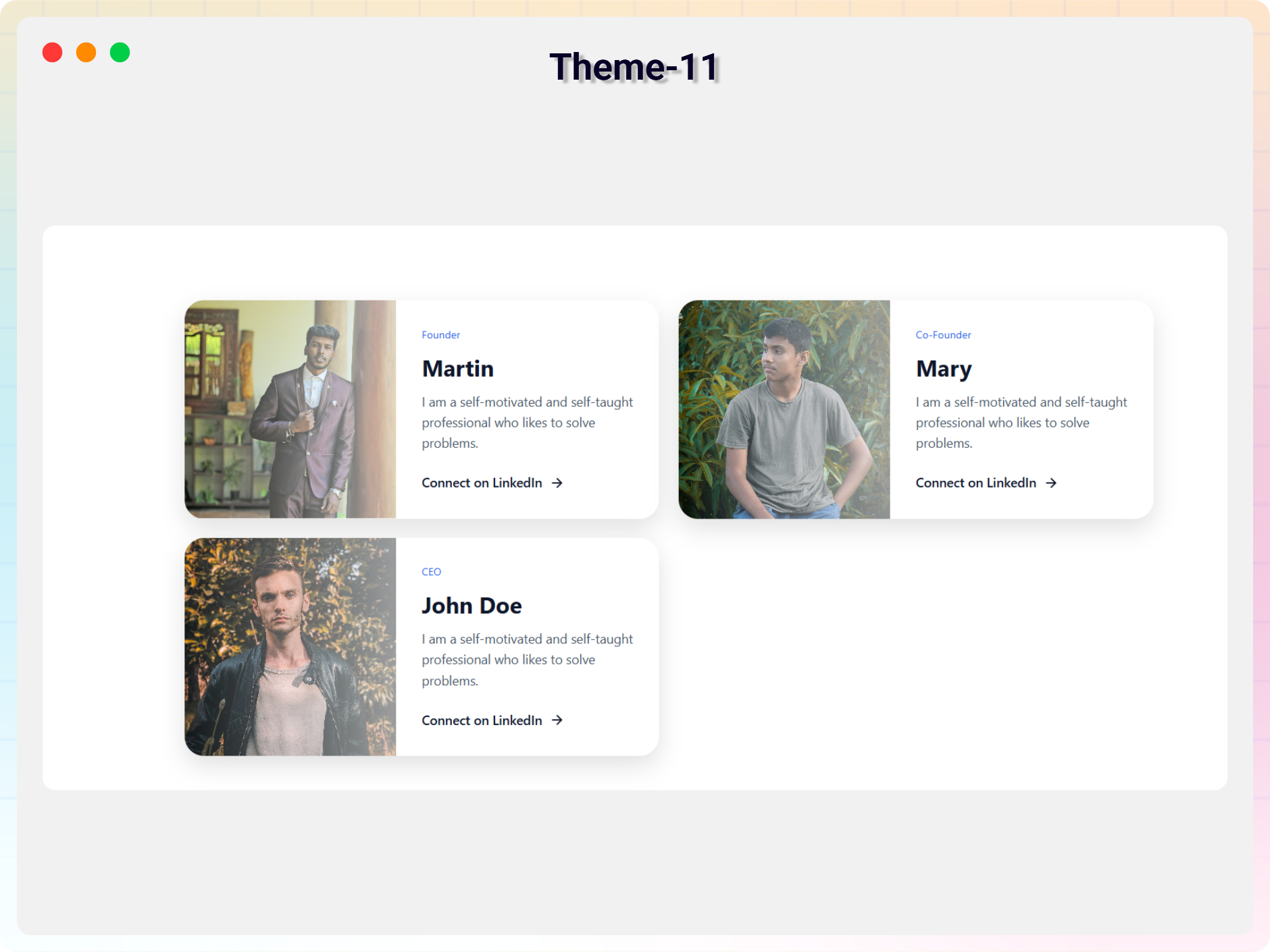
Theme 11


Bloki
Wtyczka dodaje 1 blok.
- Team Section Showcase team members in various layouts and designs.
Instalacja
From Gutenberg Editor:
- Go to the WordPress Block/Gutenberg Editor
- Search For Team Section
- Click on the Team Section block to add the block
Download & Upload:
- Download the Team Section plugin (.zip file)
- In your admin area, go to the Plugins menu and click on Add New
- Click on Upload Plugin and choose the
team-section.zipfile and click on Install Now - Activate the plugin and Enjoy!
Manually:
- Download and upload the Team Section plugin to the
/wp-content/plugins/directory - Activate the plugin through the Plugins menu in WordPress
Najczęściej zadawane pytania
-
Is Team Section free?
-
Yes, Team Section is a free Gutenberg block plugin.
-
Does it work with any WordPress theme?
-
Yes, it will work with any standard WordPress theme.
-
Can I change block settings?
-
Yes, you can change block settings from the Gutenberg block editor’s right sidebar.
-
How many times can I reuse a block?
-
You can use unlimited times as you want.
-
Where can I get support?
-
You can post your questions on the support forum here
Recenzje

Kontrybutorzy i deweloperzy
„Team Section Block – Showcase Team Members with Layout Options” jest oprogramowaniem open source. Poniższe osoby miały wkład w rozwój wtyczki.
Zaangażowani


Przetłumacz wtyczkę “Team Section Block – Showcase Team Members with Layout Options” na swój język.
Interesuje cię rozwój wtyczki?
Przeglądaj kod, sprawdź repozytorium SVN lub czytaj dziennik rozwoju przez RSS.
Rejestr zmian
1.1.0 – 17 Dec 2025
- Universal Shortcodes: Compatible with all page builders
- 11+ ready-made themes.
1.0.9 – 4 Mar 2024
- Update Icon Library
1.0.8
- Add Link in New Tab option
1.0.7
- Add member style from the first member
1.0.6
- Reduce assets load.
1.0.5
- Fix the same value issue
1.0.4
- Add translate feature
1.0.3
- Fix Image Alignment
1.0.2
- Fix HTML Render
1.0.1
- Reduce PHP Code.
- Performance Improvements
1.0.0
- Initial Release.
