


What Is an SDK?
An SDK is a collection of tools that helps developers integrate a service into their application.
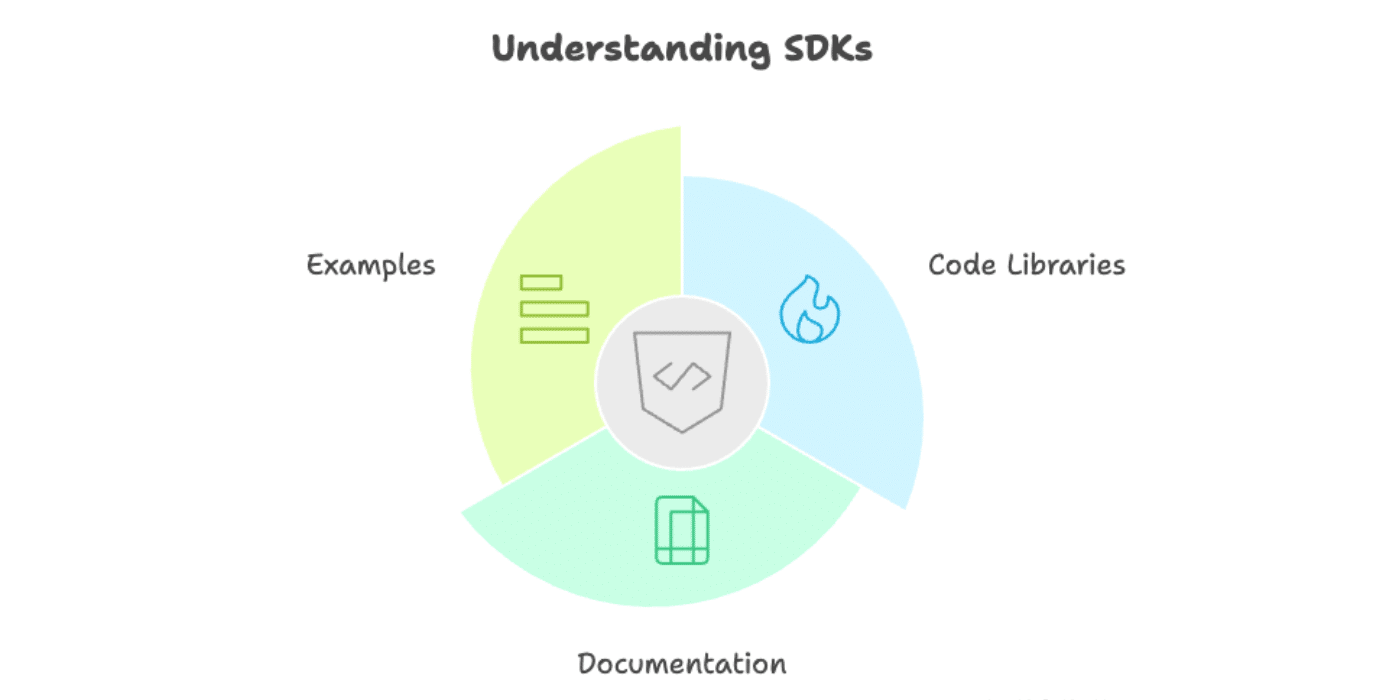
It includes pre-written code, documentation, and examples that make it faster and easier to connect your app with a service like SendLayer.
Instead of writing all the code from scratch to connect to an API, you can use an SDK to handle the technical details automatically.
What Does SDK Stand For?
SDK stands for Software Development Kit.
Think of it as a toolkit that contains everything a developer needs to build software that works with a specific service or platform. Just like a carpenter’s toolkit contains hammers, saws, and measuring tools, an SDK contains code libraries, documentation, and examples.
How Does an SDK Work?
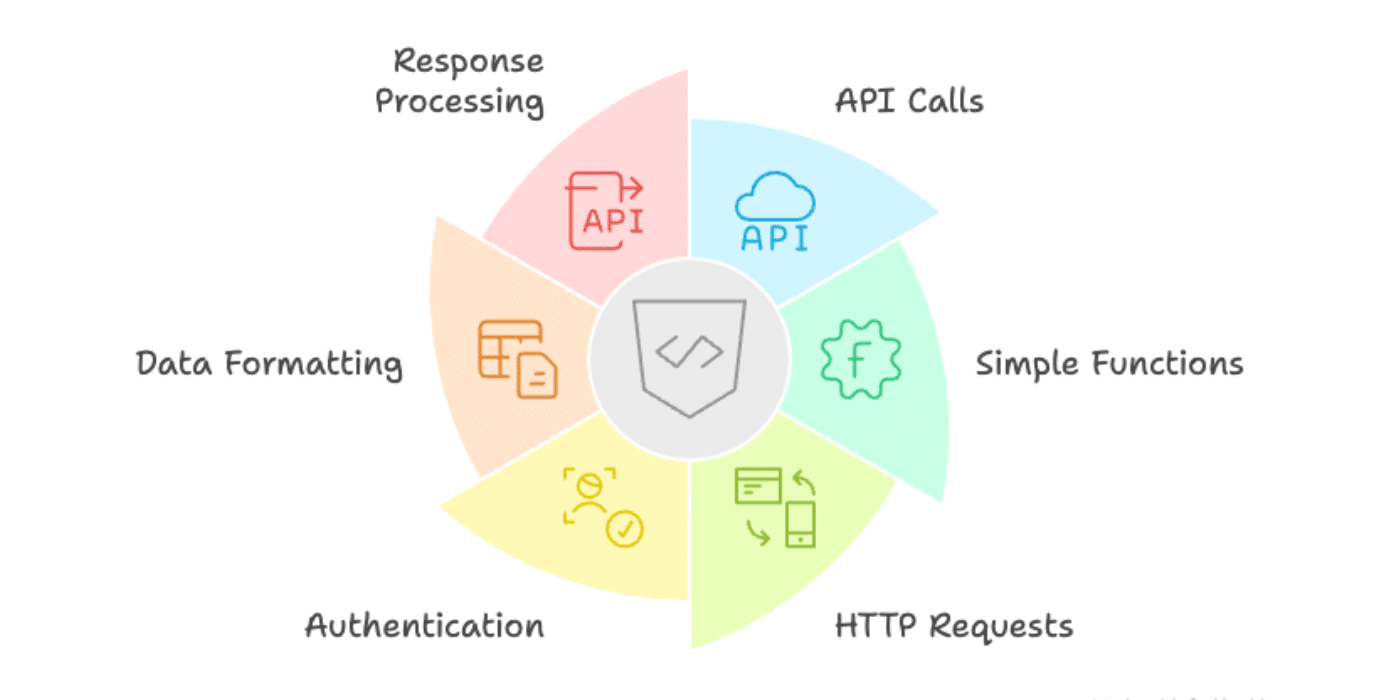
An SDK wraps up complex API calls into simple functions that are easier to use.
For example, if you want to send an email using SendLayer’s API directly, you’d need to write code that makes HTTP requests, handles authentication, formats the email data correctly, and processes the response. With an SDK, you can do all of this with just a few lines of code.
Here’s how sending an email looks with the SendLayer Python SDK:
from sendlayer import SendLayer

# Initialize the email client with your API key
sendlayer = SendLayer("your-api-key")

# Send an email
response = sendlayer.Emails.send(
    sender="[email protected]",
    to="[email protected]",
    subject="Test Email",
    text="This is a test email"
)
The SDK handles all the technical details behind the scenes, including authentication, error handling, and formatting the request properly.
What’s the Difference Between an SDK and an API?
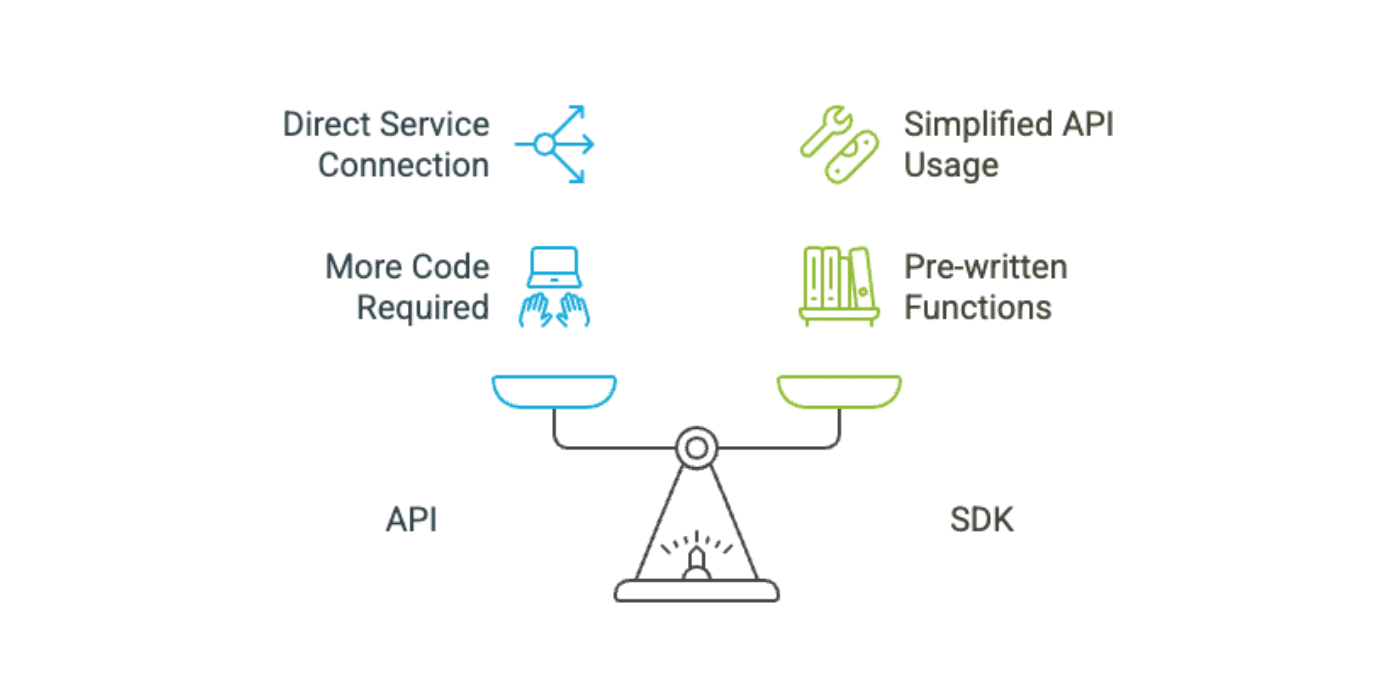
An API is the connection point between your application and a service. An SDK is a package of tools that makes it easier to use that API.
You can use an API directly without an SDK, but you’ll need to write more code. The SDK simplifies this process by providing pre-written functions in your programming language.
Here’s a simple comparison:
- API: The rules and endpoints for communicating with a service
- SDK: Pre-written code libraries that make it easier to use the API
SendLayer offers both an API and SDKs for popular programming languages like Python, JavaScript, and PHP. You can use whichever approach works best for your project.
Tip: Our developer documentation includes detailed guides on integrating with SendLayer’s SDKs.
Why Should I Use an SDK?
Using an SDK saves you time and reduces the chance of errors. Here are the main benefits:
- Faster development: Pre-written code means you don’t have to build everything from scratch
- Fewer errors: The SDK handles authentication, data formatting, and error handling automatically
- Better documentation: SDKs include examples and guides specific to your programming language
- Automatic updates: When the API changes, the SDK is updated to maintain compatibility
- Type safety: Many SDKs provide code completion and type checking in your editor
For example, if you’re using SendLayer to send transactional emails from your application, the SDK makes sure your email data is formatted correctly before sending it to the API. This means fewer bugs and faster development.
That’s it! Now you know what an SDK is and how SendLayer SDKs work.
Ready to start using SendLayer’s SDK? Check out these resources:
