


What Is SSL?
SSL is a security protocol that encrypts data sent between two systems, like your computer and a website or email server.
When you connect to a secure website or send an email through an encrypted connection, SSL scrambles the data so that only the intended recipient can read it.
In email delivery, SSL helps protect sensitive information like login credentials and email content from being intercepted by unauthorized parties.
What Does SSL Stand For?
SSL stands for Secure Sockets Layer. It was developed in the 1990s to provide secure communication over the internet.
Although SSL has been replaced by a newer protocol called TLS (Transport Layer Security), most people still use the term “SSL” to refer to encrypted connections. When you see “SSL/TLS” mentioned together, they’re referring to the same type of security technology.
How Does SSL Work?
SSL works by encrypting data before it’s sent over the internet, then decrypting it when it reaches its destination.
Here’s what happens when you make a secure connection:
- Your computer or app initiates a connection to the server
- The server sends back an SSL certificate to verify its identity
- Your computer checks that the certificate is valid and trusted
- Both sides agree on an encryption method
- All data sent between the two systems is then encrypted
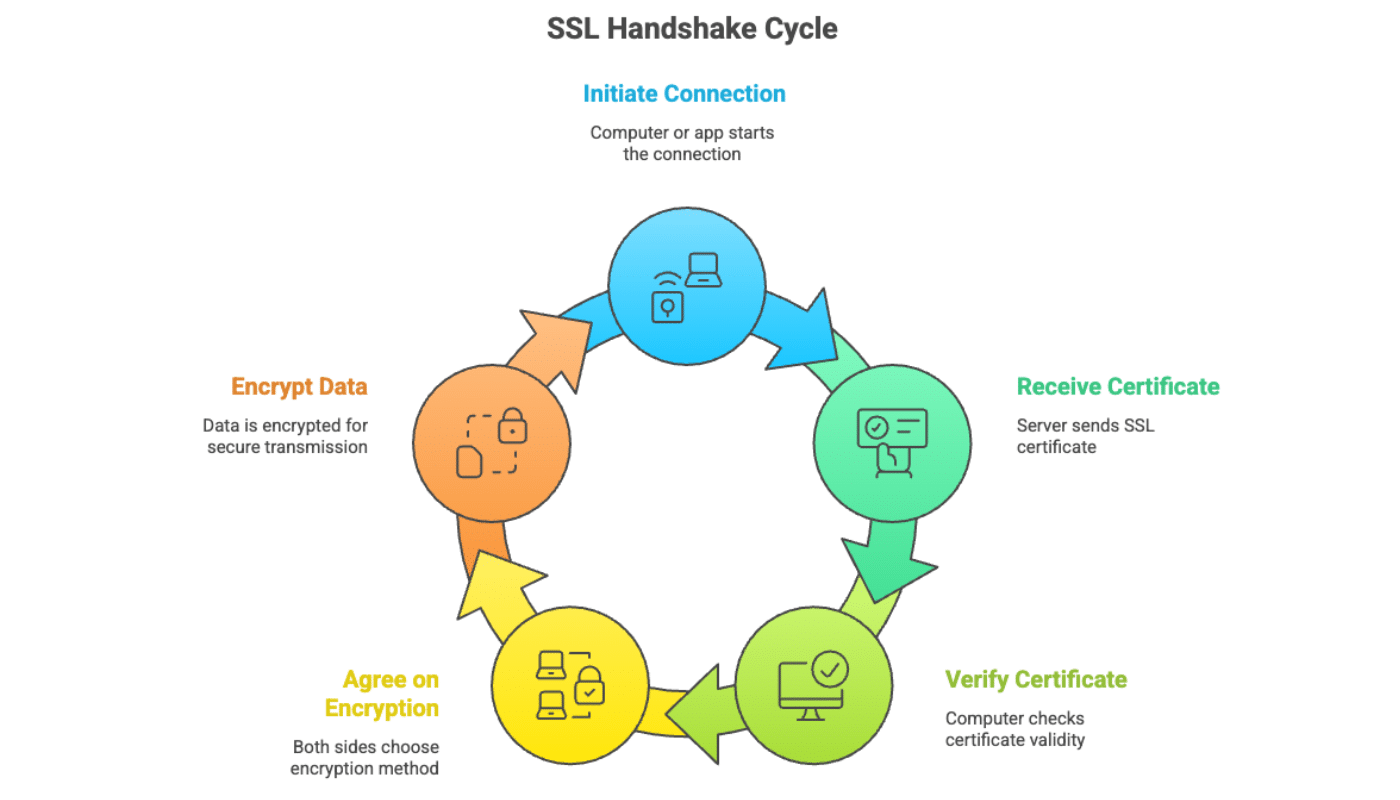
This process is called an “SSL handshake,” and it happens in milliseconds. Once the secure connection is established, any data sent between your computer and the server is scrambled into code that can only be read by the intended recipient.
What’s the Difference Between SSL and TLS?
TLS (Transport Layer Security) is the updated version of SSL. While SSL was the original protocol, TLS has replaced it with stronger security features.
The last version of SSL (SSL 3.0) was released in 1996 and is now considered insecure. TLS 1.0 was released in 1999 as an upgrade to SSL, and the protocol has continued to evolve with newer versions like TLS 1.2 and TLS 1.3.
Most modern systems use TLS instead of SSL, but the term “SSL” is still widely used. When you see references to SSL certificates, SSL encryption, or SSL/TLS, they’re typically talking about TLS technology.
When configuring SMTP settings for email, you may see options for both SSL and TLS. Generally, you should use TLS (often on port 587) for the most secure, modern email sending.
Why Is SSL Important for Email Delivery?
SSL/TLS encryption is essential for email delivery because it:
- Protects your SMTP credentials from being intercepted
- Keeps email content private during transmission
- Verifies that you’re connecting to the legitimate email server
- Helps prevent man-in-the-middle attacks
- Is required by most modern email providers
Without SSL/TLS encryption, anyone monitoring the network could intercept your email credentials or read the contents of messages as they’re being sent. This is especially important when you’re sending emails programmatically from your application, where you transmit authentication credentials.
That’s it! Now you know what SSL is and how it improves email security.
If you’d like to learn more about securing your email sending, check out these resources:
