

விளக்கம்
The Google Fonts library currently contains 1455 unique fonts. This plugin allows you to easily use any of them on your WordPress website.
You’re not stuck with one font for the entire website, you can easily choose one font for headings and another for your content.
It’s hard to know which font will look good on your website, that’s why we’ve included a live preview feature. That means you can test each font and see a live preview of how it will look with your content instantly.
Once you’ve found a combination you love, you can press save and make the changes publicly visible.
The full Google Fonts library can be found here – Google Fonts
Plugin Features
- Live Customizer Preview: Choose and preview fonts in real time using the WordPress Customizer.
- Over 1000+ Google Fonts to choose from.
- Adobe Fonts (Typekit) integration.
- Upload Your Own Fonts.
- Works with any WordPress Theme. No coding required.
- Easy One-Click Updates.
- WooCommerce support.
- Translation Ready.
- SSL and HTTPS compatible.
- Efficient Font Loading using a single request.
- SEO-Friendly (Search Engine Optimization).
- Tested with PHP7 and PHP8.
- Selective Font Loading.
- Preconnect Resource Hints.
- Host Google Fonts Locally.
- Font Size, Weight, Color and Line Height Typography Settings.
Note: some features are Premium. Which means you need to upgrade to unlock those features. You can upgrade here: Fonts Plugin Pro
A comparison of free and pro features.
Plugin Compatibility
Fonts Plugin will work with all WordPress themes and has been specifically tested with the following:
Plugins
Themes
- All StudioPress and Genesis Themes
- Twenty Seventeen
- Twenty Nineteen
- Twenty Twenty
- ThemeGrill
- LyraThemes
- ThemeIsle
Further Reading
For more info on Fonts Plugin, check out the following:
Bugs
If you find an issue with Fonts Plugin, let us know here!
Fonts Plugin Gutenberg Block
Add some flair to your content with our new Gutenberg block.
- 1000+ Google Fonts available in the editor.
- Font size, variant and line-height settings.
- Text-align: left, right or center.
- Adobe Fonts (Typekit) support.
Contributions
Anyone is welcome to contribute to Fonts Plugin.
There are various ways you can contribute:
- Raise an Issue
- Translate the Fonts Plugin into different languages
- Provide feedback and suggestions on enhancements
Screenshots

Instant Live Preview – Google Fonts for WordPress 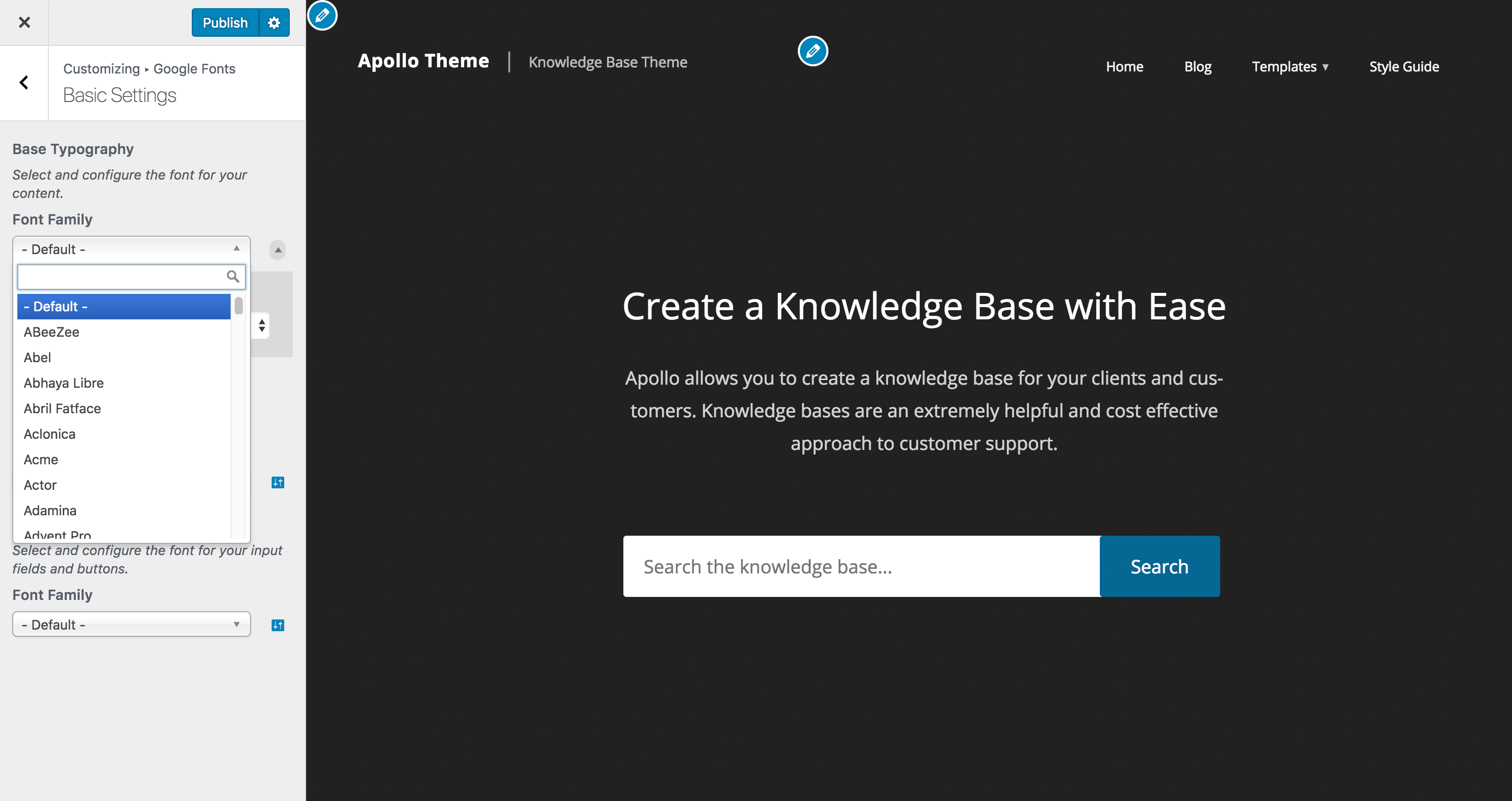
Customizer Settings Search – Google Fonts for WordPress 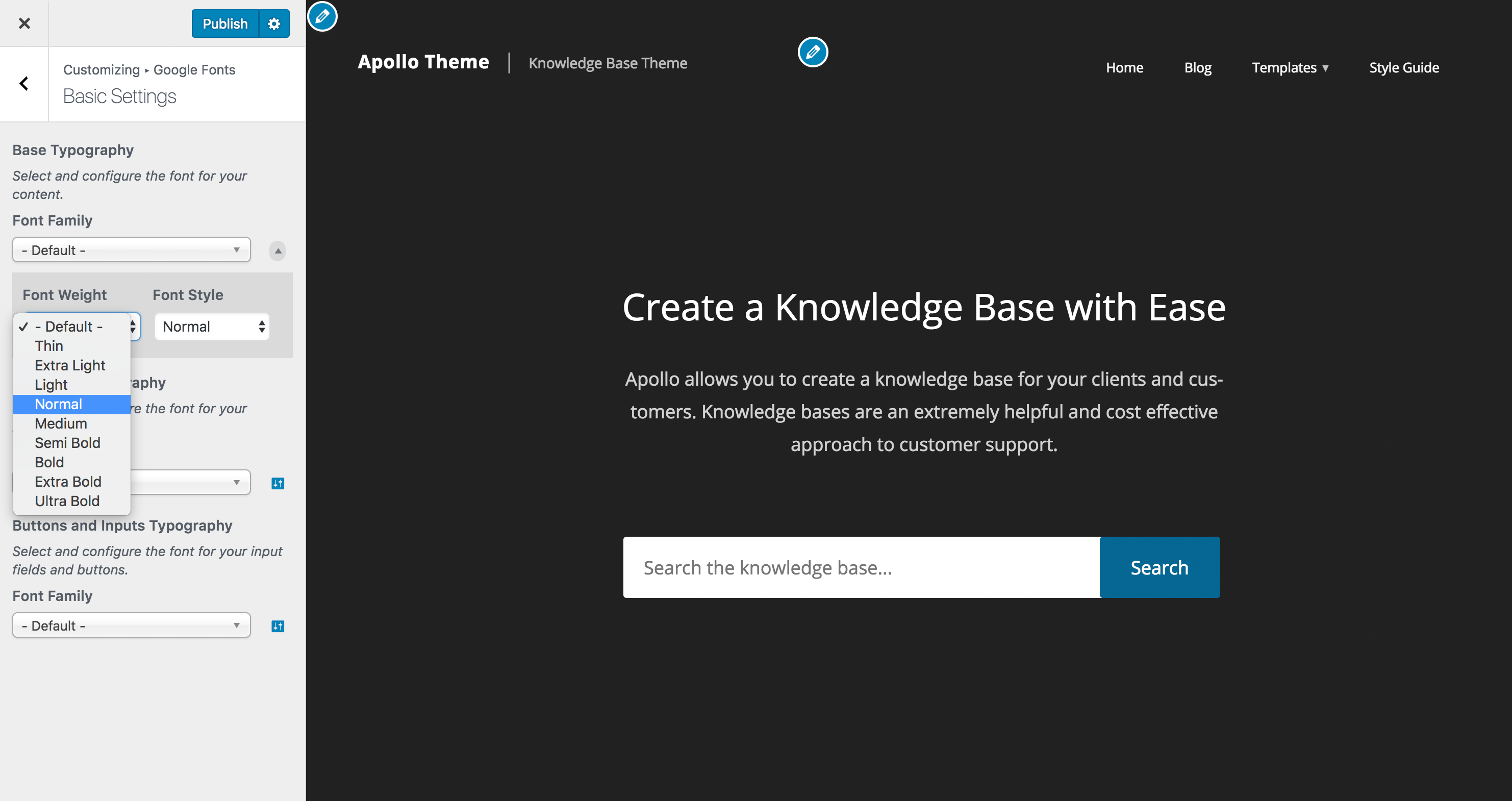
Customizer Settings Font Weight and Style Typography Settings


தொகுப்புகள்
இந்த செருகுநிரல் 1 தொகுதியை வழங்குகிறது.
- Fonts Plugin
Installation
Upload Fonts Plugin, activate it, and you’re done!
Navigate to wp-admin -> Appearance -> Customize and you will see a new tab named ‘Fonts Plugin’
அடிக்கடி கேட்கப்படும் கேள்விகள்
-
Will my theme work with Fonts Plugin?
-
We are 99.99% certain it will, if it doesn’t then please create a support ticket.
Reviews


பங்களிப்பாளர்கள் & உருவாக்குனர்கள்
“Fonts Plugin | Use Google Fonts, Adobe Fonts or Upload Fonts” is open source software. The following people have contributed to this plugin.
பங்களிப்பாளர்கள்


“Fonts Plugin | Use Google Fonts, Adobe Fonts or Upload Fonts” has been translated into 25 locales. Thank you to the translators for their contributions.
Translate “Fonts Plugin | Use Google Fonts, Adobe Fonts or Upload Fonts” into your language.
Interested in development?
Browse the code, check out the SVN repository, or subscribe to the development log by RSS.
