
Integrate A LinkedIn Widget On Website (Real-Time Update)
A responsive and powerful LinkedIn widget that allows you to collect, curate, and seamlessly embed interactive LinkedIn posts on your website, enhancing user engagement and content display in real-time.
Invalid Email Address LinkedIn Official APIs
No Credit Card Required
LinkedIn Official APIs
No Credit Card Required
Customize Your LinkedIn Widget Design For A Modern Look
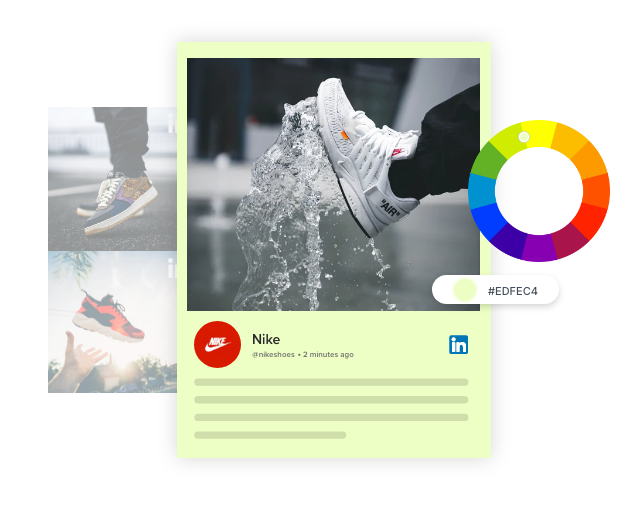
Tailor the appearance of your LinkedIn widget to match your website's theme. Choose from different layouts, colors, and fonts to create a seamless integration.
Create A Flexible LinkedIn Widget To Highlight Various Connection Types
Enhance your website with authority and trust. With Tagembed, aggregate top LinkedIn content from your preferred connection types instantly and showcase it on website pages or emails.
Highlight engaging content, industry insights, achievements, important updates, or employee-generated content to create a narrative that positions your brand as a company driven by people and strong values.
Additionally, inspires trust, creates a sense of community, and builds a network meant for your business needs. Display content that not only informs but also strengthens your brand’s image and drive meaningful interactions that strengthen relationships with your customers and stakeholders.

Company Page
Showcase your informative LinkedIn content from your company page. Get the traction you desire for your page.
Try For Free
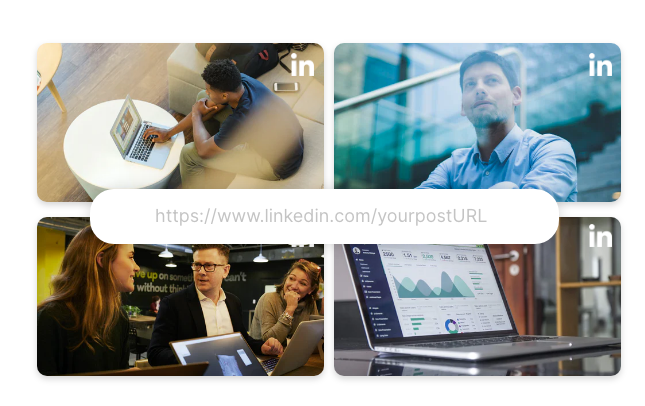
Post URL
Provide a post URL to highlight a particular LinkedIn post on your website. There is no need to showcase all the posts.
Try For FreeCompelling Reasons To Add A LinkedIn Widget To Your Website
Why do you need these feeds - Learn about it.

Offer Two-Way Communication Between Brand & Audience
By embedding LinkedIn feed widgets on your website, you enhance your business connections with the audience. These feeds also helps you look more trustworthy as a brand in front of your audience.

Decrease Your Website’s Bounce Rate
Embedding informative, intriguing, and interactive LinkedIn widgets on your website helps in keeping your visitors active for a longer duration. This automatically results in a decrease in your site’s bounce rate.

Channelizes More Traffic To The Website
Linkedin feeds Widget allows you to channelize your traffic from the social media channels to your website and vice versa. And also provides your audience with valuable insight into your brand’s profile.

Build Trust With Authentic Content
This process of displaying published LinkedIn feeds with your network not only builds viewers’ trust but also improve the positioning of your brand as the industry leader.
Why Need Tagembed LinkedIn Widget For Your Website?
Find how Linkedin widget can boost your website's performance & engagement.
-

All Your LinkedIn Posts At One Place
Company Page URL – Enter the LinkedIn company page URL and collect all the feeds from the page using the LinkedIn widget.
Profile URL – Enter the URL of your LinkedIn profile in the LinkedIn widget to collect all feeds from your profile.
Post URL – Aggregate posts by entering the LinkedIn Post URL in your LinkedIn feed widget.
Create A Widget Now -

Stylize Feeds As Per Your Choice
Theme Catalog – The diverse theme catalog offered by Tagembed allows you to create an eye-catching LinkedIn feed widget.
Designs & Layouts – Creative design options, such as banners, CTAs, layouts, and more, help you change the look of your LinkedIn widget.
Colors, Fonts, & More – You can change the look and feel of your amazing LinkedIn Widget content by applying different fonts, designs, information displays, and more.
-

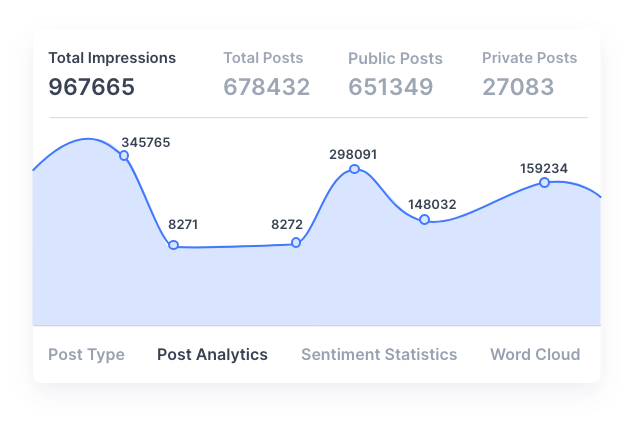
Accurate Analytics to Measure Performance
The embedded LinkedIn feed widget can be monitored in detail. You can get insights into how many people viewed and interacted with the posts for better understanding.
-
LinkedIn Official APIs
Tagembed offers LinkedIn Official APIs that developers can leverage to seamlessly integrate LinkedIn content into their websites. These APIs empower businesses and developers to access and display LinkedIn data while ensuring compliance with LinkedIn’s policies and guidelines, enhancing user engagement, and showcasing dynamic content effectively.
Try For Free Now
Watch Our LinkedIn Widget In Action

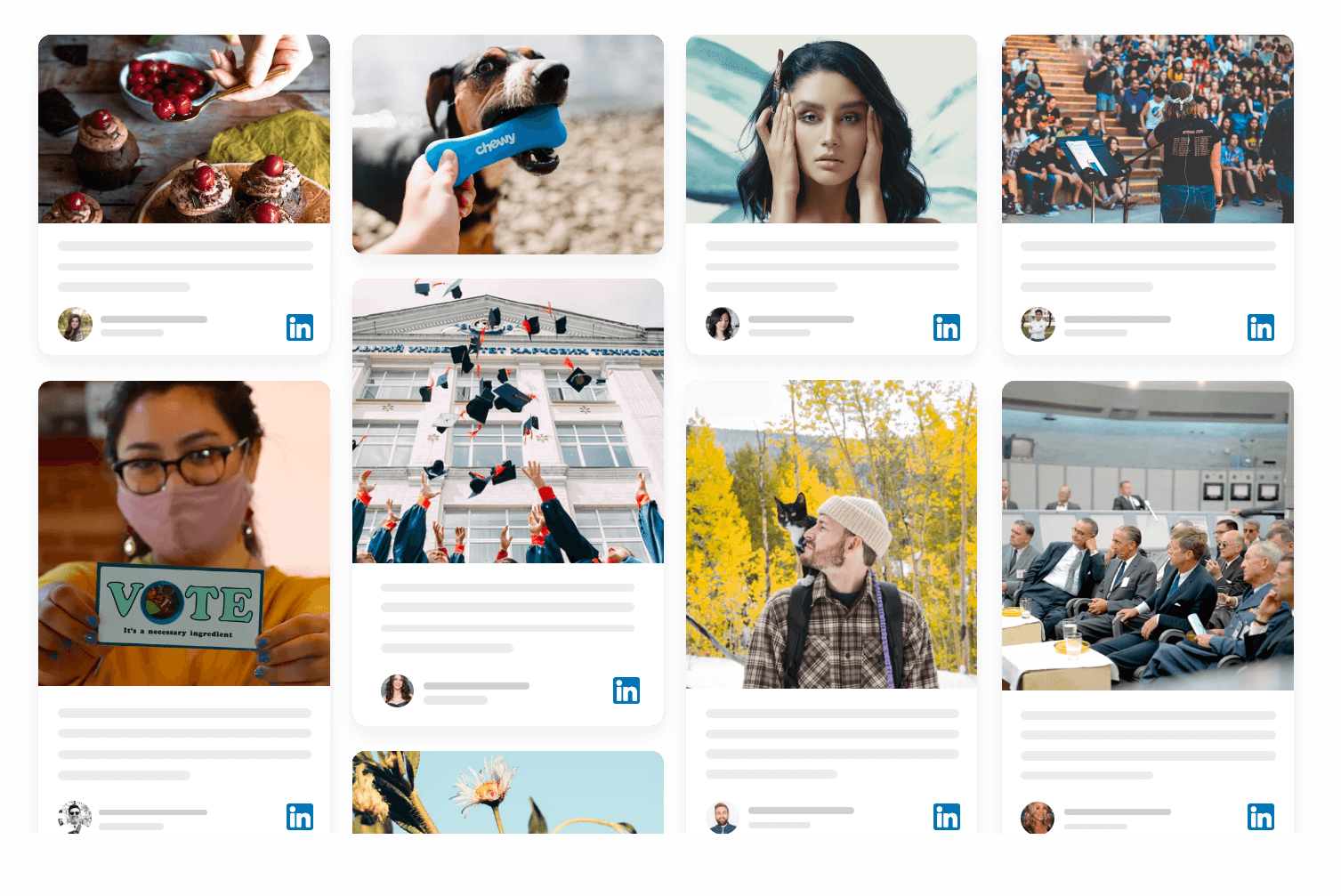
 Slider
 Grid
Grid Masonry
 Gallery
 Sidebar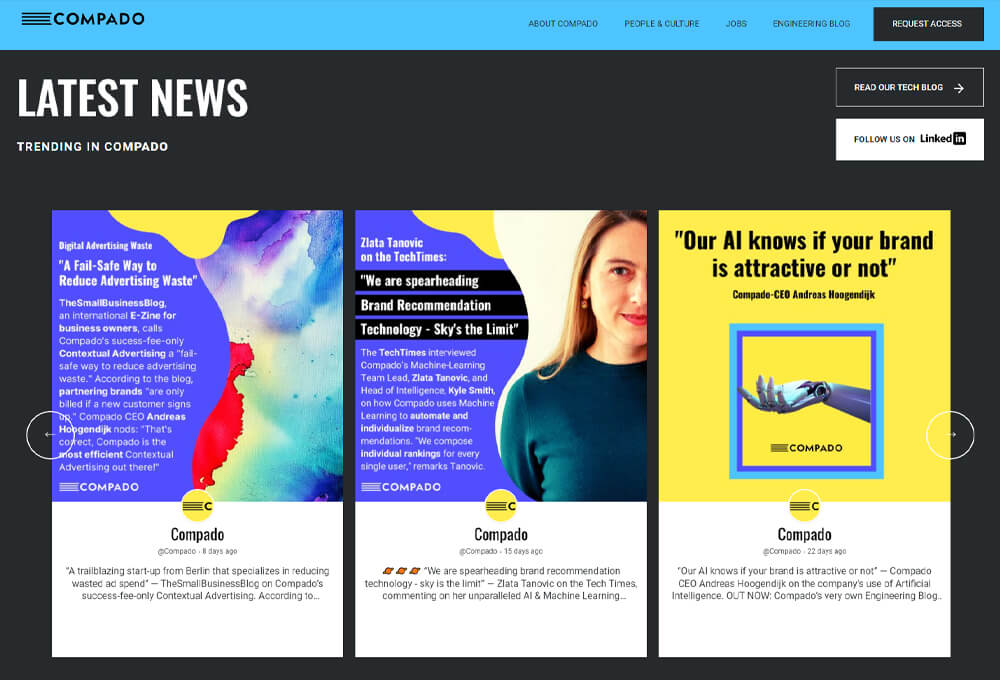
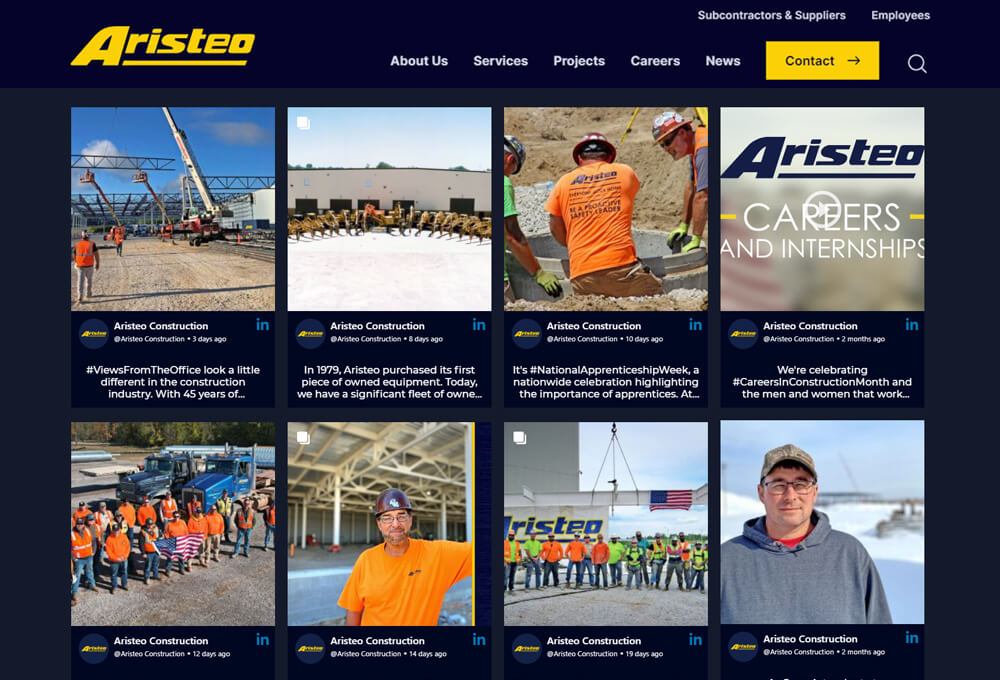
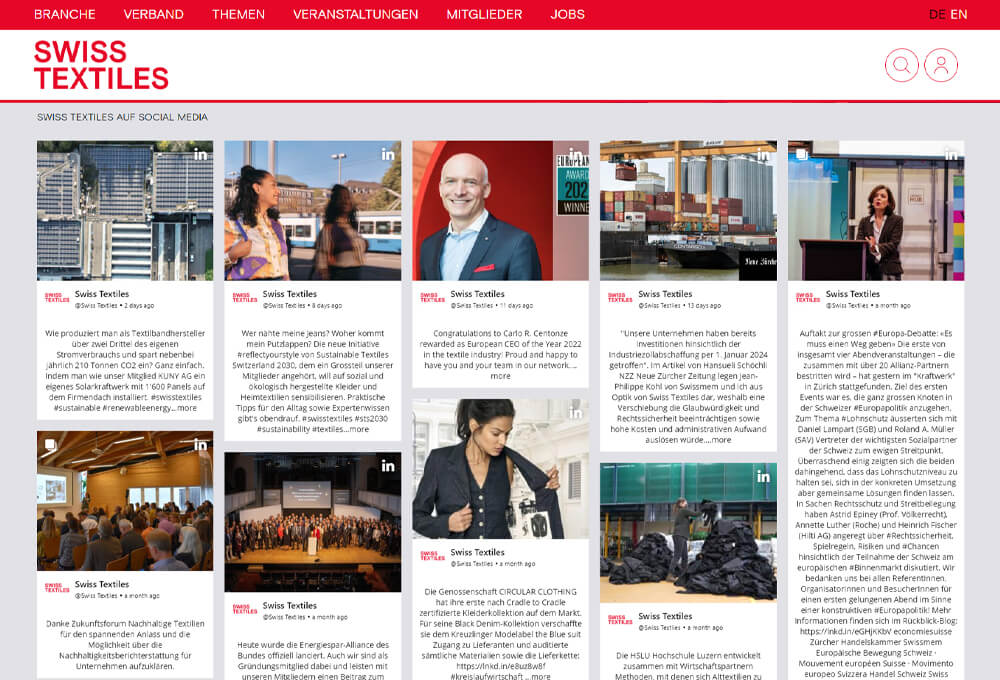
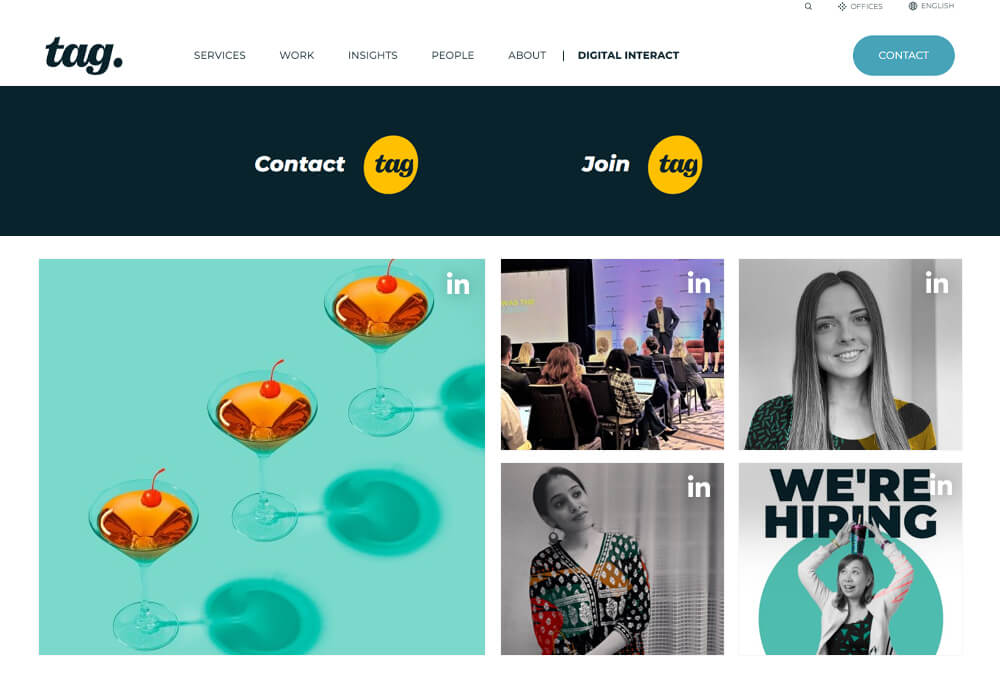
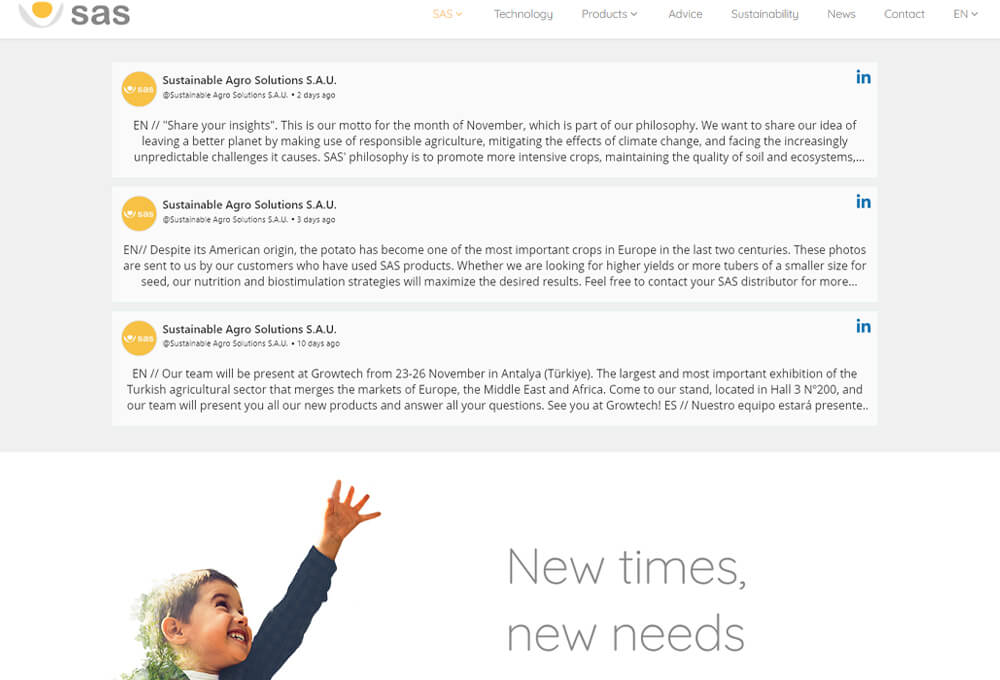
Robust Features For An Excellent Performance & User-Experience
Upgrade your website & business performance with LinkedIn widget for website.

Give a more customized look & feel to your LinkedIn feed widget with the help of Tagembed’s diverse range of themes, font colors, content highlights, feed style, & more.

Eliminate all the unwanted and irrelevant content feed from your LinkedIn feed widget using the moderation and filtering panel to keep the feeds fresh.

You can leverage all the amazing features with the free forever plan of Tagembed’s LinkedIn widget for website. And for more advanced features opt for the paid options.

Tagembed’s analytics feature is amazing. It helps you track metrics such as views, user interactions on posts, audience engagement, visitor geolocation, sentiment analysis, content cloud, and overall performance.

Experience a hassle-free setup with Tagembed’s code-free embedding options. Effortlessly add LinkedIn widgets to your website without any coding, enhance your site’s engagement with dynamic LinkedIn content.

Tagembed LinkedIn feed widget is compatible with all popular website platforms like WordPress, HTML, Shopify, Weebly, Webflow, etc. It is a responsive widget & easy to use for every users.
Frequently Asked Questions
What is a LinkedIn Widget?


A LinkedIn widget is a tool that lets you collect and display LinkedIn posts, company updates, and hashtags directly on your website. It helps brands showcase their professional activity, boost credibility, and increase engagement without visitors having to leave your site.
How can I add a LinkedIn Widget to my website using Tagembed?
You can add a LinkedIn widget in three simple steps:
- Log in to your Tagembed account.
- Choose LinkedIn as the source and connect your Company Page to aggregate feed.
- Customize the widget’s layout and design, then copy the embed code and paste it into your website’s HTML or CMS (WordPress, Shopify, Wix, etc.).
No coding skills required — Tagembed provides a one-click integration for most platforms.
Does the LinkedIn widget update automatically?
Yes. Tagembed’s LinkedIn widget updates automatically whenever new posts are published on your connected profile or page. Update frequency depends on your plan — from real-time to a few times per day.
Is the Tagembed's LinkedIn widget responsive and mobile-friendly?
Absolutely. Every Tagembed widget is fully responsive and optimized for all screen sizes — desktops, tablets, and mobile devices ensuring a smooth user experience.
Can I track engagement or analytics from my Tagembed's LinkedIn widget?
Yes. Tagembed’s built-in analytics dashboard shows insights like views, engagement rate, and clicks, helping you understand how your embedded LinkedIn content performs.
Does the LinkedIn widget affect website speed?
No — Tagembed widgets are lightweight and optimized using CDN delivery. They load asynchronously so they don’t slow down your page performance.
Seamless Integration With Popular Tech-Stack
Tagembed Linkedin widget offers easy integration with all popular CMS platforms, Social Channels, and many more platforms for maximum performance & results.