Best WordPress Plugins for Your Website in 2026


Table of Contents
Finding the best WordPress plugins can feel confusing. There are thousands of options, and most of them promise the same things.
But if you want your website to load fast, get more visitors, and work the way you expect, you need tools that actually solve real problems.
In this guide, we will discuss the best plugins for WordPress to use in 2026, based on real features, user ratings, and hands-on experience.
Each plugin in this list serves a clear purpose. Some help you collect leads. Some improve SEO. Some make booking, events, or restaurant orders simple.
Let’s get started!
Ready to run smoother events?

Create & manage events easily with Eventin event manager.
- ✅ Sell tickets
- ✅ Track attendees
- ✅ Automate reminders

Top WordPress plugins at a glance
| Category | Best Plugin | Why It Stands Out |
| Event Management | Eventin | All-in-one events, ticketing, QR check-in, simple workflow |
| Restaurant Management | WPCafe | Menu, orders, reservations, multi-location tools |
| Booking & Appointments | WP Timetics | Simple booking flow, clean design, Stripe support |
| Forms & Contact | WPForms | Easy form builder, templates, great for lead generation |
| E-commerce / Online Store | WooCommerce | Powers a large share of WordPress stores — leading e-commerce plugin |
| Performance & Caching | WP Rocket | Speed up site load times, caching, CDN support, better user experience |
| Security & Spam Protection | All-in-One Security | Protects from malware, spam bots, attacks — essential for safety. |
| SEO | Rank Math | Easy setup, clean UI, strong schema options |
| Image Optimization / Media | Smush | Reduces image size, improves page speed, better user experience |
| Backup & Site Restore | UpdraftPlus | Protects data, easy restoration after issues or hacks |
| Page-Builder | Elementor | Builds pages fast with drag-and-drop, good for custom designs without coding |
How we test & evaluate these top plugins for WordPress
We use a straightforward and practical process to test every WordPress plugin before adding it to this list. The goal is to understand how well a plugin works in real situations, how easy it is to use, and whether it truly solves the problem it claims to fix. To make this fair, each plugin goes through the same steps.
- Setup process: First, we install the plugin on a clean WordPress site. This helps us see how smooth the setup feels and whether the interface is easy for beginners. A good plugin should guide you clearly without forcing you to dig through menus or guess where things are located.
- Look at performance: Some plugins load fast, while others slow down the entire website. We check how the plugin affects page loading time, database size, and overall speed. If the plugin creates delays or heavy scripts, it becomes less ideal for long-term use.
- Test the quality of the features: Many plugins offer long lists of tools, but we focus on how well those tools actually work. We look for plugins that do their job well without adding unnecessary steps or confusing settings.
- Check compatibility: A good plugin should work smoothly with popular themes, page builders, and other plugins. If it breaks layouts or conflicts with common tools, it can create problems for real users.
- Support and updates: We check how often the plugin receives updates, how quickly issues are fixed, and whether the team provides helpful documentation. A plugin that gets regular care is more reliable and safer.
- Review real user ratings and pricing: We read WordPress.org reviews, see what people say online, and compare pricing plans. The goal is to recommend plugins that give solid value without forcing users into expensive upgrades.
Best WordPress plugins for event management
Below are the top WordPress event management plugins that make it easy to create, organize, and manage events directly from your website.
Eventin

Eventin is the best WordPress event management plugin. Its rich feature set, seamless integrations, and user-friendly interface make it the perfect companion for simplifying event management tasks, attracting clients, and creating memorable experiences. With the event calender plugin for WordPress by your side, you’re well-equipped to kickstart your journey in the event management industry.
Eventin event plugin for WordPress is considered the best plugin for WordPress. It offers a comprehensive, all-in-one event management platform that allows you to create events, sell tickets, manage attendees, and analyze performance, all from a single dashboard. This integrated approach eliminates the need for multiple tools, streamlining your event planning process and making it easier to keep track of various elements.
Key Features:
- Intuitive Interface
- One-Stop Solution
- Multiple Integrations
- Multivendor Support
- Flexible Ticketing
- Custom Fields
- Actionable QR Codes
- Recurring Events
- In-depth Analytics
- Trusted Payment Gateways
Pricing: Starts at $79/year
The Events Calendar
The Events Calendar is a widely used and highly popular WordPress plugin designed to manage and display events on websites. Developed by Modern Tribe, this plugin provides a comprehensive set of features such as ticketing, recurring events, and additional views for organizing events. With a dedicated event calendar, you can effortlessly create a visitor-friendly calendar on your site, providing all the information attendees need.
Key Features:
- Drag-and-drop event creation
- Multiple calendar views
- Event categories and tags
- Event locations with maps
- Event organizers
- Time zone support
- Event sharing
- Customization options
- Recurring Events
- Shortcodes
- Advanced Widgets
Pricing: Starts at $149/year
Time.ly
Time.ly is a multi-functional WordPress plugin for event management that empowers you to create, showcase, and manage events directly on your website. It offers a user-friendly interface and a variety of features to streamline event promotion and attendee engagement. For businesses, organizations, and individuals who regularly host or manage events and want to streamline their event management processes, Time.ly enhances their online presence and attendee engagement.
Key Features:
- Visually Appealing Calendars
- Customizable Event Pages
- Event Search and Filtering
- Social Media Sharing
- Basic Reporting and Analytics
- Ticketing and Payment Integrations
- Event Registration and RSVP Management
- Attendee Management and Communication Tools
- Customizable Calendar Styling
- Custom Fields
Pricing: $108 per year
Best WordPress plugins for booking and appointments
If you need a simple way to manage appointments on your WordPress site, these booking plugins for WordPress offer everything from automated scheduling to payment integration. Explore the top options that make handling client bookings faster, easier, and more efficient.
WPTimetics
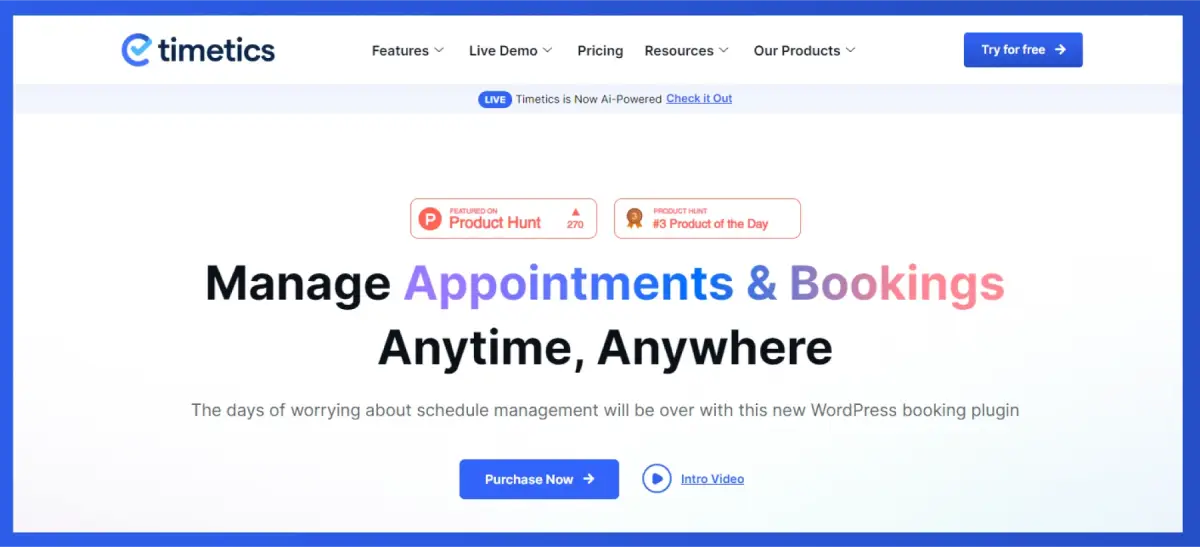
WPTimetics is a powerful and one of the best WordPress booking plugins designed to transform the way you manage appointments and schedule bookings. It empowers businesses of all sizes and industries to effortlessly set up online bookings, automate scheduling processes, and create a seamless experience for both customers and clients.
Whether you’re a solo consultant, a busy salon, or a large fitness center, WPTimetics can help you streamline your booking process, improve customer satisfaction, and boost your business growth.
Key Features:
- Create Unlimited Meetings and Bookings
- Multiple Meeting Types
- Receive Payments Through Stripe
- Get Notifications Through Email
- Visual Seat Plan and Seating Management
- Calendar Scheduling and Integrations
- Charge Appointment Invitees
- Virtual Meetings
- Offers the best WordPress addons
Pricing: Starts at $59/year
Simply Schedule Appointments
Simply Schedule Appointments is a user-friendly WordPress plugin with a quick and easy calendar setup for a delightful customer experience. With Simply Schedule Appointments, you can configure appointment scheduling in less than 5 minutes, making it ideal for phone calls, in-person or virtual video meetings, coaching sessions, business consultations, interviews, or service scheduling.
Key Features:
- Easy-to-use Booking Calendars
- Multiple Staff and Services
- Automatic Email Notifications
- Customizable Booking Forms
- Integration with Popular Calendars
- Block Out Time Slots
- Customizable Confirmation Page
- Customizable Client Portal
- Appointment Reminders
- Advanced Reporting and Analytics
Pricing: Starts at $129/year
Amelia
WP Amelia is a reliable booking solution, automates online appointment scheduling and event reservations. It offers a broad suite of features to automate scheduling, streamline workflows, and deliver an exceptional booking experience for both customers and staff.
WPAmelia is the best among the top booking calendar plugins, and it allows clients to easily find convenient time slots. Ideal for various businesses, Amelia caters to coaching, automotive, beauty salons, healthcare, web development, fitness training, and event planning.
Key Features:
- Intuitive Booking Calendars
- Multiple Staff Members and Services
- Step-by-Step Booking Process
- Customizable Booking Forms
- Automatic Email Notifications
- Payment Integration
- Client Portal
- Custom Fields
- Group Bookings
- Customizable Appearance
- Offers the best WordPress addons for booking and appointments.
Pricing: Starts at $49/year
Best WordPress plugins for restaurant management
Running a restaurant through WordPress is easier with the right tools. These top restaurant management plugins help you handle online reservations, menus, orders, and table scheduling—all designed to streamline operations and enhance the dining experience.
WPCafe

WPCafe is the ultimate solution for managing your restaurant website and customers. Track sales and customer details effortlessly. The user-friendly restaurant menu plugin enables the creation of online food ordering, food listings, premium food presentations, and more. It’s the most user-friendly WordPress cafe booking plugin available.
WPCafe stands as a versatile solution for restaurants seeking to streamline their online operations and enhance customer experience on WordPress. It empowers businesses to manage their menus, orders, reservations, and payments effectively, leading to increased sales, improved efficiency, and enhanced customer satisfaction.
Key Features:
- Restaurant Menu Creation
- Online Food Ordering
- Table Reservation Management
- Mobile Responsive Design
- Integration with Popular Page Builders
- Food Menu Widgets
- Multi-Vendor Best WordPress Addons
- 33+ Food Menu Templates
- Customizable Minicart
- Visual Table Reservation
Pricing: Starts at $79/year
Five Star Restaurant Menu Plugin
Five Star Restaurant Menu is a popular WordPress plugin designed specifically for restaurant menus and eateries. It helps you create attractive and functional menus, manage online orders, and enhance your overall online presence. Five Star Restaurant Menu also enables you to effortlessly craft a stylish, responsive restaurant menu and integrate it into your site within minutes. You can also utilize the easy-to-use builder with layout and customization options for quick setup.
Key Features:
- Visually Appealing Menus
- Responsive Design
- Multiple Menu Options
- Customizable Options
- QR Code Generation
- Google Search Integration
- Unlimited Restaurant Menus and Menu Items
- Sidebar Option
- Full Restaurant Menu Schema Structured Data
- Online Ordering System
- Delivery and Pickup Management
- Reservation Management
Pricing: Starts at €67
Restaurant Menu
GloriaFood Restaurant Menu is a feature-rich WordPress menu plugin designed to help restaurants manage their online presence and streamline operations. Developed by Oracle, it has a user-friendly interface allowing you to effortlessly manage unlimited orders with the plugin’s visual drag-and-drop online menu editor for creating an enhanced restaurant menu.
The free version offers a solid foundation to design reservation systems, menu creation, and online ordering, while the Pro version unlocks additional features for multi-location support, advanced menu options, customer portal access, and more.
Key Features:
- Visually Appealing Menus
- Responsive Design
- Multiple Menu Options
- Customizable Options
- Online Food Ordering
- Delivery and Pickup Management
- Table Reservation Management
- Multi-Location Support
- Advanced Menu Options
- Discount and Promotional Codes
- Staff Restriction Functionality
Pricing: Starts at $99/year
Best WordPress plugins for SEO
Improve your site’s visibility and search performance with the top WordPress SEO plugins. These tools help you optimize content, manage keywords, enhance technical SEO, and boost rankings with ease.
Yoast SEO
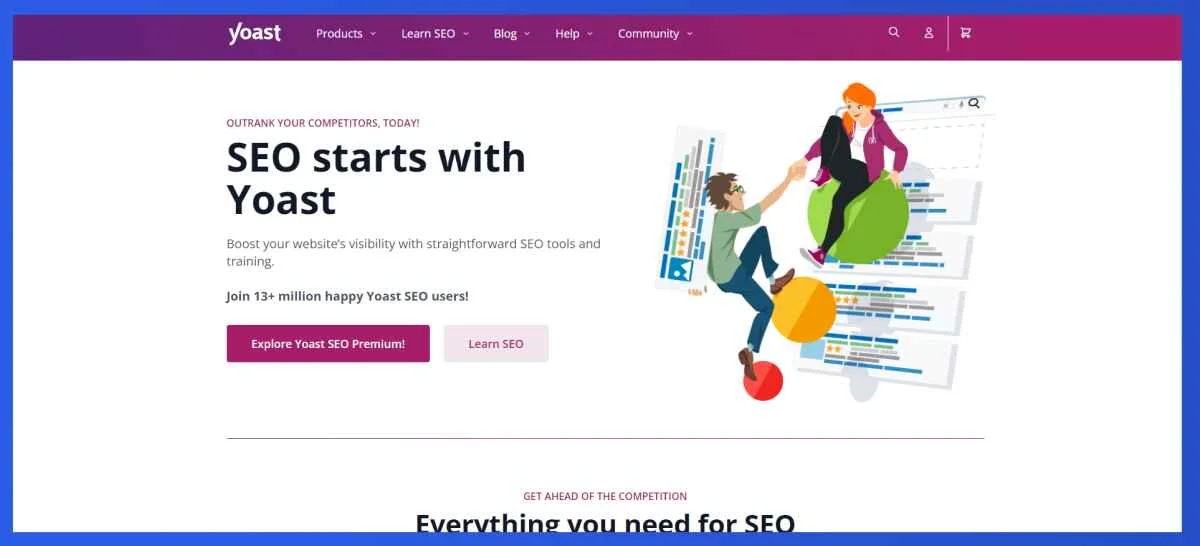
Yoast SEO reigns supreme as one of the most popular and trusted WordPress SEO plugins. It empowers website owners and content creators of all levels to optimize their websites for better search engine visibility and organic traffic. Developed by Yoast, this plugin is a go-to solution for individuals and businesses looking to improve their website’s search engine visibility and overall SEO performance.
Yoast SEO is a comprehensive and powerful tool that takes the guesswork out of SEO for WordPress users. Whether you’re a seasoned SEO expert or just beginning, Yoast SEO provides the guidance and tools you need to optimize your website for higher search engine rankings and increased organic traffic. Its features cater to both beginners and experienced users, helping them enhance their on-page SEO and overall website performance.
Key Features:
- Readability Analysis
- SEO Analysis
- Green, Orange, and Red Light System
- Technical SEO Checkup
- Social Media Sharing
- Internal Linking
- Mobile Optimization
- News Schema Markup
- Local SEO
Pricing: Starts at $118.80/year
Rank Math
Rank Math is an excellent SEO plugin for optimizing your website’s ranking. It’s user-friendly, making it ideal for those new to SEO. With responsive support and continuous feature additions, it’s a must-have SEO tool, thanks to its regular improvements and added tools.
Rank Math provides a versatile and powerful SEO solution for WordPress users of all levels. Its comprehensive features, user-friendly interface, and freemium model make it a great option for both beginners and experienced SEO professionals. Its intuitive setup process, on-page optimization suggestions, and advanced features make it a popular choice for those looking to enhance their website’s SEO performance.
Key Features:
- Drag-and-Drop Keyword Research
- SEO Analysis
- Schema Markup Wizard
- Technical SEO Checkup
- User-Friendly Interface
- Image Optimization
- Local SEO
- Redirect Manager
- Social Media Sharing
- Open Graph and Twitter Cards
Pricing: Starts at $95.88/year
All-in-One SEO
All in One SEO (AIOSEO) is a powerful and user-friendly WordPress plugin that focuses on optimizing websites for search engines. Developed by Semper Plugins, AIOSEO stands out as a highly praised WordPress SEO plugin. It not only uses powerful SEO features for implementing the latest best practices but also provides advanced settings to address specific SEO issues instantly.
AIOSEO’s combination of user-friendly setup, on-page optimization tools, and advanced features makes it a popular choice for those looking to improve their website’s search engine visibility. With All-in-One SEO, you can effectively set up WordPress SEO without the need for expert assistance.
Key Features:
- TruSEO On-Page Analysis
- Smart Tags
- Sitemaps and Robots.txt
- Local SEO
- Social Media Optimization
- User-Friendly Interface
- Multilingual Support
- WooCommerce SEO plugin
- Broken Link Checker
- Redirects Manager
Pricing: Starts at $99/year
Best WordPress plugins for eCommerce
Power up your online store with the best WordPress eCommerce plugins. These tools help you manage products, process payments, optimize checkout, and create a seamless shopping experience for your customers.
WooCommerce
WooCommerce is the most popular way to create an online store with WordPress. It’s free, easy to set up, and works with almost every theme and plugin. You can sell physical goods, digital products, subscriptions, or even bookings. With thousands of extensions, you can fully customize your store based on your business needs.
Key Features
- Simple store setup
- Product, order, and inventory tools
- Supports physical and digital goods
- Built-in analytics
- Works with most page builders
FluentCart
FluentCart is a lightweight ecommerce plugin built specifically for WordPress users who want to sell digital products, services, or subscriptions without the complexity of large ecommerce platforms. It focuses on simplicity and speed, making it easy to set up products, manage orders, and handle payments directly inside WordPress. FluentCart works well with other Fluent ecosystem tools, which helps streamline checkout, email automation, and customer management. It’s a good choice for creators, course sellers, and small businesses that want a clean, no-friction selling experience without heavy configuration.
Key Features
- Built-in store setup with product, order, and customer management
- Support for physical, digital, and hybrid products
- Fast, optimized checkout with multiple payment gateway support
- Subscription and licensing handling
- Inventory and coupon management
- Detailed reporting and analytics
- Integrations with tools like FluentCRM and FluentAffiliate
Pricing: $199 per year
SureCart
SureCart is a modern e-commerce plugin built to handle fast checkout, digital products, and subscriptions. It comes with a clean interface, simple payment workflow, and built-in tax and receipt management. Because everything loads fast, your customers enjoy a smooth buying experience.
Key Features
- Fast and modern checkout
- Supports subscriptions and digital files
- Simple order and customer dashboard
- One-time and recurring payment support
- Automatic tax and invoice tools
Pricing: $179 per year
Best WordPress plugins for performance & caching
If your site feels slow or unresponsive, performance and caching plugins can make a dramatic difference. The following WordPress tools help fine-tune your site’s speed, optimize resources, and keep pages loading fast no advanced technical skills required.
WP Rocket
WP Rocket is one of the must-have plugins for WordPress. It helps improve site speed with minimal setup by enabling caching, compression, lazy loading, and other optimization features automatically. You don’t need technical knowledge to use it. Once activated, WP Rocket starts improving load times right away, making your site faster for visitors and more efficient for search engines.
Key Features
- Page caching
- File compression
- Lazy load for images
- Database cleanup tools
- CDN support
Pricing: Starts at $59/year
LiteSpeed Cache
LiteSpeed Cache is a free caching plugin that works best on LiteSpeed servers, but it also boosts speed on other setups. It comes with many performance tools like caching, CSS/JS optimization, and image compression.
Key Features
- Server-level caching
- HTML, CSS, and JS optimization
- Image compression
- CDN integration
- Database optimization
Best WordPress page-builder plugin
Power up your website with the best WordPress page-builder plugins. These tools help you design pages, customize layouts, add interactive elements, and create a professional site without any coding skills.
Elementor
Elementor is one of the most widely used page builders for WordPress. It lets you build pages using drag-and-drop blocks, create custom layouts, and design each section visually without writing code. Elementor works smoothly with most WordPress themes and plugins, making it easy to build landing pages, homepages, and custom site sections. It’s a popular choice for beginners and professionals who want speed, flexibility, and control over their website design.
Key Features
- Drag-and-drop editor
- Pre-made templates
- Mobile-friendly design options
- Global widgets and style controls
- WooCommerce design tools
Pricing: Starts at $60/year
Divi Builder
Divi is a visual page builder for WordPress that focuses on design flexibility and ease of use. It comes with a large library of ready-made templates and layout packs, which makes it easier to build pages quickly. Divi uses real-time editing, so you can see every change as you make it without switching between screens. It’s especially popular for creating modern, polished layouts with custom spacing, colors, and animations. For users who want creative control without writing code, Divi offers a smooth and visual way to design websites.
Key Features
- Real-time visual editing
- 200+ ready layouts
- Drag-and-drop builder
- Strong design controls (spacing, effects, animations)
- Works with any WordPress theme
Pricing: Starts at $89/year
Best WordPress plugins for security & spam protection
Protect your site with the best WordPress security and spam protection plugins. These tools help block malicious attacks, prevent spam comments, secure login pages, and keep your website safe without advanced technical skills.
All-in-One Security (AIOS)
All-in-One Security is a beginner-friendly WordPress plugin designed to protect your site from common threats like login attacks, malware risks, and weak security settings. It guides users through simple security steps, making it easy to improve site protection without technical knowledge. The plugin helps strengthen login pages, monitor basic activity, and apply recommended security practices with clear instructions, making it a good choice for small sites and first-time WordPress users.
Key Features
- Login protection
- Firewall rules
- User account monitoring
- File change detection
- Security scoring system
Pricing: Starts at $70/year
Akismet
Akismet is one of the easiest ways to protect your site from spam comments and bots. It scans comments in real time and filters out fake or harmful submissions before they appear in your dashboard. By working quietly in the background, Akismet helps keep your site clean, reduces manual moderation, and saves time for site owners who deal with high comment or form spam.
Key Features
- Spam filtering
- Blocks bots and fake comments
- Auto-moderation
- Removes unwanted links
- Works with forms and comment sections
Pricing: Starts at $119.4/year
Top WordPress plugins for mobile app builder
Turn your website into a mobile app with the top WordPress mobile app builder plugins. These tools help you create, customize, and launch apps quickly, bringing your content to users on any device—no coding required.
AppMySite WordPress Plugin

AppMySite WordPress plugin is one of the best no-code app development platforms. It comes with a WordPress plugin that enables you to turn your WordPress website into an equally powerful and feature-rich app. It is effortless to design and develop your app with AppMySite. Anyone can create an app and watch their app idea come to life in minutes.
AppMySite is the best solution for all those who want to learn how to create an app. It is suitable for beginners, developers, businesses, enterprises, and agencies. Deep integration with WordPress and WooCommerce makes it the best no-code platform for WordPress website owners who want to go mobile.
Key Features:
- No-code native app development in minutes.
- Easy plugin integration and website-app connectivity.
- Support for custom post types and taxonomies.
- Support for push notifications, analytics, monetization, etc.
- Team collaboration and management.
- No limit on app traffic and app downloads.
Pricing: Starts at $48/year
AppPresser
AppPresser facilitates the swift and uncomplicated conversion of WordPress sites into iOS/Android mobile apps, catering to the needs of website builders. The plugin seamlessly transforms a WordPress site into an app, providing access to essential device features like the camera and contacts. AppPresser is also not an independent app creator; instead, it acts as a bridge connecting your app to the WordPress environment.
Key Features:
- Visual App Customizer
- Push Notifications
- Content Integration
- Offline Access
- Monetization Options
- Analytics and Reporting
- Maps and Check-ins
- Social Sharing
Pricing: Starts at $79/month
APPExperts
APPExperts is an efficient mobile app builder, seamlessly integrating with your WordPress website to craft fully functional iOS and Android applications. As an application builder plugin, APPExperts empowers businesses to create WordPress-integrated mobile apps with customizable designs, page creation, menu building, and feature additions mirroring the versatility of a WordPress website.
Key Features:
- Custom Splash Screen
- Multilingual Support
- Advanced Search Options
- App Customization
- Shimmer Loading
- WooCommerce Support
- Content Management
- Integration with PeepSo
Pricing: Starts at $59/month
Top WordPress plugins for contact forms
Enhance user interaction with the best WordPress contact form plugins. Easily build and customize forms, collect inquiries, and stay connected with your audience no technical expertise required.
WPForms
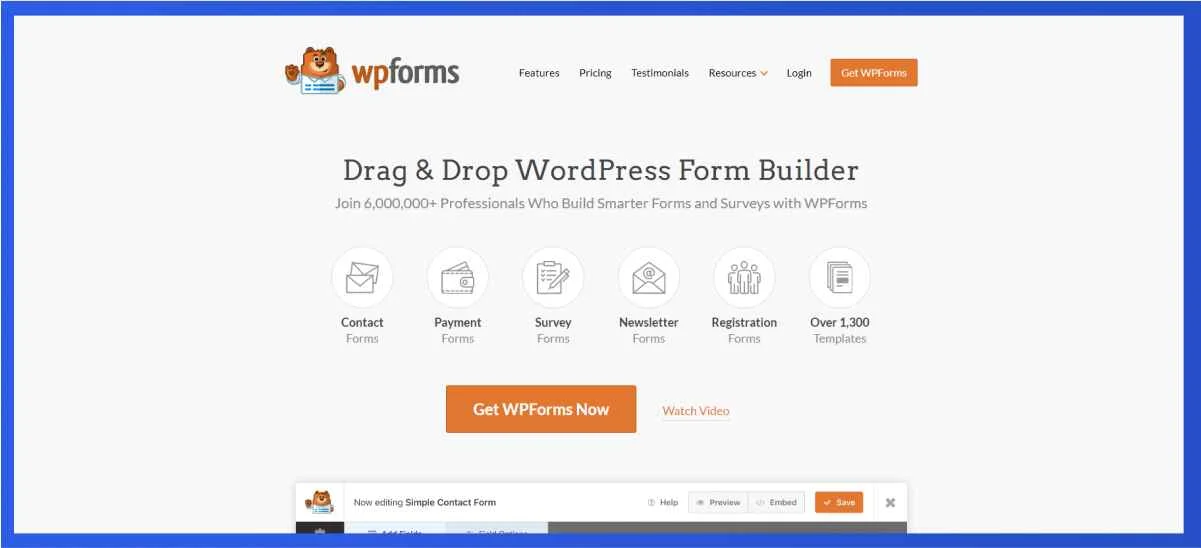
WPForms is a user-friendly and versatile WordPress plugin designed to simplify the process of creating and managing forms on WordPress websites.
Launched by WPForms LLC, this plugin helps you to create stunning contact forms, feedback forms, subscription forms, payment forms, and more within minutes. WPForms stands out as the most beginner-friendly contact form plugin with pre-built templates and workflows.
WPForms is an excellent option for anyone looking to create forms on their WordPress website. It’s easy to use, packed with features, and backed by a supportive team. Whether you are a beginner or a seasoned WordPress user, WPForms can help you create the forms you need to grow your business and achieve your goals.
Key Features:
- Drag-and-Drop Form Builder
- 1300+ Pre-Built Form Templates
- Responsive and mobile-friendly
- Multi-Page Forms
- Smart Conditional Logic
- Instant Notifications
- Entry Management
- Spam Protection
Pricing: Starts at $49.5/year
Gravity Forms
Gravity Forms is a powerful and popular WordPress plugin designed for creating and managing forms on websites. Developed by Rocketgenius, Gravity Forms enables you to create advanced forms for diverse purposes—expand your email list, conduct quizzes, process online payments, and more. With endless possibilities, this WordPress form builder is a great choice for businesses and web professionals.
Key Features:
- Drag-and-Drop Form Builder
- Accessible and Compliant
- Form Import
- Multi-Column Layouts
- 30+ Form Fields
- Conditional Logic
- File Uploads
- Custom Form CSS
Pricing: Starts at $59/year
Formidable Forms
Formidable Forms is not just an average form builder; it’s a robust and versatile tool that effortlessly allows you to craft stunning forms. Developed by Strategy11, Formidable Forms utilizes the drag-and-drop WordPress forms plugin to quickly create contact forms, surveys, quizzes, registration forms, payment forms, lead forms, or calculator forms. As one of the fastest WordPress form builders, Formidable Forms stands out.
Key Features:
- Drag-and-Drop Builder
- Advanced forms (quizzes, surveys, polls, etc.)
- Export Table Views to CSV
- Multi-Page Forms with Progress Bar
- Flexible Form Layout Design
- Visual Form Styler
- Invisible Spam Protection
Pricing: Starts at $39.50/year
Top WordPress plugins for travel booking
Planning trips and managing reservations is easier with the best WordPress travel booking plugins. From displaying destinations to handling bookings smoothly, these tools help turn your website into a full-featured travel hub.
WP Travel Engine
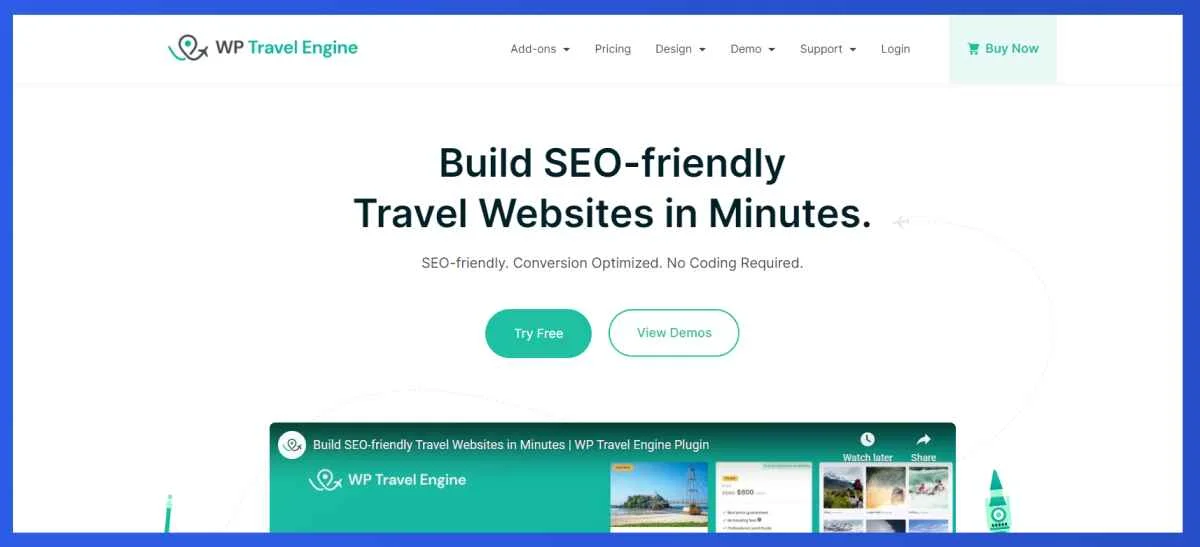
WP Travel Engine is the best WordPress travel booking plugin. Its intuitive and user-friendly interface enables travel website owners to create an effective travel and tour booking system.
With the smart booking system, the entire booking process becomes faster, which leads to more sales. You can send personalized emails to your customers during the booking and payment process to keep them in the loop. It is multilingual and supports multiple currencies, helping you reach more people. WP Travel Engine also offers multiple travel agency WordPress themes that help you get started with your website in no time.
WP Travel Engine is a comprehensive solution for creating a professional and efficient travel booking website. You can effortlessly create detailed travel packages with itineraries, pricing, destinations, and activities. It is suitable for travel businesses of all sizes, big or small.
Key Features:
- Advanced Itinerary Builder
- Unlimited travel and tour packages
- Advanced 20+ add-ons
- Multiple payment gateways
- Booking email notifications
- Travel SEO features (Schema Markup)
- Advanced Trip Search and Filter
- Supports various travel themes
- Different shortcodes and Gutenberg blocks are available
Pricing: Starts at $144/year
WP Travel
WP Travel is an exceptional and free travel engine that empowers you to effortlessly craft personalized travel agency or tour operator websites within minutes on the versatile WordPress platform! This SEO-friendly and scalable WordPress travel engine offers you the flexibility to create tailor-made itineraries and travel packages on the go. Equipped with advanced modules, WP Travel is a time-saving plugin that eliminates the need for extensive development hours.
Key Features:
- Unlimited tour packages
- Custom tour filters
- Efficient booking system
- Full data reporting
- Payment modules (PayPal, Stripe)
- Multiple pricing and multiple dates
- Trip facts
- Tax option
Pricing: Starts at $199.99/year
Yatra
Yatra stands out as a premier and free WordPress travel booking plugin, specifically designed for tour operators and travel agencies seeking a powerful solution for creating and managing travel and tour packages. Renowned for its SEO-friendly approach and scalability, Yatra surpasses others in its category due to its unparalleled flexibility, straightforward setup process, and extensive customization options.
Yatra is not only known for its exceptional features, but its reputation is solidified by its exemplary support, consistent updates, and the regular incorporation of user feedback. It is a dynamic and evolving solution that actively addresses the challenges faced by the travel booking industry.
Key Features:
- Unlimited travel and tour packages
- Dynamic frontend tabs
- Custom attributes
- Multiple pricing
- Translatable
- Payment Gateways (PayPal)
- Shortcodes
- Discount coupon
- Booking calendar
Pricing: Starts at $79/year
Best WordPress plugins for product filter
Help visitors find exactly what they’re looking for with the best WordPress product filter plugins. These tools let you add advanced filters, sort products easily, and create a smooth shopping experience—no coding required.
Super Product Filter

Super Product Filter is a great plugin that helps users find what they have been looking for with the search filters. It provides an array of filters such as price range, attributes, color, size, brand, and much more. Apart from the filters available, you can customize the product filter by altering the button types, choosing from various layouts, and even changing the color and text font added to the filter that you have created.
Key Features:
- Customizable layouts
- Works with all WooCommerce themes and page builders
- Multiple filter type
- Variety of filters to select
- Logic (And/Or) operator
- Selectively include or exclude product categories and attributes
- Import and export filter settings
- Display anywhere on any pages
Pricing: Starts at $19
Best WordPress plugins for GDPR cookie compliance
Keep your website compliant with privacy laws using the best WordPress GDPR cookie compliance plugins. These WordPress plugins help you manage cookies, inform visitors, and ensure your site meets regulations.
WebToffee GDPR Cookie Compliance Plugin

The WebToffee GDPR Cookie Consent Plugin is a complete solution for cookie consent management on WordPress websites. It is designed to bring your site in line with major privacy regulations, including GDPR, CCPA, and LGPD, ensuring that visitors’ data privacy is respected and the functionality of your site remains intact.
This feature of the plugin is that it scans your website and automatically blocks third-party cookies until user consent is achieved. It supports implicit and explicit consent methods, which allows you to tailor your compliance approach to the law applied in your area.
Key Features:
- It Displays a customizable cookie consent banner
- Automatically blocks third-party cookies until consent is provided
- Consent management tailored to user location
- Allows visitors to opt into specific cookie categories
- Integrates with Google Consent Mode v2 and IAB TCF v2.2
- Comprehensive consent logging and reporting
Pricing: Starts at $49/year
How to choose the best WordPress plugins?
Picking the right WordPress plugins is easier when you know what to look for. Start by thinking about what your website actually needs. Every site is different, so the plugin that works well for one business may not be the right fit for another.
- Check rating and review: It’s also important to check the plugin’s ratings and reviews. This shows you what real users experienced after using it for weeks or months. A plugin with many five-star reviews is usually more stable and trusted. Along with that, look at how often the plugin is updated. A plugin that receives regular updates is safer and more reliable because it stays compatible with the latest WordPress version.
- Consider ease of use: Another thing to consider is ease of use. A good plugin should have a clean interface and simple settings, so you don’t waste time trying to figure it out. If a plugin takes too long to learn, it may slow down your workflow. Compatibility matters as well. Make sure the plugin works smoothly with your theme and other tools you already use.
- Performance: You should also think about performance. Some plugins add too many scripts and can slow down your website. A fast and lightweight plugin is always a better choice. Lastly, check the pricing. Many plugins offer free versions, but if your site needs extra features, see if the paid plan fits your budget.
Conclusion
Picking the right WordPress plugins can shape how your entire website works. The tools you choose affect your speed, design, security, sales, and the way your customers interact with your site. That’s why it’s important to use plugins that are trusted, updated, and built to solve real problems.
The plugins listed in this guide cover the features most websites need today SEO, speed, bookings, events, design, e-commerce, and more. You don’t need every plugin on the list. You only need the ones that match your goals and help your site run smoothly.
As your website grows, keep reviewing your tools and remove anything you no longer use. A clean and well-maintained site always performs better.
With the right plugins, your WordPress website becomes easier to manage and offers a better experience for your visitors. Start with the tools that fit your needs now, and your site will stay strong in 2025 and beyond.
Frequently Asked Questions (FAQ)
How many plugins should I install on my WordPress site?
There is no fixed number, but only install plugins you actually need. A well-built site can run 15–25 plugins without issues as long as they are light and updated.
Do too many plugins slow down my website?
Plugins themselves don’t slow down a site. Poorly coded plugins do. If a plugin loads heavy scripts or runs unnecessary processes, it can affect speed.
Are free WordPress plugins safe to use?
Yes, free plugins can be safe if they come from trusted developers. Always check reviews, updates, and active installations before using them.
What should I check before installing a plugin?
Look at the update date, user reviews, compatibility with your theme, and whether it solves a real need for your website.
Are paid plugins worth it?
Paid plugins are useful if you need advanced features, better support, or long-term stability. Many businesses rely on premium plugins for growth.
How often should I update my plugins?
Update them as soon as new versions are available. Updates keep your site secure and compatible with the latest WordPress changes.