

چۈشەندۈرۈش
With this Gutenberg block you can apply differnt types of effects to images take pictures with web cam apply 3 differnt types of gallery (all written by me) and embed the gallery
to the post and view images in overlay gallery viewer.
What’s Next
Explore my other WordPress projects:
- Multi Image Cam for Gravity Form 📸 – Capture and upload stunning mutiple photos with ease with multiplcam as a field, all within Gravity Forms.”
- Webcam for Gravity Forms 📸 – Capture, edit, and upload stunning photos with ease with webcam as field, all within Gravity Forms.”
- PicTweak 📸 – Capture, edit, and upload stunning photos with ease with webcam, all within WordPress.”
- CTC Gallery 🎨 – Four different types of Galleries in same plugin.
- Carousel Block 🎠 – Create an image carousel with a block.
- CT Commerce Lite 🛒 – A block-based eCommerce plugin.
ئېكران كەسمىسى
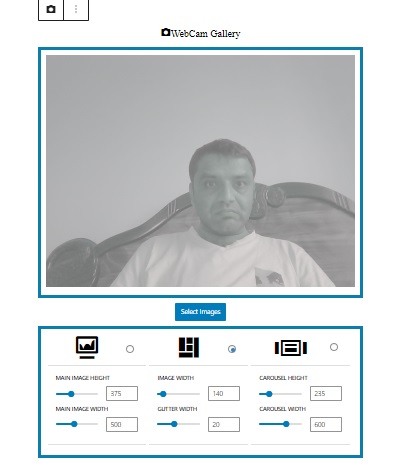
Gutenberg Editor with block 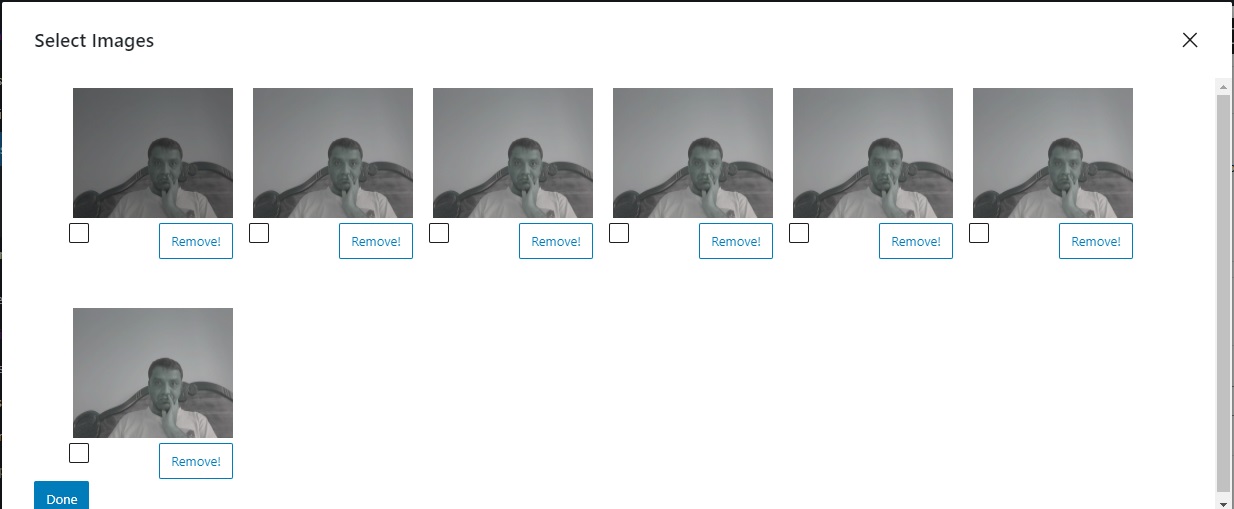
Images In Modal 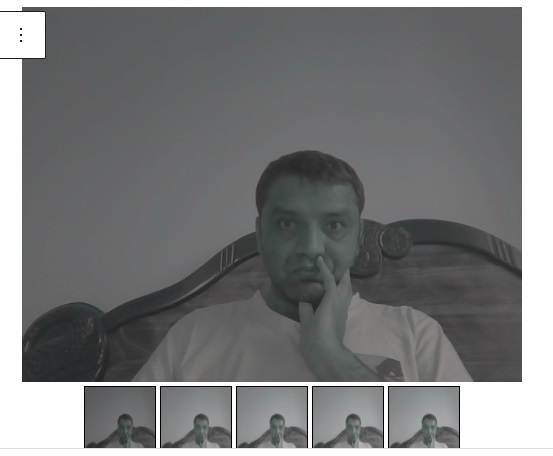
Gallery 1 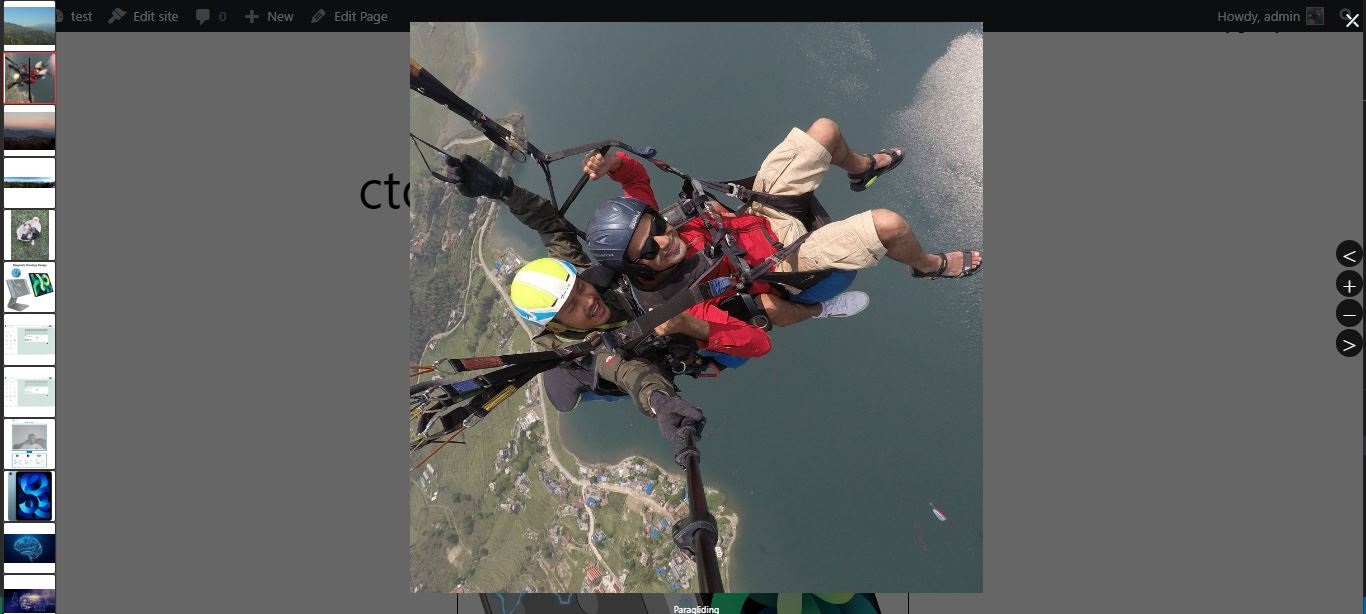
Block Settings 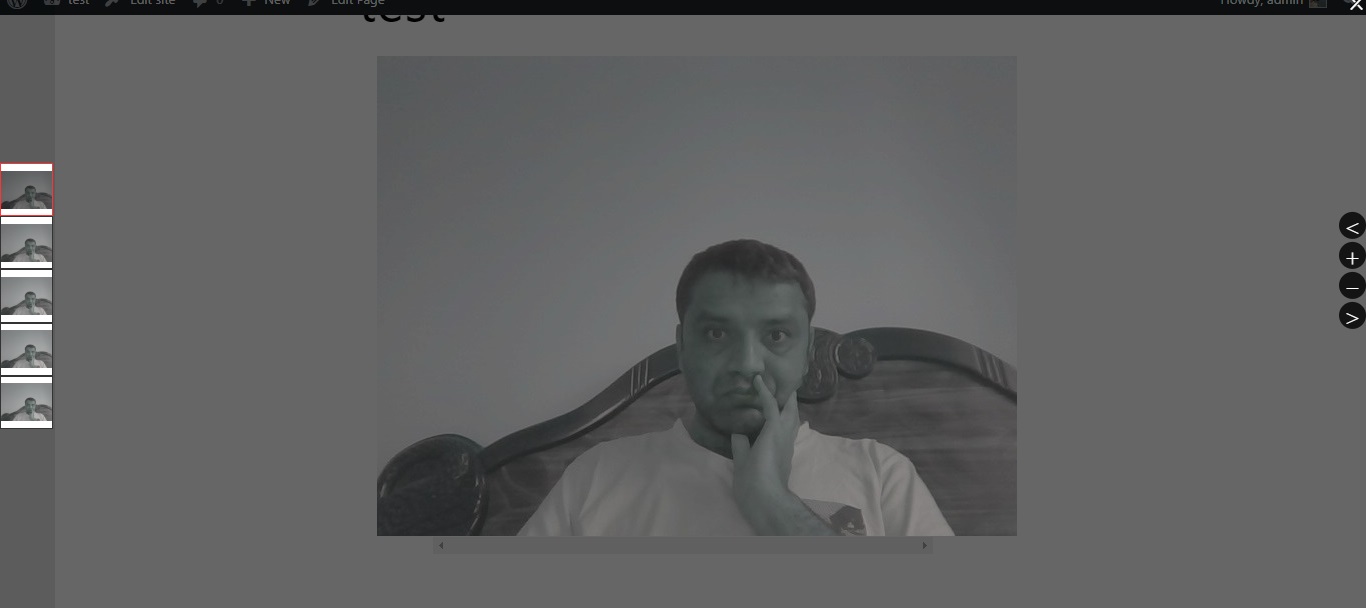
Frontend Overlay 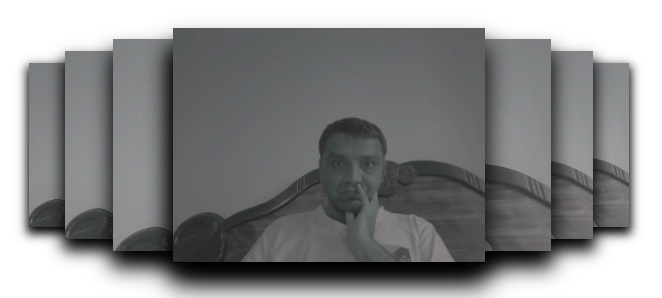
Carousel Gallery 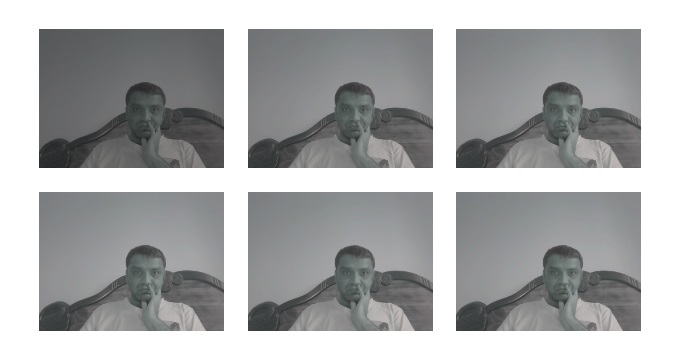
Masonry Gallery


بۆلەك
بۇ قىستۇرما 1 بۆلەك تەمىنلەيدۇ.
- Webcam Gallery Block to take pictures with WebCam and create Galleries.
ئورنىتىش
This section describes how to install the plugin and get it working.
e.g.
- Upload the plugin files to the
/wp-content/plugins/webcam-gallerydirectory, or install the plugin through the WordPress plugins screen directly. - Activate the plugin through the ›Plugins‹ screen in WordPress
FAQ
-
Do you have option do add multiple gallery?
-
Yes you can add multiple gallery to one post.
-
Does it support multiple camera?
-
Yes you option to choose camera from setting section to take picture given that you have multiple camera in your tablet or PC.
باھالاشلار
بۇ قىستۇرمىغا تېخى باھا يېزىلمىدى.
تۆھپىكار ۋە ئىجادكار
«Webcam Gallery» كودى ئوچۇق يۇمشاق دېتال. تۆۋەندىكى كىشىلەر بۇ قىستۇرمىغا تۆھپە قوشقان.
تۆھپىكار
«Webcam Gallery» نى تىلىڭىزغا تەرجىمە قىلىڭ
ئىجادىيەتكە قىزىقامسىز؟
كودقا كۆز يۈگۈرتۈپ، SVN خەزىنە تەكشۈرۈپ ياكى RSSئارقىلىق ئىجادىيەت خاتىرىسىگە مۇشتەرى بولغىلى بولىدۇ.
ئۆزگىرىش خاتىرىسى
0.1.0
- Release
