

Description
Professionally showcase your services. This plugin adds a new block in the Block Editor by which you can create a professional-looking service section or OUR SERVICE section.
It is very effective in presenting your services nicely. There are many options that you can use to decorate your service section using any color you like.
Features
- Icon Library: There is an icon library from which you can select the icon of your choice, or if that icon is not available in the library, you can upload any images in PNG, JPEG, or JPG format and set it as a service icon.
- Built-in Templates: We have added several templates that you can use whenever you want to present your services.
- Customize elements: Apply custom typography to the title and description.
Pro Features
- Advanced Layout Variations: Unlock exclusive layouts like Layout 2 to Layout 8 with unique styles and structures.
- Pro-Level Padding & Spacing Controls: Set custom padding and spacing per side with more flexibility using Pro controls.
- Enhanced Border Customization: Access full border controls including individual side styles and advanced radius options.
- Animation Direction Settings: Enable directional animation control for layout-specific designs like Layout 4.
- Border Div Customization (Layout 8): Toggle and style an additional decorative border layer behind items.
- Advanced Shadow Effects: Apply smooth box shadows and hover transitions for more modern aesthetics.
- Flexible Linking Options: Enable links on items and choose where they apply — on button, title, or entire box.
- Open in New Tab: Choose whether links open in a new browser tab.
- Opacity: Control the transparency level of the circle background.
- Hover Opacity: Set the transparency when hovering over the circle.
- Radius: Control the corner roundness of the box.
- Border: Customize the border style, width, and color.
How to use
- First, install the Services Section Block plugin
- Add the Services Section block from the block category called “widgets” in the Gutenberg editor.
- You can change block settings from the right-side settings sidebar.
-
Enjoy!
-
For installation help click on Installation Tab
Feedback
- Did you like this plugin? Dislike it? Do you have a feature request? Please share your feedback with us
⭐ Check out the Parent Plugin of this plugin-
🔥 B Blocks – Best gutenberg blocks collections for WordPress.
⭐ Check out our other WordPress Plugins-
🔥 Html5 Audio Player – Best audio player plugin for WordPress.
🔥 Html5 Video Player – Best video player plugin for WordPress.
🔥 PDF Poster – A fully-featured PDF Viewer Plugin for WordPress.
🔥 Document Embedder – Best WordPress Document Embedder Plugin.
🔥 3D Viewer – Display interactive 3D models on the webs.
🔥 Advanced Post Block – Best Post Display Plugin for WordPress.
Screenshots
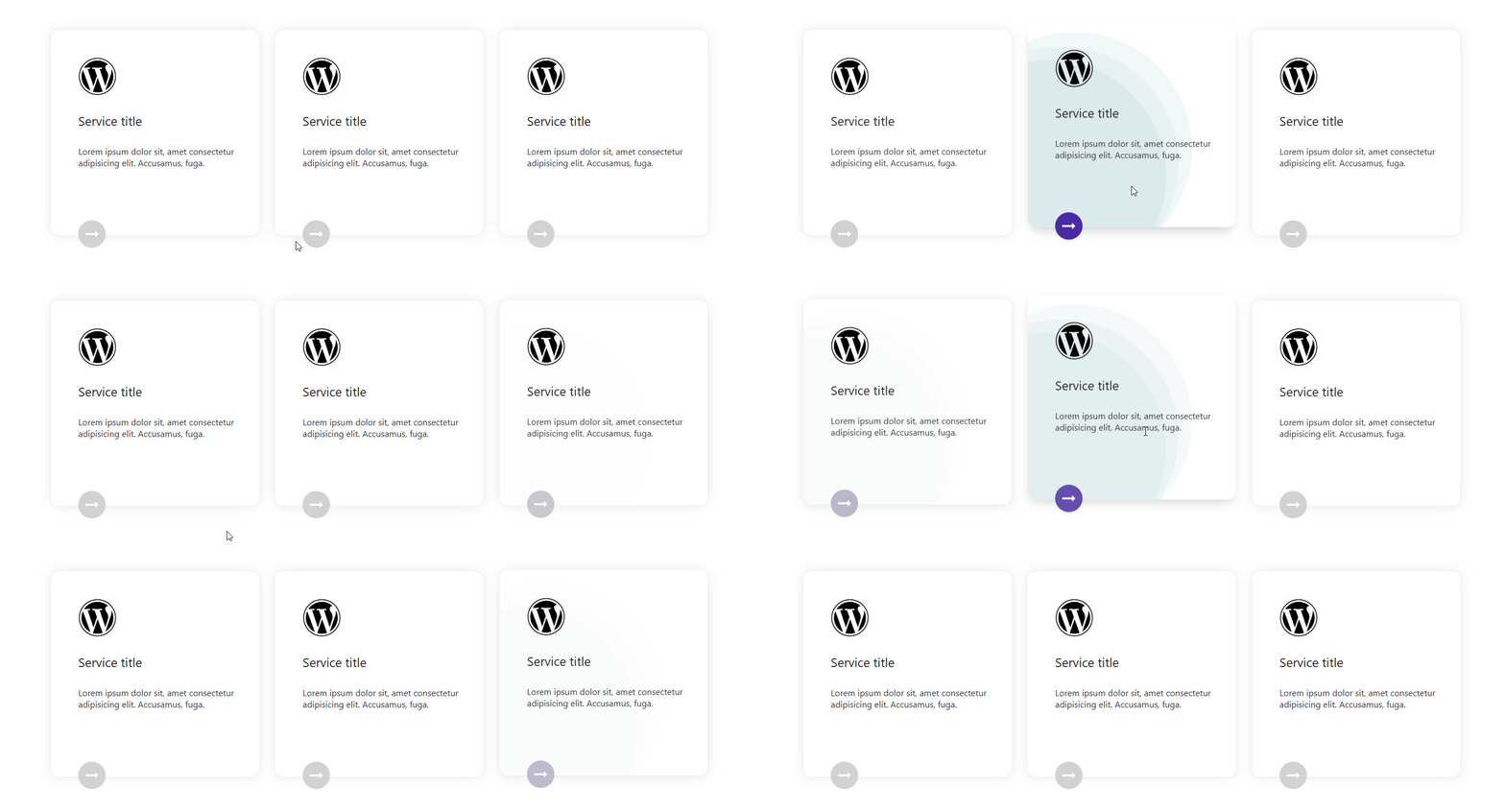
Default Layout 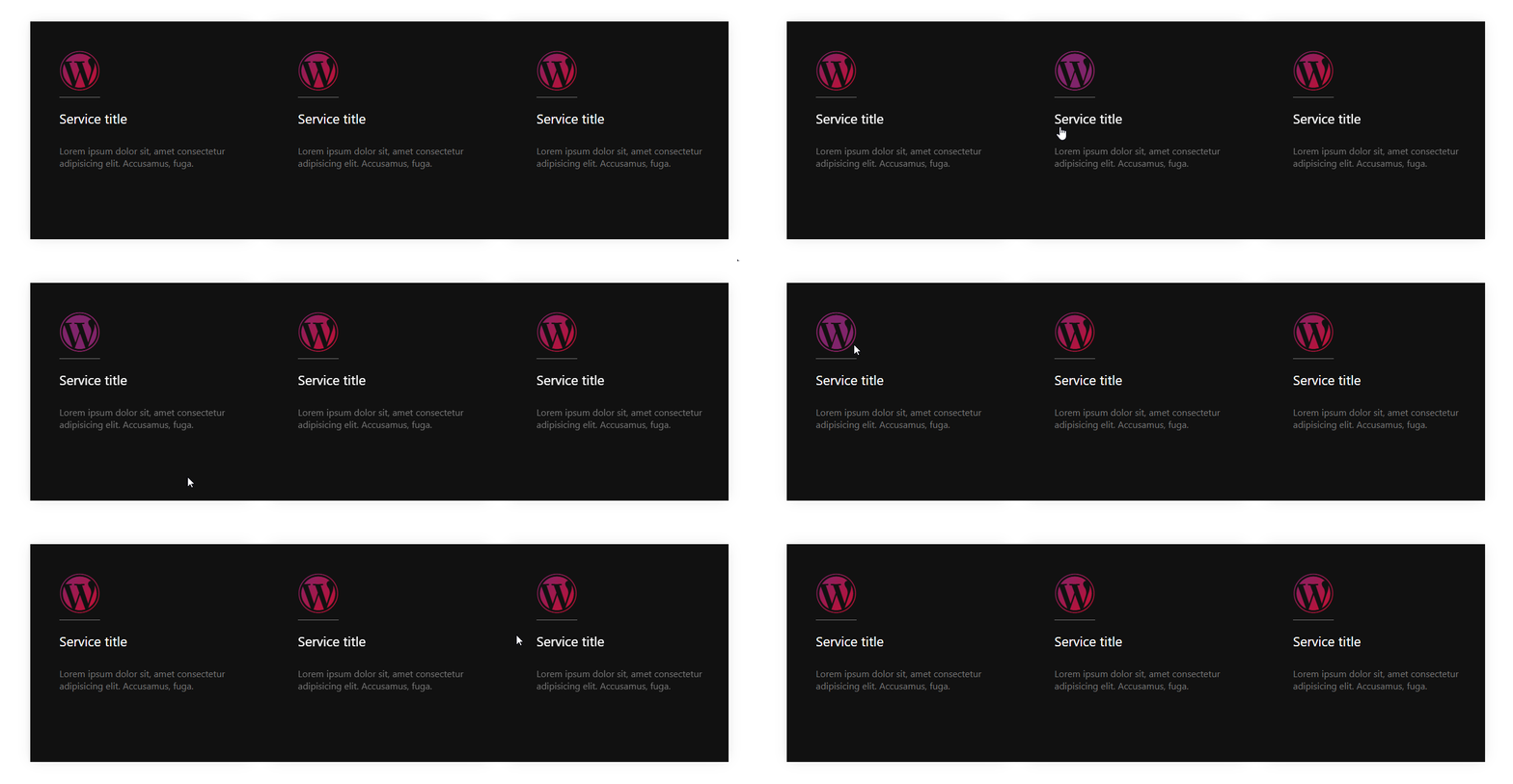
Layout 1 
Layout 2 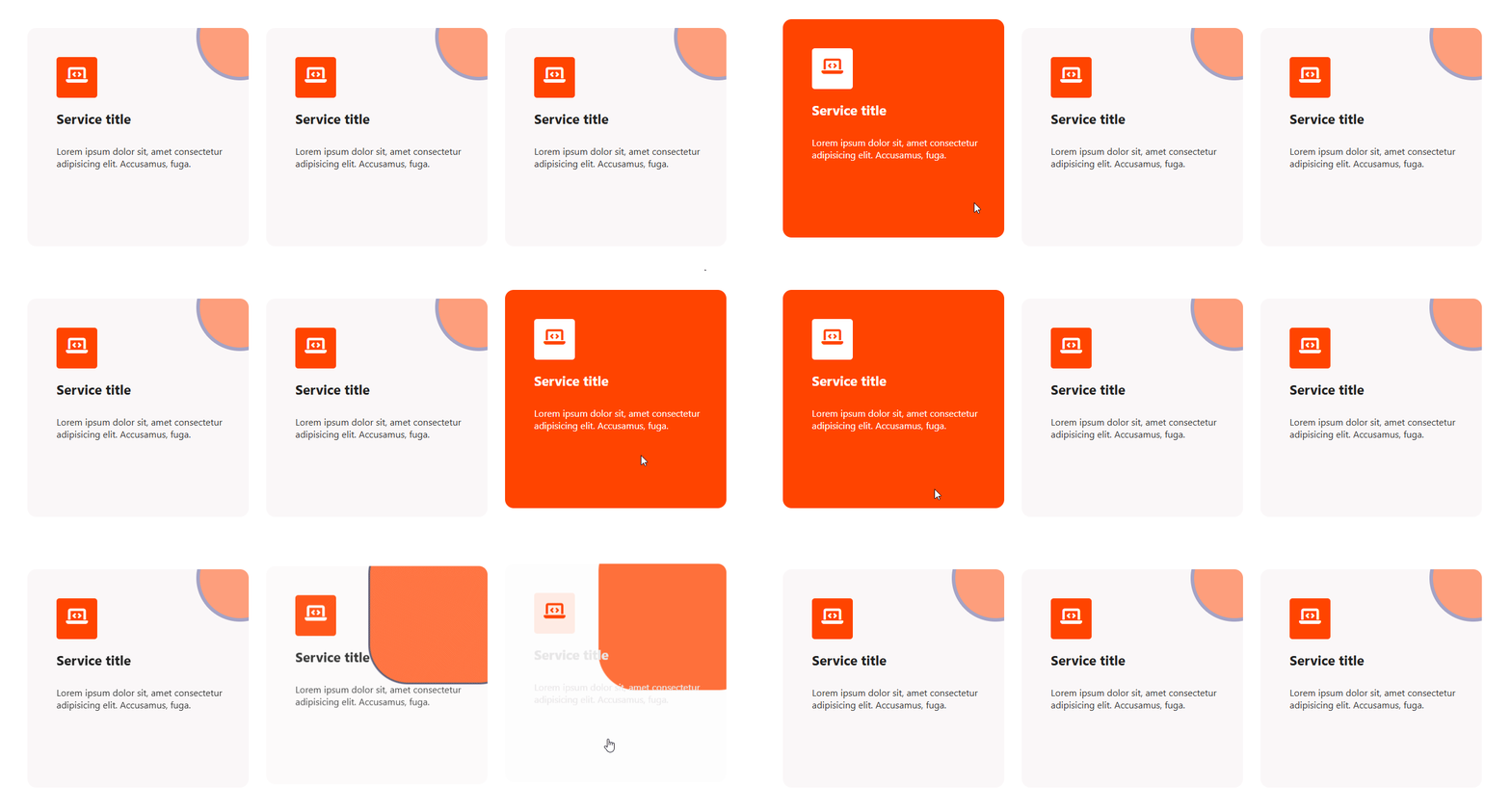
Layout 3 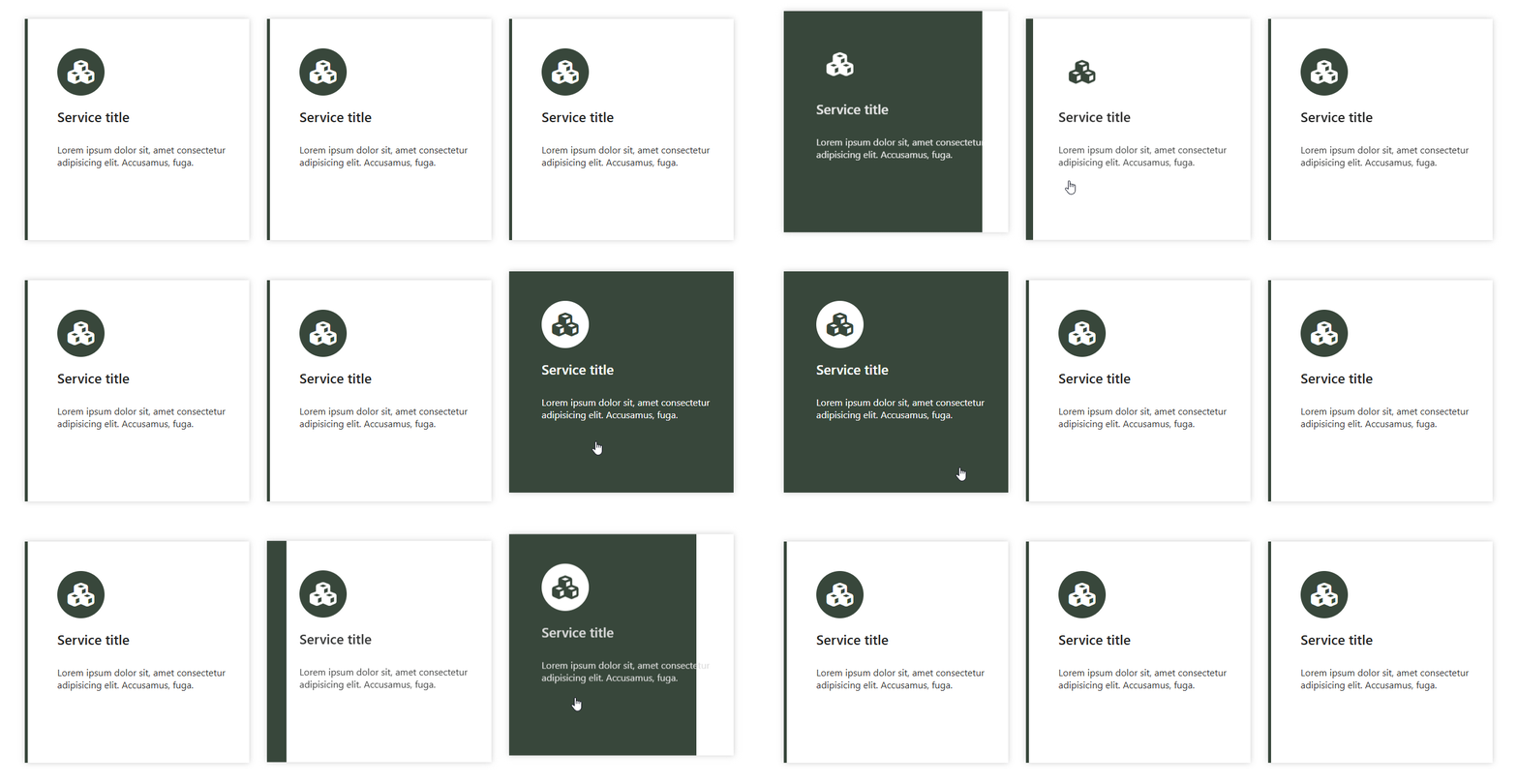
Layout 4 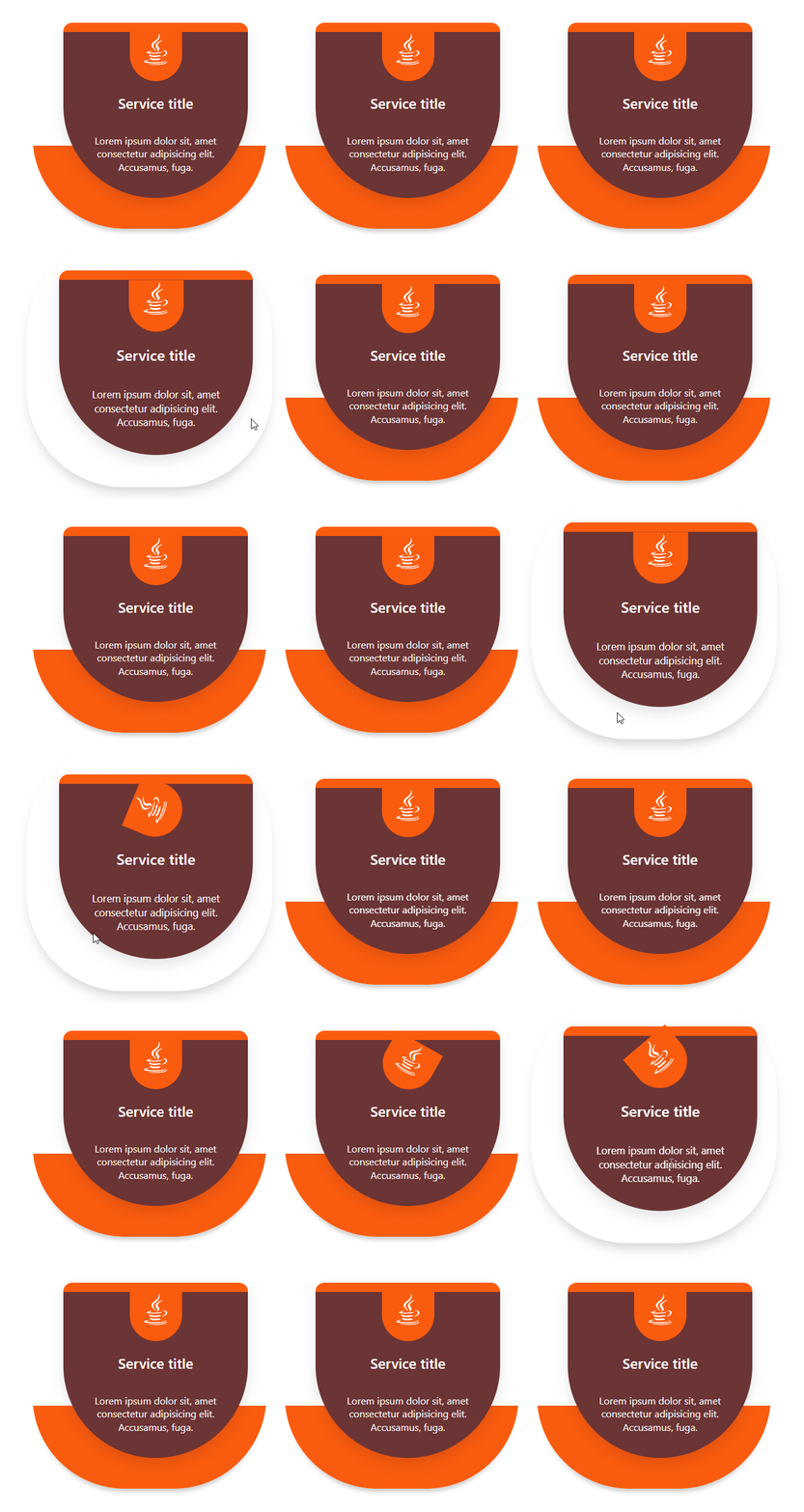
Layout 5 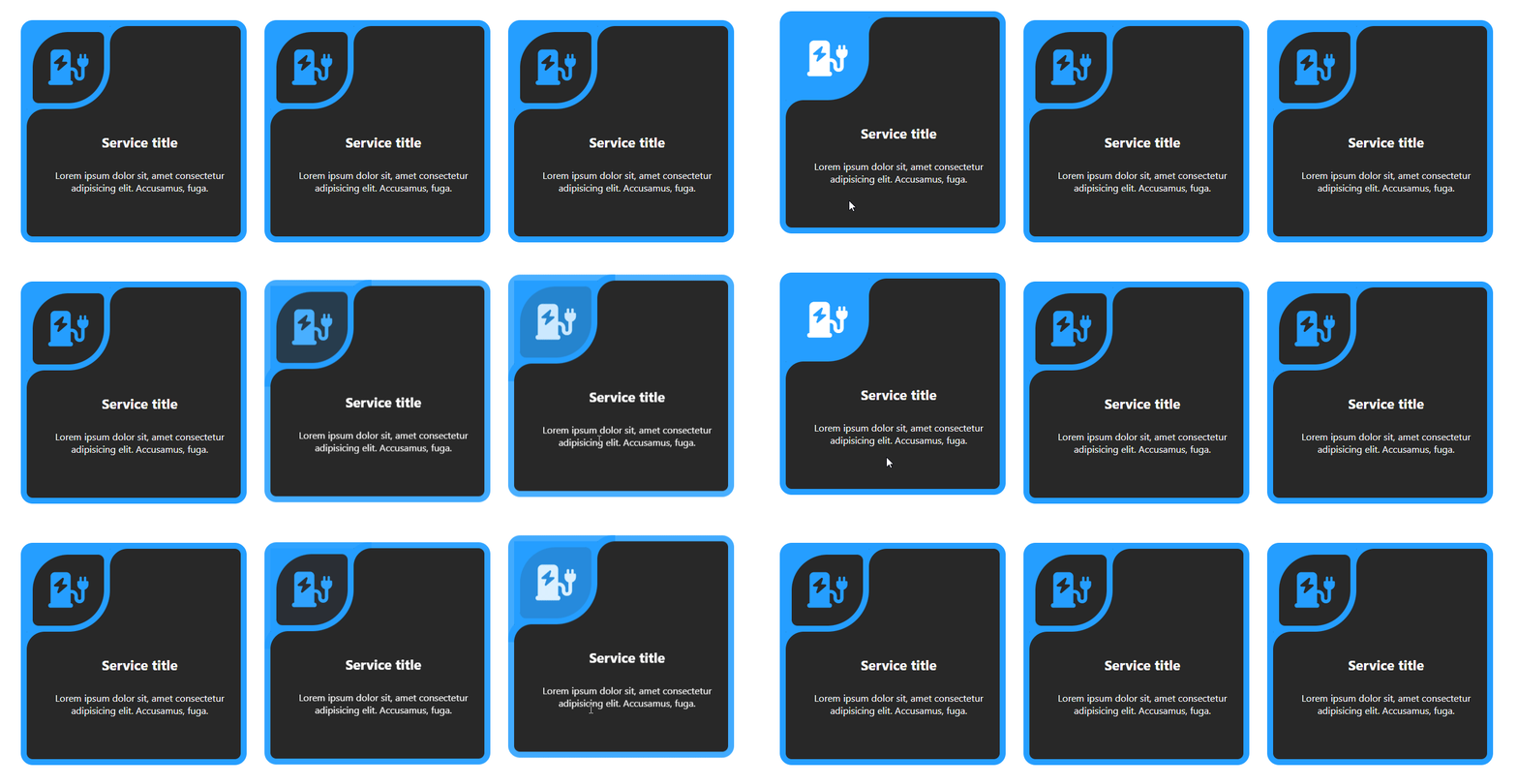
Layout 6 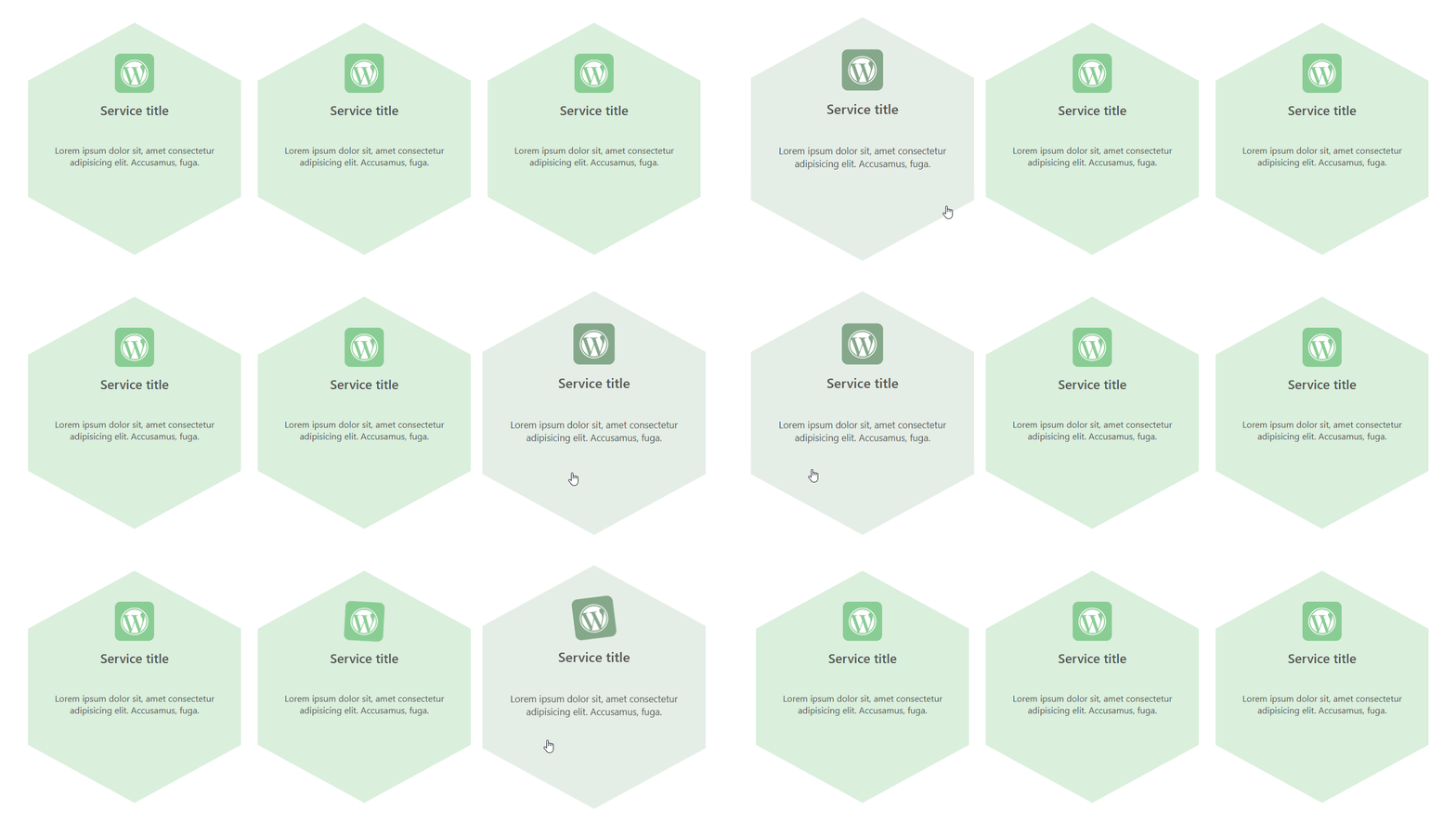
Layout 7 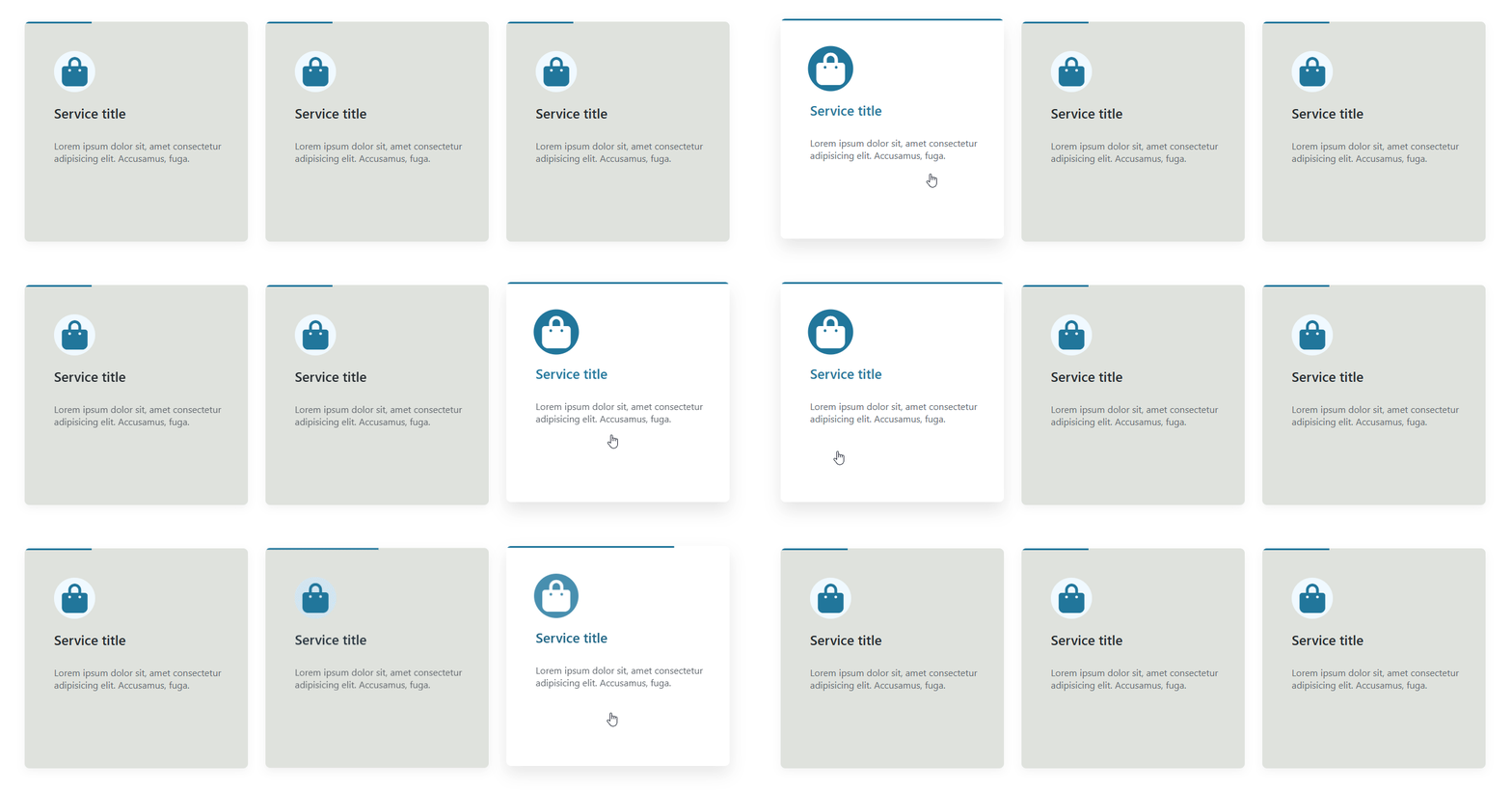
Layout 8 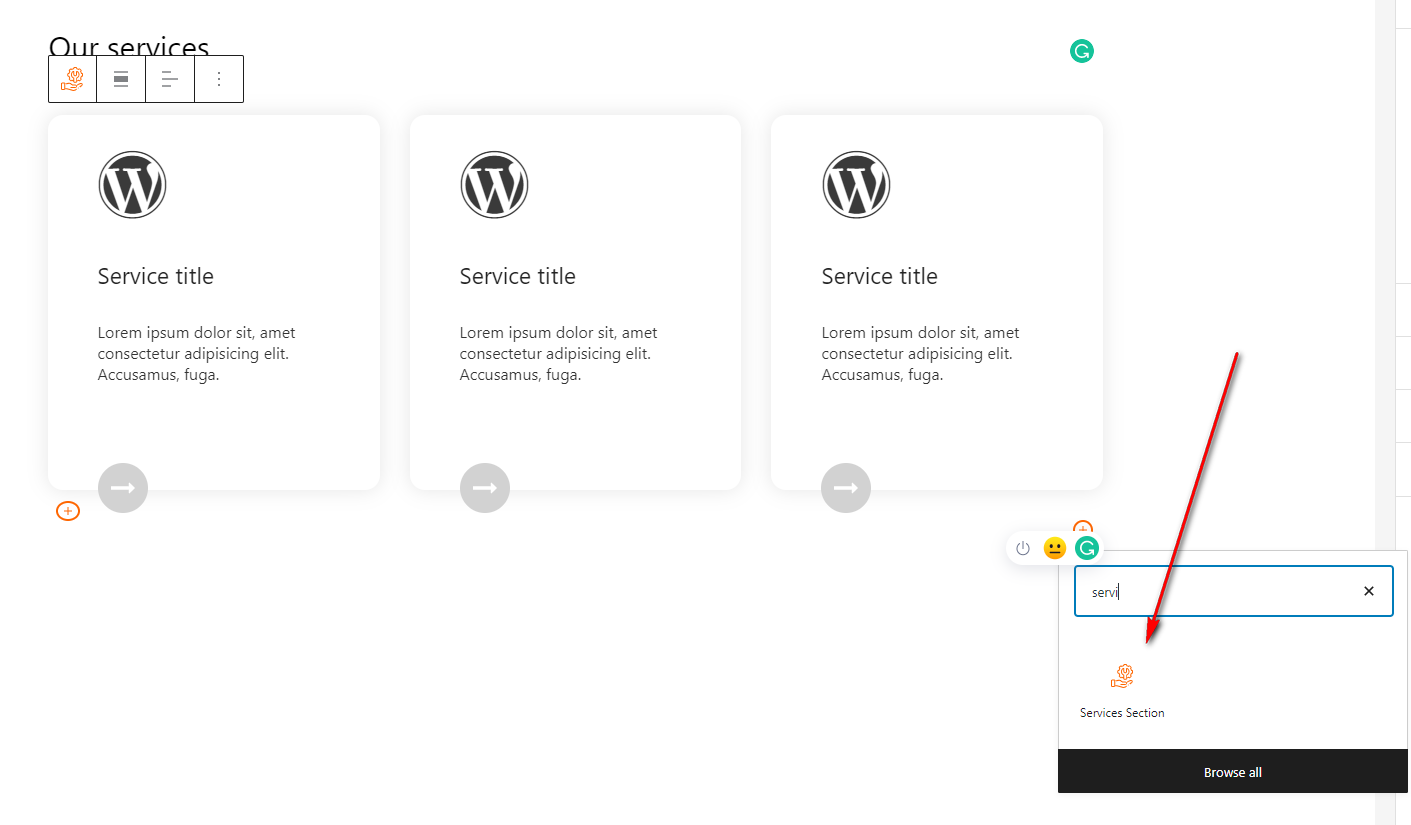
Add Block 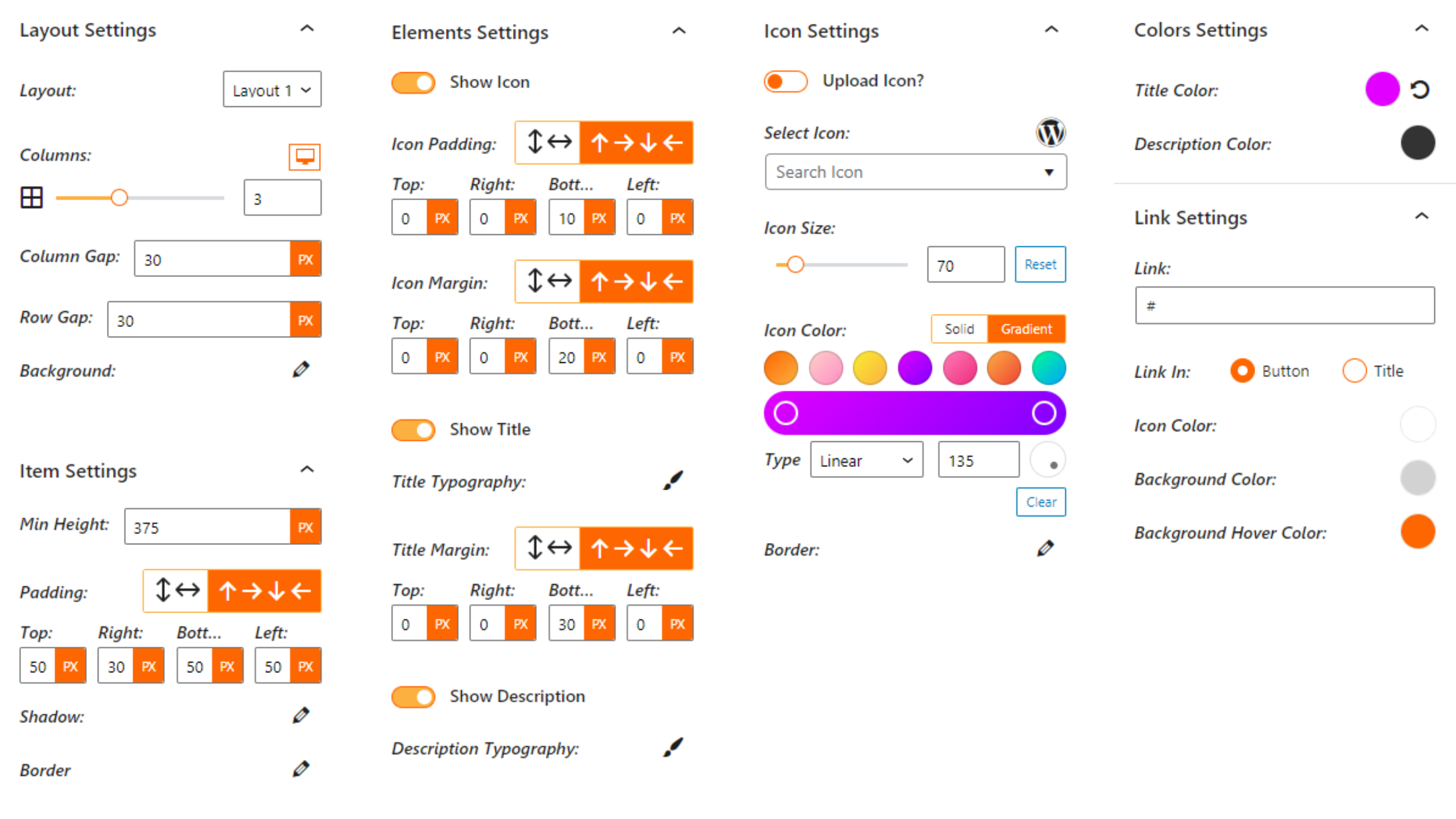
All Settings


Blocks
This plugin provides 2 blocks.
- Services Section Display your business services in a clean, responsive, and customizable section.
- Service Service item for services.
Installation
From Gutenberg Editor:
- Go to the WordPress Block/Gutenberg Editor
- Search For Services Section
- Click on the Services Section block to add the block
Download & Upload:
- Download the Services Section plugin (.zip file)
- In your admin area, go to the Plugins menu and click on Add New
- Click on Upload Plugin and choose the
services-section.zipfile and click on Install Now - Activate the plugin and Enjoy!
Manually:
- Download and upload the Services Section plugin to the
/wp-content/plugins/directory - Activate the plugin through the Plugins menu in WordPress
FAQ
-
Is Services Section Block free?
-
Yes, Services Section Block is a free Gutenberg block plugin.
-
Does it work with any WordPress theme?
-
Yes, it will work with any standard WordPress theme.
-
Can I change block settings?
-
Yes, you can change block settings from the Gutenberg block editor’s right sidebar.
-
How many times can I reuse a block?
-
You can use unlimited times as you want.
-
Where can I get support?
-
You can post your questions on the support forum here
Reviews


Contributors & Developers
“Services Section Block – Showcase Service Details in Grid or Columns” is open source software. The following people have contributed to this plugin.
Contributors


Translate “Services Section Block – Showcase Service Details in Grid or Columns” into your language.
Interested in development?
Browse the code, check out the SVN repository, or subscribe to the development log by RSS.
Changelog
1.4.1 – 04 Nov, 25
- update sdk
1.4.0 – 15 October, 25
- added modern dashboard and layout switch in toolbar
1.3.8 – 28 July 25
- updated admin dashboard page
1.3.7 – 20 May 25
- escapeHTML imported from common
1.3.6 – 6 May 25
- Improve Admin dashboard demo page
1.3.5 – 17 Feb 25
- Improve security
1.3.4 – 28 Dec 24
- Fix default image not found issue.
1.3.3
- Update font library
1.3.2
- Fix empty link
1.3.1
- Reduce assets load
1.3.0
- Remove the link if no link
1.2.9
- Add translate feature
1.2.8
- Fix HTML Render
1.2.7
- Reduce PHP Code
- Performance Improvement
1.2.6
- Fix the default icon issue.
1.2.5
- Reduce PHP Code
1.2.4
- Performance upgrade
1.2.3
- Performance upgrade
1.2.2
- Update theme and link position settings in the global
1.2.1
- Add an option for the link in the whole service element
1.2.0
- Add options for hover background
- Fix the upload icon
1.1.4
- Fix align issues
1.1.3
- Fix issues
1.1.2
- Add Templates
- Add more settings
1.1.1
- Fix align class
1.1
- Add Icon Upload Option
1.0
- Initial Release.
