

Description
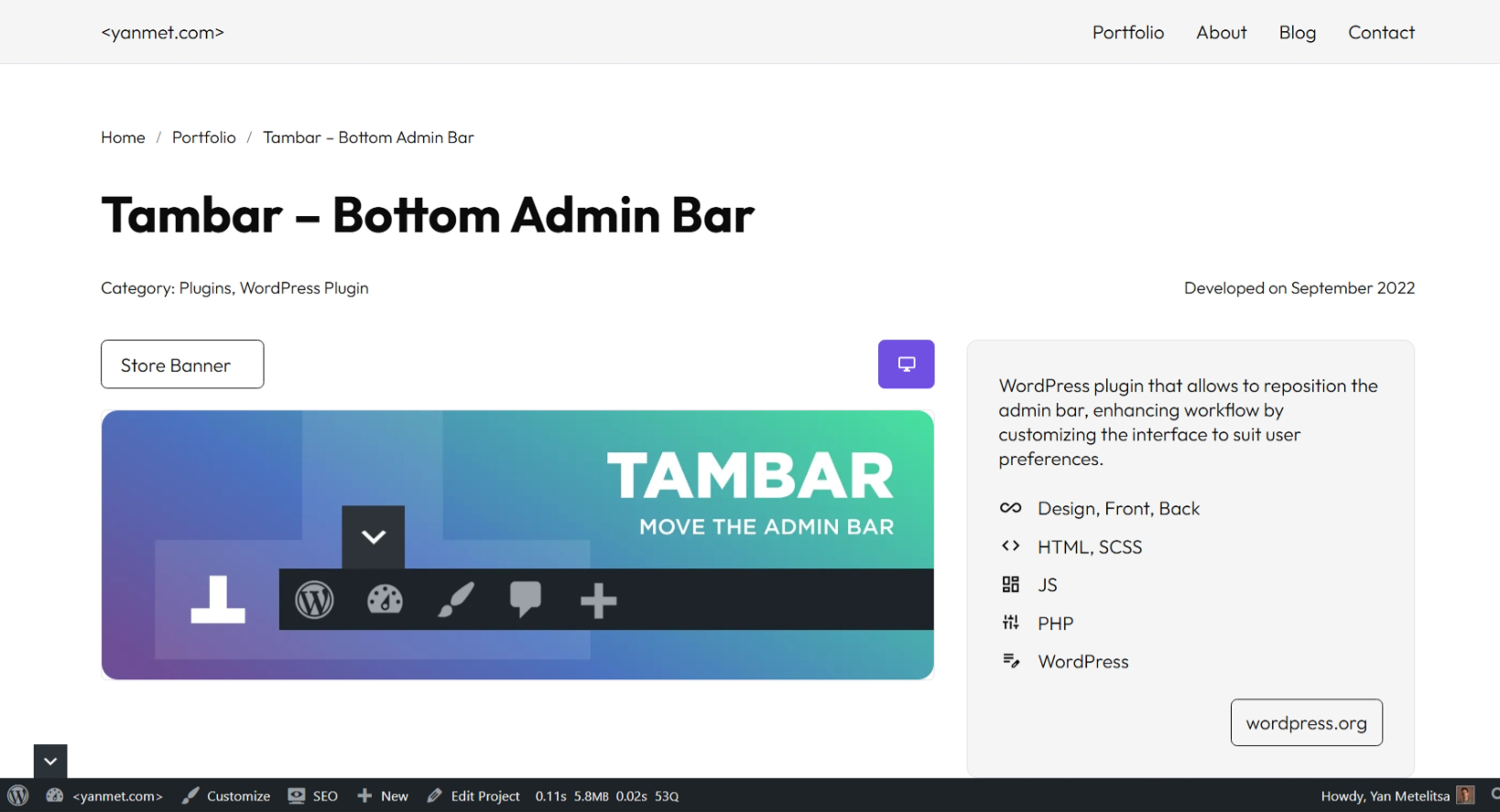
The sticky header is a widely used feature on many websites, but it can conflict with the WordPress admin bar. Take full control of your WordPress admin bar – reposition, collapse, or hide it!
Features
- Move the admin bar to the bottom
- Set different positions for desktop and mobile
- Hide/show the admin bar by switcher or keyboard shortcuts Shift + Up/Down
- Hide the admin bar for specific roles
Advantages
- 🪶 Feather-light – No performance impact
- 🎨 Native WordPress styling – Seamless UI integration
- 📱 Mobile-optimized – Perfect responsive behavior
- ⌨️ Keyboard-friendly – Work faster with keyboard shortcuts
- 🧑💻 For Developers – Supports third-party plugins
Screenshots
Admin Bar at Bottom 
Hide Admin Bar 
Settings Page


FAQ
-
I installed and activated the plugin, but it doesn’t work
-
For the plugin to function properly, your theme must include the WordPress
body_class()function.The
body_class()function generates essential CSS classes that the plugin relies on for proper operation. Most modern WordPress themes include it by default, but some custom themes may omit it.
Reviews

Contributors & Developers
“Tambar – Bottom Admin Bar” is open source software. The following people have contributed to this plugin.
Contributors
“Tambar – Bottom Admin Bar” has been translated into 4 locales. Thank you to the translators for their contributions.
Translate “Tambar – Bottom Admin Bar” into your language.
Interested in development?
Browse the code, check out the SVN repository, or subscribe to the development log by RSS.
Changelog
3.0.1
- New: Query Monitor support – admin bar opens if there are warnings
3.0.0
- New: Complete performance optimization and enhanced functionality
2.3.3
- Fix: WordPress 6.7.0 compatibility issue with
get_plugin_data()
2.3.0
- New: Option to hide the admin bar for specific user roles
2.1.9
- Fix: Plugin assets now load only when the admin bar is shown to the user
2.1.6
- New: Switcher options
2.1.0
- New: Admin bar state controlled by CSS (no glare)
2.0.6
- New: Mobile position settings
1.0.0
- New: Added options page
- New: Admin bar hiding feature
0.9.0
- Initial release
