Your everyday, now easier.
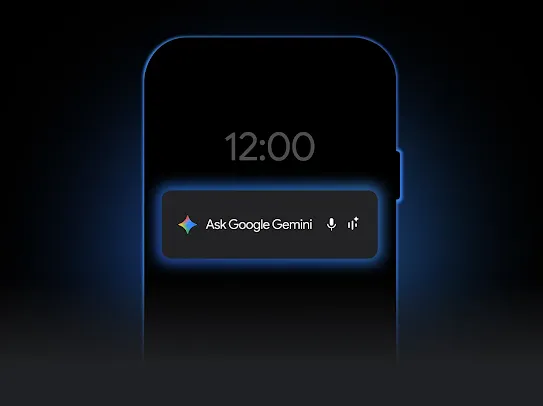
From your phone, to your watch, to your glasses, Google AI helps you spark creativity, boost productivity, and connect more freely and securely.
Pro-quality edits that feel like magic.
Magic Eraser
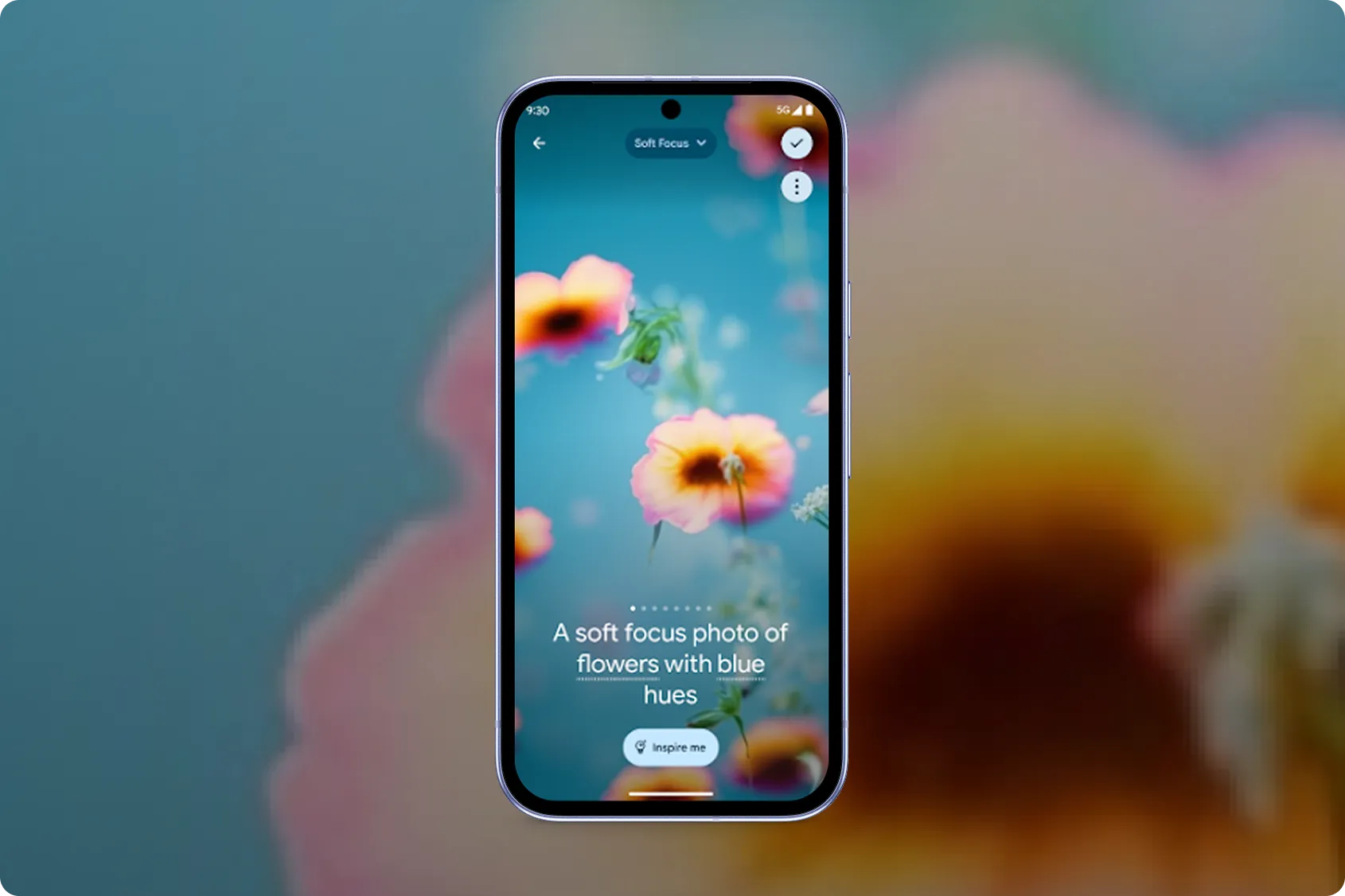
wallpaper
New ways to express yourself.
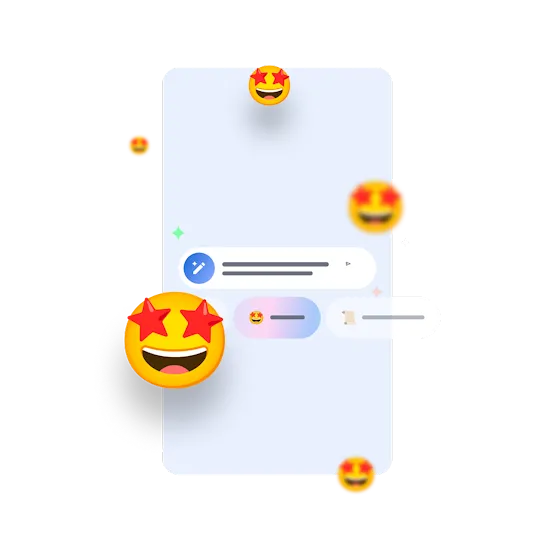
Find the perfect words. Rewrite your messages in different styles.
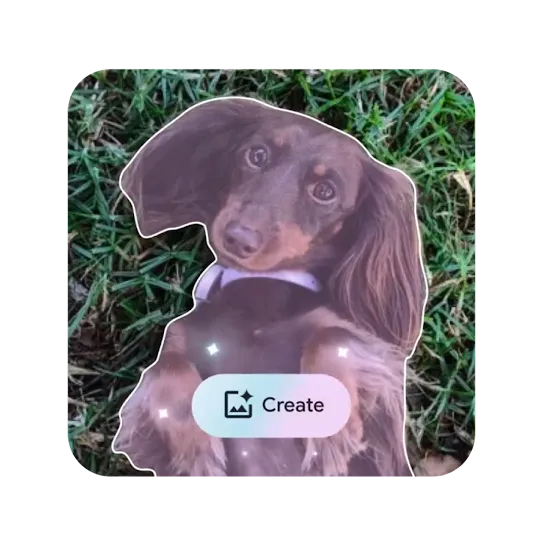
From camera roll to custom emoji, create a new emoji from your own photos.
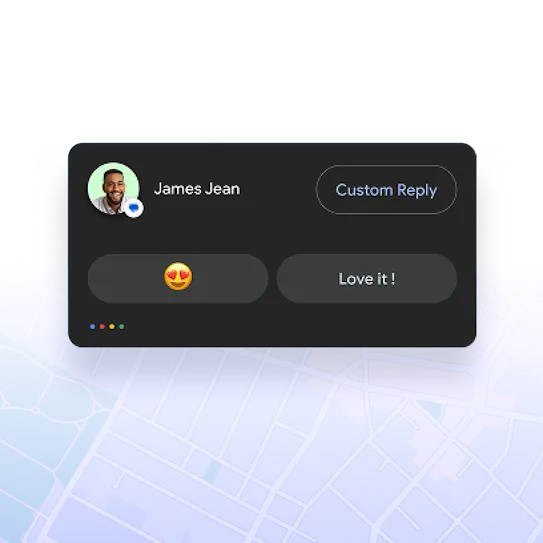
Reply with just one tap to safely keep the conversation going.
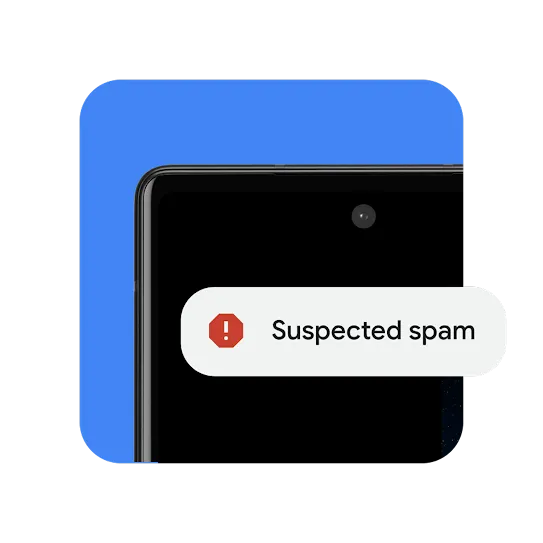
AI-powered protection.
Get the answers you need.
Step 1: When Android Auto is active, you can invoke Google Assistant by saying “Hey Google”, tapping on the microphone icon on the car display, or depressing the push-to-talk button on the car’s steering wheel (if available).
Step 2: Follow that with a query or command like “take me to a coffee shop nearby” or “play some jazz”.
For most compatible cars or aftermarket stereos, simply plug in your phone using a USB cable. If your car display supports wireless connection, you must pair your phone with your car’s bluetooth for set-up. After set-up, depending on your car, either the phone will automatically connect or the Android Auto app icon will appear on your car display.
Step 1: On your Android phone, open Google Messages and start a conversation.
Tip: Make sure your message has "message" in the compose row.
Step 2: Select the Magic Compose icon to bring up writing style options.
Step 3: Select the suggestion you want to use. You can choose from Remix (rephrase), Shakespeare, Chill, Excited, Lyrical, and Formal.
Step 4: When you're ready to send, tap Send.
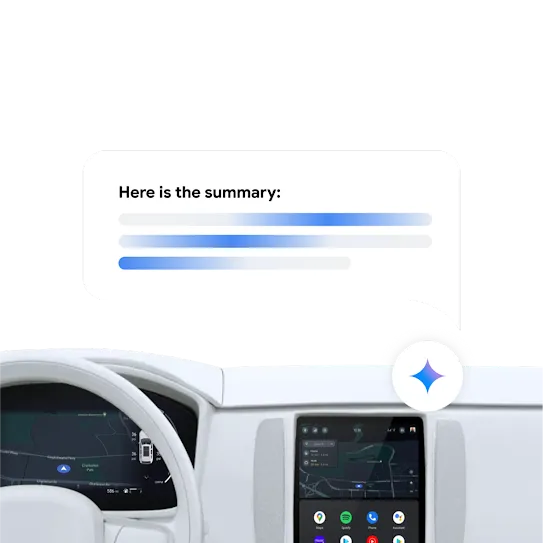
Smart actions in Android Auto consist of AI-supported summaries of group messages or long messages that are read aloud.
Additionally, smart replies generate automated reply messages that may be contextually relevant responses to received messages.
You can also receive other suggestions like recommended playlists or one-tap navigation to specific destinations, like Home or Work locations.
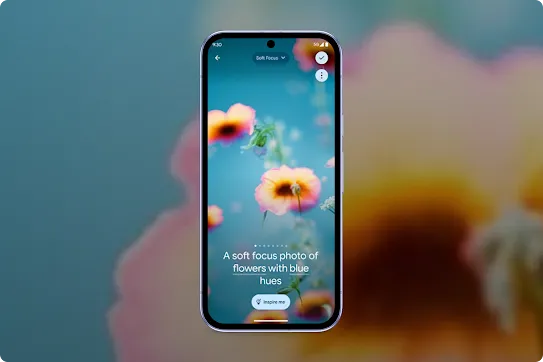
You can use Magic Editor to reimagine your photos on your Pixel device. You can move, recompose, or erase parts of your photos and apply contextual or special effect presets, like “Sky” or “Golden hour.”
Important:
Your device must have a 64-bit chipset with at least 4 GB RAM and Android 8.0 and up. This feature is experimental and couldn't always work how you expect.
Step 1: Open Google Messages, and start a conversation.
Step 2: Touch and hold a message.
Step 3: Select “Create”
Step 4: Select a photo from your image gallery. AI will crop out a face or item to turn into an emoji. If there are multiple subjects in the photo, tap the one you want to send.
Step 5: Tap Send. Your emoji is saved to your emoji tray for future use.

Keep exploring
Google AI on Android.
-
Make everyday tasks easier.
Whether it’s decoration advice or help doubling a recipe, AI assistance is more versatile than ever.
Learn more -
More features, more possibilities.
Create, connect, and express yourself like never
before with our AI-powered features.
Learn more