


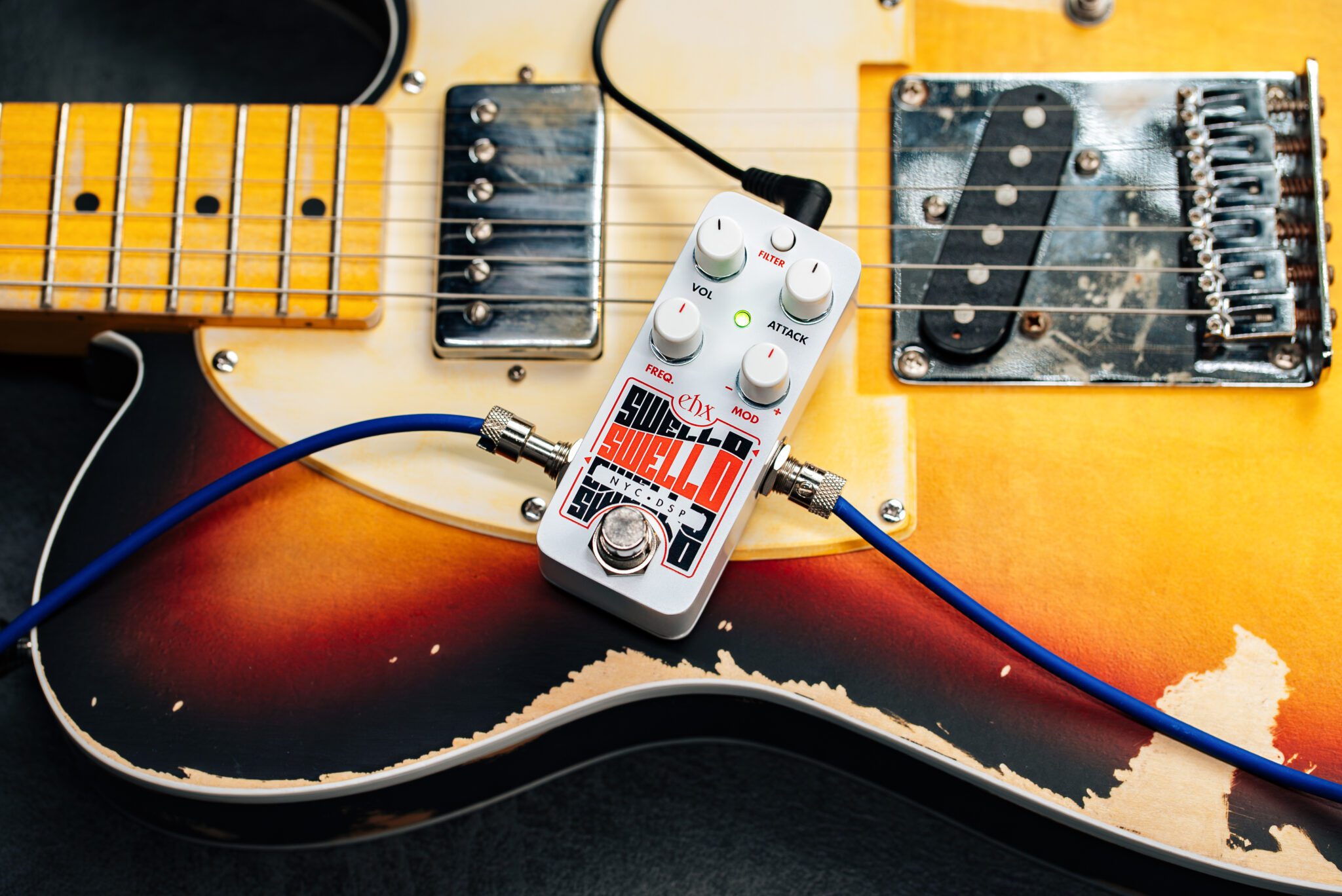
Pico Swello
Attack Envelope
$149.50
Sound Clips
Pico Swello
Pico Swello
DESCRIPTION
One of Electro-Harmonix’s most popular effects, there are many reasons to love the POG2. One major reason being its unique attack filter, applying attack envelopes to each individual note played whether in single notes or in a chord. This creates a very musical, multi-voice effect that’s extremely adaptive to any musical style. This polyphonic attack filter is the core of the PICO Swello generating polyphonic and reverse sounds with the addition of a modulated low-pass filter for even more expressive tones.
Implemented subtly, the Swello adjusts your guitar’s attack to sound smooth and flowing even while playing fast lines and arpeggios. Laying on the effect more heavily creates dramatic swells perfect for shaping gently shifting ambient soundscapes and synth style pads.
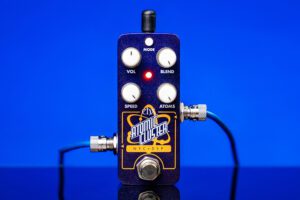
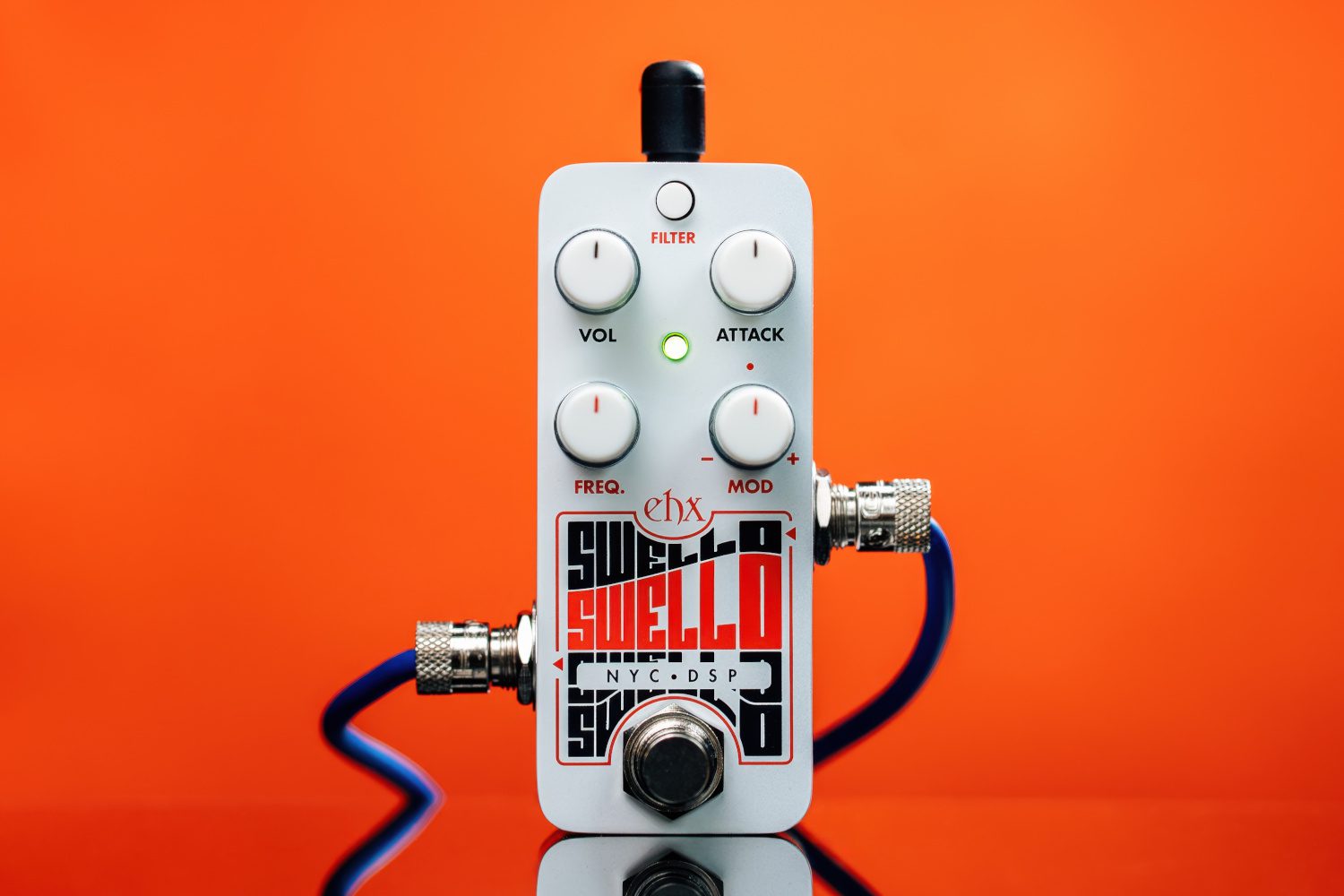
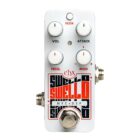
The simple 4-knob control layout is easy to drive starting with the heart of the pedal, the ATTACK knob. Turn up ATTACK to go from a quick, gentle attack time to slow, long swells. VOL controls the overall output and is useful for making up for the perceived low volume of long attack effects. The rest of the controls apply to the Low-Pass Filter. The Filter Button engages the LPF with adjustable low and high resonance settings. The FREQ control adjusts the cutoff frequency of the LPF. The MOD knob controls the depth and direction of the LPF envelope for upward or downward filter sweeps over a narrow or wide range of frequencies limited by the cutoff frequency. The LPF’s modulation timing is tied directly to the ATTACK knob setting. Combining the LPF with the Attack Envelope brings added musicality and expressiveness to fan-favorite effect, now in its very own pedal.
- Compact Pico chassis
- Attack Envelope effect of the EHX POG2
- Polyphonic attack envelope applies swell to each individual note played
- VOL adjusts overall output volume
- ATTACK adjusts ATTACK Envelope Time
- Low Pass Filter with adjustable resonance and envelope modulation
- FILTER button engages LPF and selects resonance settings
- FREQ sets cutoff frequency of LPF
- MOD controls depth and direction of filter modulation
- Power adapter included
SPECIFICATIONS
Circuit
Bypass
Audio
Power Supply
Dimensions (in)
Current Draw
Year Released
UPC
Owner's Manual
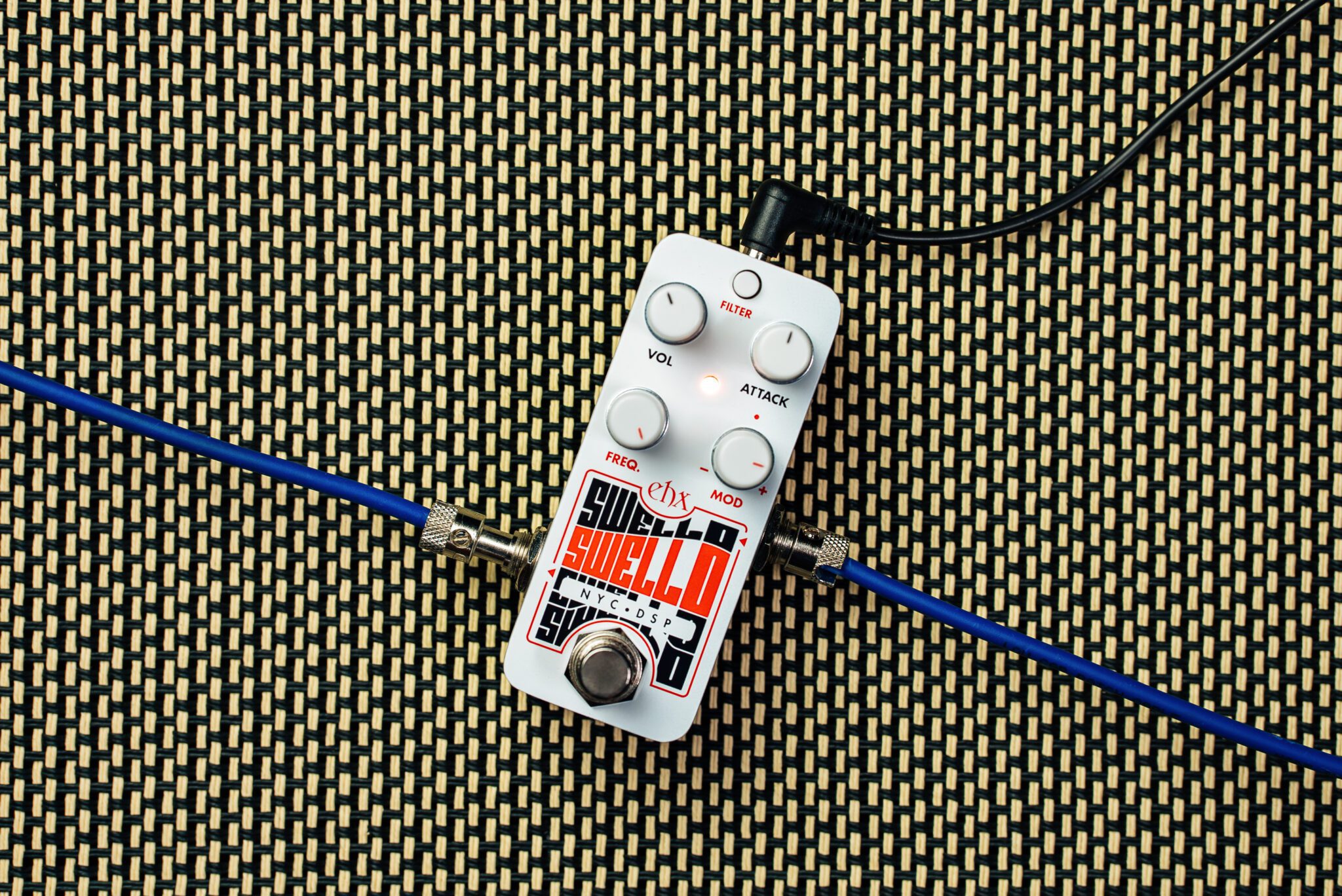
POWER JACK
Current draw: 100mA at 9.0VDC.FILTER Button
Enables the low-pass filter and chooses the filter resonance setting: Green – The filter is disabled; Orange – The filter is enabled with a low resonance setting; Red – The filter is enabled with a high resonance setting.VOL Knob
Adjusts the output volume.ATTACK Knob
Controls the attack envelope time. As the ATTACK knob is turned clockwise, the attack time increases producing a slower swell or reverse effect.FREQ Knob
Controls the cutoff frequency of the low-pass filter when it is active—LED is set to orange or red modes. If filter modulation is enabled via the MOD knob, FREQ sets the maximum frequency of the filter. The filter is fully disabled when the LED is set to green.MOD Knob
Controls the depth and direction of the filter envelope. The timing of the envelope filter modulation is directly tied to the ATTACK knob. Filter modulation is disabled when MOD is at the center (noon) position or when the filter is off.INPUT JACK
Audio input to the Pico Swello.OUTPUT JACK
Audio output from the Pico Swello.FOOTSWITCH & STATUS LED
Footswitch engages or bypasses the effect. The LED color indicates the selected mode. In bypass, the LED is off.“Say Hello to Swello!”
–Mike Matthews
Related Gear
-

-
-
-
-
Sale!
-
Sale!
-
-