Share your availability and book appointments effortlessly with Zoom Scheduler. Seamlessly connect meetings, chat, calendar, and docs on our AI-first platform — where every interaction builds stronger connections.
Reliable
bookings
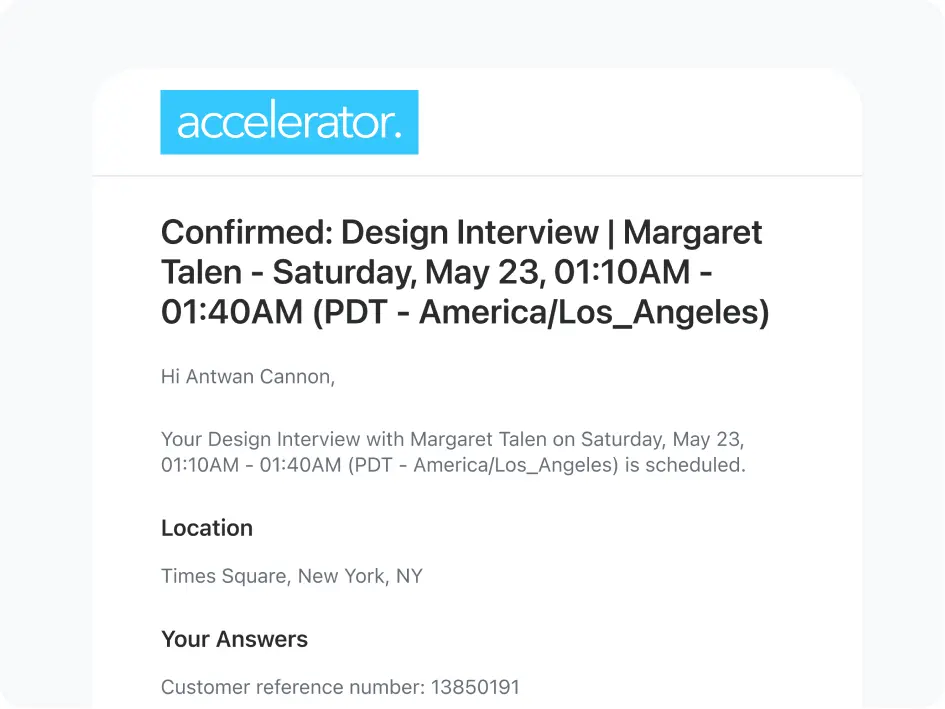
Book meetings and keep them on your calendar with easy booking pages, automatic confirmations, and timely reminders for attendees.
Professional presence
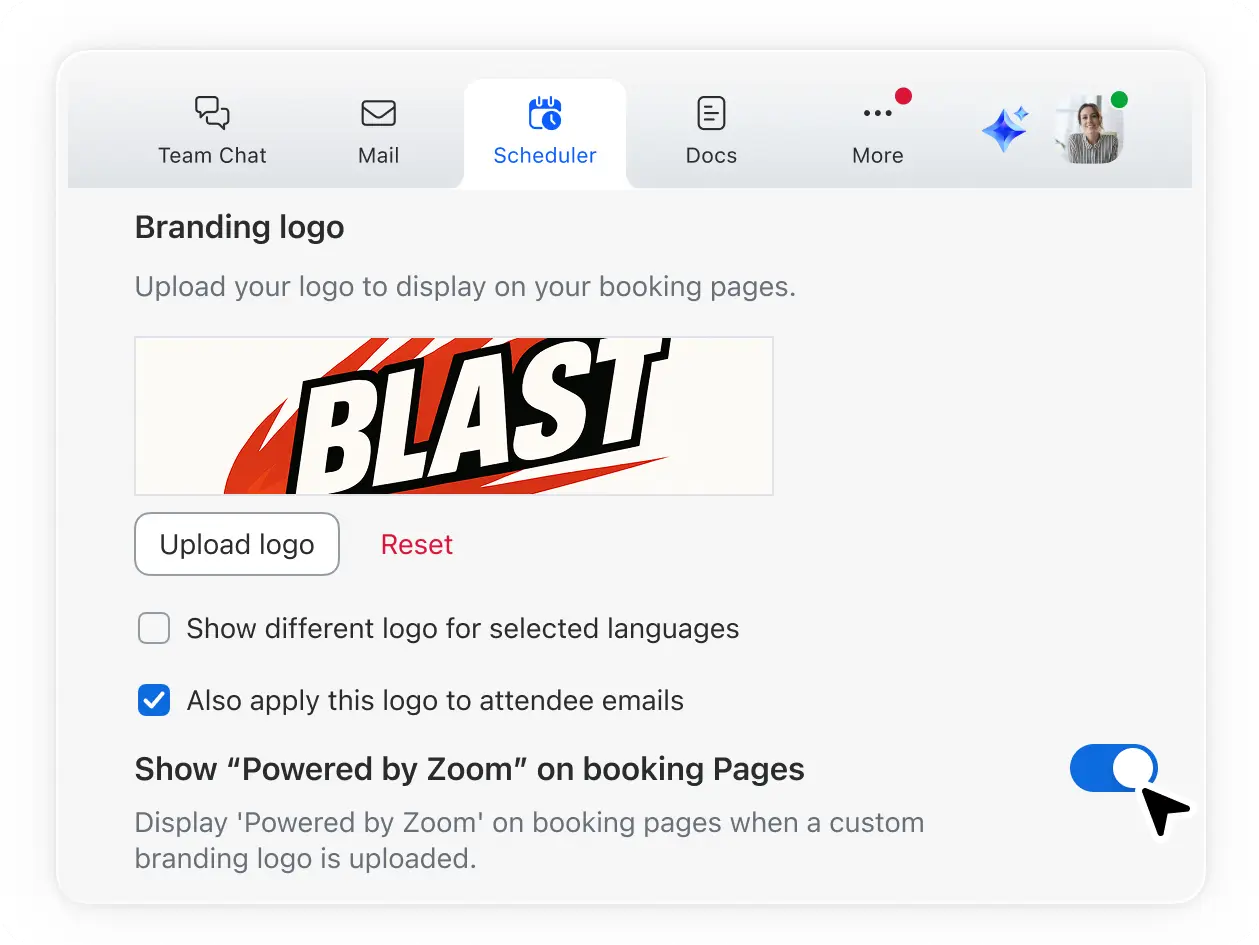
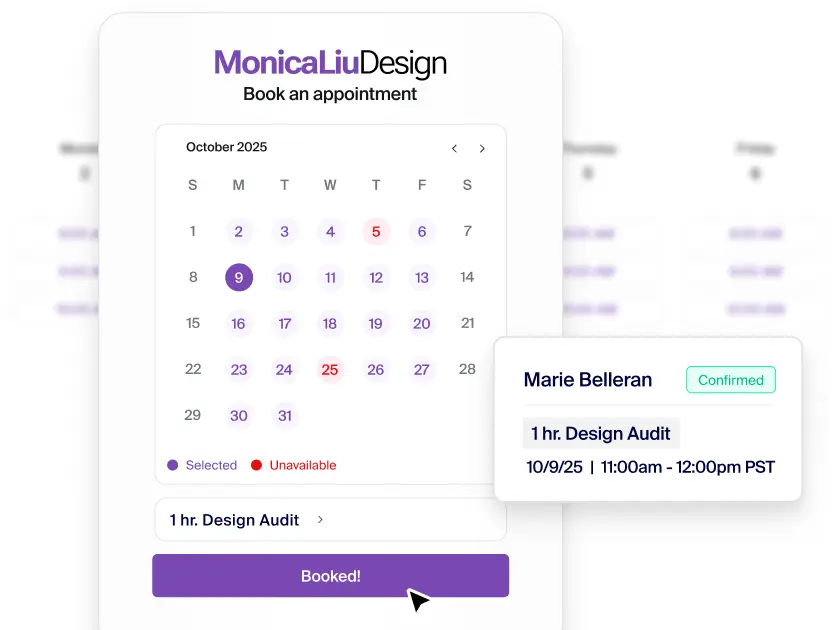
Build trust with prospects and clients with customizable booking pages that incorporate your brand and provide a smooth scheduling process.
Growth for your business
Schedule sessions and consults fast — clients handle their own bookings while you focus on growing your business.
AI-first
productivity
Get AI meeting summaries and follow-ups for appointments so you can stay on top of to-dos, thanks to Zoom AI Companion.*
Zoom Scheduler makes booking meetings a breeze
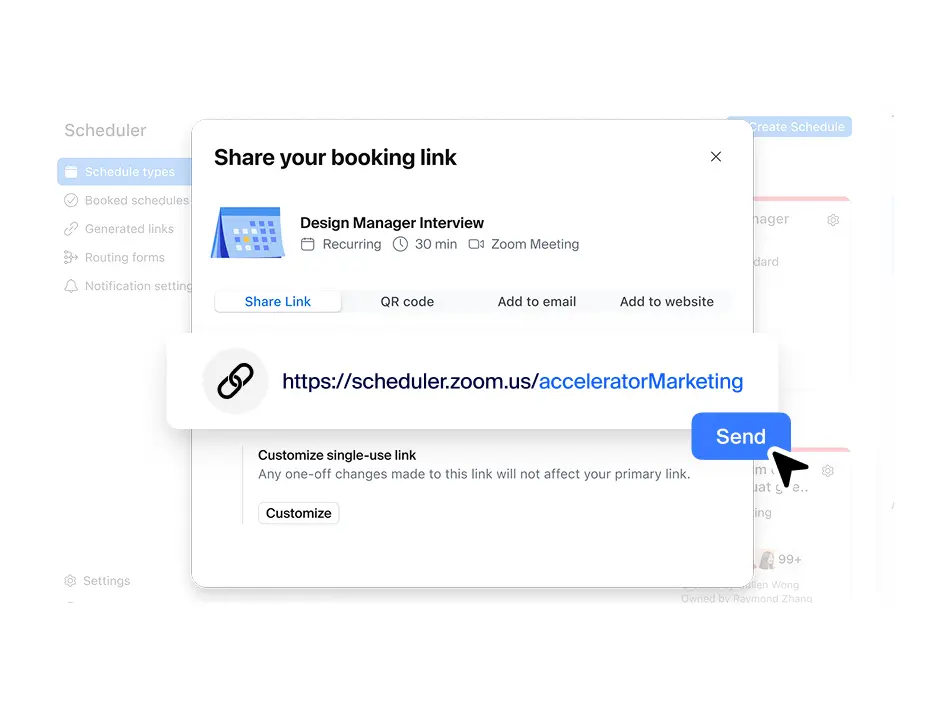
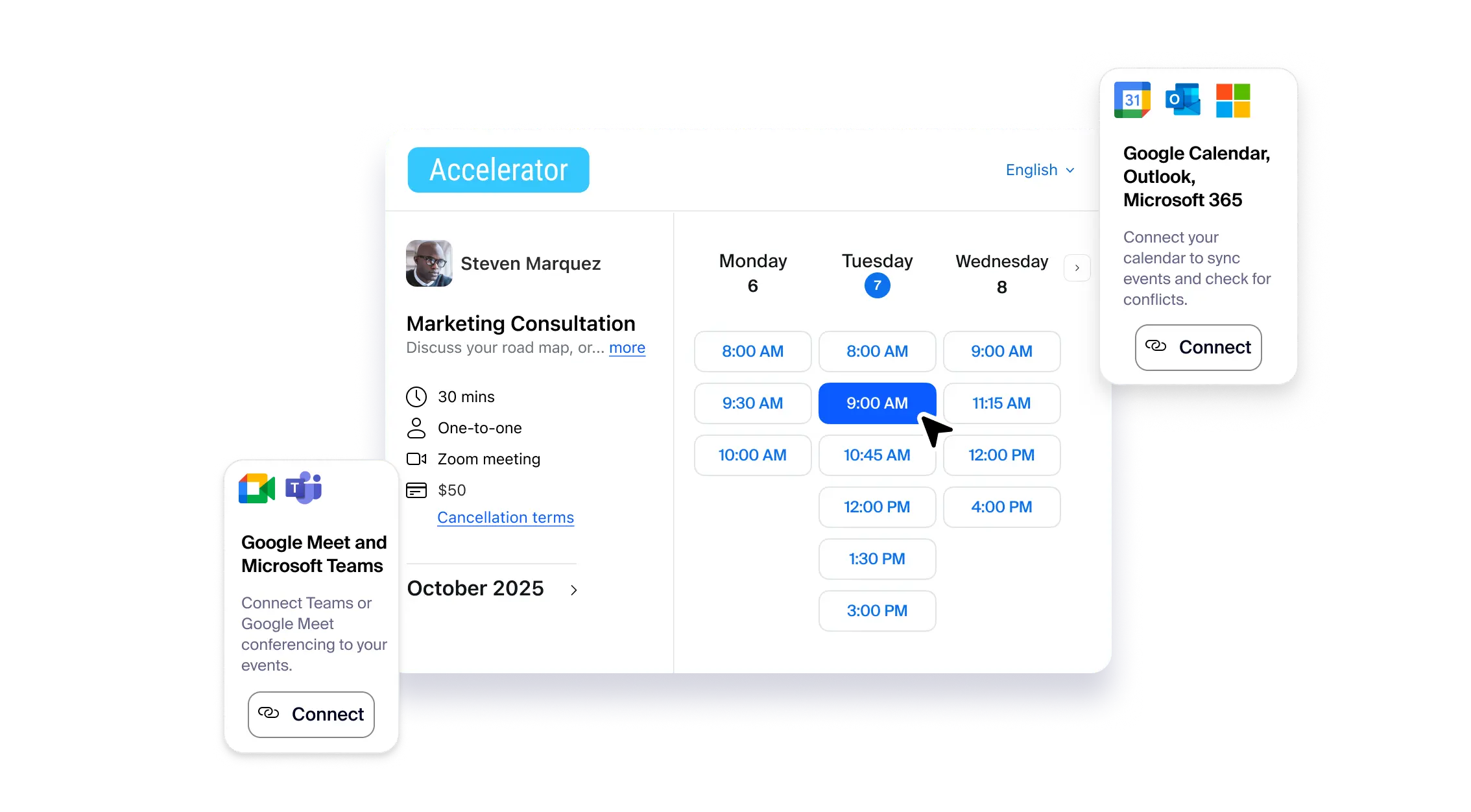
Share a link to book one-on-one meetings, or allow multiple attendees to book in a single time slot.
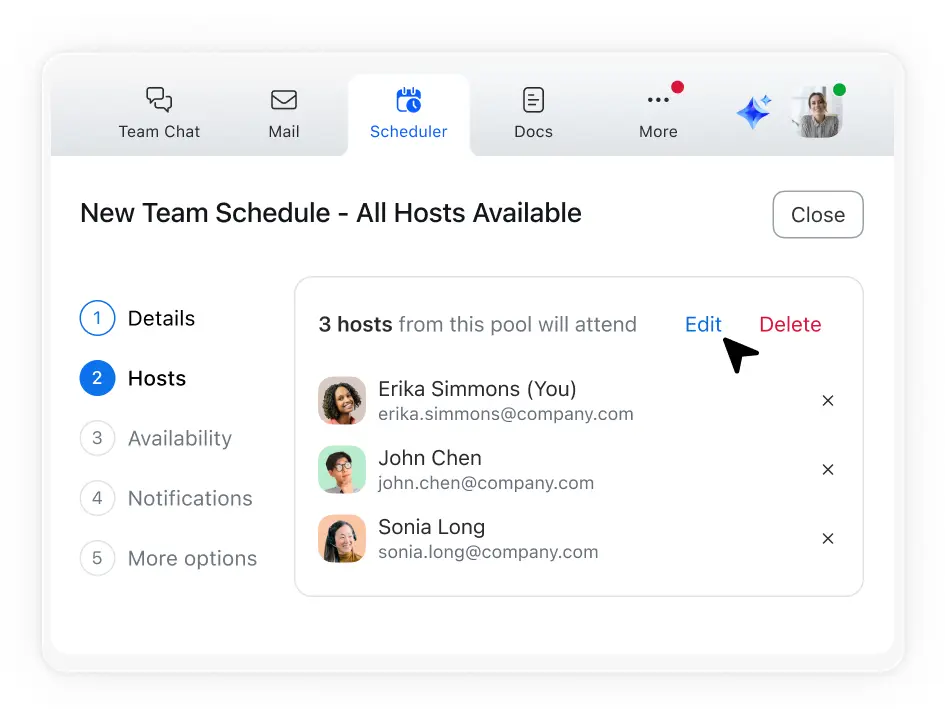
Align meeting times for multiple hosts with one attendee using collective scheduling.
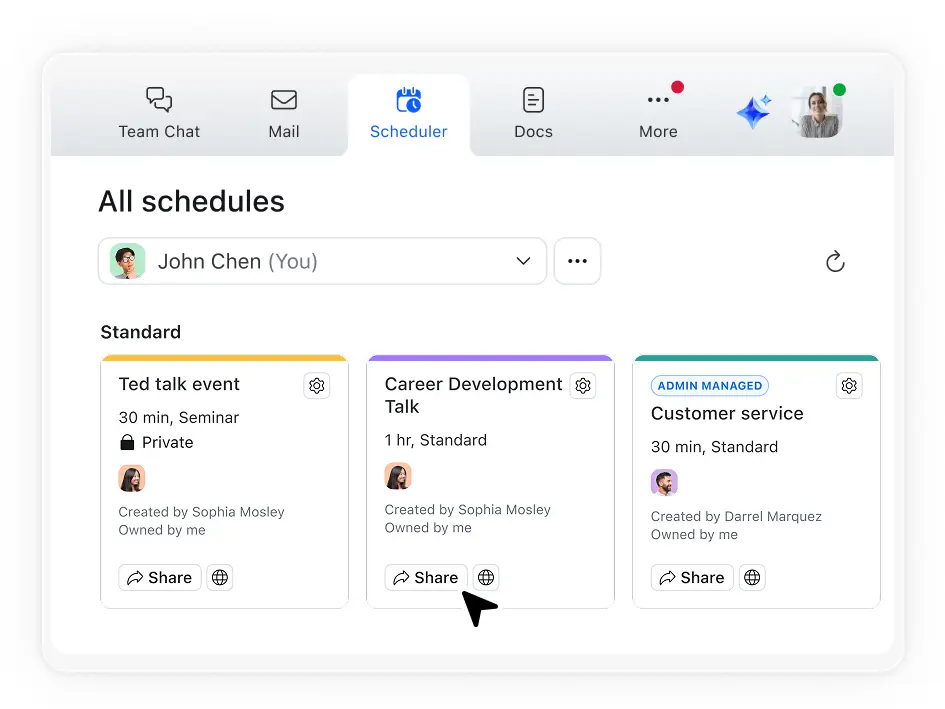
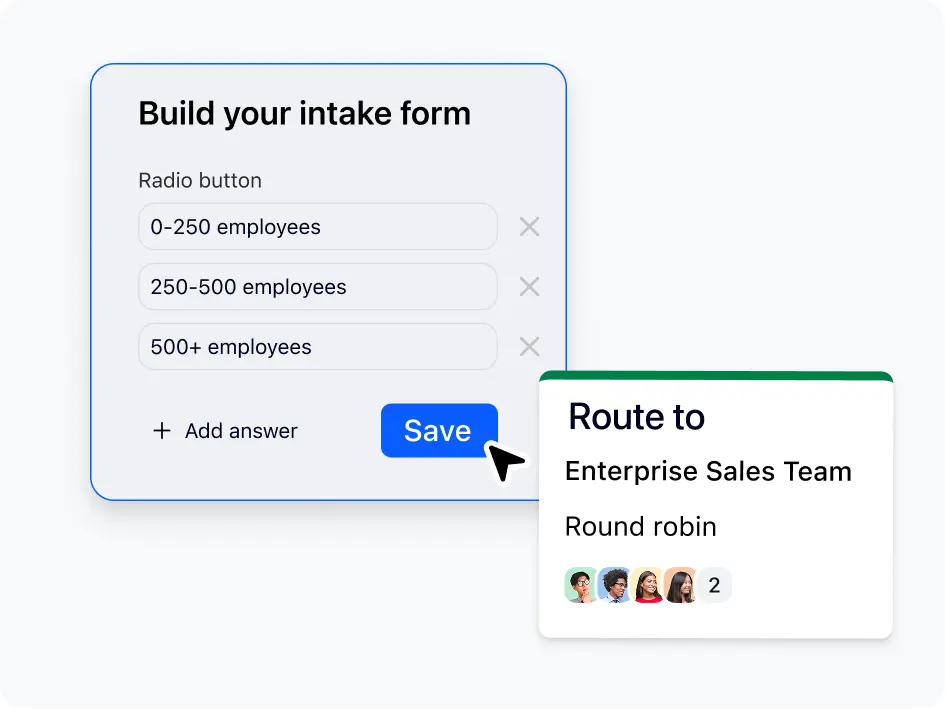
Send clients straight to the next available team member using round-robin scheduling.
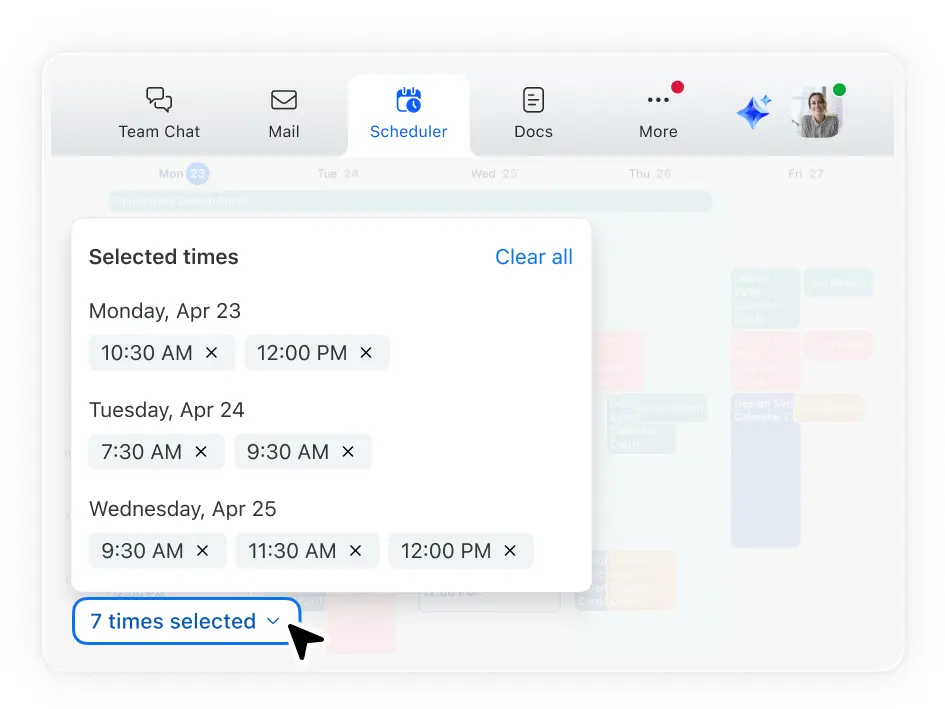
Let everyone pick their preferred time and schedule based on majority preference.
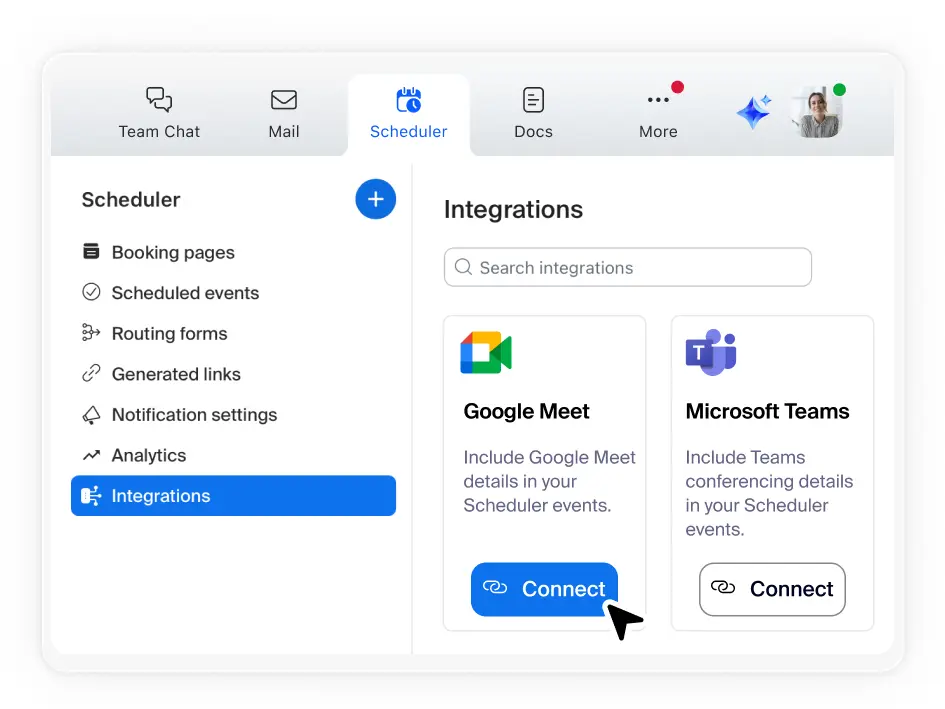
Sync your primary calendar and link up to five others — Scheduler automatically blocks conflicts and syncs new bookings to your calendar.
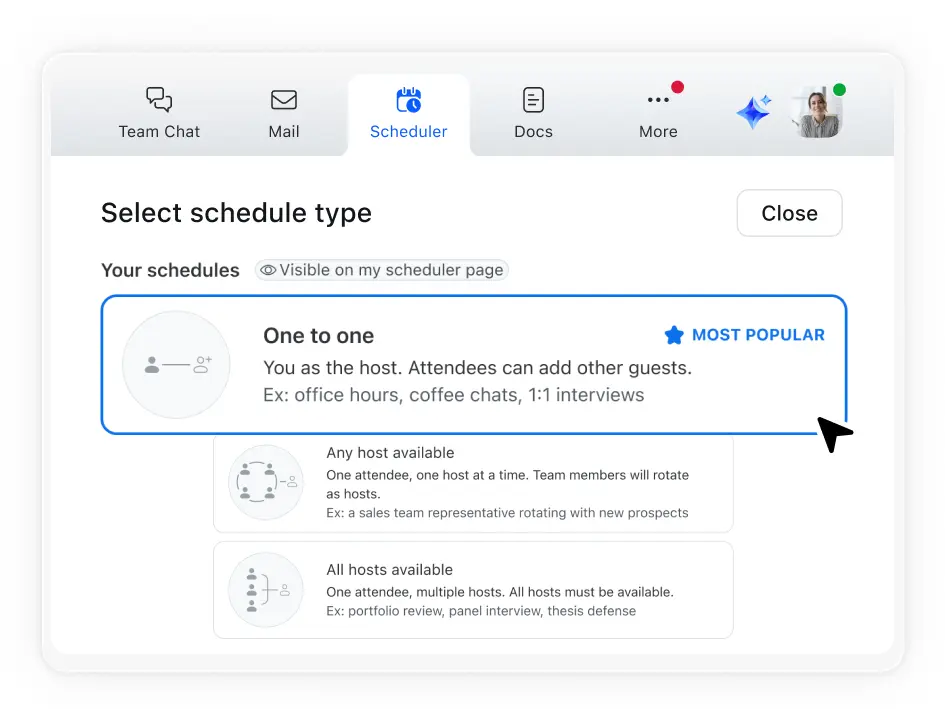
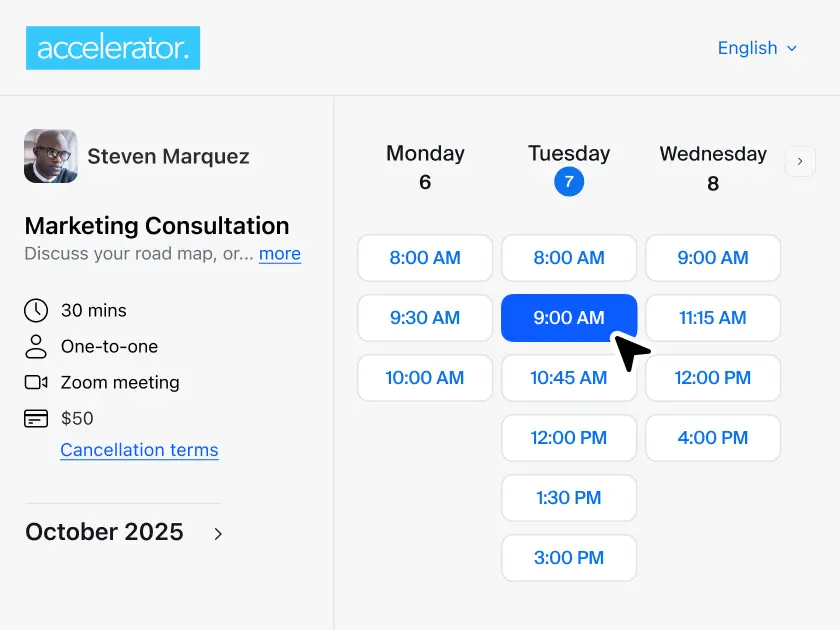
Create a polished booking page with customization options.
Make your online booking page memorable with customizable URLs.
Embed your branded booking page on your website that matches your site's look and feel.
Reinforce your brand identity across your customer's booking journey with customizable booking pages and email communications.
Capture key details or qualify leads with custom booking form questions.
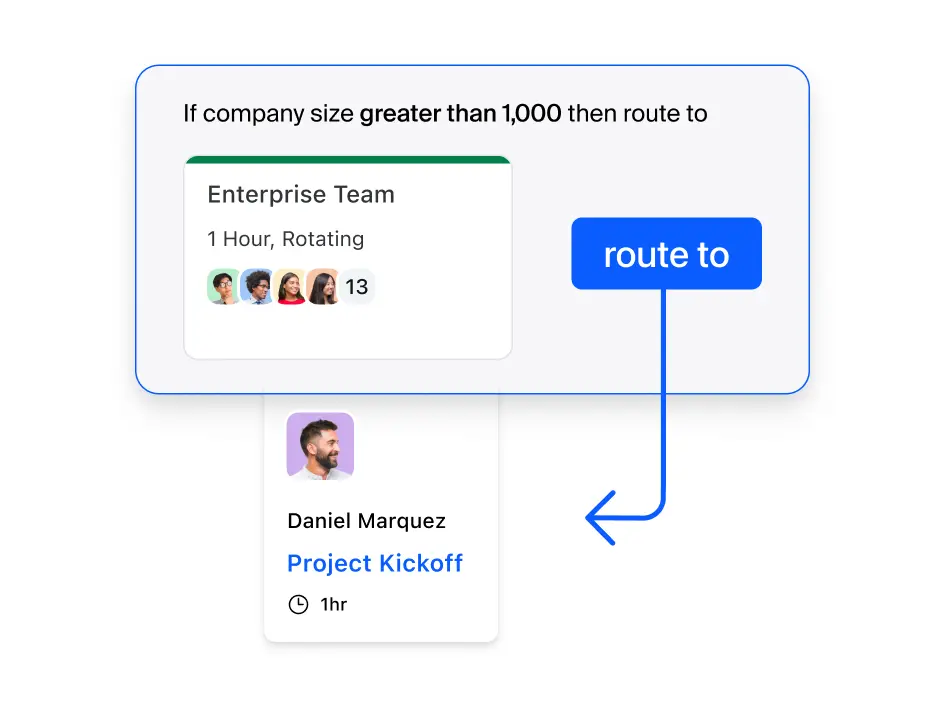
Direct customers to the right person, team, or booking page by routing form questions.
Let customers schedule meetings in just a few clicks.
Reduce no-shows with timely SMS or email reminders.
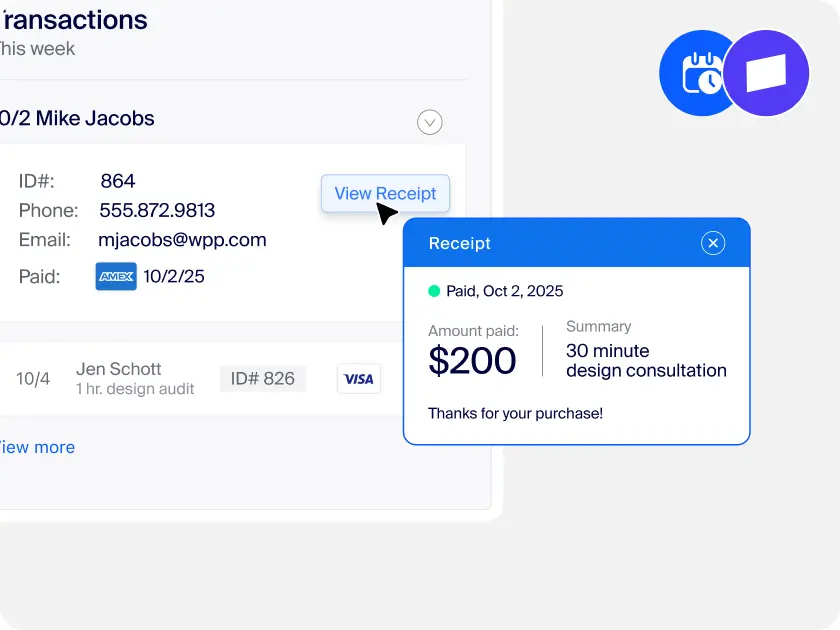
Collect payments at booking time with Zoom's Stripe integration.*
*Currently available in US and UK. Requires a separate account with Stripe and is subject to Stripe’s terms of service.
Teams everywhere power up
productivity with Scheduler
-
IT
IT leaders can help reduce vendor management and costs with Zoom's native booking app. Cut down on extra contracts and security concerns while giving teams a scheduling tool they'll actually use.
-
Sales
Designed to help sales teams convert interest into meetings faster, route prospects automatically to reps, qualify leads during booking, and shorten sales cycles by cutting back-and-forth scheduling.
-
Support
Designed to help support teams resolve issues quickly by letting customers book time directly with specialists. No back-and-forth emails, no missed time zones — just fast resolution and happier customers.
-
HR
A smooth candidate experience starts with fast, easy interview scheduling. Collective and round-robin scheduling reduces the hassle of group and panel interviews, while branded pages and reminders boost candidate confidence.
-
Small Businesses
Small business owners and service providers look professional and stay booked — with less admin work or multiple tools. Turn interest into kept appointments, helping you grow your business.

Streamline scheduling with integrations
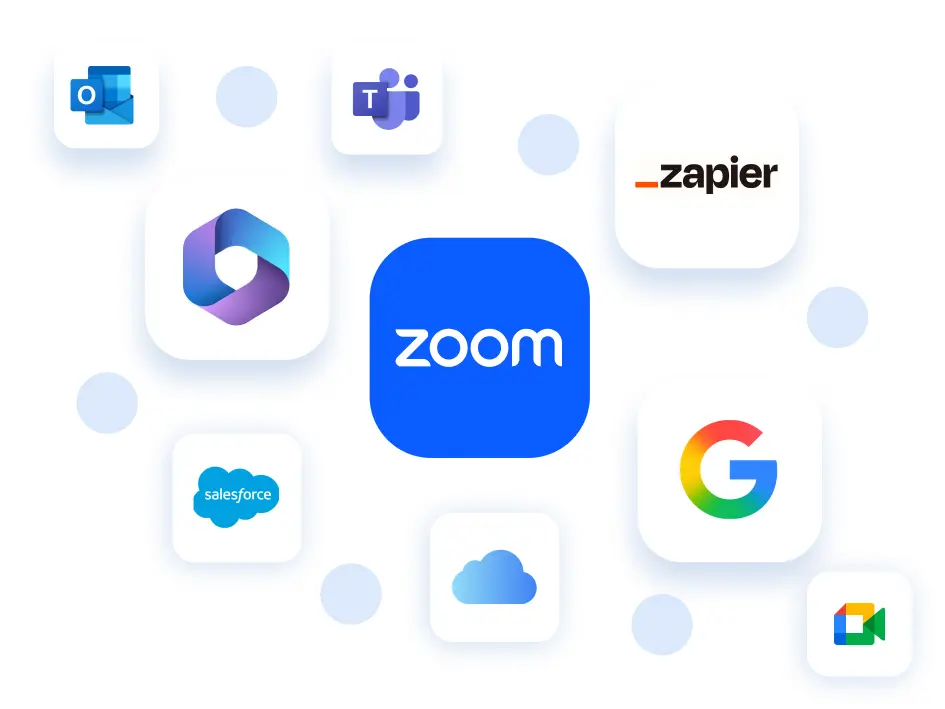
An appointment scheduler that connects seamlessly with the tools you already use.
*Salesforce and Zapier integrations coming soon.
See how Zoom Scheduler stacks up
$4.99 USD/month/seat
Or included with Business and Enterprise plans
$15 - $24 per user/month
(billed monthly or annually)
$4.99 USD/month/seat
Or included with Business and Enterprise plans
Standard - $10 USD/month/seat
Teams - $16 USD/month/seat
Unlimited
—
Free tier - 1 event
Standard and up - Unlimited
6 per person
—
Standard and up
—
Standard and up
Zoom Workplace is trusted by
industry experts
out of 54.9k+ reviews
out of 5.8k+ reviews

Leader in The Forrester Wave™
UCaaS Platforms,
Q3 2025
-
Streamline how you schedule meetings
Spend less time coordinating calendars so you have more time to focus on getting stuff done.
-
Zoom Scheduler vs. Calendly
Find out what really drives loyalty and what causes customers to leave your brand. Learn how the right implementation of AI can improve outcomes.
-
Get started with Zoom Scheduler
Need help? Have questions? Get the support you need to get started with online scheduling.
-
Guided tour: No more calendar tag!
A real life example of how to simplify scheduling with Zoom Scheduler.

Plans and pricing
for Zoom Workplace
Find out how to get more when you bundle with Zoom Workplace.
- Team Chat
-
Meetings
40 minutes max per meeting
100 participants max per meeting
-
Clips Basic
5 two-minute videos
- Calendar
-
Docs Basic
Share up to 10 docs
-
Tasks Basic
Manual entry
- Notes
-
Whiteboard Basic
3 editable boards
- Zoom Hub Basic
-
Scheduler:
- Connect with Google, Microsoft 365, and other calendars
- Schedule Zoom, Google Meet, or Microsoft Teams meetings seamlessly
- Schedule 1:1 and group sessions
- Round Robin scheduling for teams
- Take payment with Stripe
- Automate email and SMS reminders for attendees
- Customize your booking page with brand colors and logo
- Qualify and route leads with routing forms
- Sync scheduled meetings to Salesforce
- View analytics and insights to optimize bookings
- Manage schedules and groups across larger teams
-
Scheduler:
- Connect with Google, Microsoft 365, and other calendars
- Schedule Zoom, Google Meet, or Microsoft Teams meetings seamlessly
- Schedule 1:1 and group sessions
- Round Robin scheduling for teams
- Take payment with Stripe
- Automate email and SMS reminders for attendees
- Customize your booking page with brand colors and logo
- Qualify and route leads with routing forms
- Sync scheduled meetings to Salesforce
- View analytics and insights to optimize bookings
- Manage schedules and groups across larger teams
Most popular
-
Scheduler:
- All of Scheduler
-
Meetings:
30 hours per meeting
300 participants per meeting -
AI Companion:
Schedule meetings
Synthesize content
Manage tasks - Team Chat
-
Whiteboard:
Unlimited whiteboards
-
Docs:
Unlimited docs
-
Clips:
Unlimited clips
Custom avatars
(3 mins per month) -
Mail:
Zoom Mail or Gmail/Outlook
-
Calendar:
Zoom Calendar or
Google/Microsoft sync -
Tasks:
AI-first task management
- Workflow Automation
-
Hub:
All features
-
Cloud storage:
10 GB
- Live Chat Support
-
Essential Apps:
Free premium apps for 1 year
-
Extras:
SSO, managed domains & more
-
Scheduler:
- All of Scheduler
-
Meetings:
30 hours per meeting
300 participants per meeting -
AI Companion:
Schedule meetings
Synthesize content
Manage tasks - Team Chat
-
Whiteboard:
Unlimited whiteboards
-
Docs:
Unlimited docs
-
Clips:
Unlimited clips
Custom avatars
(3 mins per month) -
Mail:
Zoom Mail or Gmail/Outlook
-
Calendar:
Zoom Calendar or
Google/Microsoft sync -
Tasks:
AI-first task management
- Workflow Automation
-
Hub:
All features
-
Cloud storage:
10 GB
- Live Chat Support
-
Essential Apps:
Free premium apps for 1 year
-
Extras:
SSO, managed domains & more
Plans and pricing
for Zoom Workplace
Find out how to get more when you bundle with Zoom Workplace.
- Team Chat
-
Meetings
40 minutes max per meeting
100 participants max per meeting
-
Clips Basic
5 two-minute videos
- Calendar
-
Docs Basic
Share up to 10 docs
-
Tasks Basic
Manual entry
- Notes
-
Whiteboard Basic
3 editable boards
- Zoom Hub Basic
-
Scheduler:
- Connect with Google, Microsoft 365, and other calendars
- Schedule Zoom, Google Meet, or Microsoft Teams meetings seamlessly
- Schedule 1:1 and group sessions
- Round Robin scheduling for teams
- Take payment with Stripe
- Automate email and SMS reminders for attendees
- Customize your booking page with brand colors and logo
- Qualify and route leads with routing forms
- Sync scheduled meetings to Salesforce
- View analytics and insights to optimize bookings
- Manage schedules and groups across larger teams
-
Scheduler:
- Connect with Google, Microsoft 365, and other calendars
- Schedule Zoom, Google Meet, or Microsoft Teams meetings seamlessly
- Schedule 1:1 and group sessions
- Round Robin scheduling for teams
- Take payment with Stripe
- Automate email and SMS reminders for attendees
- Customize your booking page with brand colors and logo
- Qualify and route leads with routing forms
- Sync scheduled meetings to Salesforce
- View analytics and insights to optimize bookings
- Manage schedules and groups across larger teams
Most popular
-
Scheduler:
- All of Scheduler
-
Meetings:
30 hours per meeting
300 participants per meeting -
AI Companion:
Schedule meetings
Synthesize content
Manage tasks - Team Chat
-
Whiteboard:
Unlimited whiteboards
-
Docs:
Unlimited docs
-
Clips:
Unlimited clips
Custom avatars
(3 mins per month) -
Mail:
Zoom Mail or Gmail/Outlook
-
Calendar:
Zoom Calendar or
Google/Microsoft sync -
Tasks:
AI-first task management
- Workflow Automation
-
Hub:
All features
-
Cloud storage:
10 GB
- Live Chat Support
-
Essential Apps:
Free premium apps for 1 year
-
Extras:
SSO, managed domains & more
-
Scheduler:
- All of Scheduler
-
Meetings:
30 hours per meeting
300 participants per meeting -
AI Companion:
Schedule meetings
Synthesize content
Manage tasks - Team Chat
-
Whiteboard:
Unlimited whiteboards
-
Docs:
Unlimited docs
-
Clips:
Unlimited clips
Custom avatars
(3 mins per month) -
Mail:
Zoom Mail or Gmail/Outlook
-
Calendar:
Zoom Calendar or
Google/Microsoft sync -
Tasks:
AI-first task management
- Workflow Automation
-
Hub:
All features
-
Cloud storage:
10 GB
- Live Chat Support
-
Essential Apps:
Free premium apps for 1 year
-
Extras:
SSO, managed domains & more
Plans and pricing
for Zoom Workplace
Find out how to get more when you bundle with Zoom Workplace.
- Team Chat
-
Meetings
40 minutes max per meeting
100 participants max per meeting
-
Clips Basic
5 two-minute videos
- Calendar
-
Docs Basic
Share up to 10 docs
-
Tasks Basic
Manual entry
- Notes
-
Whiteboard Basic
3 editable boards
- Zoom Hub Basic
-
Scheduler:
- Connect with Google, Microsoft 365, and other calendars
- Schedule Zoom, Google Meet, or Microsoft Teams meetings seamlessly
- Schedule 1:1 and group sessions
- Round Robin scheduling for teams
- Take payment with Stripe
- Automate email and SMS reminders for attendees
- Customize your booking page with brand colors and logo
- Qualify and route leads with routing forms
- Sync scheduled meetings to Salesforce
- View analytics and insights to optimize bookings
- Manage schedules and groups across larger teams
-
Scheduler:
- Connect with Google, Microsoft 365, and other calendars
- Schedule Zoom, Google Meet, or Microsoft Teams meetings seamlessly
- Schedule 1:1 and group sessions
- Round Robin scheduling for teams
- Take payment with Stripe
- Automate email and SMS reminders for attendees
- Customize your booking page with brand colors and logo
- Qualify and route leads with routing forms
- Sync scheduled meetings to Salesforce
- View analytics and insights to optimize bookings
- Manage schedules and groups across larger teams
Most popular
-
Scheduler:
- All of Scheduler
-
Meetings:
30 hours per meeting
300 participants per meeting -
AI Companion:
Schedule meetings
Synthesize content
Manage tasks - Team Chat
-
Whiteboard:
Unlimited whiteboards
-
Docs:
Unlimited docs
-
Clips:
Unlimited clips
Custom avatars
(3 mins per month) -
Mail:
Zoom Mail or Gmail/Outlook
-
Calendar:
Zoom Calendar or
Google/Microsoft sync -
Tasks:
AI-first task management
- Workflow Automation
-
Hub:
All features
-
Cloud storage:
10 GB
- Live Chat Support
-
Essential Apps:
Free premium apps for 1 year
-
Extras:
SSO, managed domains & more
-
Scheduler:
- All of Scheduler
-
Meetings:
30 hours per meeting
300 participants per meeting -
AI Companion:
Schedule meetings
Synthesize content
Manage tasks - Team Chat
-
Whiteboard:
Unlimited whiteboards
-
Docs:
Unlimited docs
-
Clips:
Unlimited clips
Custom avatars
(3 mins per month) -
Mail:
Zoom Mail or Gmail/Outlook
-
Calendar:
Zoom Calendar or
Google/Microsoft sync -
Tasks:
AI-first task management
- Workflow Automation
-
Hub:
All features
-
Cloud storage:
10 GB
- Live Chat Support
-
Essential Apps:
Free premium apps for 1 year
-
Extras:
SSO, managed domains & more
Ready to make appointment scheduling easy?
Zoom AI Companion is available with eligible paid Zoom Workplace plans. May not be available for all regions or industry verticals. Learn more
Got questions? We’ve got answers.
Zoom's scheduler app simplifies booking meetings with people outside your organization by letting you create and share a custom link to your availability. When someone clicks your link, they can see when you're free and book a time that works for both of you. The app automatically sends calendar invites and reminders to reduce no-shows. It also syncs with multiple calendars to prevent double-bookings, ensuring your schedule stays accurate.
Yes, Zoom Scheduler includes built-in reminders and client notifications to reduce no-shows and keep everyone informed. Attendees automatically receive confirmation emails when they book, along with customizable reminders before meetings. You can choose between SMS and email notifications based on your preference and your clients' needs. Both notification types can be personalized — customize your pre-meeting and post-meeting communication templates to match your brand voice and include specific details relevant to your appointment types.
Yes, Zoom Scheduler works seamlessly with popular calendar tools including Google Calendar, Microsoft 365/Outlook, and Apple iCloud. You can connect your primary calendar and link up to five additional calendars from these providers, allowing Scheduler to automatically detect conflicts and only show your true availability to potential meeting attendees.
If you’re evaluating scheduling software, there’s a good chance you’ve come across Calendly. Let’s take a look at Zoom Scheduler vs. Calendly to see how Zoom’s appointment scheduler app gives you more value at an affordable price.
- Zoom Scheduler offers the same essential online scheduler features as Calendly.
- Zoom Scheduler works seamlessly with Zoom Meetings and all of your Zoom Workplace apps.
- With Zoom Scheduler, you can use your existing Zoom account — no new login required.
- Zoom Scheduler connects to third-party email and video conferencing platforms like Microsoft 365, Google, and Apple iCloud.
- Zoom Scheduler easily scales as your team grows.
- Zoom Scheduler can be a more affordable choice than Calendly. Zoom Scheduler starts at $4.99/month/seat or is included with paid Zoom Workplace Business and Enterprise plans. Calendly’s Standard subscription starts at $10/month/seat (as of November 2025).