.png)

Sculpting the future of 3D ar
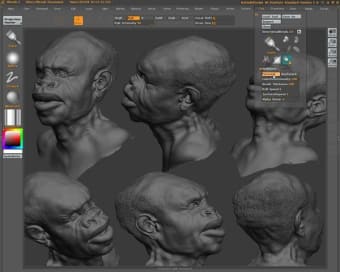
ZBrush has long been regarded as a revolutionary tool for digital artists, offering an incredibly powerful platform for 3D sculpting, modeling, and painting. Developed by Pixologic, this 3D modeling tool promotes distinctive workflow, centered around brush-based sculpting and dynamic mesh manipulation, allows artists to create intricate, high-resolution models that would be nearly impossible with traditional modeling software.
Top Recommended Alternative

ZBrush isn’t just a tool for creating characters or props, it’s an industry-standard application used in game design, film production, and illustration. Its versatility along with its various tools make it an outstanding tool for 3D artists who require precise control over their artworks.
Sculpting workflow, features, and user experience
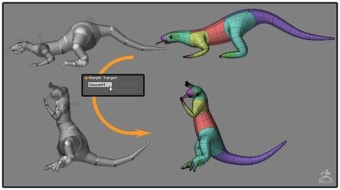
ZBrush offers a unique workflow where artists can sculpt in real-time using customizable brushes, advanced symmetry tools, and the innovative "ZSphere" system for building base meshes. Features like DynaMesh and Sculptris Pro allow for seamless topology adjustment while working, eliminating many of the constraints of polygonal modeling. The subdivision system enables artists to jump between different levels of detail without compromising their models. However, its interface can feel overwhelming to new users.
This 3D modeling tool also supports multiple accessibility options such as adjusting the controls to suit your preference, custom mapping, allowing for user-interface customization, and many more—giving artists the tools to make their workflow truly their own. Moreover, it has an autosave feature which can be toggled in the option which is a lifesaver as project loss is one of the greatest concerns when working on 3D modeling.
Great performance and greater community
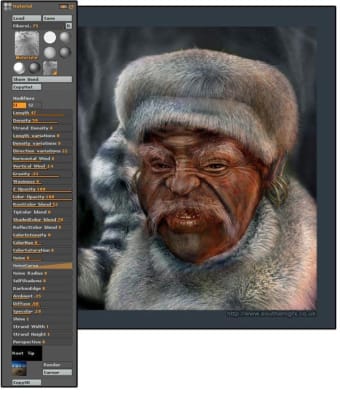
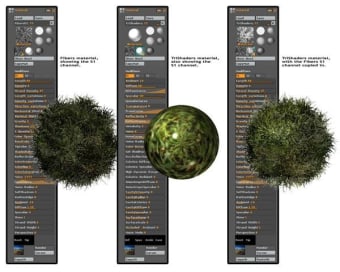
The visual fidelity possible within ZBrush is staggering. Artists can push models to millions of polygons while maintaining responsive performance, thanks to the software’s highly optimized engine. It also includes powerful texturing and painting tools like PolyPaint and Spotlight, allowing for detailed surface customization without needing to export to other programs. The customization options extend to brushes, UI layouts, and even macro scripting, enabling users to tailor their experience fully.
One of the strengths of this tool is the vibrant community it holds which gives users the ability to share resources, plugins, and thousands of tutorials all available for free online. While the app is one of the standards in modern 3D development, its rendering engine (BPR) is decent but can’t compete with dedicated external renderers, meaning serious projects often require exporting to programs like KeyShot or Blender for final renders.
Powerful and flexible but hard to master
ZBrush remains the gold standard for digital sculpting and high-detail 3D modeling. Its unparalleled depth, flexibility, and performance make it a favorite among professionals across games, films, and digital art. Although the learning curve is steep and its game engine limited, those who invest the time will find an incredibly powerful creative tool that pushes the boundaries of digital art.





.png)