Judoscale changelog
Judoscale changelog
judoscale.com

Add roles and require 2FA for your team


New


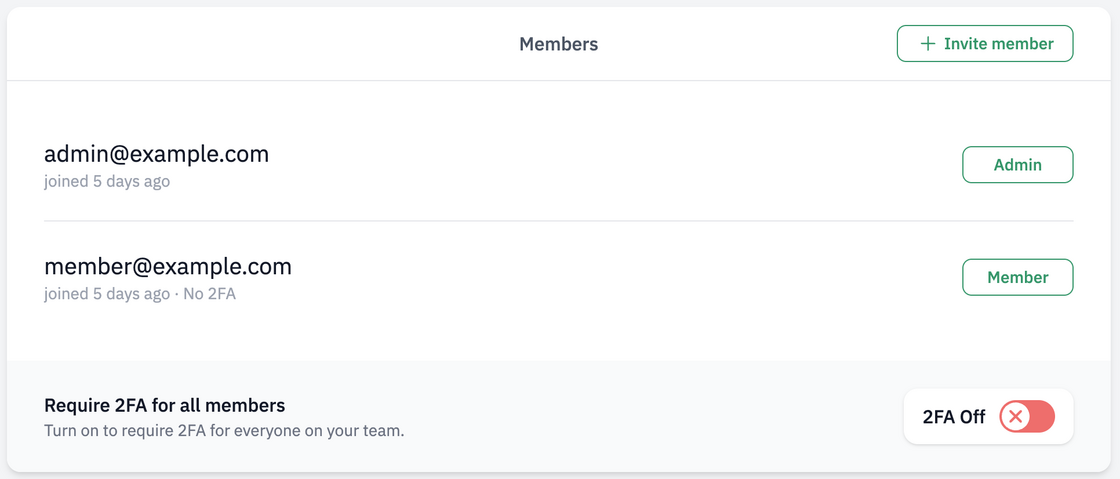
Team members now have a role: Member or Admin. Members get full access to the team's apps and autoscaling. Admins get all that plus managing the team itself — settings, subscription, members, and the new team-wide 2FA requirement.
team-members-list.png

Admins can require two-factor authentication (2FA) for the whole team in one click. Anyone without it will be asked to set it up at their next sign-in.

Read more in our team management docs.

Dyno Sniper is now available on Heroku


New


We're rolling Dyno Sniper out to all customers running on Heroku, after running successfully in early access on our own production apps (and a few customers) for some time.

It complements autoscaling by automatically detecting and restarting poorly performing dynos — the kind that get stuck on noisy hardware and drag down your queue time (or response time), even when the rest of your fleet is fine.

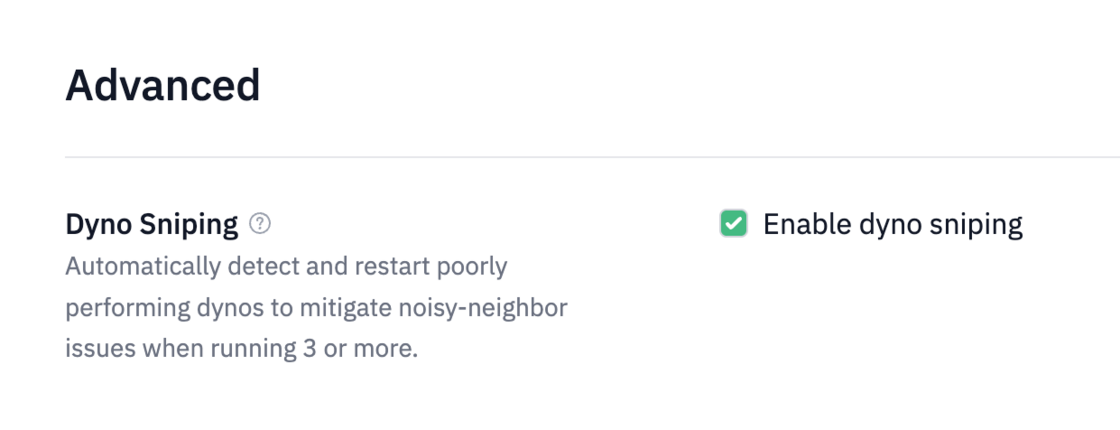
Find it under your web process's advanced settings:

Dyno Sniper setting

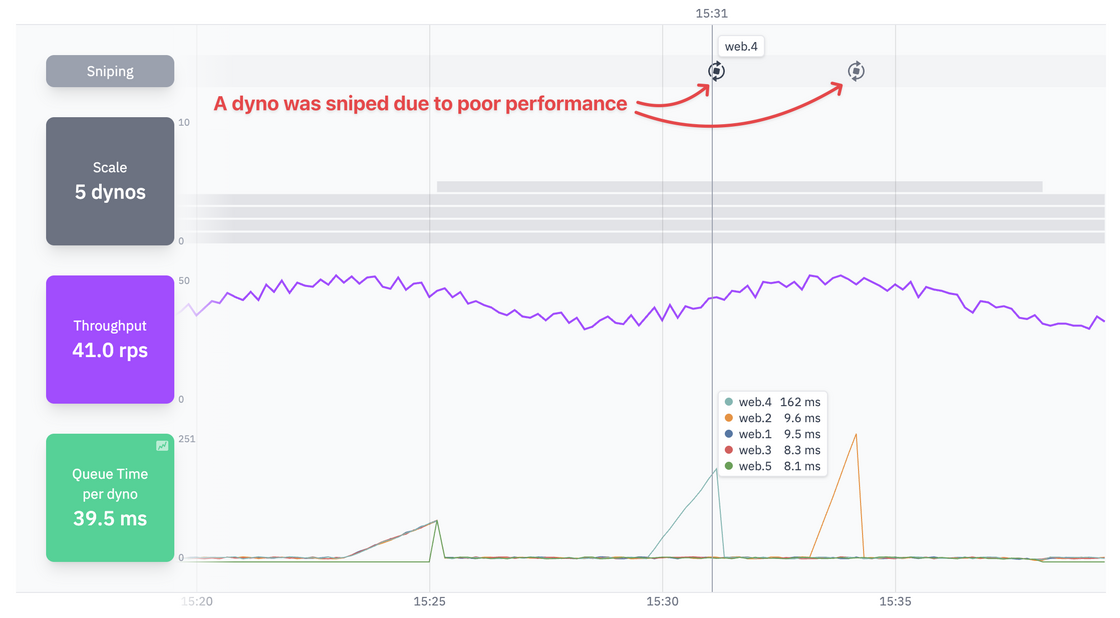
Restarts show up directly above the scale chart. Hover any marker to see which dyno was sniped:

Sniping Chart

Learn more.

Per-instance breakdown for web queue time and response time charts


New


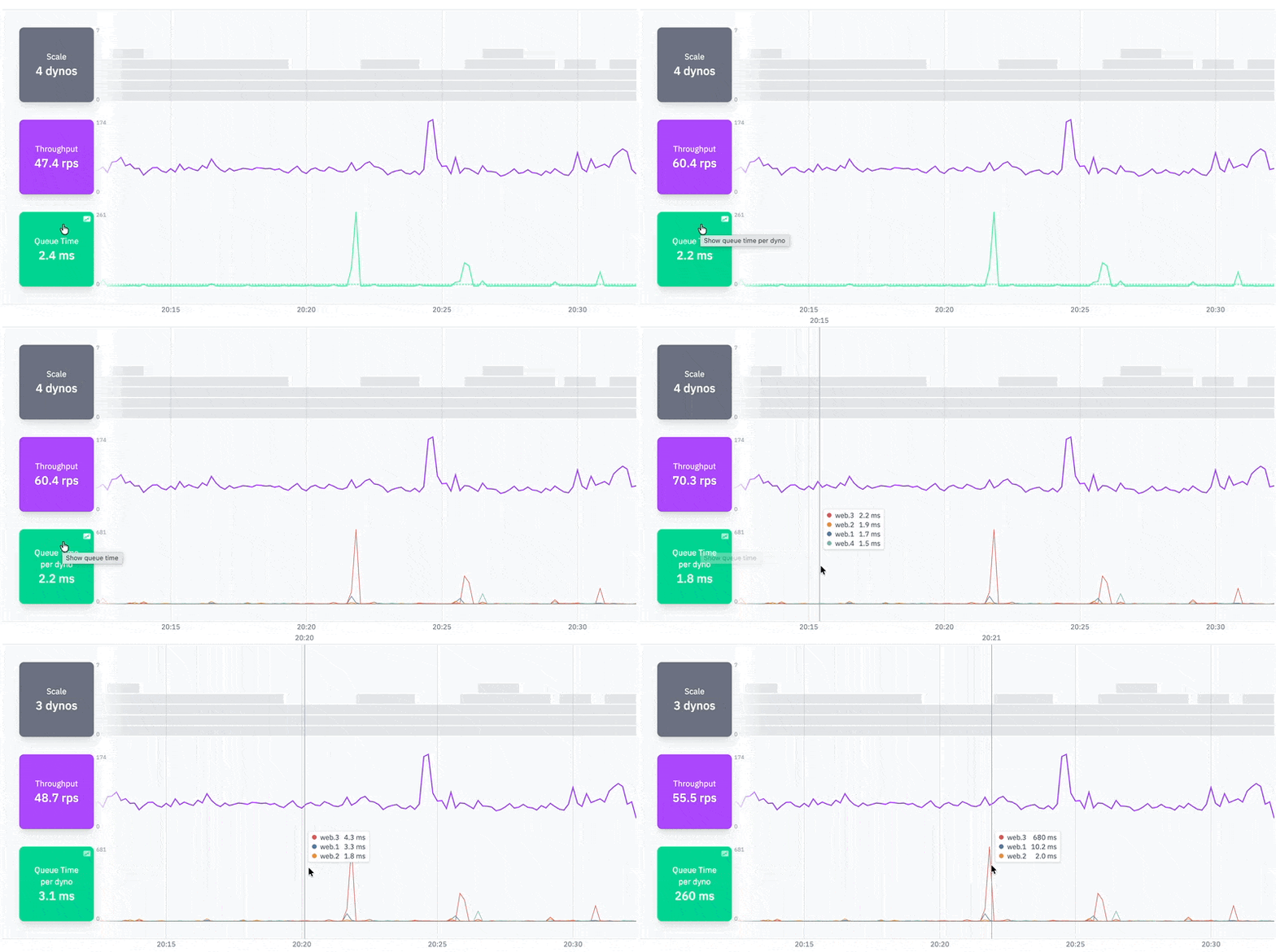
The Queue Time and Response Time charts now have a per-instance view that shows each web dyno / instance individually. Click the chart label to switch between the average view and the per-instance view.

Per-instance chart breakdown

Hover the chart to view each instance's value at that moment in time, sorted highest first — handy for spotting if it's a fleet-wide spike or maybe a specific instance that might be misbehaving.

Head to the app to view your app's per-instance chart breakdown.

Judoscale now speaks your time zone


New


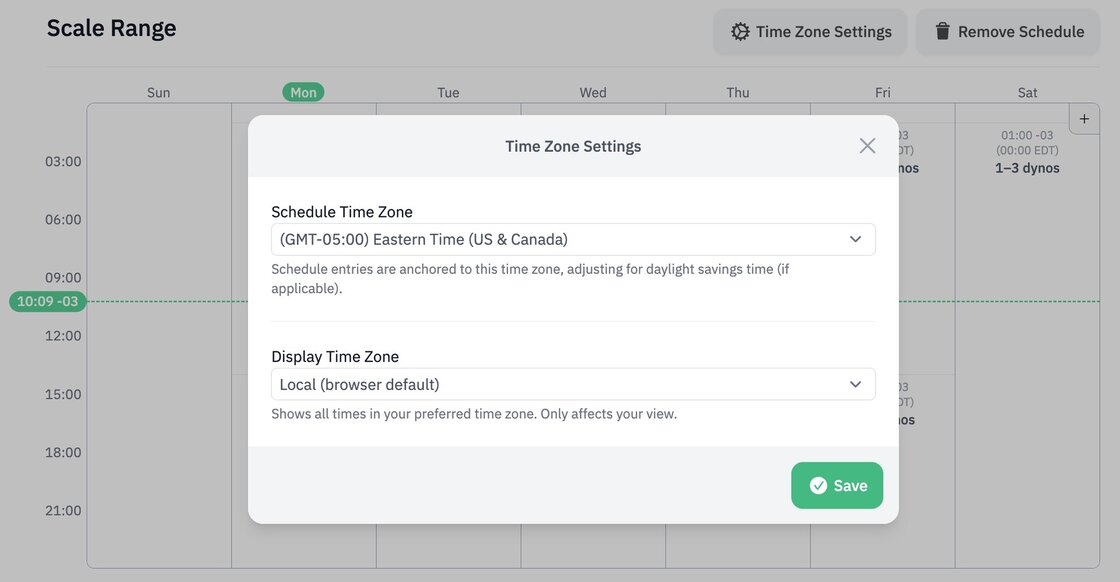
Our charts have always shown date/time stamps using your local (browser-based) time zone, but the schedule has been UTC-based since the beginning. Now both speak the same time zone: yours!

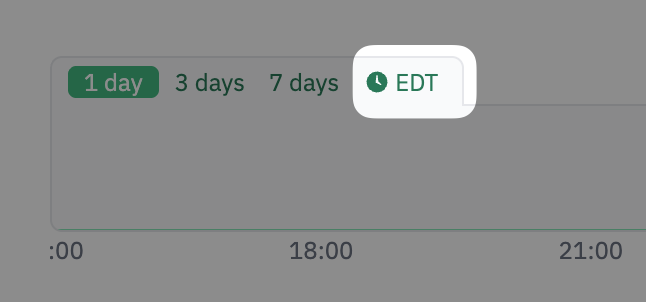
The schedule is now displayed matching the charts time zone, which can be configured in your user settings or directly in the chart overview, so you can choose a specific time zone to see both the charts and schedule across the board. This only affects your view.

CleanShot 2026-04-14 at 16.08.48@2x.png

The schedule can also be anchored to a specific time zone (UTC by default), and is going to be daylight saving time-aware, so it will adjust accordingly as clocks change. The time zone is set is per-process, so you can have a different one on each process if needed.

public.jpeg

Check out the documentation for more info.

Launch the PaaS Pricing Calculator for your setup


New


Want to compare hosting costs across PaaS platforms?

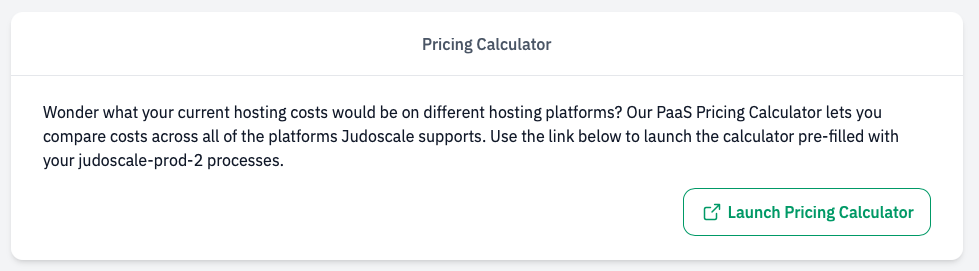
If you visit your application settings you'll see a new card near the bottom with a "Launch Pricing Calculator" button.

Screenshot_2026-04-06_at_13.12.13.png

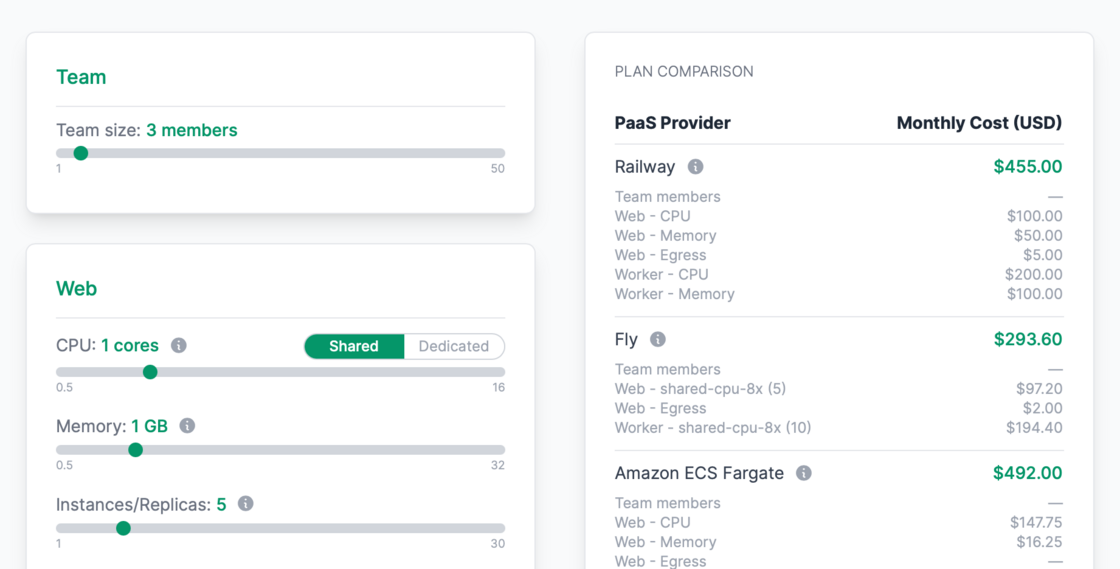
This launches our PaaS Pricing Comparison Calculator pre-filled with your app's processes.

CleanShot 2026-04-07 at 08.52.56@2x.png

Busy Jobs chart for worker processes


New


Worker process scaling charts now include a "Busy Jobs" row that shows when your background workers had active jobs running.

Busy Jobs Chart

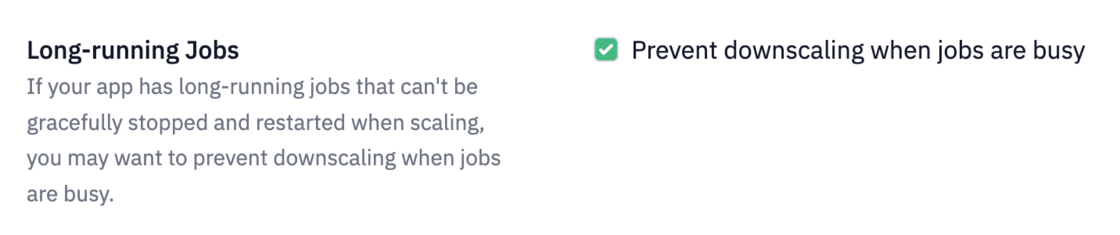
This row appears when you have the Prevent downscaling when jobs are busy setting enabled, helping you see at a glance when job activity might be preventing downscaling.

Prevent downscaling when jobs are busy setting

2FA with TOTP


New


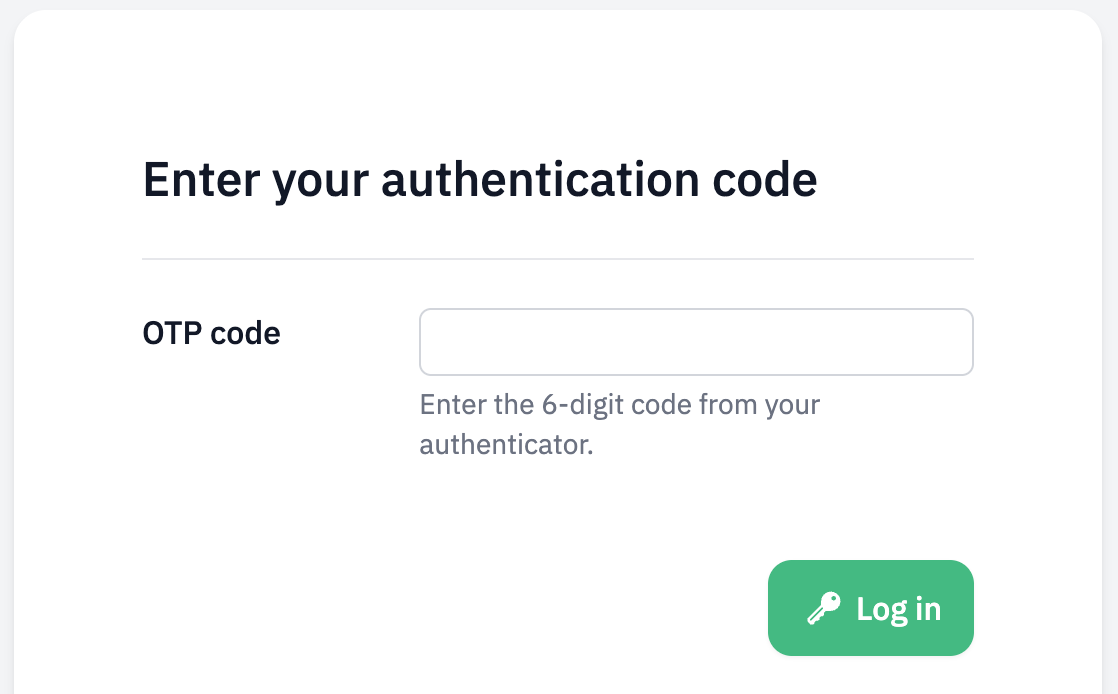
You can enable two-factor authentication using time-based one-time passwords in Judoscale now.

Screenshot 2026-02-23 at 11.59.50.png

Head over to your user settings to enable it.

Support for Python Dramatiq task library


New


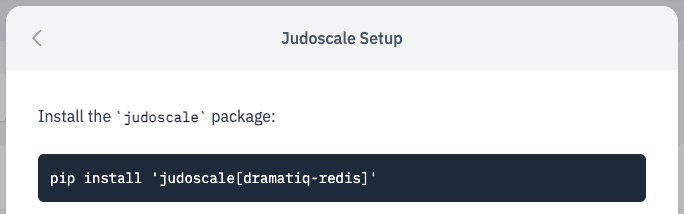
Our judoscale-python package just got native support for the Dramatiq background task processing library.

Dramatiq Setup

It only works with the Redis broker (for now). I's fairly simple to setup, and you'll be autoscaling your dramatiq workers in minutes!

Heroku Add-on to Direct migration tool


New


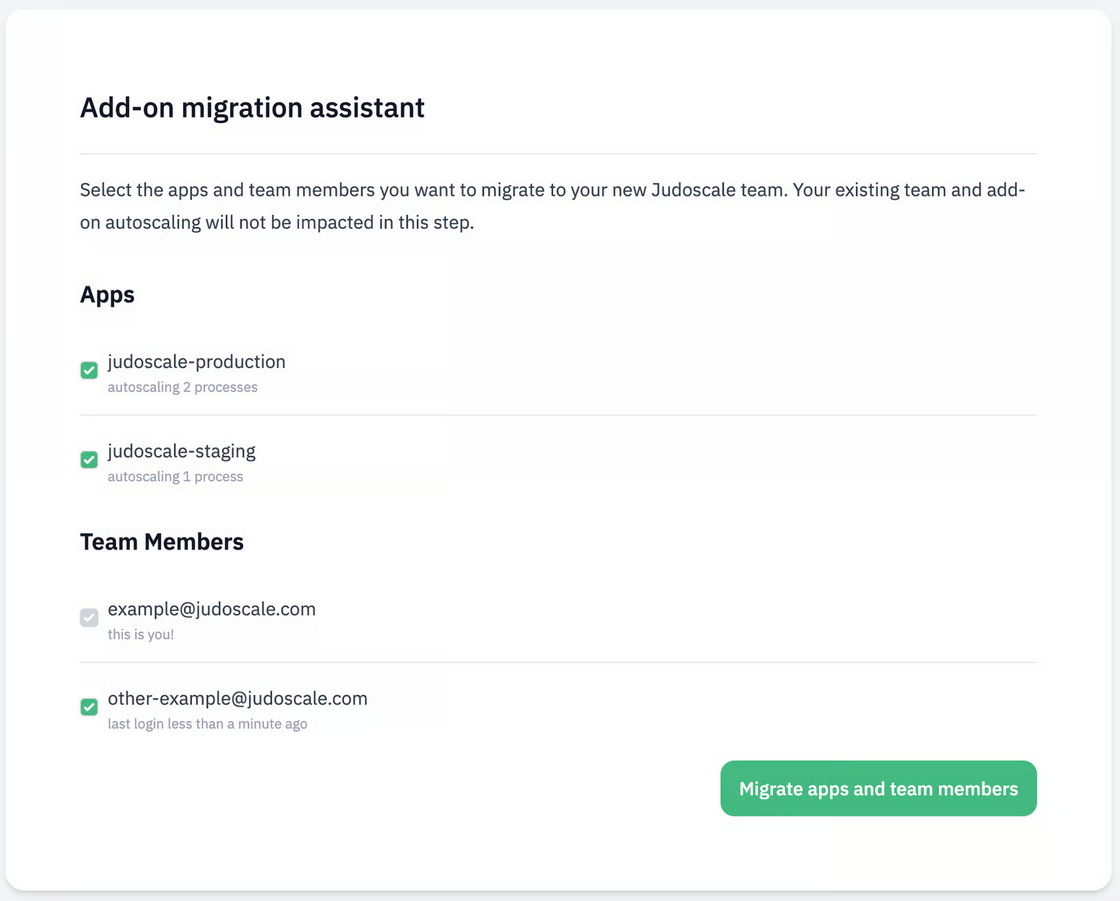
We've just released an assistant to help Heroku teams migrate from our Heroku add-on to one of our more economical Heroku direct plans.

image.png

It will copy over all your processes settings, and guide you to enable autoscaling on the new team. Check out the documentation to get started.

Heroku Direct with team level billing


New


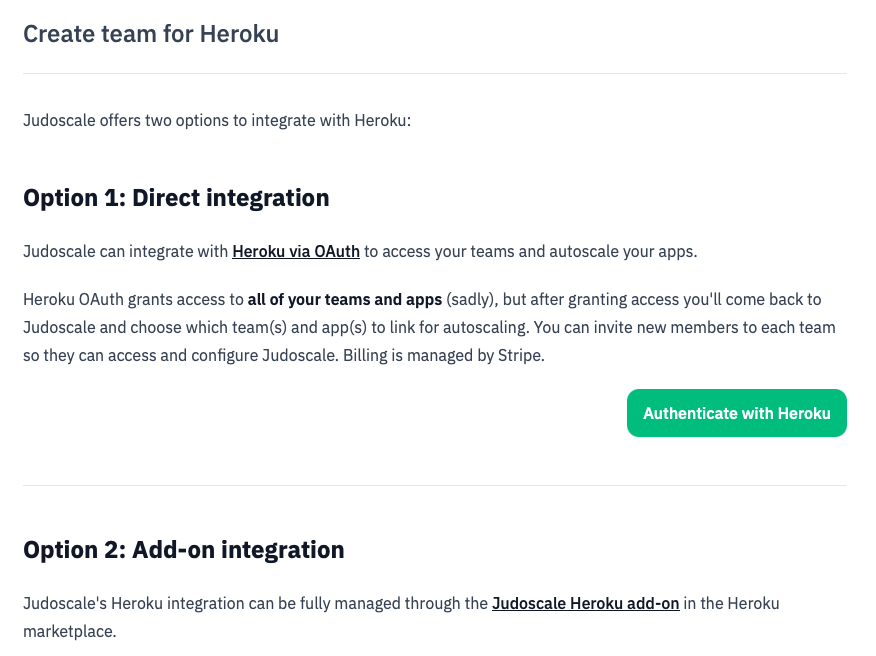
You now have the option to integrate with Heroku directly through Judoscale via OAuth, unlocking team level plans & billing, and slightly cheaper plans.

heroku-direct2.png

Same product, same features, different pricing. Learn how to get started with Heroku Direct, and check out our pricing docs for more info.