


Raw footage in.
Real edit out.
7 days free trial
Built for the footage
you actually shoot



Prep in minutes,
not days
Pro-grade multi-cam
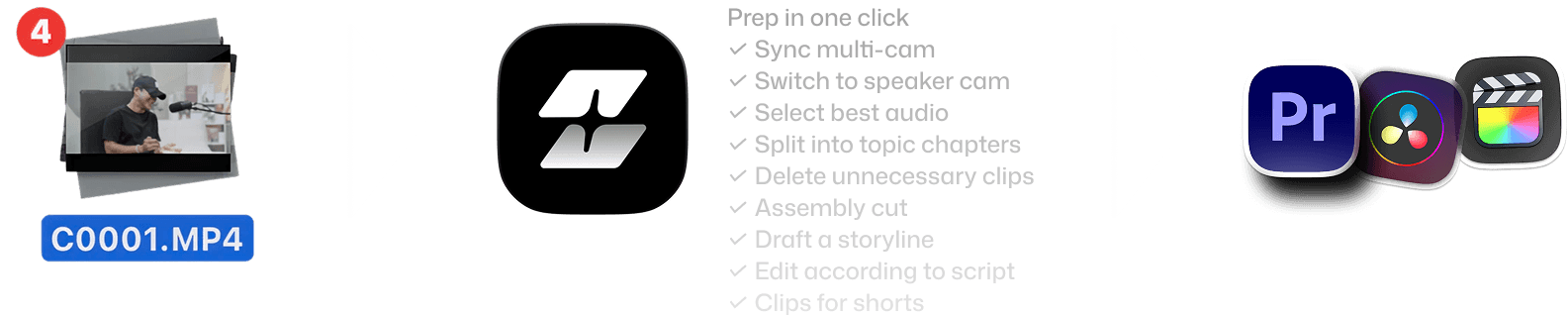
Automatically syncs, detects speakers, assigns cameras, and picks the best audio track without you lifting a finger.
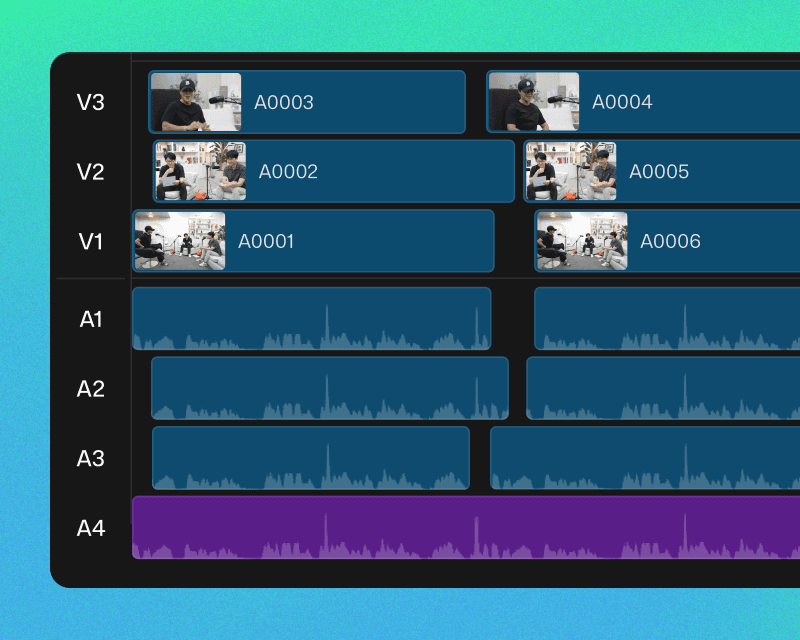
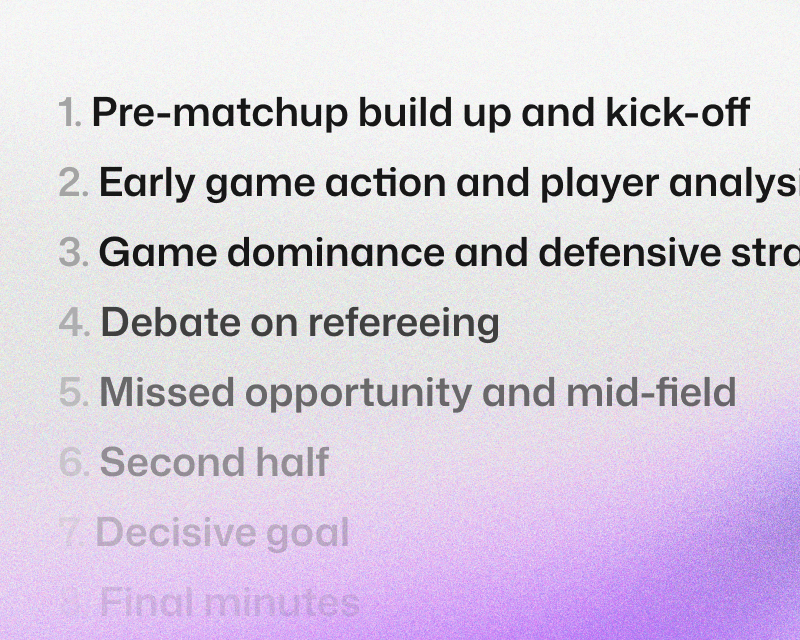
Smart stringout with topics
Your footage is organized by scene and topic, the way your assistant editor would do it.
Chat to draft
Prompt anything: storyline, pacing, silence & filler cuts, cam switch, B-roll placement and more. MCP supported.

Select and cut
with precision
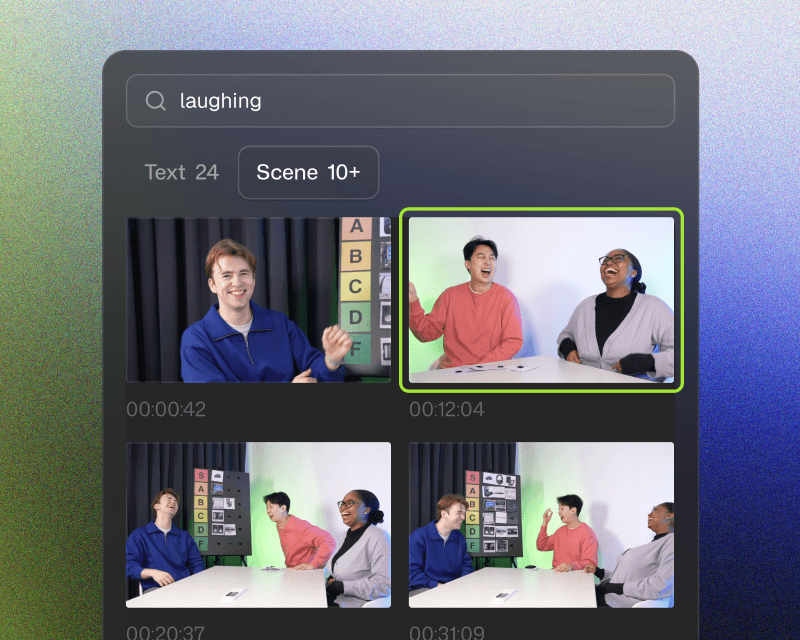
Search, drag and go
Find moments instantly: 'the part where he laughed,' 'the intro sequence'.
No scrubbing needed.
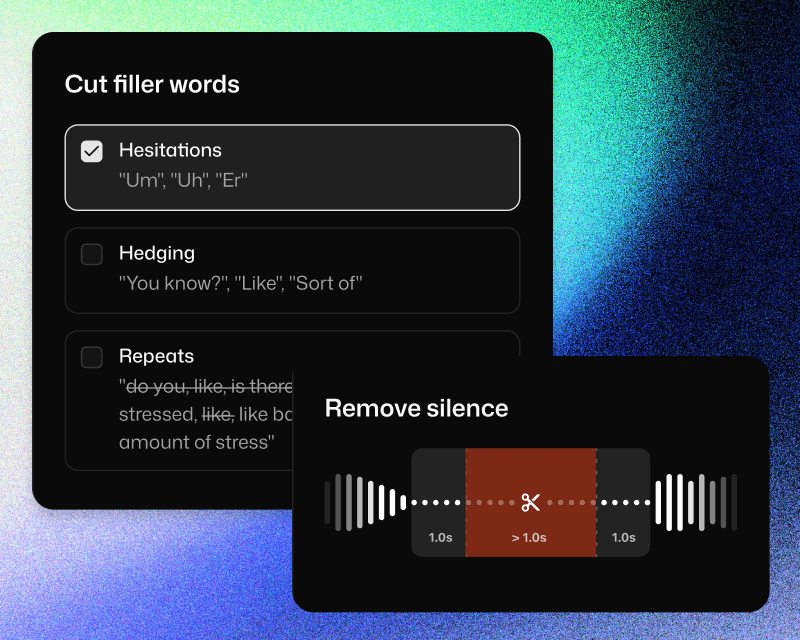
Cut unnecessary parts
Cut silences, filler words, and mistakes with just a click. Edit the video like a doc with Cutback’s industry-leading accuracy.
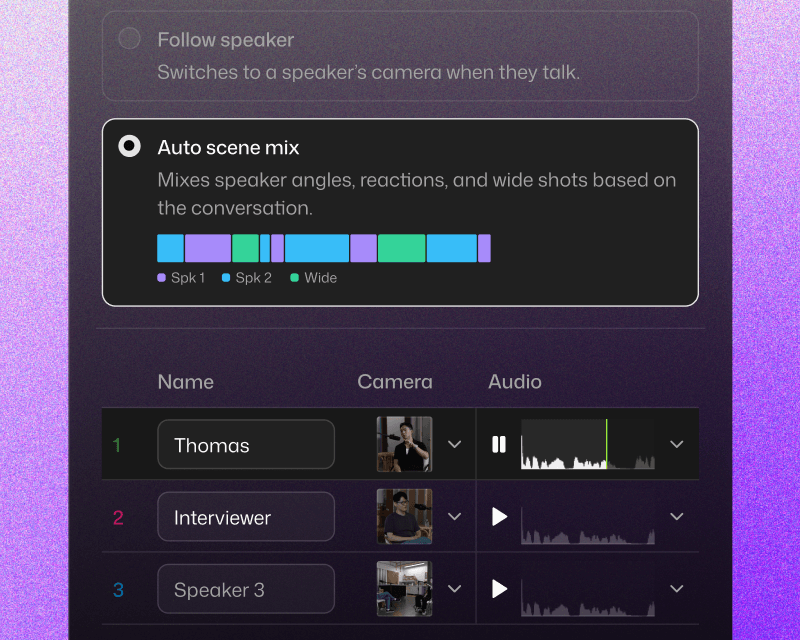
Contextual cam switch
Speakers are automatically identified. Apply cam switch to follow speaker, or based on your preference.
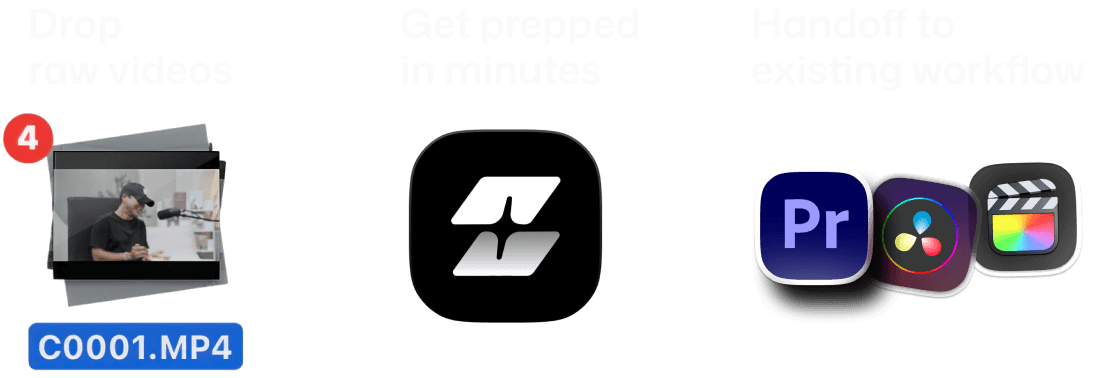
Handoff to
start the creative edit
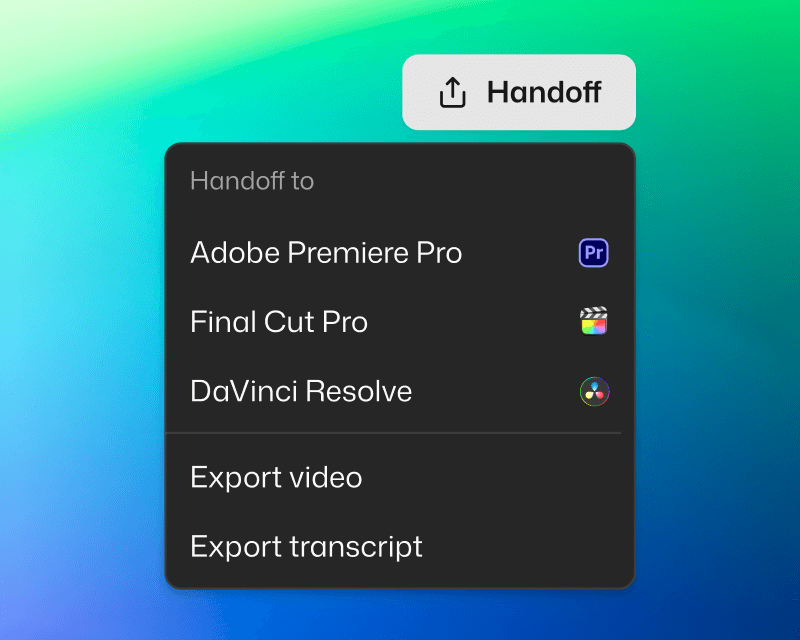
Seamless with your NLE
Handoff to Adobe Premiere Pro, Final Cut, or DaVinci Resolve. Project files are structured to fit your workflow.
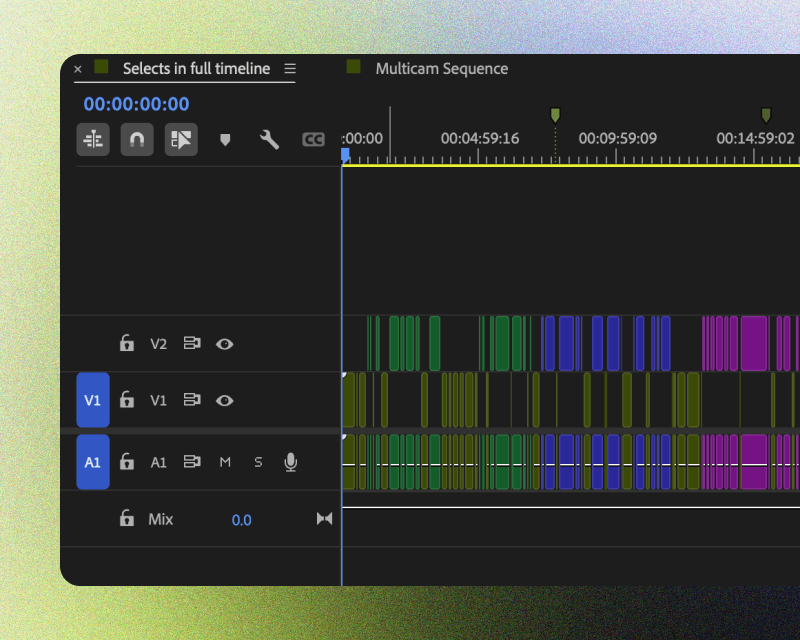
You're in control
Edits are non-destructive, and organized for clarity. Categorized bins, color-coded topics, markers and transcripts included.
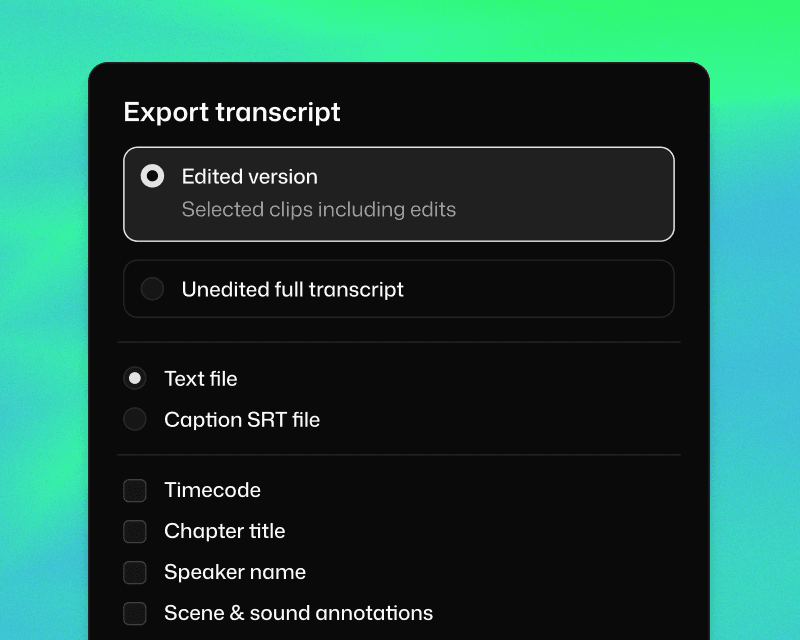
Ready to share
Share transcript for paper cuts. Or export video if the Selects rough cut is ready to go.
What does Selects do?
How long does it take to process my footage?
Can I edit videos directly in Selects?
How is Selects different from other AI editing tools?
Can I use Selects for short-form content, not just long-form?
How do I continue editing on Adobe Premiere Pro?
How do I continue editing on Final Cut Pro?
How do I continue editing on DaVinci Resolve?


