

Getting Started
Sign up and get your sandbox API key to start testing Reap Card Issuing APIs — choose your authorization mode and contact us for production access.
Welcome to the Reap Card Issuing API guide. This quick start guide will walk you through how to set up your Reap account, generate a sandbox API key, and understand the key prerequisites for a smooth onboarding experience in our sandbox environment.
What the Card Issuing API Does
Reap’s Card Issuing solution allows you to programmatically launch and manage your own card program. You can issue both virtual and physical cards, configure card settings, and ship physical cards with just a few API calls.
To explore common use cases and see how teams are using our APIs in real-world scenarios, check out the use cases page.
Quick Start Overview
To access the sandbox environment, follow these steps:
- Create a Reap account
- Generate a sandbox API key
Before you begin, we strongly recommend that you understand the two essential components of our API integration:
- Funding model
- Authorization model
Each API key is linked to a specific authorization model and cannot be changed once created. If you want to test both authorization models, you’ll need to create two separate accounts, each with a unique email address.
Step 1: Create an Account on the Reap Dashboard**
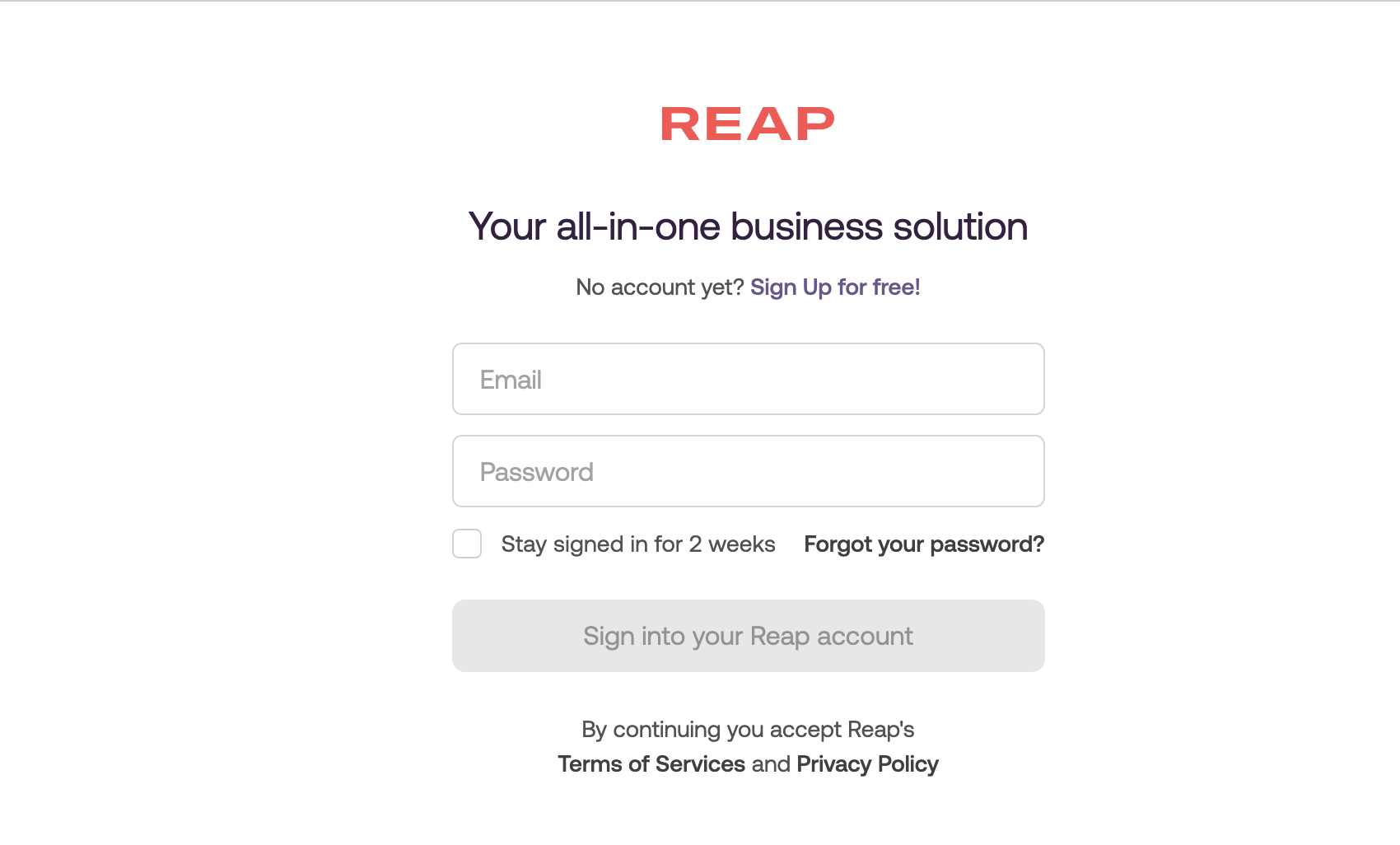
To begin, register for a Reap account by visiting the Reap Dashboard. After completing the sign-up process, you’ll gain access to your workspace and dashboard features.
Step 2: Generate a Sandbox API Key
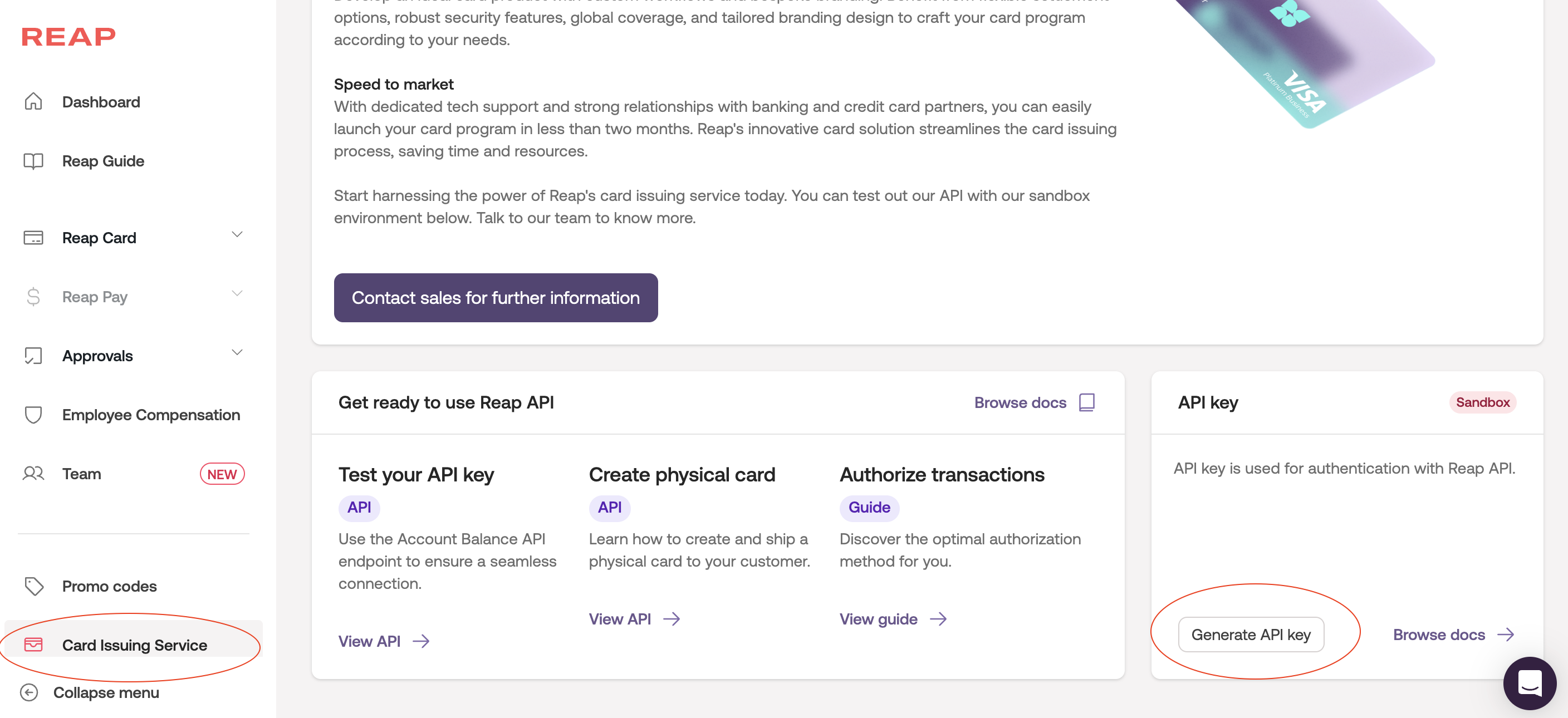
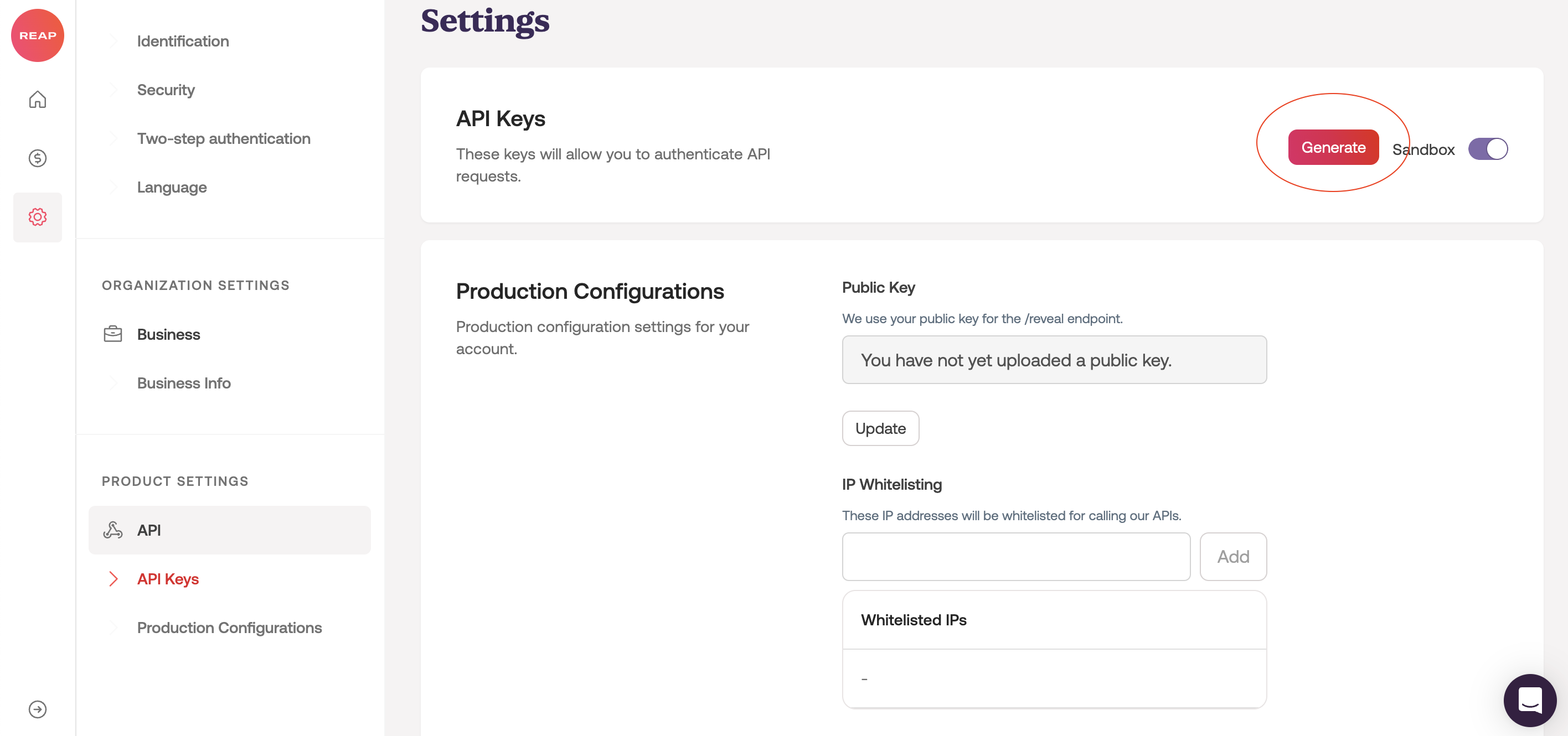
Once logged in, navigate to the Card Issuing Service or Product Settings section on the left-hand menu. In the API Key panel, click Generate to create your sandbox API key.
This key allows you to test API endpoints and simulate transactions in a secure sandbox environment..
Sandbox CurrencyWhen setting up a sandbox environment, you must designate a currency (HKD or USD). This choice is permanent and cannot be changed once the sandbox is created.
Choosing the Right Authorization Model
Before generating your sandbox key, you’ll need to decide which authorization model your integration will use:
- Standard Authorization
- Real-Time Authorization
This choice is critical and cannot be changed after the key is created.
Authorization Models and Testing EnvironmentsEach Reap account can only support one authorization model for sandbox testing. If you wish to test both models, you will need to create two separate Reap accounts, each registered with a different email address. Each account will be linked to a different authorization configuration on the backend.
If you are unsure which model is right for your use case, refer to our Authorization Model Comparison Guide, or consult your relationship manager for tailored guidance.
Related Materials:
📖 Guide/ Authorization Overview
📖 Guide/ Funding model
