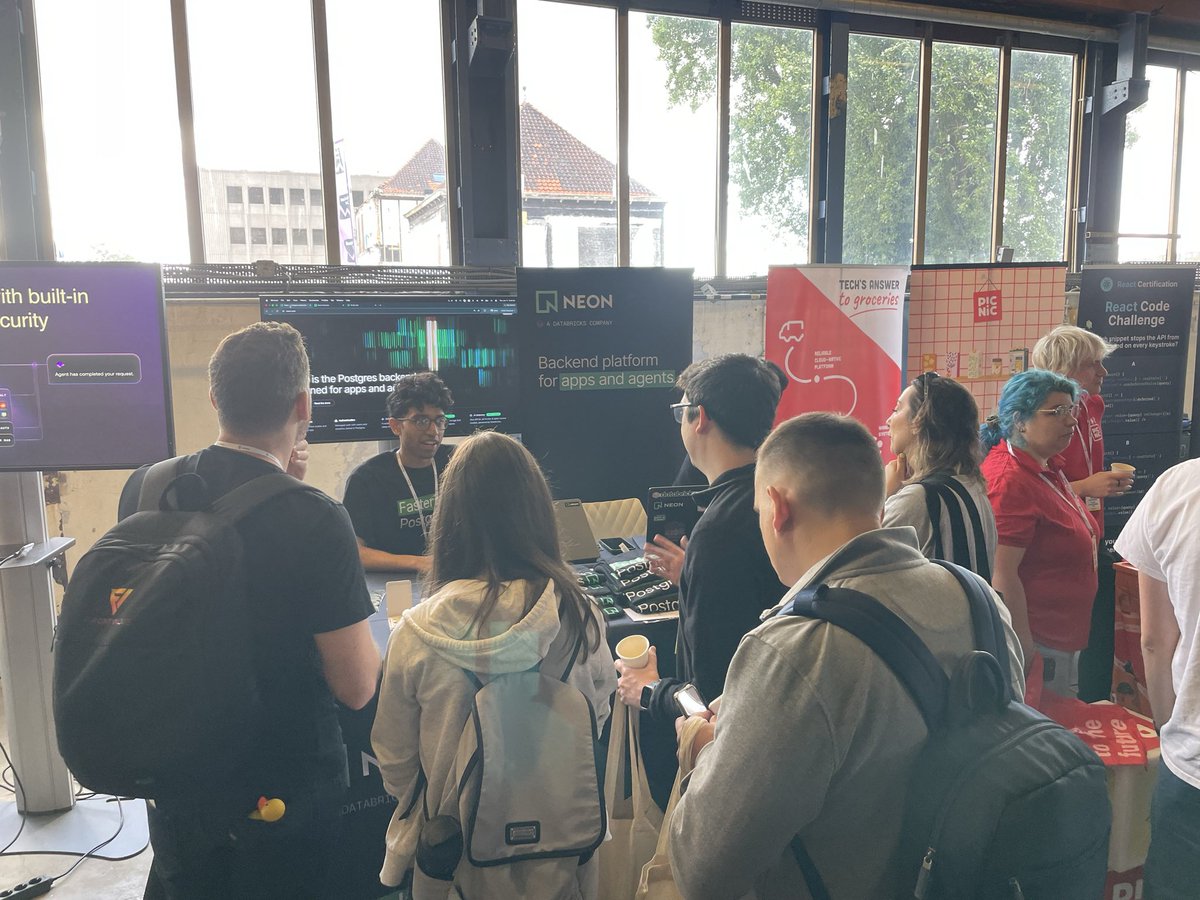
More than one million active on @neondatabase free plan.
So proud of our eng team making Postgres more accessible to the world. Fun fact: We spend much more on logs than we do operating the free tier. The lakebase architecture makes it incredibly efficient.
Neon Testing is a community open-source utility for integration tests using Vitest and Bun Test where each test gets an isolated Neon branch. Check it out!
Neon Testing now supports Bun Test!
v3.0.0 lets you run Bun and Vitest integration tests against isolated Neon Postgres branches, with automatic DATABASE_URL setup and cleanup.
Get it here:
npmjs.com/package/neon-t…
Release notes:
github.com/starmode-base/…
Onboarding begins now: Compute, Storage, AI Gateway. Access at 👉 neon.com/backend
- Compute: Long-running functions
- Storage: object storage that branches with your database
- AI Gateway: One API for all frontier and open-source models
Infrastructure as code (IaC) gives agents immediate visibility into what resources are available and provisioned without having to call CLI or MCP tools.
Huge AX win, especially when it’s type-safe.
files-sdk now has a first-class @neondatabase adapter (thank you @andrelandgraf) — the same upload / download / presigned-URL API you'd use for S3, R2 or GCS, wired up from the AWS_* vars Neon injects. One line of config. 🪐
Introducing 𝚗𝚎𝚘𝚗.𝚝𝚜 - infrastructure as code for Neon
→ Declare Neon services and provision them via CLI
→ Type-safe env vars
→ Program what new branches get: TTL, autoscaling, scale to zero
You can also program what new branches look like, through the branch callback in neon.ts:
neonctl checkout dev-1 then spins up a branch with the policy already applied: 7-day TTL, scale to zero, cheap compute.
psql doesn't ship on macOS, in most slim containers, or in CI.
We rewrote it in TypeScript and embedded it in neonctl, then tested it against Postgres's own regression suite, byte-for-byte.
Run npx neonctl psql to try it out.
Read more about it here: neon.com/blog/shipping-…
We just shipped three new neonctl commands for a branch-first dev workflow with Neon:
→ link: connect your local workspace to a Neon project
→ checkout: switch to or create a Neon branch
→ env pull: sync the branch's environment variables
Since env pull is built into both, your workflow becomes:
→ neonctl link
→ neonctl checkout dev-my-feature
Every feature gets its own isolated Neon branch with the correct environment variables already available locally.