Log inSign up
Documents
699 posts
Image
user avatar
Documents
@documentsIO
Infinite capabilities. Powered by @Readdle
App Store
documents.io/app
Joined February 2014
43
Following
5,372
Followers
  • Pinned
    user avatar
    Documents
    @documentsIO
    Feb 17
    2008: featured in the first App Store 2026: millions use Documents to edit PDFs, manage files, save links, and get the job done ๐Ÿค From ReaddleDocs to Documents, weโ€™ve evolved into a powerful multitool across iPhone, iPad, and the web. Documents. Infinite capabilities.
    Image
    00:00
    19K
  • user avatar
    Documents
    @documentsIO
    Aug 26, 2025
    Born to hehe haha, forced to study ๐Ÿฅฑ
    Image
    29K
  • user avatar
    Documents
    @documentsIO
    Jun 5, 2025
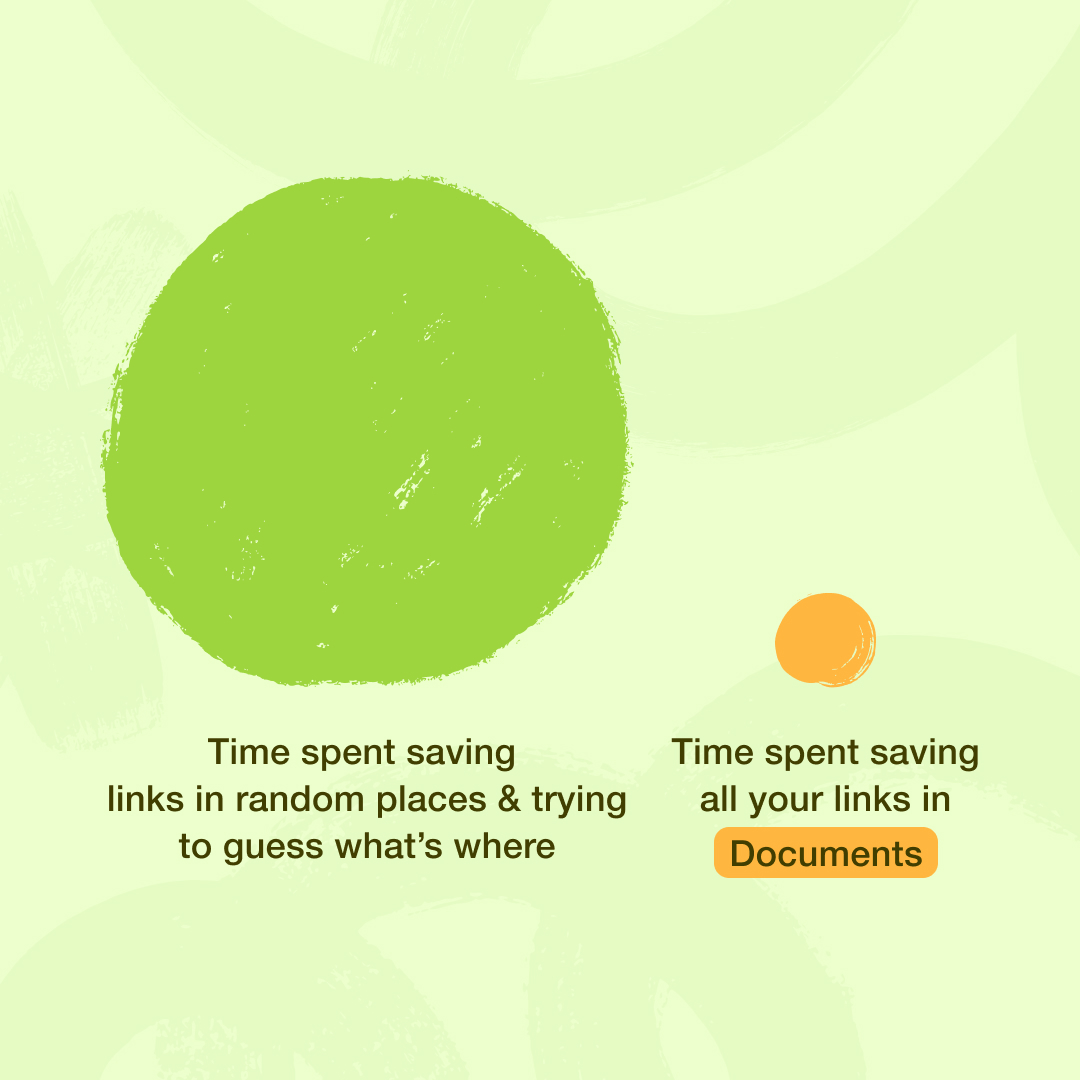
    Lost links = lost ideas. Time to save them right with the Documents app ๐Ÿ“Žโœจ
    Image
    81K
  • user avatar
    Documents
    @documentsIO
    Feb 9, 2023
    Can we ask you for a small gift? ๐ŸŽ Weโ€™d love to hear how @DocumentsApp helps you be productive! Every story matters so weโ€™ll retweet them all โค๏ธ #10YearsOfDocuments #ForeverInnovating #100milliondownloads #12millionusers
    Image
    9K
  • user avatar
    Documents
    @documentsIO
    Apr 9, 2024
    Documents is a must-have app for every iOS user ๐Ÿ“ฑ Today, we're diving into its useful features for content creators: seamless photo/video management, clever audio tricks, and a built-in VPN. It's a gem in your digital toolkit ๐ŸŒŸ Explore the app: bit.ly/documents_app
    Image
    00:00
    59K
  • user avatar
    Documents
    @documentsIO
    Sep 17, 2025
    All our home screens after iOS 26: ๐Ÿซง The Documents team designed 8 special glass icons just for the update. Which oneโ€™s your fave?
    Image
    17K
  • user avatar
    Documents
    @documentsIO
    Dec 11, 2023
    ๐Ÿช„ Tomorrow, the Documents app is getting a futuristic update! Spoiler alert: It involves a bit of waving and a whole lot of touch-free magic. Stay tuned, and we can't wait for you to enjoy it ๐Ÿซฐ Pssst, here's a small teaser for you! ๐ŸŒŸ๐ŸŽฅ
    Image
    00:00
    4.3K
  • user avatar
    Documents
    @documentsIO
    Dec 12, 2023
    What if you could control your videos with just a wave? Now you can with Air Gestures in Documents ๐Ÿช„๐Ÿคš Manage videos with simple hand gesturesโ€”play, pause, or navigate without touching a screen. Itโ€™s easy and feels like magic. Give it a try ๐Ÿ“ฒ bit.ly/air_gestures
    Image
    6.4K
  • user avatar
    Documents
    @documentsIO
    Aug 21, 2025
    Clouds synced. PDFs ready. Links saved. Bottom line: organized files = organized you ๐Ÿง‹
    Image
    42K
  • user avatar
    Documents
    @documentsIO
    Apr 26, 2024
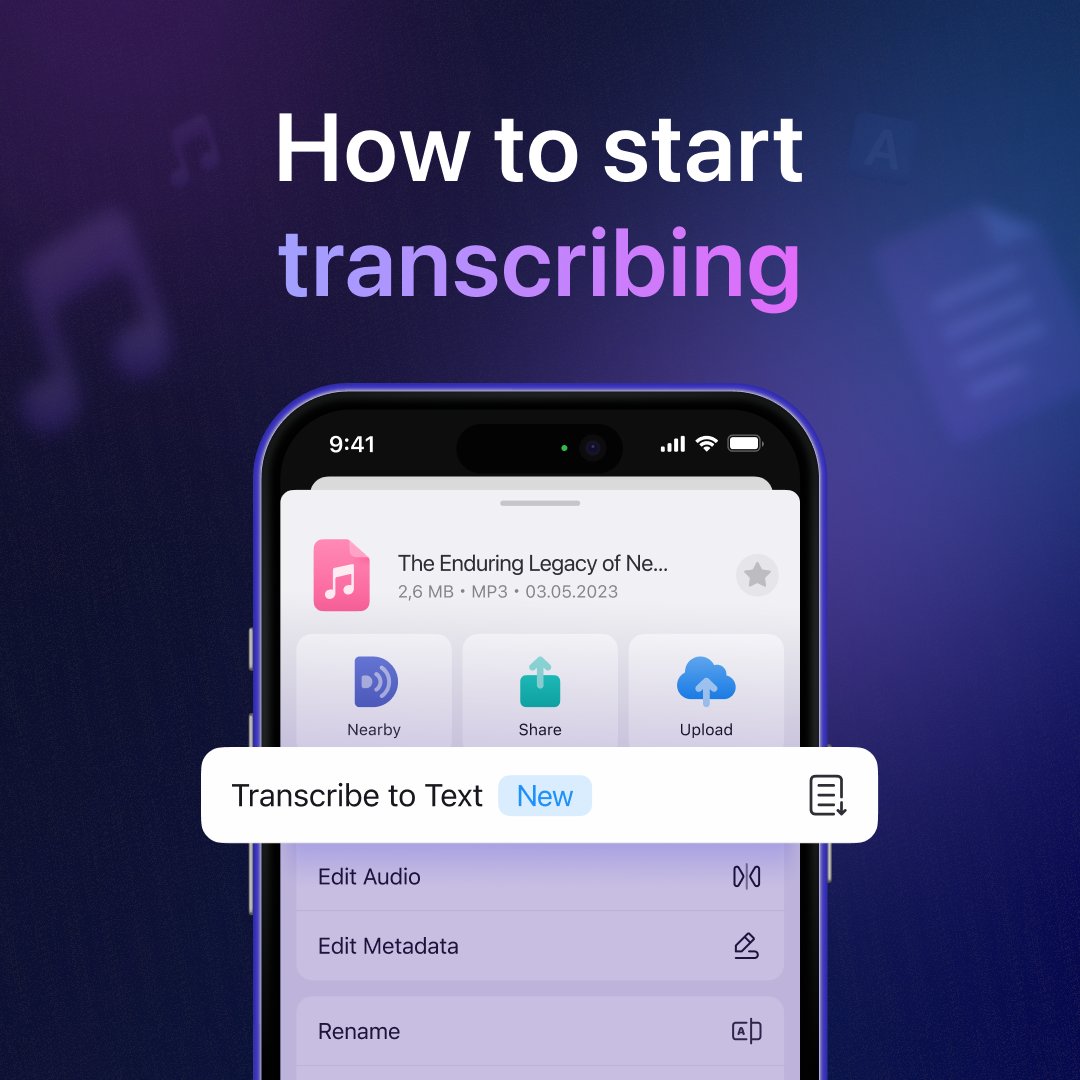
    ๐ŸŽ™๏ธ๐Ÿ“ Ready to start transcribing? Here's how: Add your audio or video file to Documents. Tap the 'Transcribe to Text' button. Let the app work its magic. Once complete, save, edit, or share the document as needed. Repeat! ๐Ÿ” Give it a try: bit.ly/documentsapp
    Image
    41K
  • user avatar
    Documents
    @documentsIO
    Feb 7, 2023
    We're celebrating a big milestone, 10 years of @Documents ๐ŸŽ‰ A decade ago we set out with the mission to reinvent our file reader, and create a super app for file action! #10YearsOfDocuments #ForeverInnovating
    11K
  • user avatar
    Documents
    @documentsIO
    Jan 30, 2025
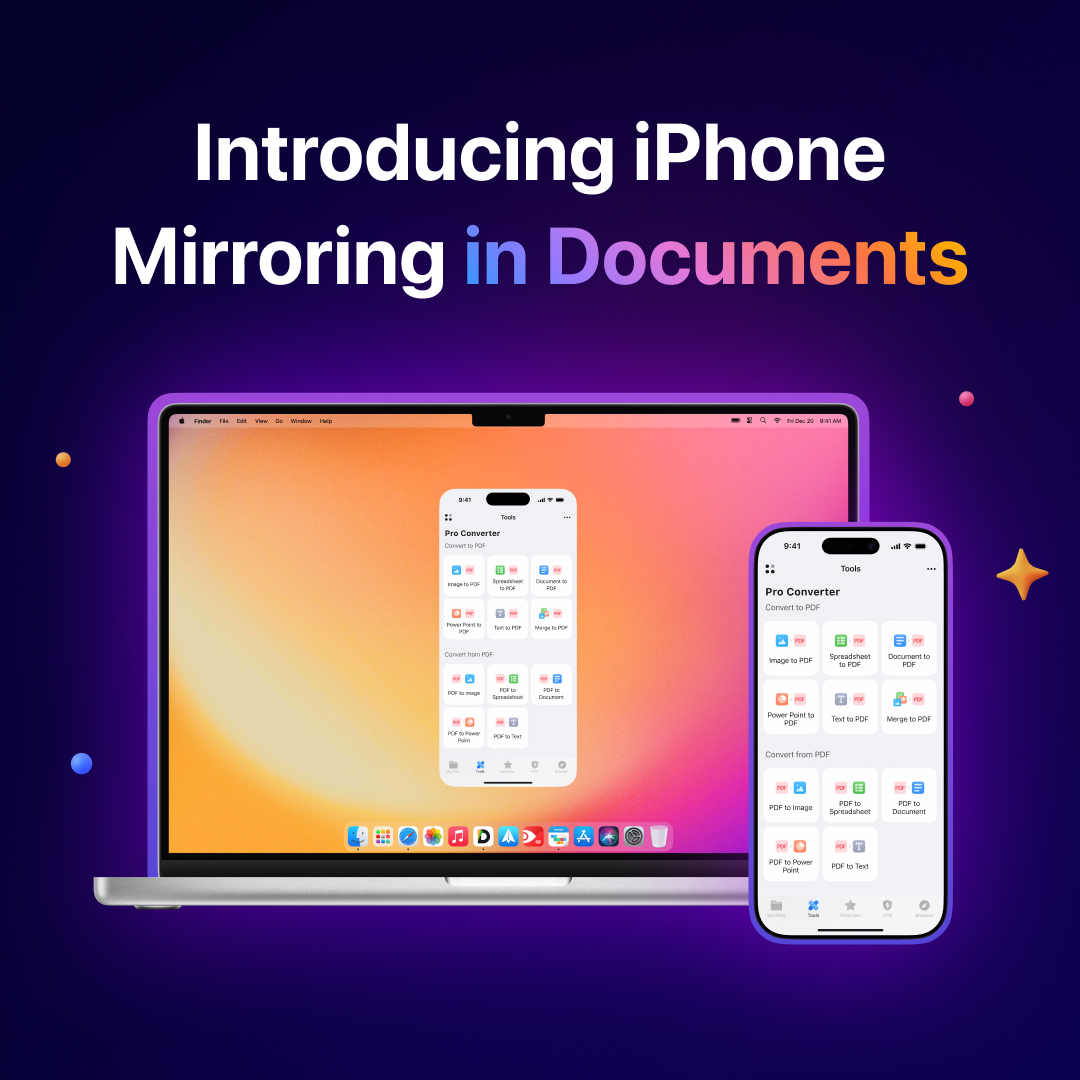
    Meet iPhone Mirroring in Documents: a smarter way to manage files ๐Ÿ’ป ๐Ÿ“ฑ Simply drag & drop files from Mac to iPhone, within Documents, or from external apps. No clouds, messengers, or other tools required! โšก๏ธ Try it out now: documents.onelink.me/jtGS/m154pl12
    Image
    00:00
    19K
  • user avatar
    Documents
    @documentsIO
    May 15, 2024
    ๐Ÿ—ฃ๏ธ๐Ÿ—’๏ธ Quick productivity hack from Documents: transcribe voice memos to text in seconds! Use the Voice Memos app to capture sudden thoughts, insights, or ideas from a book. Then, with a bit of magic, Documents will turn your audio into text notes for free. ๐Ÿ’ซ Try it out:
    Image
    00:00
    59K
  • user avatar
    Documents
    @documentsIO
    Sep 16, 2024
    ๐Ÿ“š POV: You need to scan a few pages of your huge textbook to read later on the go. No problem! Hereโ€™s how to do it using Documents: ๐Ÿ”ง Open the Tools tab ๐Ÿ“ฑ Go to 'Photo Tools' and select 'Scan' โœจ Start scanning all the pages you need
    Image
    00:00
    32K

New to X?

Sign up now to get your own personalized timeline!

Create account

By signing up, you agree to the Terms of Service and Privacy Policy, including Cookie Use.

TermsยทPrivacyยทCookiesยทAccessibilityยทAds Infoยทยฉ 2026 X Corp.
Don't miss what's happening
People on X are the first to know.
Log inSign up
Advertisement
Advertisement