What’s my IP address?
What is an IP address?
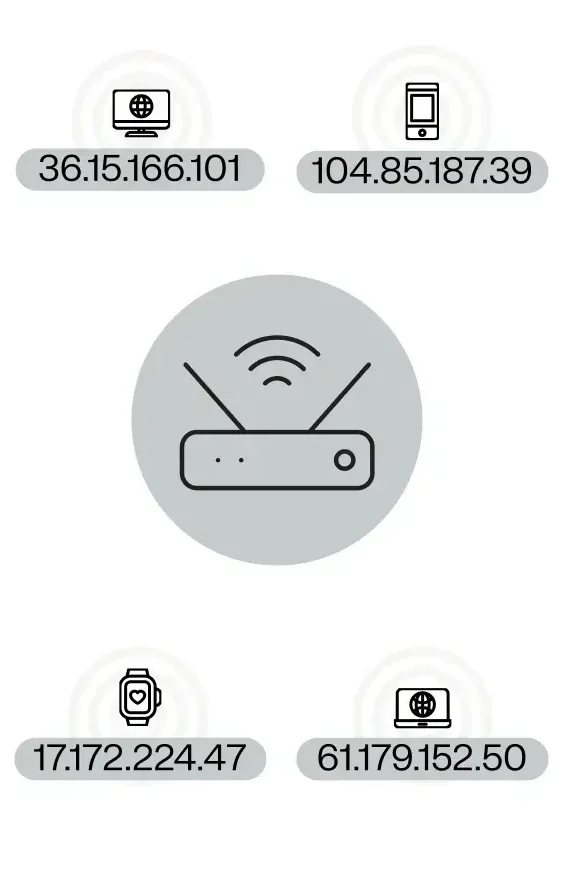
An internet protocol (IP) address is a device’s digital identifier on the internet. It’s a unique string of numbers assigned to a computer, phone, or any other internet-connected device. Much like a physical address or home address is needed to receive mail, a device requires an IP address to send and receive data online.
For instance, when you enter a website URL into your browser, your computer uses the IP address to locate that website’s server, connect with it, and retrieve the webpage.
Similarly, if you want to manage a physical server in a data center or a virtual instance in the cloud, you’d be working with its IP address (also known as hostname) to manage it.
What is a public IP address?
A public IP address is your identifier to the outside world when you’re online — it’s what websites and online services see when you interact with them. It’s assigned by your internet service provider (ISP) or hosting provider.
To put it in perspective, if the internet were a large office building, your public IP address would be like your office number. It tells other “offices” (websites and services) where to send the information you’ve requested, ensuring that data reaches your device correctly.
What is a private IP address?
A private IP address is an identifier assigned to a device by a local network router. It’s used exclusively within your local network and is not directly accessible from the Internet.
Typically, private IP ranges fall into these categories
In a business setting with multiple connected devices, such as computers, printers, and smartphones, each device has its own private IP address within the office network. This enables the devices to share data without going through the wider internet.
What does my public IP address do?
Your public IP address is crucial to your online experience. It enables you to:
That said, your IP address can also be used to approximate your general location and track your online activities. That’s why many websites show region-specific content, display local prices, and promote area-specific products.
Public vs private IP address
Public IP address
Private IP address
IPv4 vs IPv6
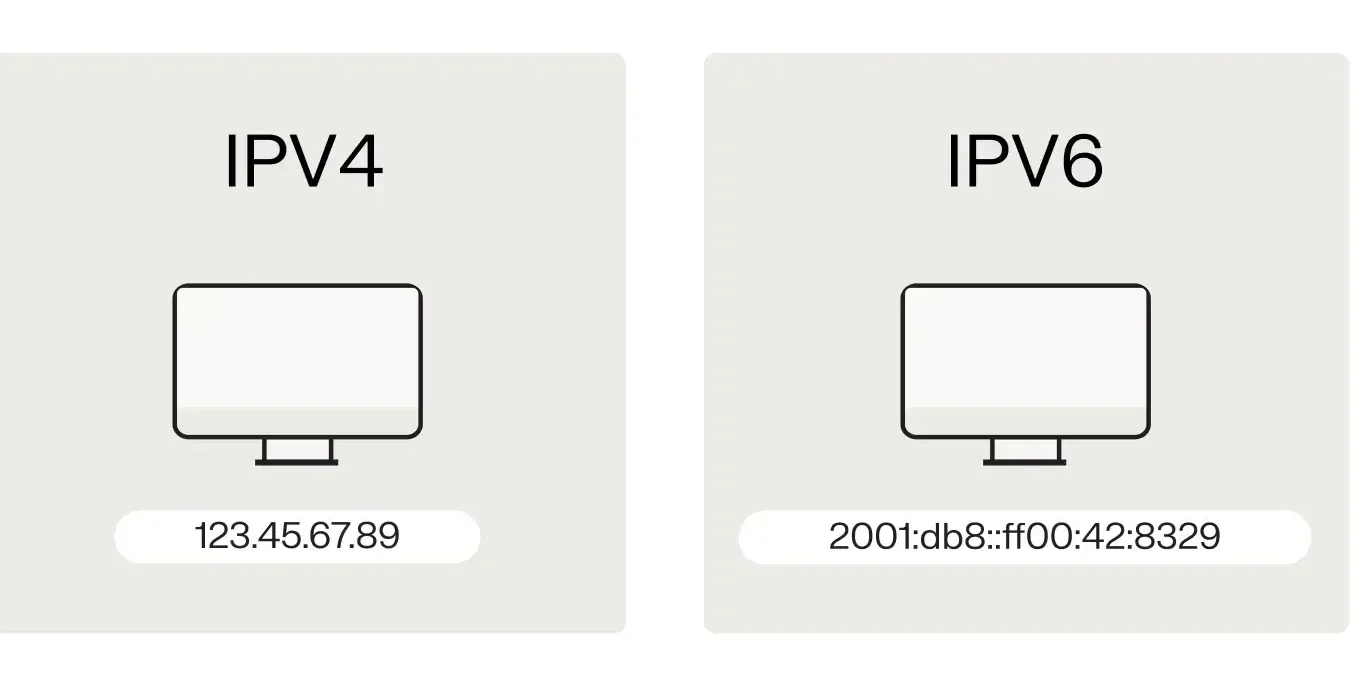
IPv4 and IPv6 represent different IP addressing systems.
IPv4 is the old version launched in 1981. It uses 32-bit addresses, which creates a finite limit of unique addresses. There can only be about 4.3 billion combinations. Periods are used to separate groups of digits.
IPv6 is a new version launched in 1998. It was developed to address the shortage of IPv4 addresses. It uses 128-bit addresses with 340 undecillion combinations. Colons are used to separate groups of hexadecimal digits.
The transition to IPv6 has been gradual. 70-80% of all internet traffic still relies on IPv4. But IPv6 usage continues to increase as the internet expands.
How are IP
addresses assigned?
IP addresses are allocated using a system called dynamic host configuration protocol (DHCP). You can consider it somewhat similar to checking into a hotel. DHCP (the hotel) assigns you a room number (IP address) during your stay. If you disconnect and reconnect later, you might be assigned a different room number or IP address.
Discovery
A device on a network broadcasts a request, looking for a DHCP server. This is a server with the sole purpose of assigning IP addresses.
Offer
The DHCP server responds with an available IP address and other network configuration details.
Request
The device accepts the assigned IP address and a request is sent back to the DHCP server
Acknowledgment
The DHCP server confirms the lease of the IP address, finalizing the configuration.
Can someone track me using my IP address?
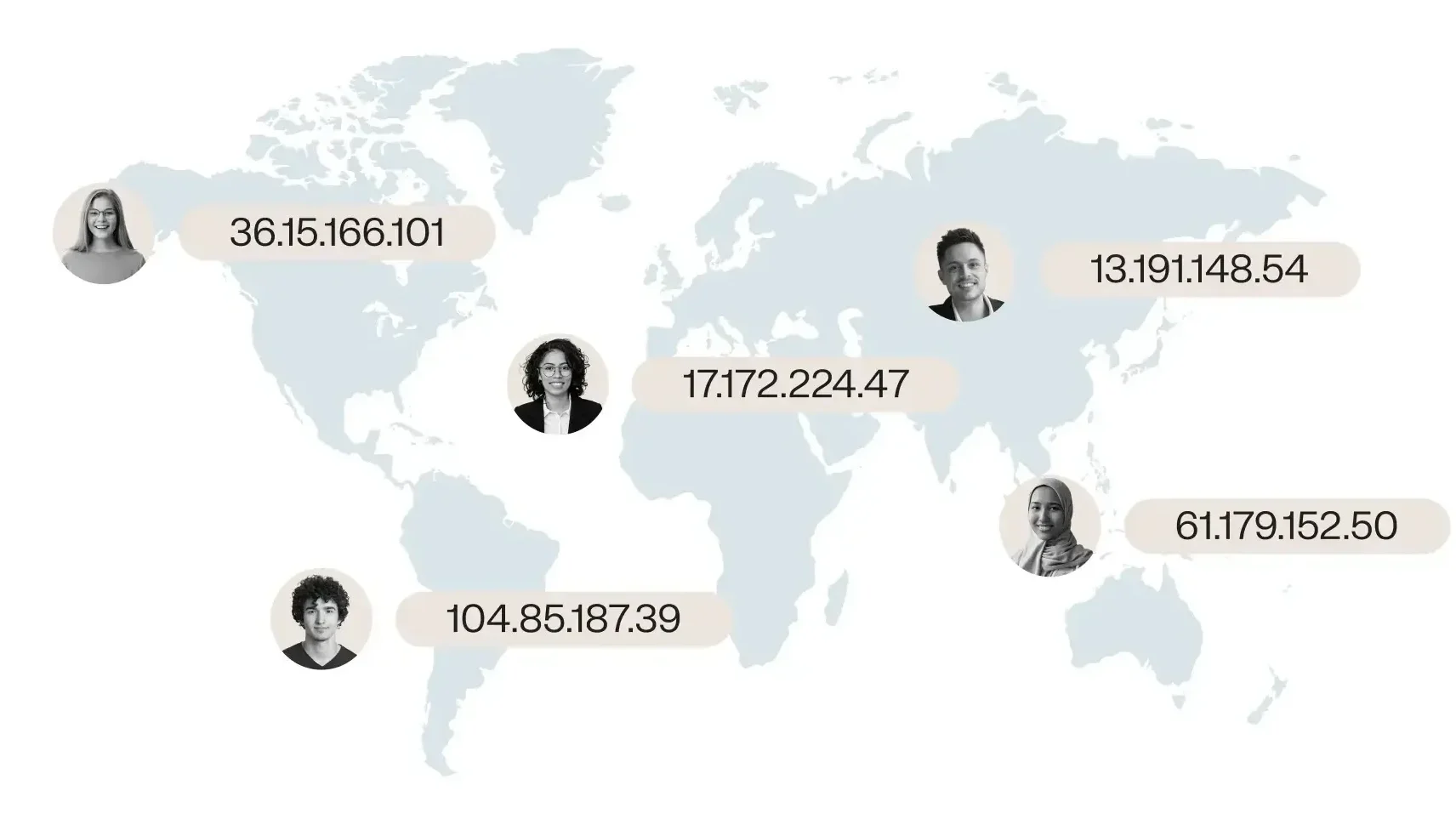
While your IP address can reveal some information about you, it’s not as revealing as some might fear.
By using an IP address lookup tool, someone might be able to determine your general location (usually just the city, like Ashburn, Virginia) and your ISP.
However, they can’t pinpoint your exact physical location or access your personal details.
IP checker FAQ
Get a dedicated IP with our most popular solutions
Fast VPS hosting
Proven to be 200% faster than other hosts.
Our knowledgeable support specialists ensure a smooth and stress-free setup or transition from your current host.
