
AI agents that control computers like humans do.
Browser automation · Terminal access · Desktop control · Multi-agent orchestration


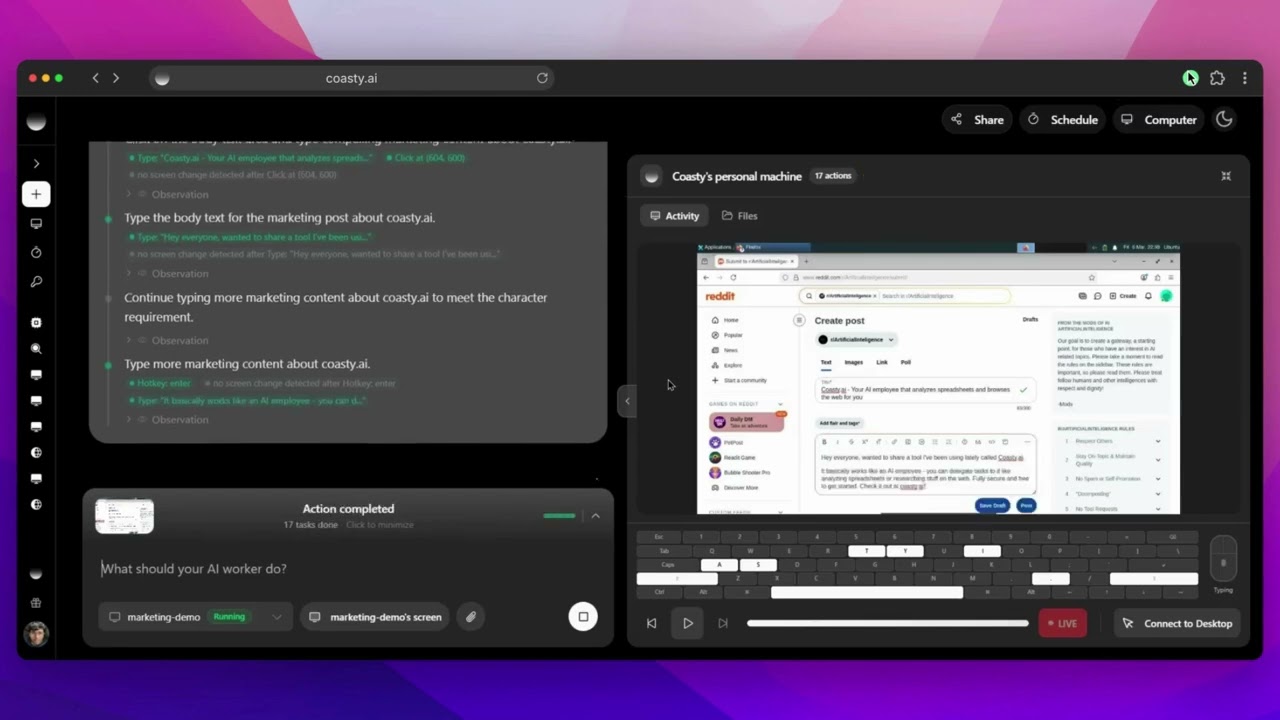
Marketing — Market your product on Reddit autonomously View chat session |
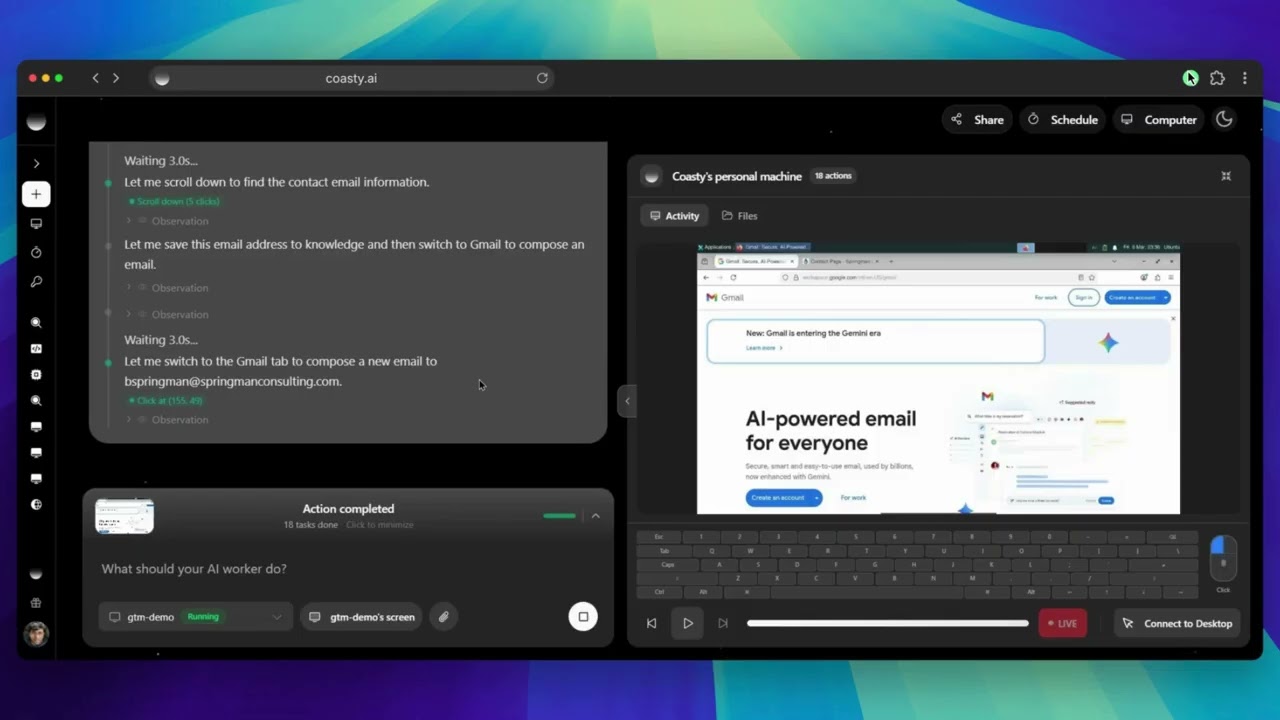
Go-to-Market — Find prospects and send personalized emails View chat session |
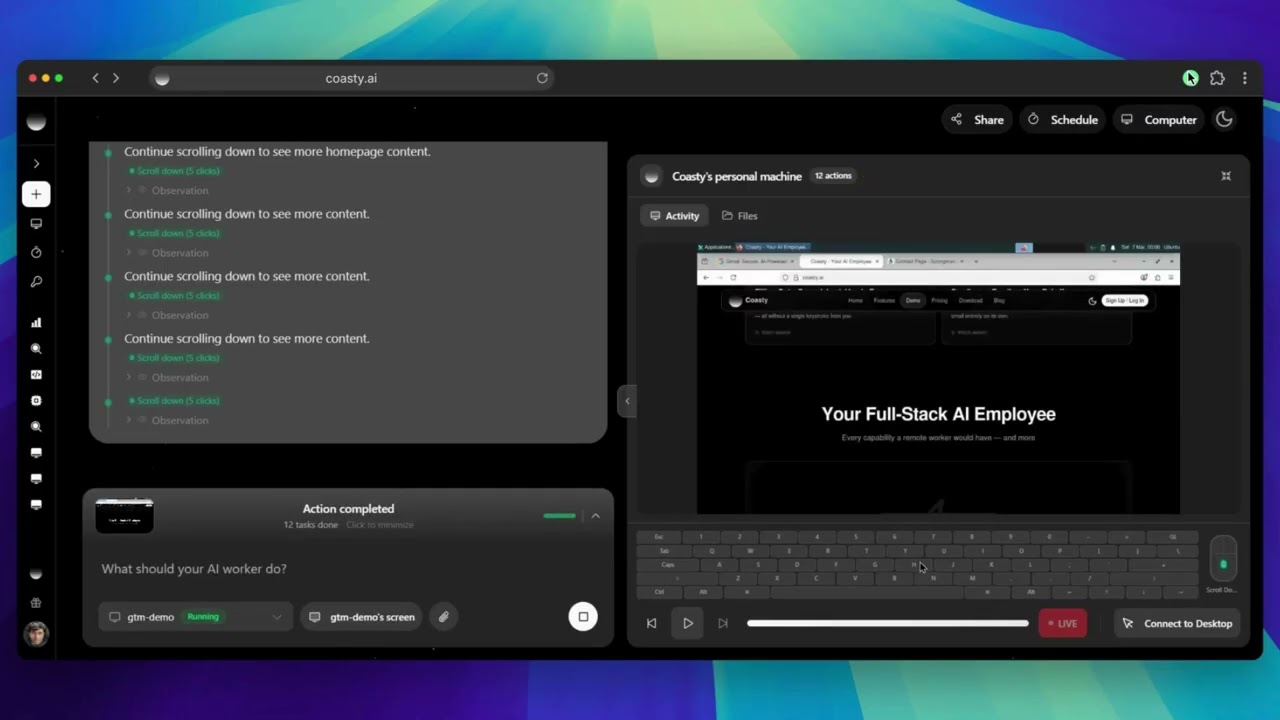
QA Testing — Test every checkout flow and report bugs View chat session |
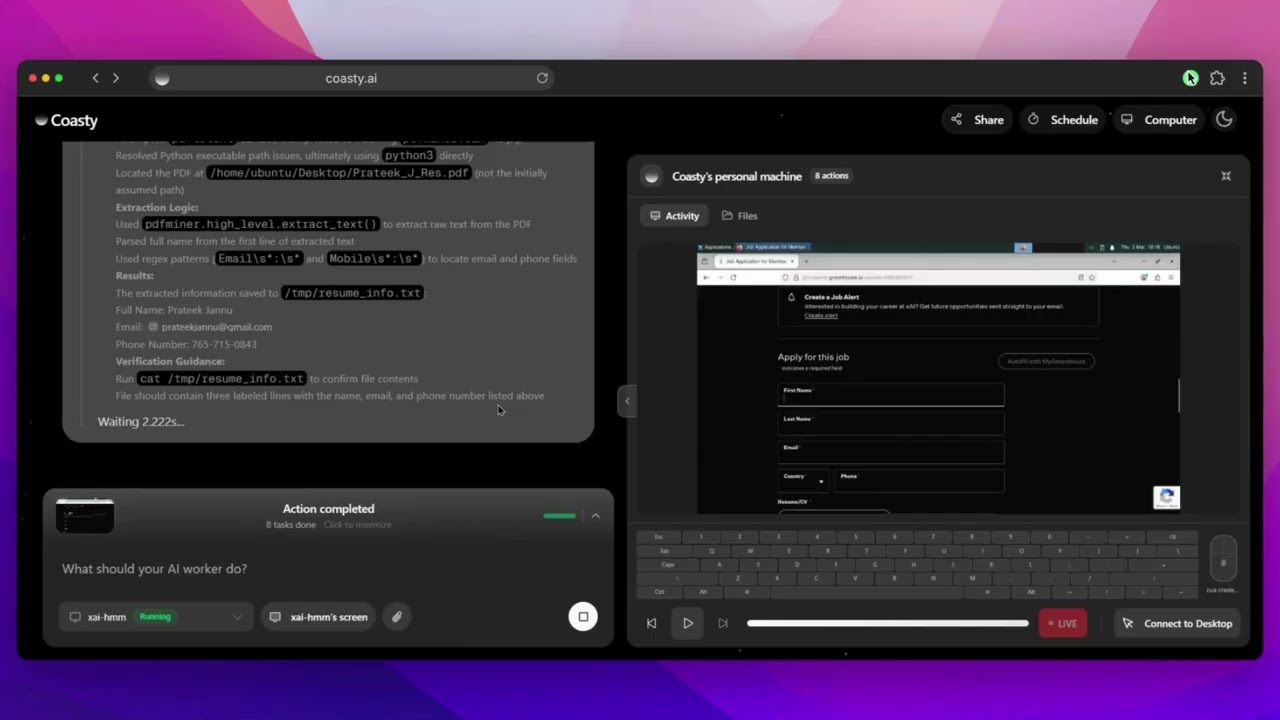
Job Application — Find roles, tailor your resume, and apply View chat session |
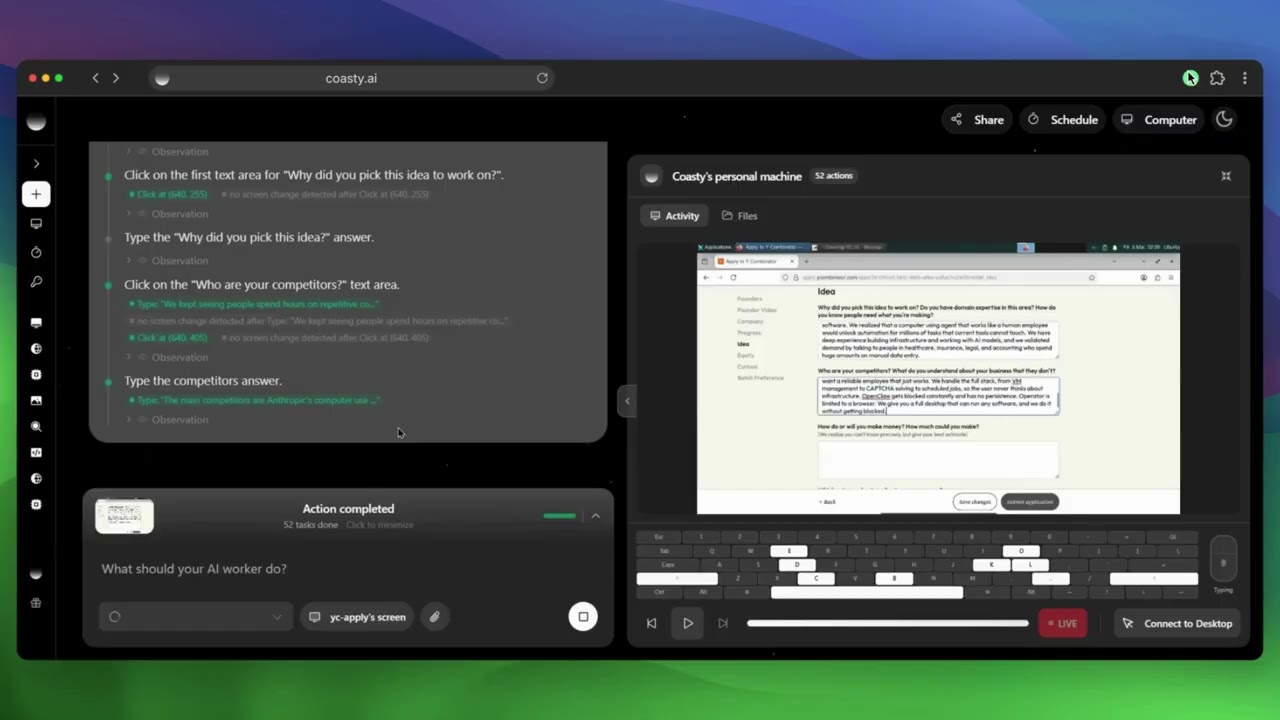
Form Filling — Fill out the YC S26 application for you View chat session |
Social Media — Post on Hacker News and engage with comments View chat session |
Open Computer Use is an open-source platform that gives AI agents real computer control. Unlike chatbots that only talk about tasks, agents here actually perform them — browsing the web, running commands, clicking through UIs, and orchestrating multi-step workflows in isolated containers.
Computer use capabilities similar to Anthropic's Claude Computer Use, but fully open-source and extensible.
Browser — Search-first web navigation, form filling, element interaction, multi-tab management, screenshot capture.
Terminal — Command execution, file operations, script running, package management, output streaming.
Desktop — Mouse & keyboard control, window management, screenshot analysis, UI element detection via computer vision.
Planner — Decomposes complex requests into subtasks, assigns to specialized agents, passes context between steps.
Frontend (Next.js 15)         Backend (FastAPI)              VM (Docker)
┌──────────────────┐     ┌─────────────────────────┐     ┌──────────────────┐
│  Chat UI         │────▶│  Multi-Agent Executor    │────▶│  Chrome Browser  │
│  Model Selector  │ SSE │  ├─ Planner Agent        │ WS  │  Terminal        │
│  VM Management   │◀────│  ├─ Browser Agent        │◀────│  Desktop (XFCE)  │
│  Zustand Stores  │     │  ├─ Terminal Agent       │     │  Agent Server    │
└──────────────────┘     │  └─ Desktop Agent        │     │  VNC :5900       │
                         │  WebSocket · DB · Billing│     └──────────────────┘
                         └─────────────────────────┘
You only need one API key to run the app. Get a free sandbox key at coasty.ai/developers — sandbox keys (sk-coasty-test-*) return mock infrastructure for free; live keys provision real VMs.
git clone https://github.com/coasty-ai/open-computer-use.git
cd open-computer-use
npm install
cp .env.oss.example .env.local
Open .env.local and paste your key:
COASTY_API_KEY=sk-coasty-test-your-key-hereThen:
npm run devOpen http://localhost:3000 and start a chat. That's it — no Supabase, no AWS, no Stripe to configure.
First boot auto-generates
CSRF_SECRETandENCRYPTION_KEYinto.env.local(already gitignored). Safe to delete; we'll regenerate.
Want the full self-hosted stack? (Supabase + AWS Bedrock + Stripe)
You'll need:
- A Supabase project
- AWS credentials with Bedrock model access enabled in your region
- Optional: Stripe keys for billing UI, Google Custom Search keys for the web-search tool
cd backend
python -m venv venv
source venv/bin/activate    # Windows: venv\Scripts\activate
pip install -r requirements.txt
cd ..cp .env.example .env.local
cp backend/.env.example backend/.envRequired in both .env.local and backend/.env:
# Supabase
NEXT_PUBLIC_SUPABASE_URL=https://your-project.supabase.co
NEXT_PUBLIC_SUPABASE_ANON_KEY=your-anon-key
SUPABASE_SERVICE_ROLE=your-service-role-key

# Security — generate each with: openssl rand -hex 32 (or base64 32 for ENCRYPTION_KEY)
ENCRYPTION_KEY=
CSRF_SECRET=
INTERNAL_API_KEY=          # MUST match in both files
Required only in backend/.env:
# AWS Bedrock (LLM)
AWS_ACCESS_KEY_ID=
AWS_SECRET_ACCESS_KEY=
AWS_REGION=us-east-1
BEDROCK_DEFAULT_MODEL=anthropic.claude-sonnet-4-20250514-v1:0

# Optional: web-search tool
GOOGLE_SEARCH_KEY=
GOOGLE_SEARCH_CX=
Bedrock requires per-model access enablement in the AWS console. See AWS docs.
npm install -g supabase
supabase login
supabase link --project-ref your-project-ref
supabase db push
Or paste supabase/schema.sql into the Supabase SQL Editor.
# Terminal 1 — Frontend
npm run dev

# Terminal 2 — Backend (dev)
cd backend && python main.py

# Terminal 3 — Optional: local AI desktop VM
docker-compose -f docker-compose.ai-desktop.yml up --build
Or all together:
docker-compose up --buildOpen http://localhost:3000 and sign in.
Prefer the MCP server?
The same COASTY_API_KEY works with @coasty/mcp, an npm package that gives Claude Desktop / Cursor / Windsurf full computer-use tools over MCP.
npx @coasty/mcpSee mcp/ for details.
| Layer | Technologies |
|---|---|
| Frontend | Next.js 15, React 19, TypeScript, Tailwind CSS, Radix UI, Zustand, Vercel AI SDK |
| Backend | FastAPI, Python 3.10+, WebSockets, asyncio, uvicorn |
| AI Providers | OpenAI, Anthropic, Google, Azure, xAI, Mistral, Perplexity, OpenRouter |
| Infrastructure | Docker, Ubuntu 22.04 + XFCE, Chrome, Selenium, Supabase, Stripe |
| Desktop App | Electron 40, Puppeteer-core, platform-native automation (Win32 / CoreGraphics / xdotool) |
A lightweight overlay that runs AI agent commands directly on your local machine instead of a remote VM.
- Floating always-on-top pill UI with expanded chat panel
- Platform-native automation (PowerShell/Win32 on Windows, CoreGraphics/osascript on macOS, xdotool on Linux)
- Browser control via Puppeteer-core, shell execution, file operations
- WebSocket bridge to backend with auto-reconnect
cd electron
npm install
npm run dev        # Development with hot reload
npm run package # Build for current platform├── app/ # Next.js routes & pages
├── components/ # React components (UI, chat, prompts)
├── lib/ # Stores, providers, services, utilities
├── backend/
│ └── app/
│ ├── api/routes/ # FastAPI endpoints
│ ├── services/ # Multi-agent executor, VM control, billing
│ ├── providers/ # AI provider integrations
│ └── core/ # Config, middleware, logging
├── electron/
│ └── src/
│ ├── main/ # App lifecycle, IPC, automation modules
│ ├── preload/ # Context bridge API
│ └── renderer/ # React UI, stores, components
├── docker/ai-desktop/ # Ubuntu VM container
└── supabase/ # Database schema
- Fork the repo
- Create a branch:
git checkout -b feature/your-feature - Commit your changes
- Open a pull request
Bug reports and feature requests welcome in Issues.
- Multi-VM parallel orchestration
- Visual workflow builder
- Agent marketplace & templates
- Windows / macOS VM support
- Plugin system for custom tools
- Collaborative sessions
- Voice control & video understanding
This platform gives AI agents significant autonomy. Use it to automate repetitive tasks, testing, research, and content creation — not to violate terms of service, spam, or scrape without permission. Always use isolated environments, respect robots.txt, and follow data protection laws.
Apache License 2.0 — Copyright (c) 2025 Open Computer Use Contributors
