-
-

blenderHeadlessRun
-
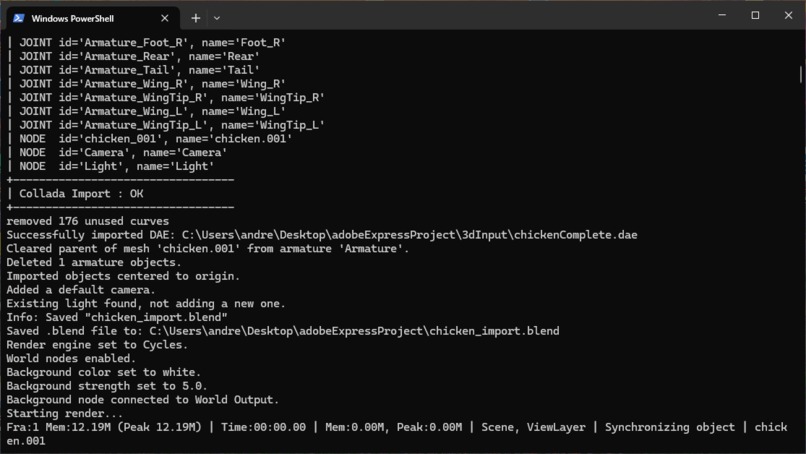
blenderHeadlessImportingAndRendering
-
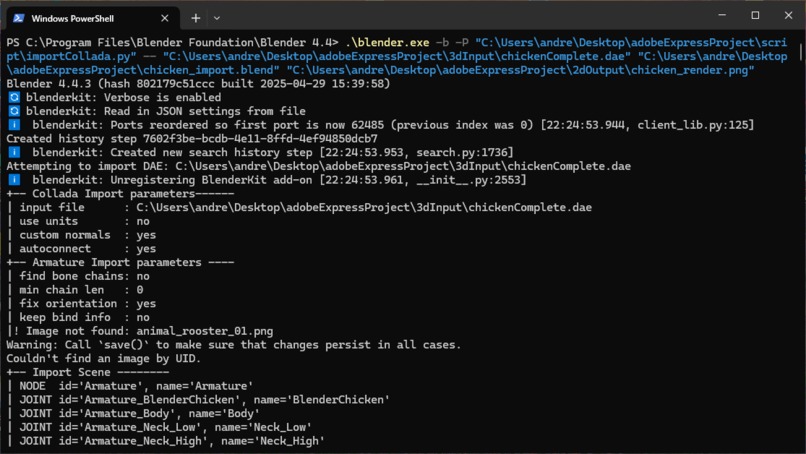
blenderHeadlessImportingAndRendering
-
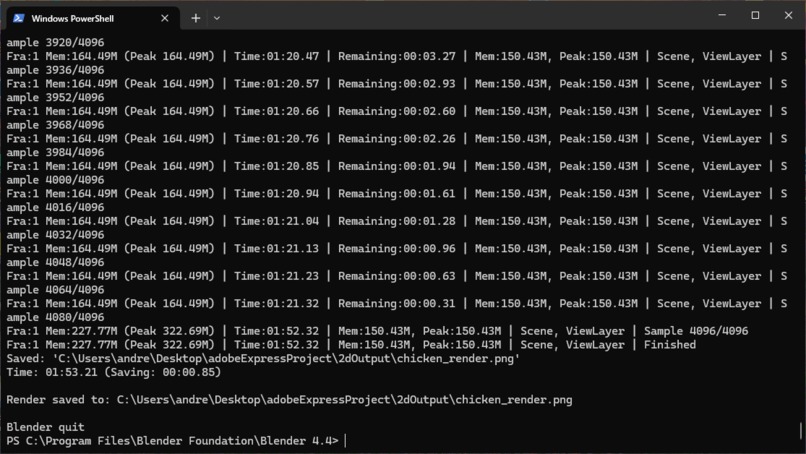
blenderHeadlessImportingAndRendering
-
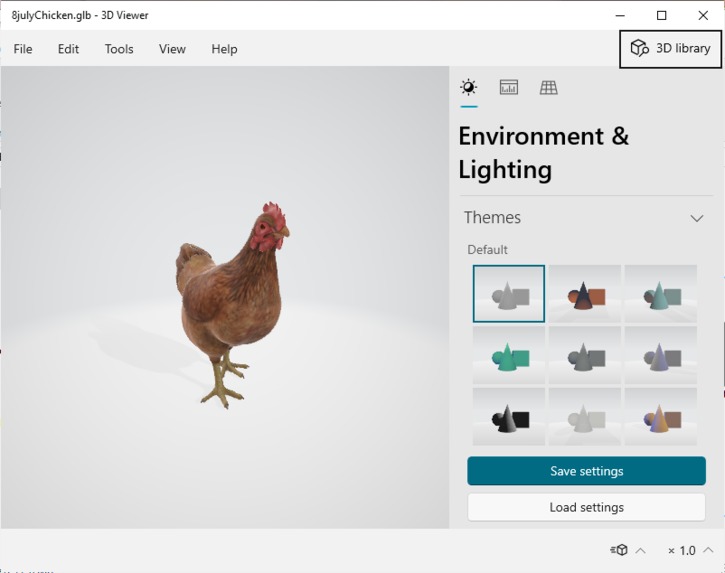
3dChickenPreProcess
-
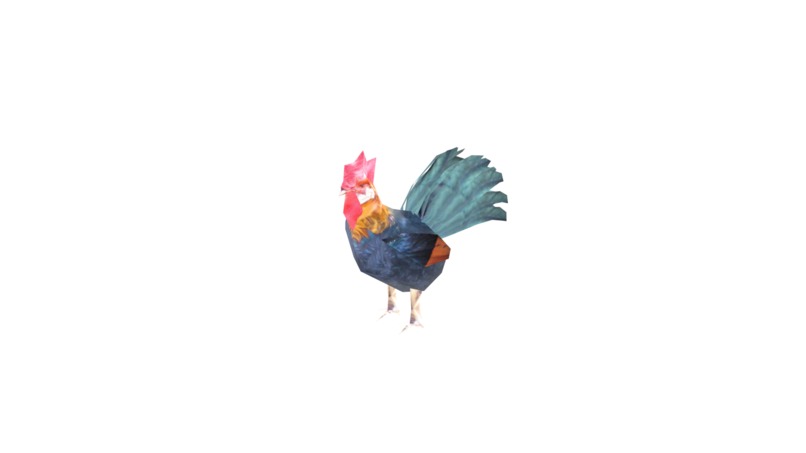
2dPostProcessedChickenWithTexture
-
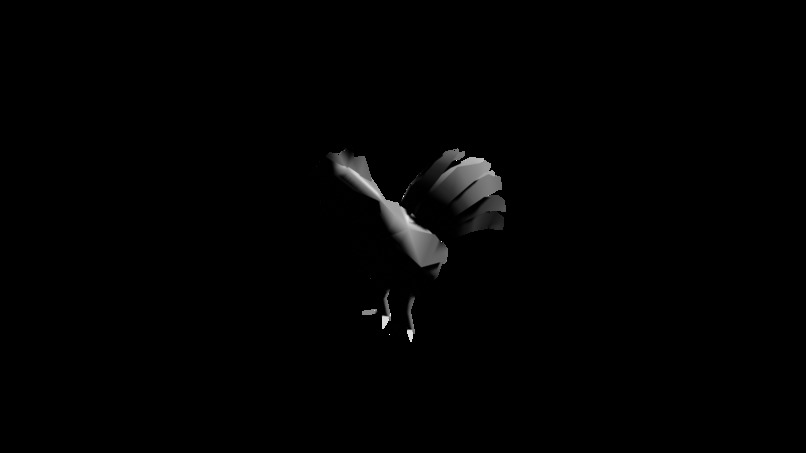
2dPostProcessedChicken
-
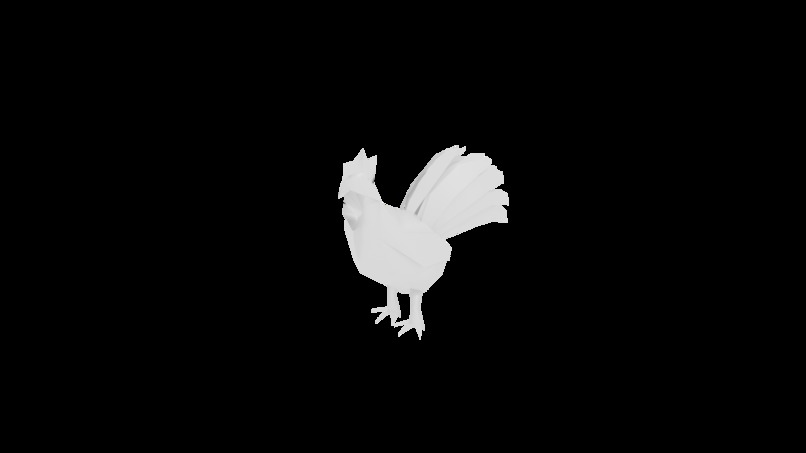
2dPostProcessedChicken
-

2dPostProcessedChickenBackgroundChange
-
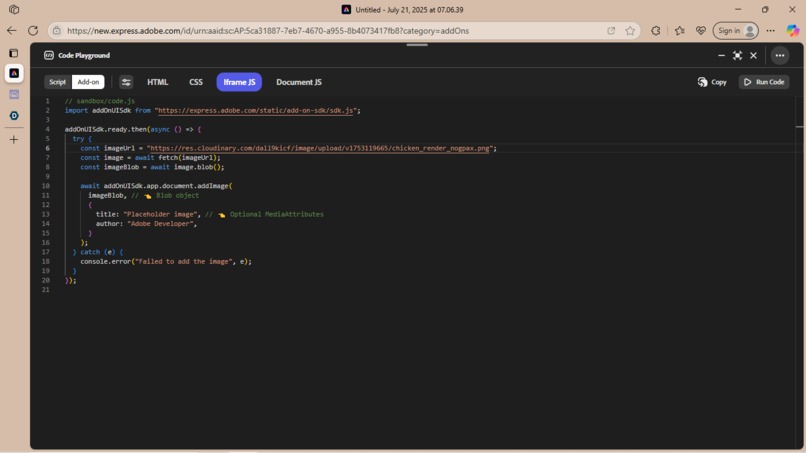
2d Chicken Png Running in adobe express's playground code via the iframe
-
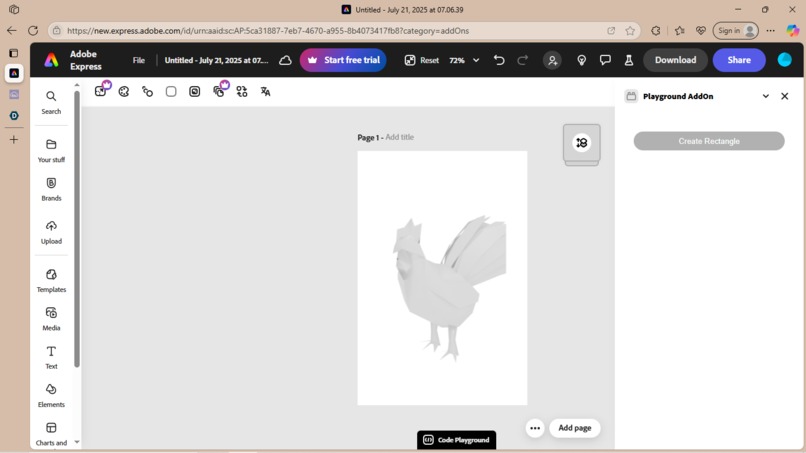
2d Chicken Png Running in adobe express's playground code via the iframe
-
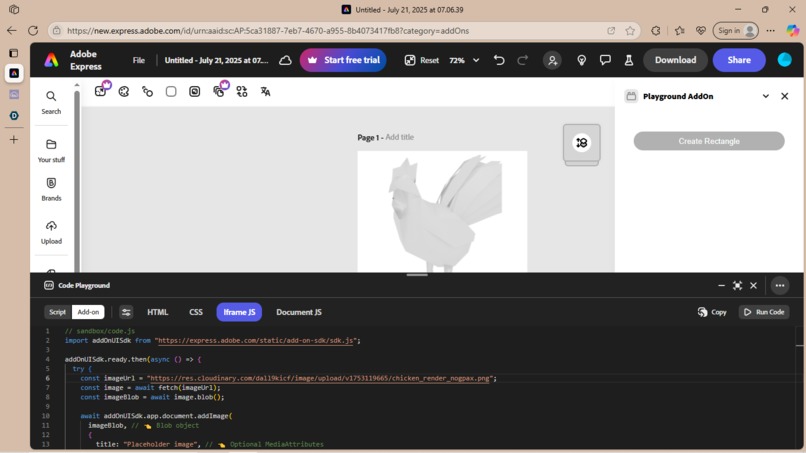
2d Png Running in adobe express's playground code via the iframe


Inspiration
I was busy contributing to an open-source project and needed to create a 2d image from a 3d model for the software. My go-to was always to take a screenshot but the output just didn't match the quality of the other 2d assets and so the usual workflow of importing a 3d asset into blender, filtering and modifying it, then rendering it and finally exporting it to a 2d image, was used.
Well, a triple layered level of inspiration basically gave heart to what I wanted;
Firstly, increasing the volume of available images;
Wanting to access a bigger availability of library images in adobe express with the simple use of a drag and drop feature by being able to tap into 3d asset libraries such as 3d warehouse, blender kit, unity asset library ,etc. - and doing so quickly and simply
Secondly, speed of 3d to 2d conversion in-house in adobe express;
There have been many times personally where it's taken an abnormal amount of time to get a 3d image to a 2d image - especially when it's outside of my current workflow or, and even more importantly, I see a gaming asset in a library I really like and getting to use it as a 2d image just takes up too much time - especially when a texture still has to be applied to a mesh.
Thirdly, having more control over the images I want in my workflows.
Sometimes, you look at something like a 3d object and you just got to have it inside your workflow and no other substitute will do
What it does
Essentially the idea is that you take a 3d object - import it into a modelling app such as three.js or blender, render it appropriately for your requirements and then export it in a 2d format that adobe express can use - all with the click of a view easy to use options within the addon.
How we built it
So essentially, because this is a proof-of-concept design, I used the well-known blender application - not as an end product solution but just to model its feasibility as one can easily use blender headless in terminal by using Python and Bash/PowerShell scripting.
Challenges we ran into
Time.
Although running adobe express's development server was easy - I struggled to get the image hosted via the server. I wanted to create a workflow for a svg output as well to give greater control to the end product. On top of that Gemini proved pretty useful modifying the python script - it would have been nice to use Gemini to modify the script to manipulate the filtering and rendering process.
Accomplishments that we're proud of
Opening the door to 3d asset libraries and open-source projects by bringing a greater availability of images to adobe express through a simple workflow hack
What we learned
Adobe Expresses coding playground proved pretty useful to model the feasibility of adobe express being able to plug into the workflow
What's next for 3dTo2d
AI manipulation of the python script file and svg output is an absolute must
This add-on can easily have a lot of extra features such as getting several images with various canvases or camera angles from the same 3d object with various type of backgrounds or not applied. As the level of rendering can also be manipulated, this can also affect the resolution or quality type of picture you could use in adobe express.
Built With
- blender
- chocolatey
- javascript
- node.js
- powershell
- python


Log in or sign up for Devpost to join the conversation.