-
-
Home
-
Overview
-
Features
-
Info
-
3D Model


Inspiration
The inspiration for 3Ducate came from the need to make complex scientific and medical concepts more accessible and interactive for students and educators. Traditional textbooks and 2D diagrams often fail to convey the depth and spatial relationships of anatomical structures. We wanted to leverage modern web technologies, 3D visualization, and AI to create an engaging, hands-on learning experience that can be accessed from any device.
What it does
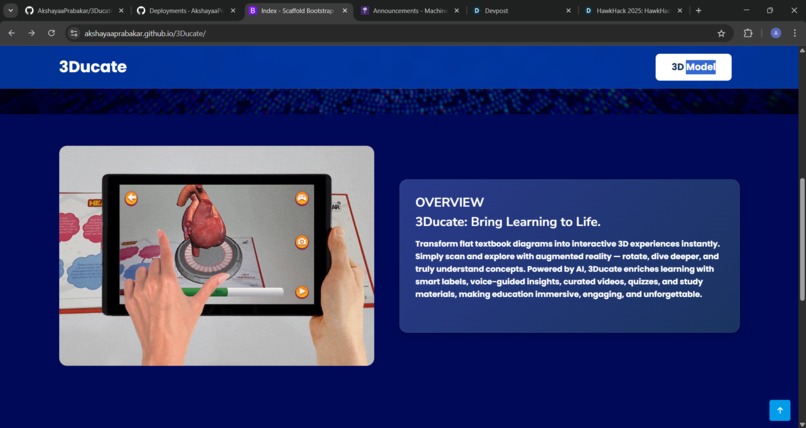
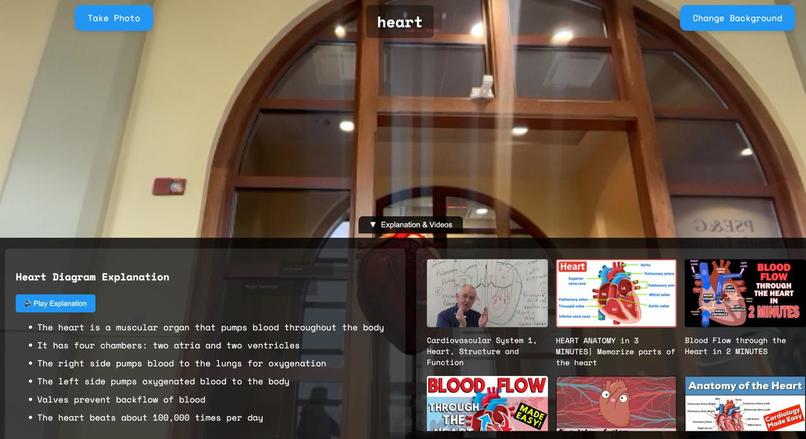
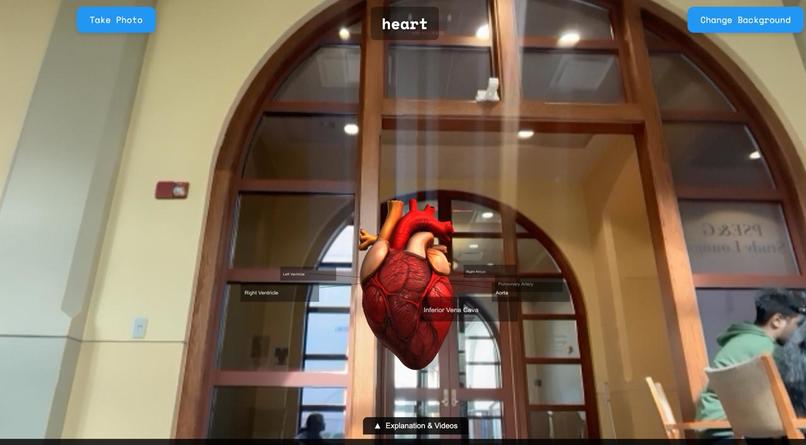
3Ducate is a web-based platform that allows users to interact with 3D anatomical models directly in their browser. Users can: View and manipulate 3D models (like the heart or brain) using mouse or hand gestures (via webcam). Change backgrounds and capture annotated screenshots. Receive AI-generated explanations and labels for different parts of the model. Access curated educational YouTube videos related to the model. Listen to spoken explanations for better accessibility.
How we built it
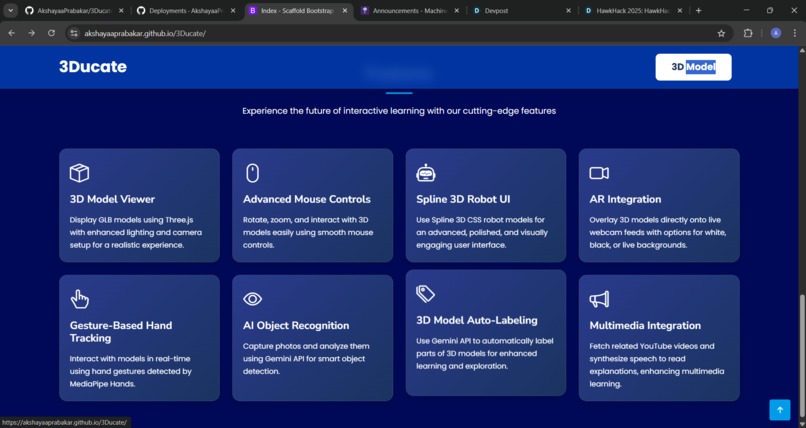
We built 3Ducate using: Frontend: HTML, CSS, and JavaScript, with Three.js for 3D rendering and MediaPipe for hand tracking. Backend: Python with Flask to serve the web app and static assets. AI Integration: Google Gemini API for generating model labels and explanations, and YouTube Data API for fetching relevant videos. Deployment: The app is structured so it can be easily deployed on any server supporting Python and Flask.
Challenges we ran into
Integrating real-time hand tracking with 3D model manipulation was technically challenging, especially ensuring smooth and intuitive controls. Ensuring cross-browser compatibility and performance for 3D rendering. Handling CORS and API key security for AI and YouTube integrations. Merging separately developed frontend and backend codebases into a seamless application. Managing large 3D model files and optimizing load times.
Accomplishments that we're proud of
Successfully implemented real-time hand gesture controls for 3D models. Seamlessly integrated AI-generated explanations and dynamic labeling of anatomical parts. Created a user-friendly interface that combines 3D visualization, AI, and educational resources. Built a modular and extensible codebase that can support additional models and features in the future.
What we learned
The power and flexibility of Three.js for web-based 3D visualization. How to use MediaPipe for real-time hand tracking in the browser. Best practices for integrating AI APIs and handling their responses. The importance of user experience and accessibility in educational tools. Strategies for merging and organizing large, multi-component codebases.
What's next for 3Ducate
Expanding the library of 3D models to cover more subjects and educational levels. Adding multi-language support for explanations and labels. Implementing user accounts and progress tracking for personalized learning. Enabling collaborative features for classroom or remote group learning. Further optimizing performance for mobile devices. Exploring AR/VR integration for even more immersive learning experiences.


Log in or sign up for Devpost to join the conversation.