-
Title page
-
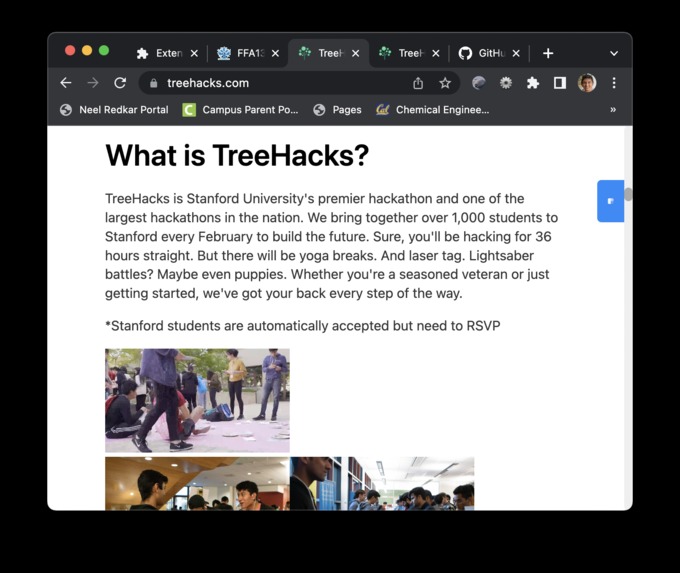
treehacks.com, after
-
treehacks, before
-
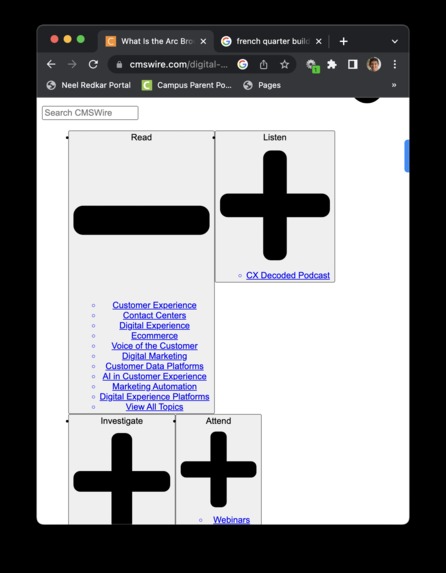
cmswire.com website, before
-
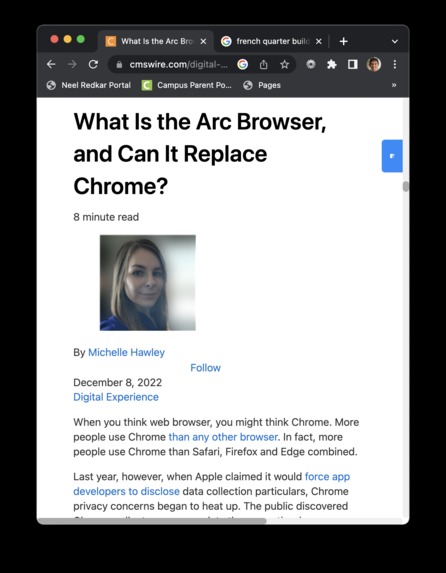
cmswire.com, after
-
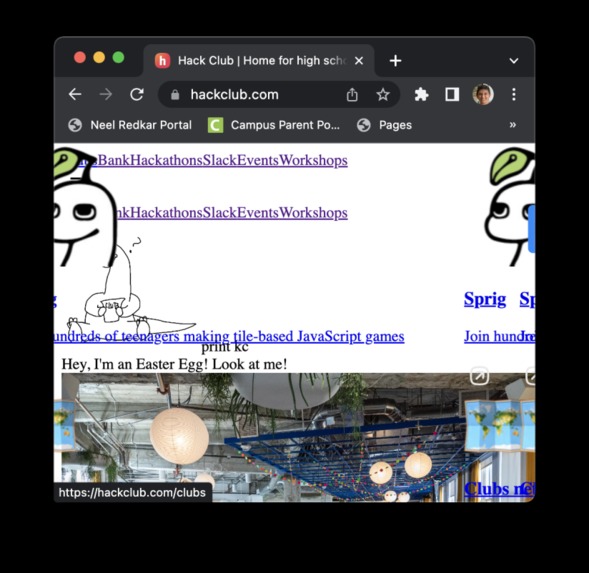
hackclub, before
-
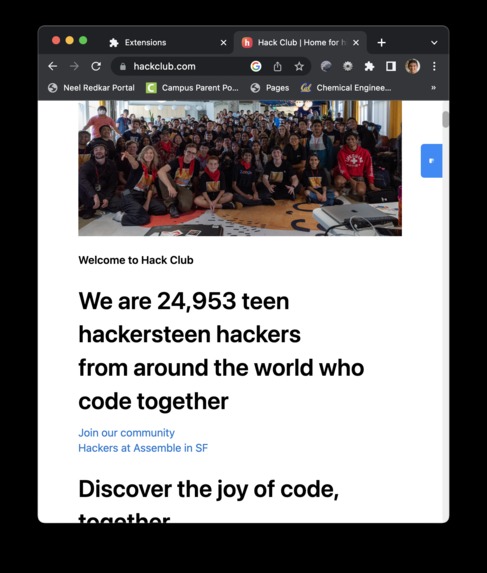
hackclub.com, after


Applicability
The internet is wildly inaccessible, especially for those who suffer from disabilities that range from dyslexia to color blindness to motor problems. With the trend of fancy websites that pile javascript framework upon javascript framework upon CSS framework, the web becomes increasingly hard to traverse (either with a screen reader, as someone with a bad connection, or as someone already having difficulty reading websites). Efficient guidelines exist: the Web Content Accessibility Guidelines by the W3C that provide concise, clear, and highly detailed rules to make websites more accessible, but it spans 70 pages and is hard to follow through entirely.
Our project will make learning new content much more efficient and enjoyable. From self-studying through courses such as edX to university assignments through interactive textbooks, and work-related training, this applies to all fields of education and will benefit millions. In addition, this helps mitigate the effects of specific health issues (both temporary and long-term) in day-to-day life as a simple tool to access the information on a website as fast and easy as possible.
Alongside, we have an extension that uses natural language to restructure the page of a website to function better with e-readers, be much more visible without CSS, automatically add alt/aria descriptions, and sometimes convert key text to monospace for readability.
Extension Component
Together our project contains two objectives: one is to create a website to make the accessibility documentation easier to understand & read to comply with the them and the second is a browser extension that makes a website more accessible using AI.
The browser extension targets the end-user. The main idea here is to use an LLM to convert a messy DOM structure into a more informed “cleaner” structure, not only to make it easier for disabled people’s custom readers but much easier to read without CSS (low internet connections) and infer image alt-tag descriptions from natural language surrounding the tag.
In practice, though, this is more complicated where we had to build a subtree clustering algorithm in typescript for the DOM to gather specific clusters that include context & fit our token limit. Then after clustering subtrees, we run a codex LLM with a prompt designed & edited by ChatGPT.
The prompt was “As a senior google software engineer, deduplicate & remove the DOM areas that have redundant elements, add style width and alt text attributes to images, and make the website more accessible for disabilities.” (we learned a lot about prompt engineering lol)
Here's an example of it in action, comparing the treehacks website before and after (with JS/CSS stripped).


Summarizer Component
The first task is done through a recursive tree summarization and a new rollout user interface. First, in scraping the website, we ordered the documentation data into a tree structure, which we then recursively summarized (similar to a Merkle tree implementation). We summarized the text using a custom prompt with the OpenAI API, using tiktoken to batch the tokens for summarization.
Then using the summarization, we built a rollout user interface, essentially being able to take a summarization and then divide it into sections when clicked on—making an extremely easy way to navigate (think dropdown menus on steroids because they have context)
The content was scraped from WCAG guidelines (linked here) and converted into json objects & summarized as a tree. This meant summarizing the end-nodes and using that summary to work our way up, recursively.
Our prompt for OpenAI's GPT in this case was:
SUMMARIZE_PROMPT = """Write a {paragraphs} paragraph the following about accessibility guidelines into readable concise clear prose without any special character, focusing on what a developer would need to specifically implement while ignoring section titles and numbers:

Text: {text}

Summary of {paragraphs} paragraphs:"""
SUMMARIZE_PROMPT_TOKENS = len(tiktoken.get_encoding("cl100k_base").encode(SUMMARIZE_PROMPT))
The website was generated through HTML where clicks expanded down each "tree" branch.


Log in or sign up for Devpost to join the conversation.