-
-
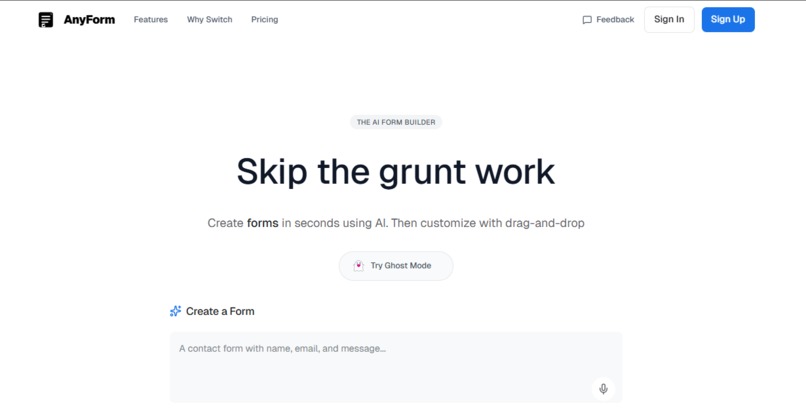
landing page
-
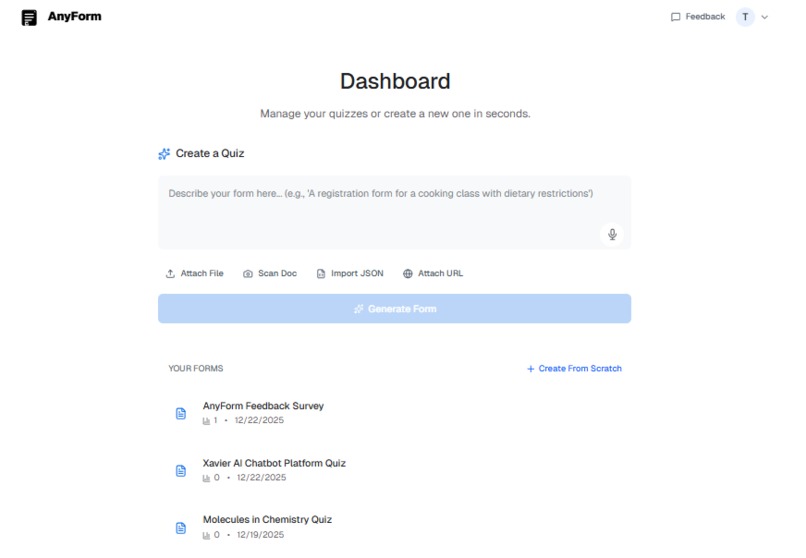
dashboard page
-
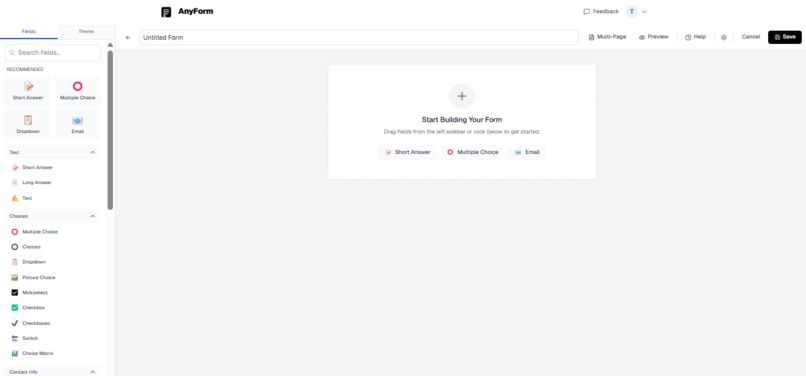
form builder page
-
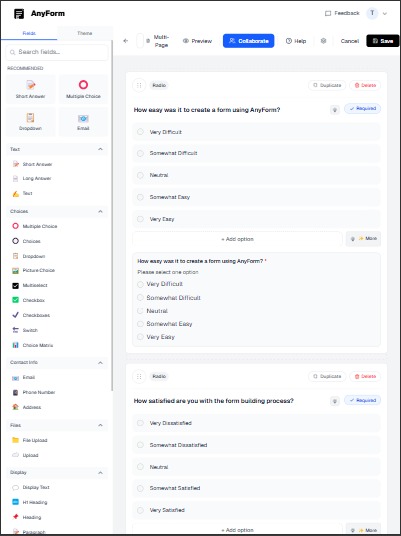
form builder page with a form
-
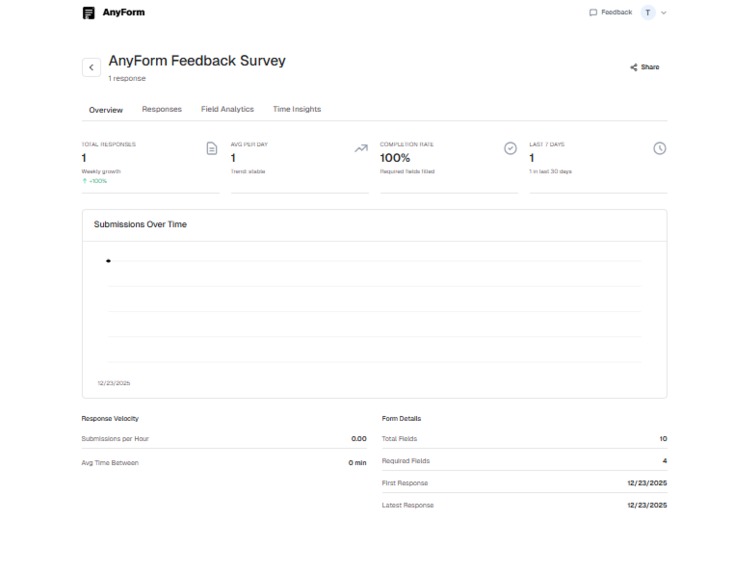
form submissions page


Inspiration
We believe the best interface is no interface. We were tired of "modern" form builders that still required 20 clicks to create a simple contact form. We realized that while tools like Linear and Google Search have moved towards "command-first" and "search-first" interfaces, form building was still stuck in the "drag-and-drop" era. We wanted to build a tool where you don't navigate to a feature, you just describe your intent. The goal was to make a platform that feels like a tool you use, not an app you manage skipping the grunt work entirely.
What it does
AnyForm is an AI-powered form builder that generates complex, validated forms in seconds from natural language, files, or URLs.
- Instant Creation: Type "registration form for a cooking class" and get a fully functional form in under 30 seconds.
- Multi-Modal Input: Don't just type—speak. Use voice commands to describe your form, or upload a PDF/CSV/JSON file to have it parsed and converted instantly.
- Ghost Mode: Try the full power of the tool without creating an account. We lowered the barrier to entry to zero.
- Smart Builder: Use our drag-and-drop builder for fine-tuning, but start with 90% of the work already done by AI.
- Real-time & Collaborative: Edit forms with your team, see changes instantly, and track submissions in real-time.
How we built it
We built AnyForm using the bleeding edge of the Next.js ecosystem:
- Frontend: Next.js 16 (App Router) with Tailwind CSS v4 for a blazing fast, responsive UI. We used framer-motion for the premium "glassmorphism" feel.
- AI Engine: We integrated the Vercel AI SDK with Cohere and Groq for sub-second inference speeds, essential for that "instant" feel.
- Backend: A robust PostgreSQL database managed by Prisma ORM helps us handle complex relational data (users → forms → submissions → collaborators).
- Infrastructure: Deployed on Vercel, leveraging Server Actions for seamless client-server communication.
- Key Libraries: dnd-kit for the accessible drag-and-drop builder, react-hook-form and zod for bulletproof validation, and lucide-react for iconography.
Data Flow Architecture

Our data flow architecture showing how voice, text, and file inputs are processed through our AI engine and validated before being stored in PostgreSQL. The system supports real-time updates and multi-modal input processing.
System Architecture

Component architecture illustrating our Next.js 16 frontend, Vercel AI SDK integration with Cohere and Groq, Server Actions backend, and PostgreSQL database layer managed by Prisma ORM.
Challenges we ran into
- Unstructured to Structured: Taking a vague voice command or a messy PDF and converting it into a strictly typed Prisma schema was the hardest part. We had to build robust prompt engineering pipelines to ensure the AI returns valid JSON structure every time.
- Optimistic Updates: To make the tool feel "local-first," we implemented optimistic UI updates for the form builder. Syncing this correctly with the server state (especially with real-time collaboration) required careful state management.
- File Parsing: Supporting disparate formats like PDF, CSV, and JSON and normalizing them into a common "context" format for the AI was a significant engineering hurdle.
Accomplishments that we're proud of
- The "30-Second" Promise: We hit our goal of letting a user go from "intent" to "deployed form" in under 30 seconds.
- Voice-to-Form: Successfully implementing a voice interface that feels natural and actually works for complex instructions.
- Ghost Mode: Building a secure "anonymous" auth system that lets users start building immediately and "claim" their work later seamlessly.
- Design System: Creating a "Tool-First" UX that strips away all the chrome and focuses purely on the user's intent, adhering to our "Google Model" design principle.
What we learned
- Context is King: The AI is only as good as the context you give it. We learned how to efficiently feed parsed file data and URL content into the LLM's context window without blowing up costs or latency.
- Less is More: Users don't want more buttons; they want fewer. Every time we removed a UI element and replaced it with a smarter default or an AI inference, the product got better.
- Latency Matters: For a "tool" feel, 500ms makes a huge difference. Switching to Groq/fast inference models was a game-changer for perceived performance.
What's next for AnyForm (AI form builder)
- Deeper Integrations: Direct "Action" integrations (e.g., "Submit this form to Notion database X" or "Send to Slack").
- AI Analytics: Not just collecting submissions, but having the AI analyze trends and sentiment from the responses automatically.
- Predictive Forms: Using past usage data to suggest form fields before the user even finishes typing their prompt.
Built With
- cloudinary
- groq
- nextauth.js
- nextjs
- pdf.js
- postgresql
- resend
- tailwindcss
- typescript


Log in or sign up for Devpost to join the conversation.