-
-
Are you tired of filling out applications by hand? Applr can do it for you.
-
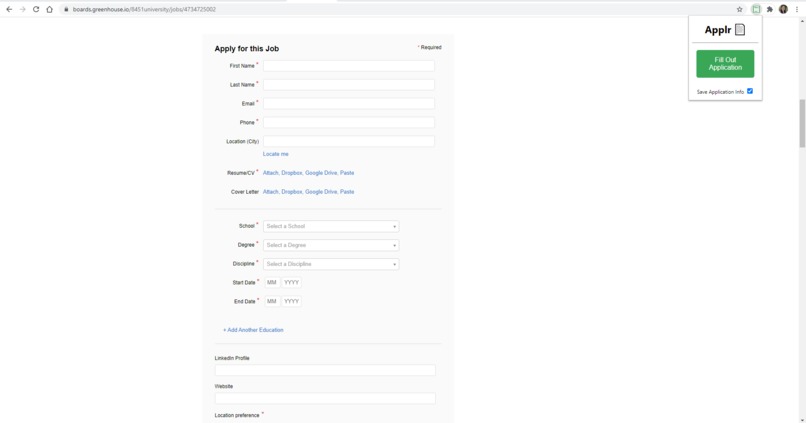
Applr is an extension that can fill out job applications
-
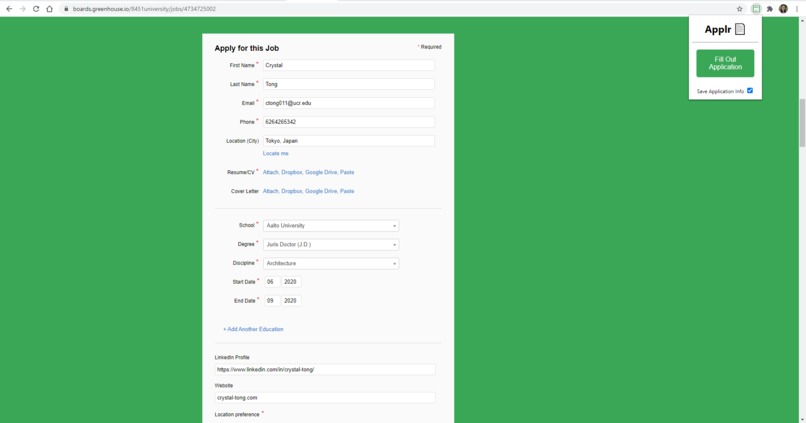
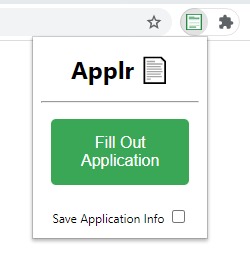
Applr fills in your information for you in one click
-
-
-
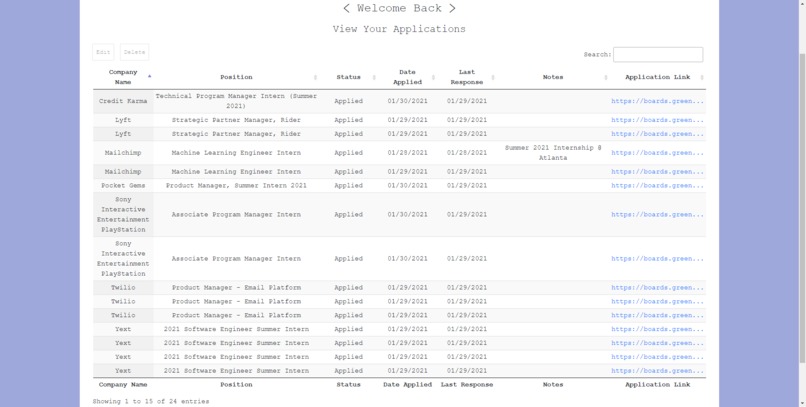
Applr keeps track of applications you have applied to
-
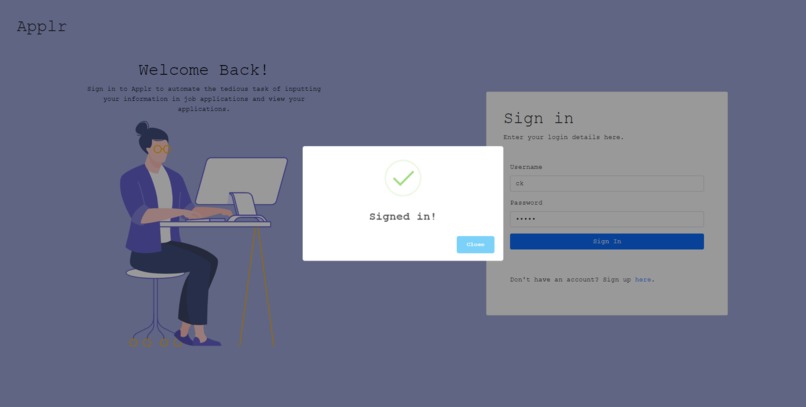
Applr Sign in page
-

Applr Confirmation page
-
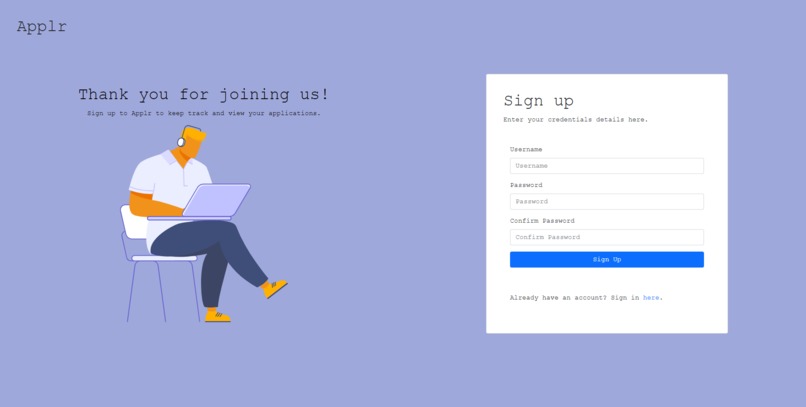
Applr Sign up page


Inspiration
You’re on the recruiting grind, applying to job application after job application. Each app requires the same information, and you’re stuck manually filling out each form field.
This is a pain point that our team is very familiar with, and we’re sure other college students have faced as well. This inspired us to create Applr, a tool to expedite the job application process.
We decided an extension to auto-fill forms would be the best solution: it’s unintrusive, always accessible, and has sufficient capacity to meet our goals. Standard auto-fill built into web browsers also fails to address the variance between application form fields. We didn’t want to just auto-fill forms either; we also added a dashboard that showcases all previously applied to jobs.
What it does
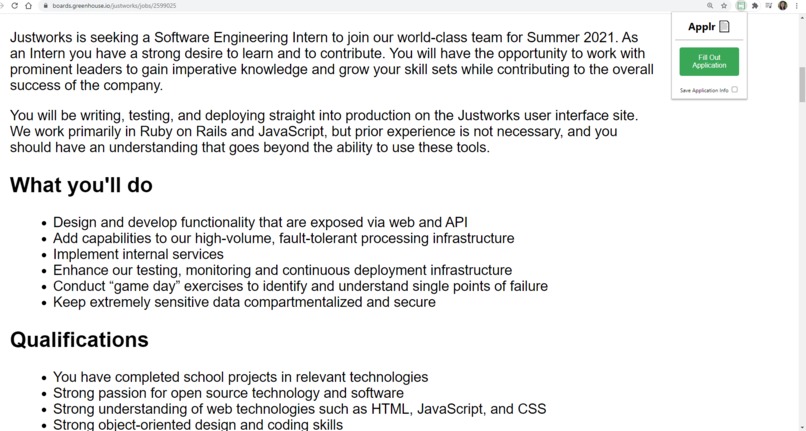
Applr will detect if you are on a relevant job application page and allow you to fill out the application automatically. Applr also applies ML to identify and autofill similar questions. After submitting the application, Applr will keep track of the application's information for the user so that they can view their applications on a dashboard. This dashboard gives us access to our past applications, application status, date, link, and additional notes. The entries can also be edited or deleted if necessary. This feature is a handy tool that makes the recruiting process even more convenient.
How we built it
Applr was created with:
- HTML/CSS/JavaScript for the frontend, which includes a sign-in page, dashboard, and extension pop-up
- Flask for the backend.
- Redis and PostgresQL to store application questions and answers.
- Applr is designed to be a personalized, long-term tool, so we also implemented user signup and login, using JSON web tokens for authentication.
We used the following GCP services:
- Google Cloud Bucket: to host the static frontend
- Google Cloud Memorystore: to store application form values
- Google Cloud SQL: to host the PostgresQL instance (used to store application history)
- Google Compute Engine: to host the Flask app
ML Portion
For questions that the user hasn’t filled out before, we use ML to determine the best way to fill out the question. Let’s say that one application asks you for your earliest start date availability, while another asks a similar question but worded differently. Applr will be able to figure out that it is the same question.
It does this by first filtering out a set of candidate pairs with Jaccard similarity among the words of the field descriptions to extract the top pair. This is because this can be done very quickly, since O(N^2) comparisons are needed, where N is the number of pairs.
Then, it extracts a bag-of-words representation from the pair, and finds the difference between the two vectors. It feeds that into a logistic regression model training on the Quora question similarity dataset and uses that to predict whether or not the pair is the same. While we originally tested and wanted to use more complicated models (like BERT), we were unable to increase our GCP GPU quota (restriction of the free trial), and decided to stick with simpler models that could run in a reasonable amount of time on a CPU.
Challenges we ran into
In order to autofill the job applications, we needed to recognize what type of input the company is looking for (checkbox, selector, etc).
Accomplishments that we're proud of
- Creating an editable dashboard that allows the user to view their job applications they have applied to and update their status as they progress
- Using Machine Learning to fill in the slight differences in questions (ex: What is your current expected graduation date? vs When do you expect to graduate)
- User authentication and signup
What we learned
- How to create a Google Chrome Extension
What's next for Applr
- Work for more job board applications
Built With
- compute-engine
- css
- flask
- gcp-memorystore
- google-cloud-buckets
- google-cloud-sql
- html5
- javascript
- jwt
- machine-learning
- postgresql
- python


Log in or sign up for Devpost to join the conversation.