-
-

1
-
2
-
3
-
4
-
5
-
6
-
7
-
8
-
9
-
10
-
11
-
12
-
13
-
14
-
Adaptive audio
-
GCP
-
CockroachDB


Inspiration
Try adding an event to your calendar and asking Siri/Google Assistant/Bixby to set an alarm to wake you up 10 minutes before the event. Guess what? It doesn’t work!
What it does
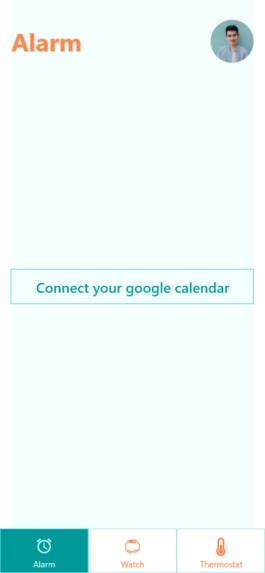
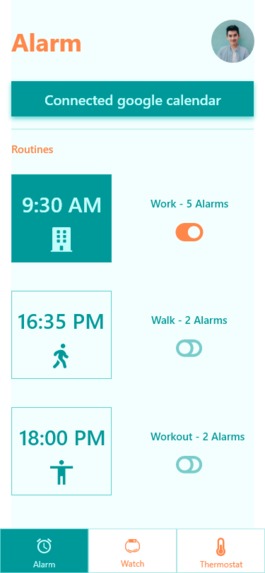
- An app that connects to your Google Calendar and automatically sets up alarms based on the event venue, your location, traffic, time of the day.
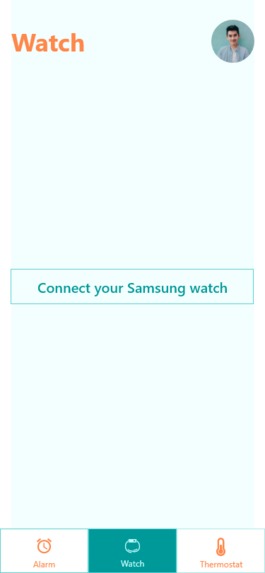
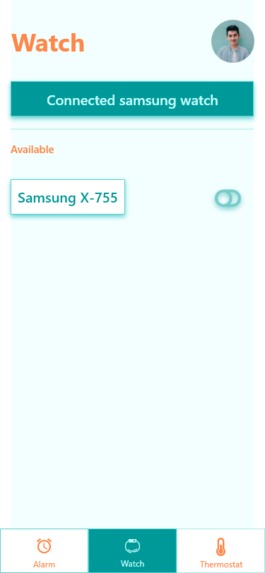
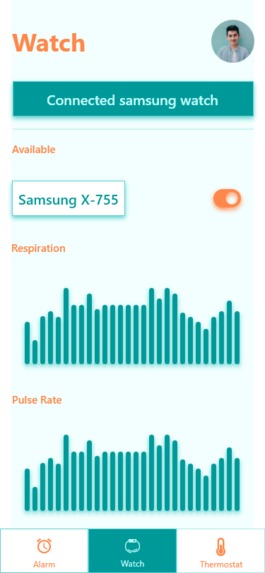
- Connects to your wearable device to obtain pulse and respiratory readings in order to analyze your sleep cycle
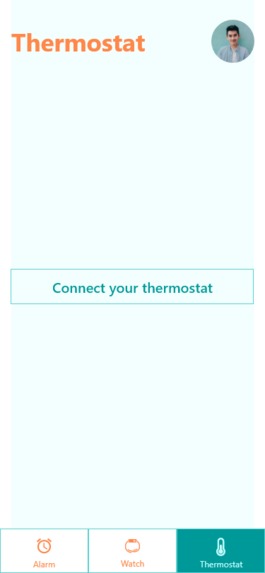
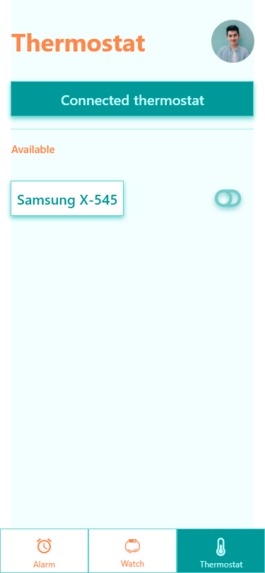
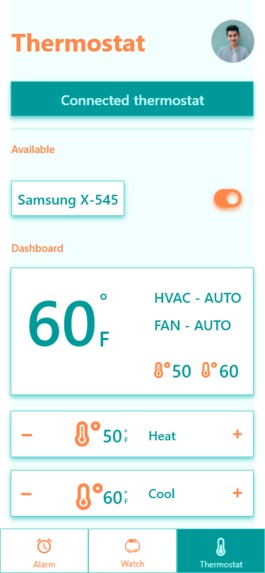
- Connects to your thermostat to adjust the temperature in your room to boost productivity
How it works
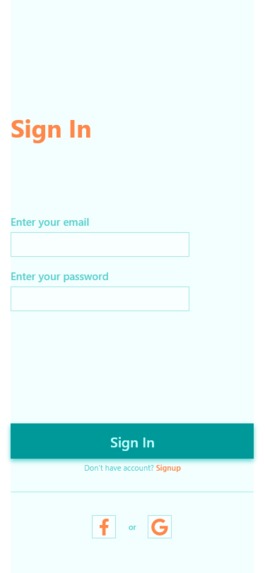
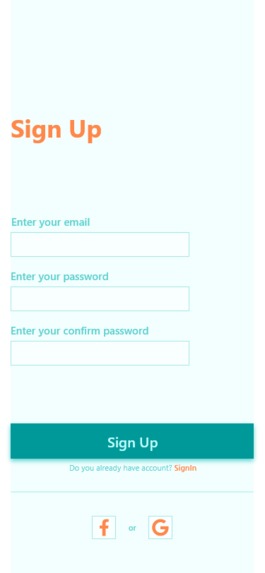
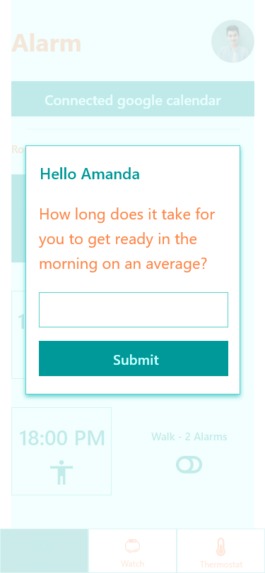
- User signs up and connects their Google Calendar
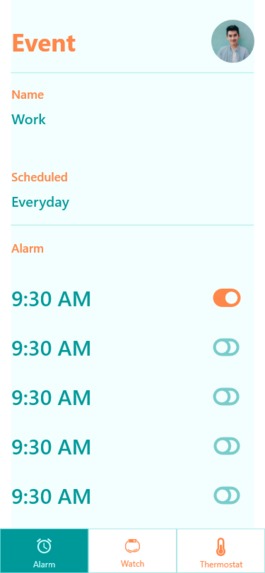
- The app retrieves the next 15 upcoming events and automatically sets up alarms for them by factoring in the event location, user’s location, traffic.
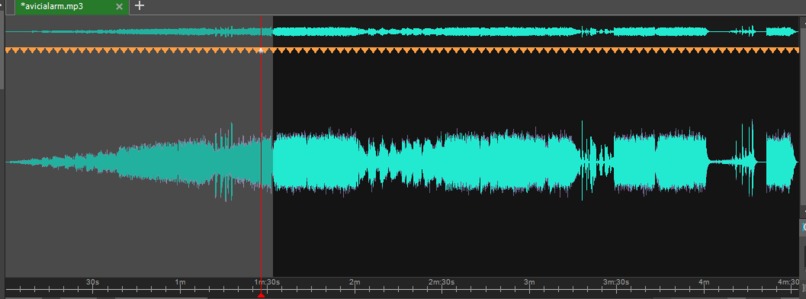
- If the user’s wearable device is connected, the app uses their pulse rate and respiratory rate to analyze their sleep cycle and adapts the alarm tone for the best experience.
- If the user’s thermostat is connected as well, the app increases the temperature gradually to boost productivity while waking up, and lowers the temperature while the user is asleep. To make things interesting, the user can make an initial deposit of >=$30 to a pool of funds. Everytime they show up late to the event venue, a fractional amount is deducted from their deposit. At the end of the month, users that haven't been late receive a bonus from the pool of funds, distributed proportionately to their initial deposit.
How we built it
- React Native for the app
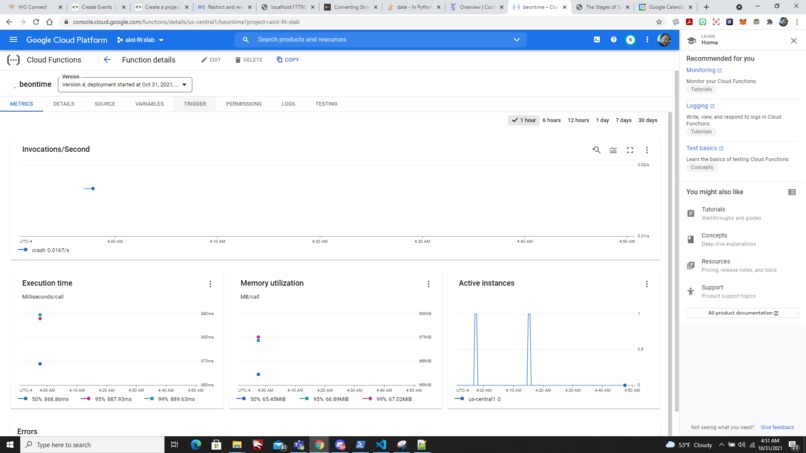
- GCP serverless functions for connecting the frontend and the backend
- GCP Directions API for route info, alarm time etc.
- SpO2 sensor, pulse rate sensor
- Adobe XD for UI/UX
Challenges we ran into
- No sleep club
- Had to choose react native over expo, which takes longer to build ## Accomplishments that we're proud of It works!
What we learned
A lot of stuff
What's next for BeOnTime
- Fitbit integration
- Smarter wakeup cycles ## Video https://vimeo.com/640860454


Log in or sign up for Devpost to join the conversation.