-
-
-
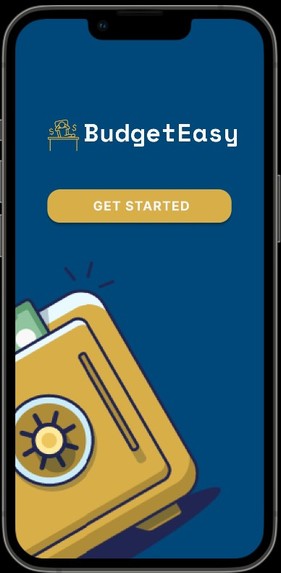
Landing Page
-

Login Page
-
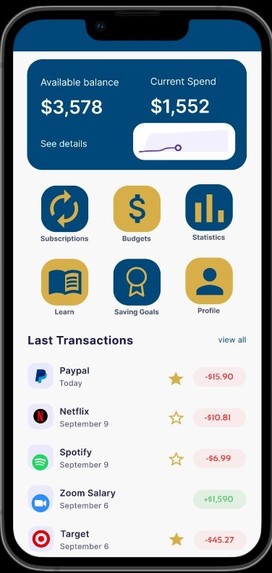
Dashboard
-

Full Transactions Page
-
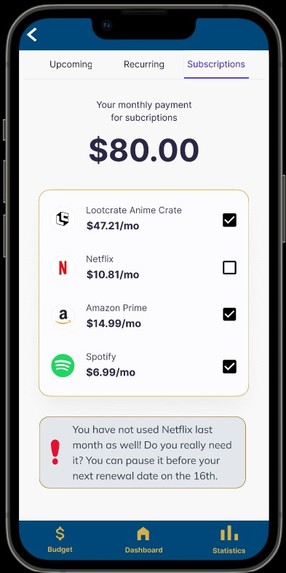
Subscriptions Page
-
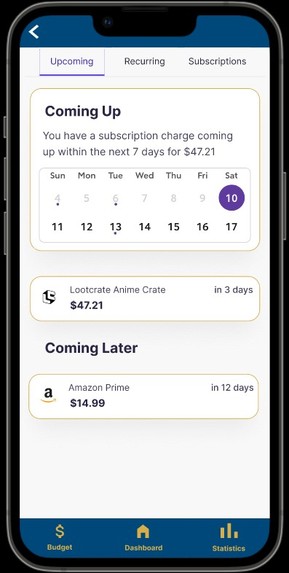
Subscriptions (Upcoming) Page
-
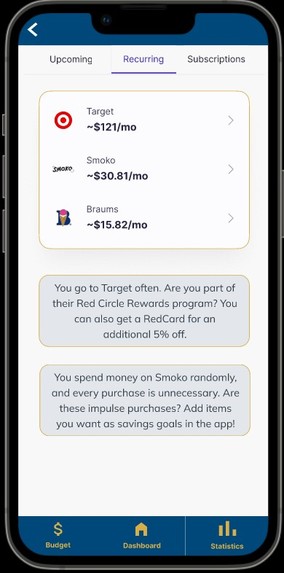
Subscriptions (Recurring) Page
-
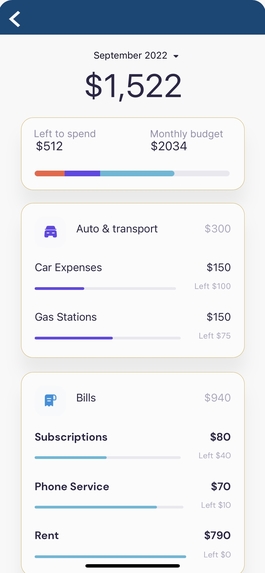
Budget Page
-

Stats Page
-
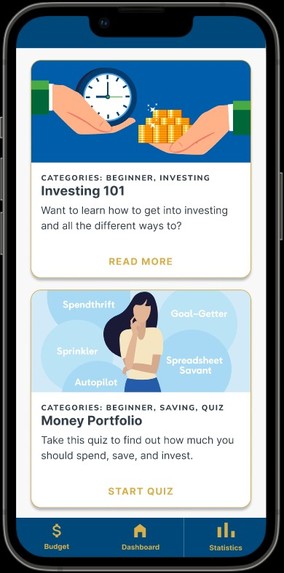
Learning Page
-

Investing 101 Page
-
Goals Page
-
Quiz Results Page
-
Quiz Page
-
User Profile Page
-

Website Landing Page
-
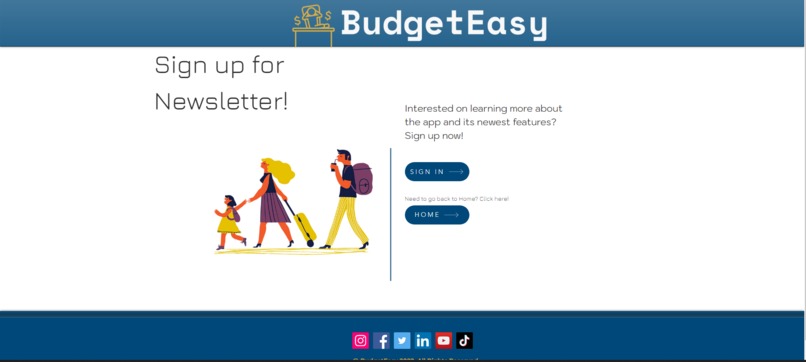
Newsletter Page
-
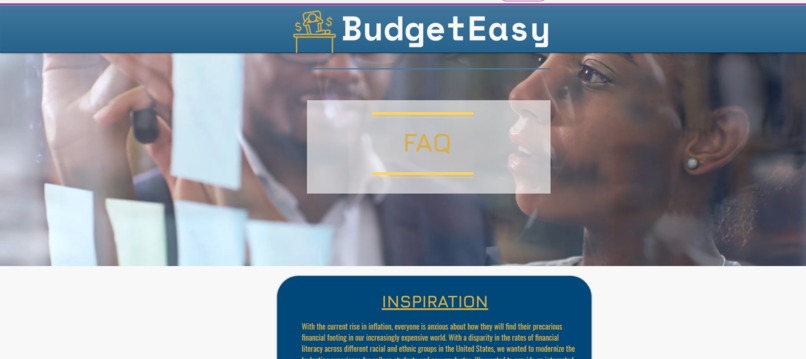
FAQ Page
-
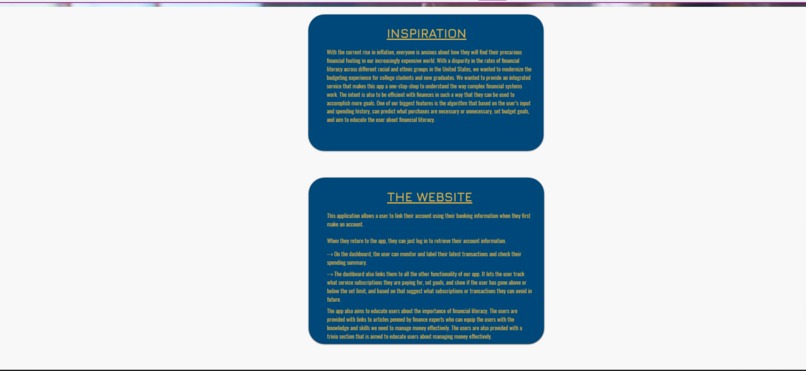
Website Info Page Pt.1
-
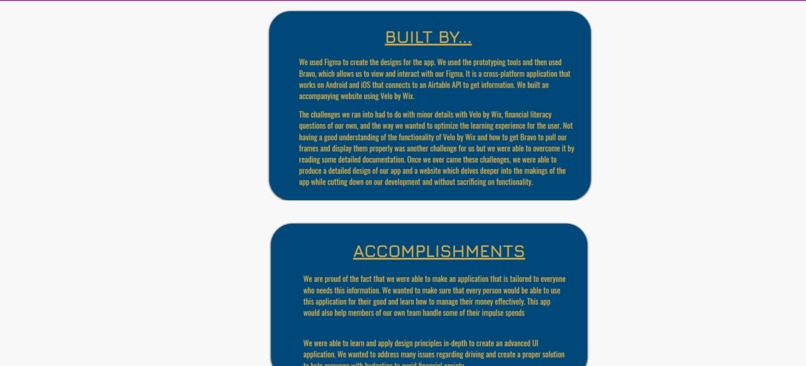
Website Info Page Pt.2
-
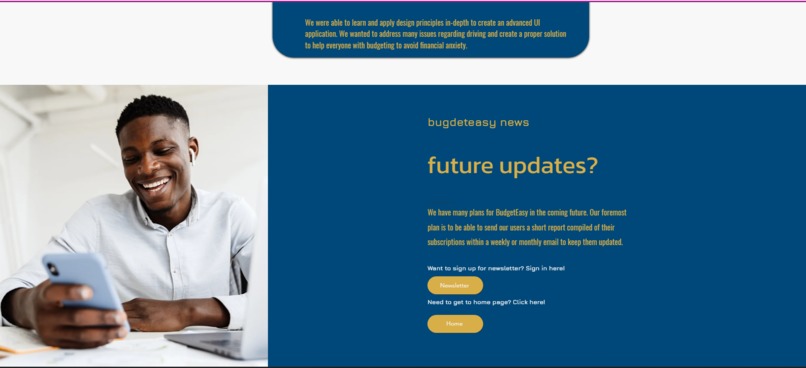
Future Updates Page


Inspiration
With the current rise in inflation, everyone is anxious about how they will find their precarious financial footing in our increasingly expensive world. With a disparity in the rates of financial literacy across different racial and ethnic groups in the United States, we wanted to modernize the budgeting experience for college students and new graduates. We wanted to provide an integrated service that makes this app a one-stop-shop to understand how complex financial systems work. The intent is also to be efficient with finances in such a way that they can be used to accomplish more goals. One of our biggest features is the algorithm that based on the user’s input and spending history, can predict what purchases are necessary or unnecessary, figure out ways to save money, set budget goals, and aim to educate the user about financial literacy.
What it does
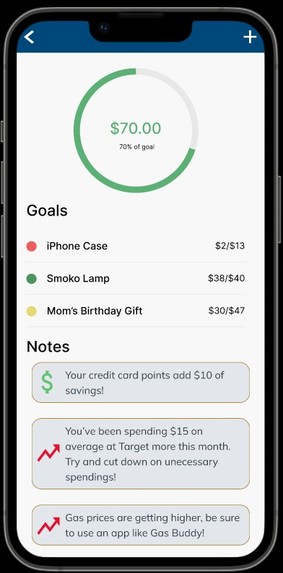
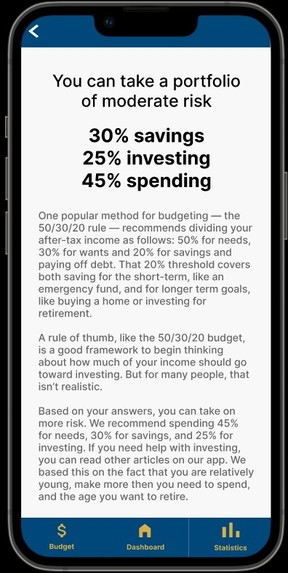
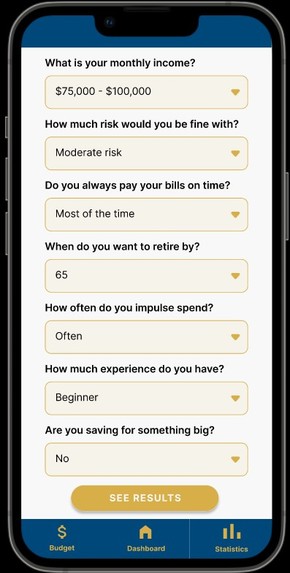
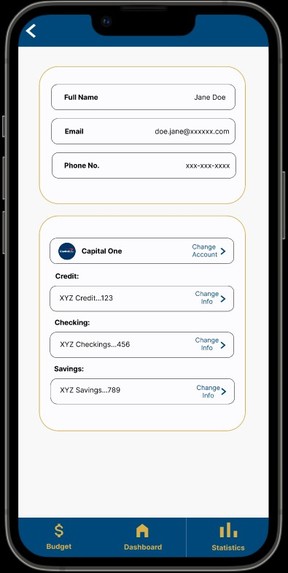
As mentioned before, Budget Easy allows users to link their accounts using their banking information. When they return to the app, they can log in to retrieve their account information which is pulled from our Airtable database. On the profile page, users can see all their accounts and the option to add more. On the main dashboard, the user can check their spending summary and monitor and label their latest transactions. The stars here represent if a spend is necessary or not. This feature lets users try and control their impulse spending. You can click view all to see all the user's transactions and add cash transactions. The dashboard also links them to all the other functionality of our app. The app has a subscriptions page which has 3 tabs. The upcoming tab shows all the upcoming subscriptions so the user knows in advance when they will be charged. The recurring tab shows vendors the user buys from every month. We wanted to customize the app experience for each user and thus wanted to pull patterns from the user's data to better help them. So this user goes to Target and spends 121$ on average there so the app recommends the Target RedCard and the rewards program to the user. On the subscriptions tab, the user can see the monthly total of their subscriptions and all of them listed. One per month, they need to indicate if they have used that service. Once 3 months have passed, the user will get a notification saying that they should pause the service. On the statistics page, the user can see two charts. The first is a bar graph that compares their necessary and unnecessary expenses. This can help the user cut down on unnecessary spending and see how much they may impulse buy items. The second is a pie chart that shows how much of their current spending is in each category. On the budgets page, the user can set a budget divided into categories. They can see how much of their current spending fits in and get warnings when they are reaching close to the limits of their budget. On the savings goals page, the user can add items or goals they want to save towards. When the user saves based on their budget or gets credit card rewards that can be redeemed as cashback, more is saved for their goals. Lastly, the app also educates users about the importance of financial literacy. The users are provided with links to articles penned by finance experts who can equip the users with the knowledge and skills they need to manage money effectively. There are also quizzes to personalize the information to educate users about managing money effectively. So, for example, this one asks the user questions to figure out how much they should save, spend, and invest.
How we built it
We used Figma to create the designs for the app. We used the prototyping tools and then used Bravo, which allows us to turn our Figma into an app on our phones. It is a cross-platform application that works on Android and iOS. We connected the app to an Airtable API to get the user's information. We built an accompanying website using Velo by Wix.
Challenges we ran into
The challenges we ran into had to do with minor details with Velo by Wix, financial literacy questions of our own, and the way we wanted to optimize the learning experience for the user. Not having a good understanding of the functionality of Velo by Wix and how to get Bravo to pull our frames and display them properly was another challenge for us. Still, we were able to overcome it by reading some detailed documentation. Once we overcame these challenges, we were able to produce a detailed design of our app and a website that delves deeper into the makings of the app while cutting down on our development and without sacrificing on functionality.
Accomplishments that we're proud of
We are proud of the fact that we were able to make an application that is tailored to everyone who needs this information. We wanted to make sure that every person would be able to use this application for their good and learn how to manage their money effectively. This app would also help members of our own team handle some of their impulse spending.
What we learned
We were able to learn and apply design principles in-depth to create an advanced UI application. We wanted to address many issues regarding driving and create a proper solution to help everyone with budgeting to avoid financial anxiety.
What's next for BudgetEasy
We have many plans for BudgetEasy in the coming future. Our plans are to expand on the statistics page, send our users a monthly email about subscriptions, use Plaid to connect to users’ banks, connect students with finance experts, and integrate a digital assistant.
Built With
- airtable
- bravo-studio
- figma
- javascript
- velo
- wix


Log in or sign up for Devpost to join the conversation.