-
-
1

Inspiration
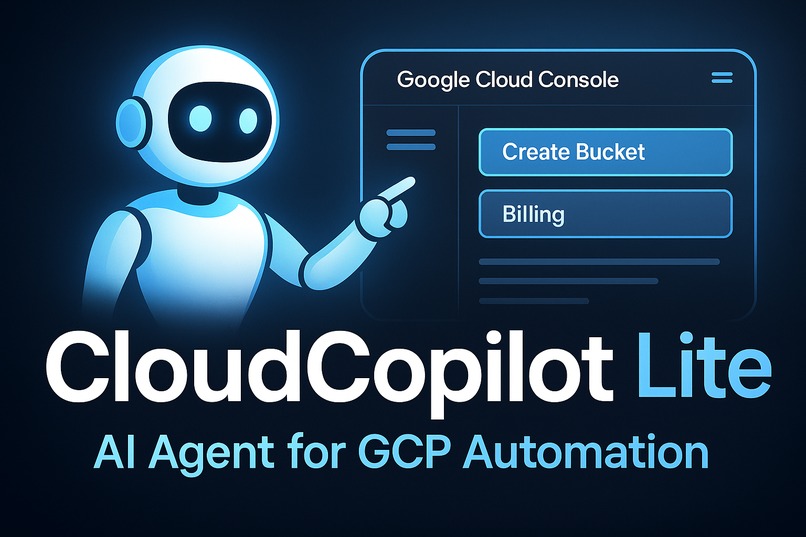
The Google Cloud Console is powerful—but dense. Even experienced engineers waste time clicking through nested menus just to complete basic tasks like spinning up a VM or checking billing. Watching fellow hackers get bogged down in repetitive web UI flows sparked a simple idea: what if the Console could drive itself? We envisioned an AI-driven teammate that understands your goal, navigates the Console autonomously, and gets things done—visibly and reliably.
What it does
CloudCopilot Lite is a persistent browser agent powered by large language models and Playwright. You run a single Python script, manually sign in to GCP once, and then the AI takes over. Give it plain-English instructions like “create a storage bucket named hackathon-2025 in us-central1” and it walks through the Console—just like a human would—clicking, typing, and confirming every step. Crucially, it saves cookies and session state, so the agent can continue where it left off across multiple requests without restarting or re-logging in.
How we built it
We built CloudCopilot Lite using the browser-use wrapper around Playwright, combined with OpenAI’s GPT-4 models to plan and execute GUI steps. We added persistent browser context management so the agent doesn’t forget previous logins or open tabs. The script handles planning ("what steps are needed to complete this goal?") and execution ("which buttons to click and what text to type?") using two distinct LLM roles, both operating inside a live browser window. All actions are observable, logged, and reversible for debugging.
Challenges we ran into
- Login Persistence: GCP doesn’t allow automated logins due to security prompts and 2FA. We solved this by using a headed (non-headless) browser with persistent
user_data_dir, allowing the user to log in once manually and re-use the session in future tasks. - GCP’s Dynamic UI: The Console uses lazy-loaded elements and inconsistent selectors. We had to implement an index-based and ARIA-aware element strategy to ensure the agent clicks the right buttons even as the UI changes.
- Browser Lifecycle Management: Avoiding the overhead of opening new browser instances for each task was key. We configured the system to reuse a single Playwright context and cache state between actions, which dramatically reduced latency and resource usage.
Accomplishments we’re proud of
The agent successfully completed common tasks like provisioning a storage bucket, creating a VM, and reviewing billing data—all without manual intervention after login. In testing, CloudCopilot Lite executed a full GCP bucket creation flow in under 40 seconds—about a quarter of the time it typically takes a human user navigating menus. The architecture is lightweight and requires no external services or servers.
What we learned
GUI automation is fragile without persistent memory. Stateful browser agents combined with deterministic planning make LLM-powered automation dramatically more reliable. Visual feedback (i.e., seeing the browser in action) helps build trust in the agent's behavior. We also learned that GCP’s interface, while slick, wasn’t designed for automation—which made DOM resilience and context preservation crucial to success.
What’s next
- Add headless streaming (e.g., VNC or video) so users can monitor the agent remotely
- Introduce multi-step task memory and simple multi-command pipelines
- Extend support to other cloud providers like AWS and Azure using the same persistent-browser pattern
- Enable chat-based interfaces by plugging this into a simple FastAPI backend (future work)
CloudCopilot Lite turns the GCP Console into a smart, self-navigating assistant—reducing the burden of clicks and context switching, and giving developers more time to think, build, and ship.
Built With
- cloudrun
- cloudstorage
- docker
- fastapi
- firestore
- google-cloud
- gpt4o
- nextjs
- openaiapi
- playwright
- pubsub
- python
- react
- tailwindcss
- typescript
- vercelv0


Log in or sign up for Devpost to join the conversation.