-
-
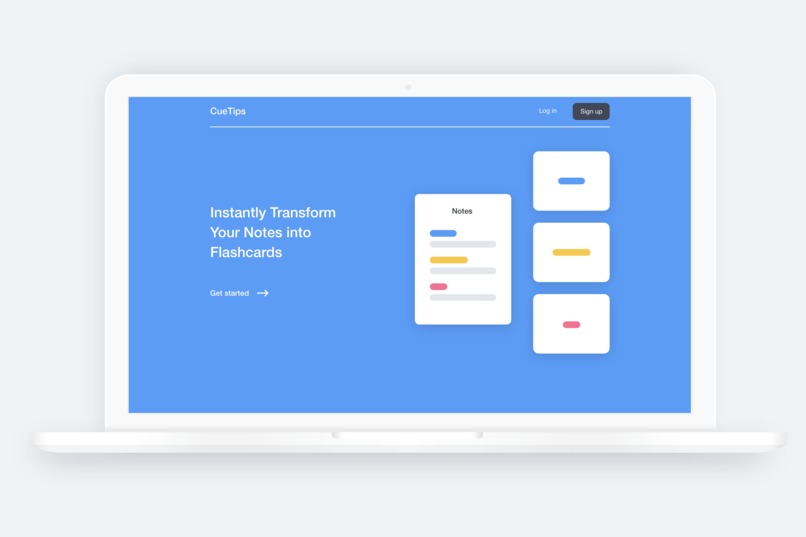
Landing Page
-
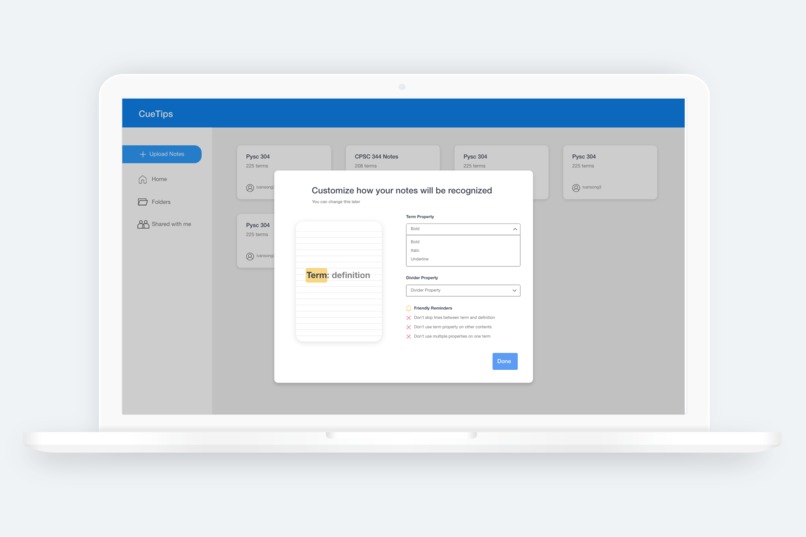
User can customize how their notes will be read and is reminded of few rules they have to follow when structuring notes
-
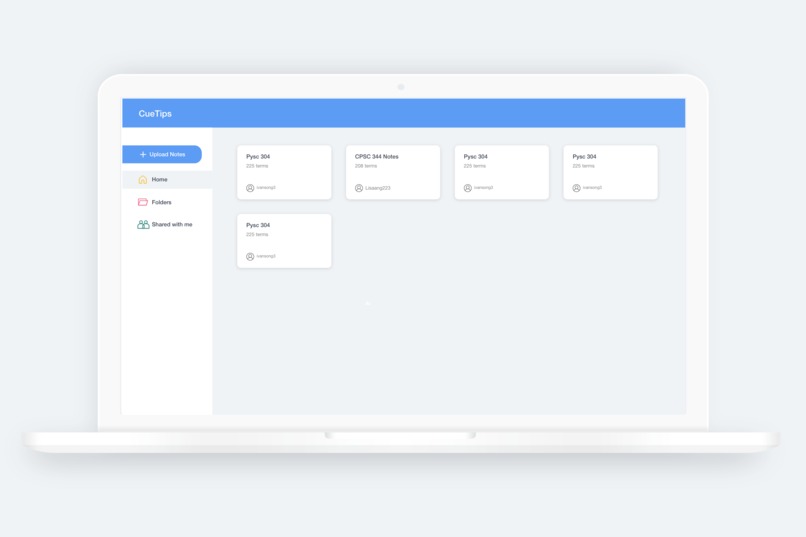
Homepage which showcases sets of cards
-
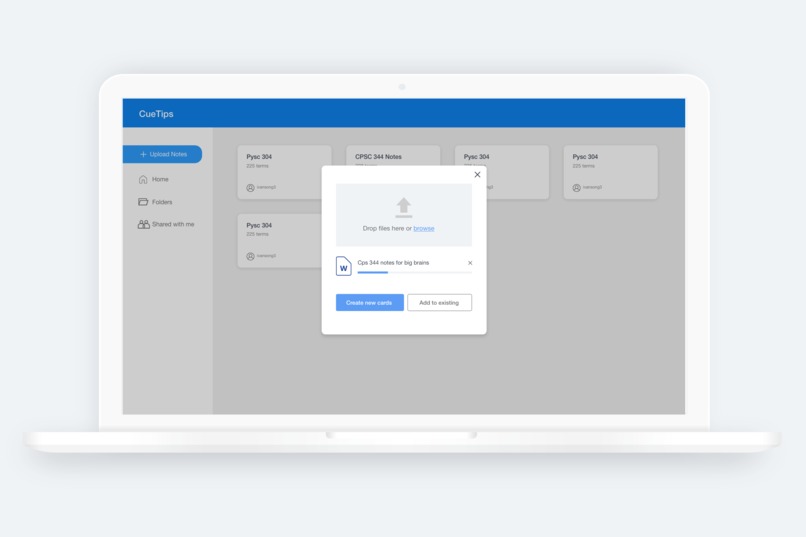
Upload notes
-
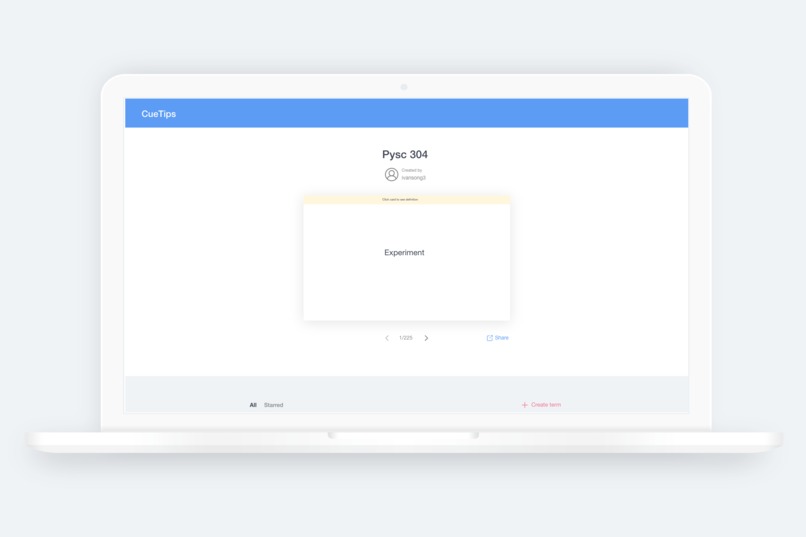
Cards page where user can test himself with terms and definitions in flashcard format
-
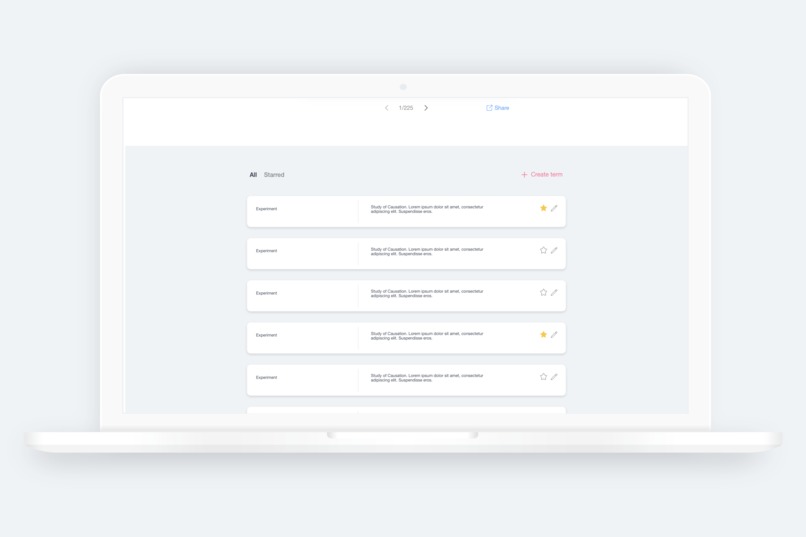
Second section of cards page where user can customize the terms and definitions.


Inspiration
Being university students, we understand the difficulty of memorizing things for school. Especially for courses such as biology or psychology, there are oftentimes hundred of terms to memorize making it extremely difficult to prepare for an exam. Flashcards is often a method used by students that can drastically increase the effeciency and results of memorizing terms. However, they just take too long to make!
To solve this, our app helps students instantly transform their notes into flashcards.
What it does
By following an organization syntax which naturally resembles their notes writing style, we are able to parse the notes and transform them into flashcards by simply uploading their existing notes.
Students can also easily organize these flashcards and customize them if needed.
How we built it
We used React on the frontend and Express and Node on the backend. We communicated between the two using a client server architecture with REST endpoints. For authentication and storing data, we utilized Firebase.
Challenges we ran into
A large challenge we ran into was our teammates wifi cutting out for a couple hours on Saturday. However we worked around this by calling in over phone and readjusting our assigned tasks so the teammate did not have to use the internet. We ran into challenges with learning new technology as well as two of our teammates had never used Firebase before.
Accomplishments that we're proud of
We are proud of getting a mvp complete with the short span of time. This is because we had many different components that we had to integrate together at the last minute.
What we learned
In terms of the UI and UX, we learned how to use more discount methods such as cognitive walkthrough to evaluate the app with the given time and resource limitations. I also learned the importance of considering feasibility when creating our design.
What's next for CueTips
One thing we originally intended to implement is features to support collaboration. Collaboration is important especially for students who often have friends taking the same class. We want to be able to support the ability for multiple users to combine their notes to add onto one set of flashcards.
We also plan on adding recognition not only for texted notes but also hand written notes. With the increasing use of iPad for written notes, support for hand written notes will make the app much more accessible more variety of users.


Log in or sign up for Devpost to join the conversation.