-
-
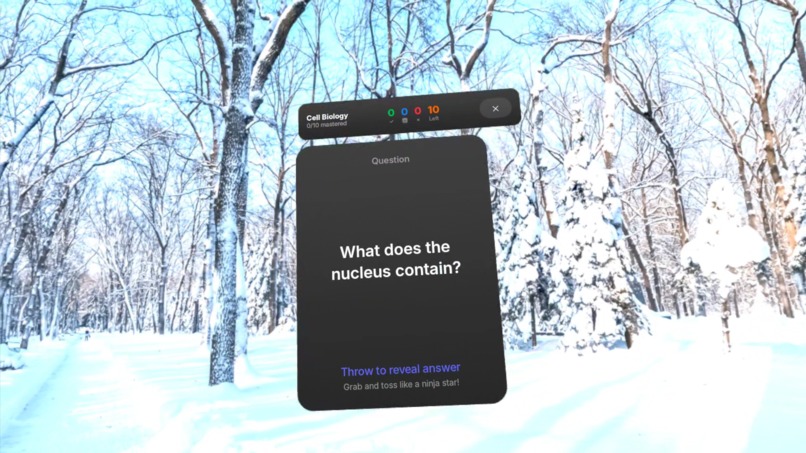
FlipSpace is an immersive, AI-powered learning experience for Meta Quest 3. It has standard and Ninja modes for effective, fun learning.
-
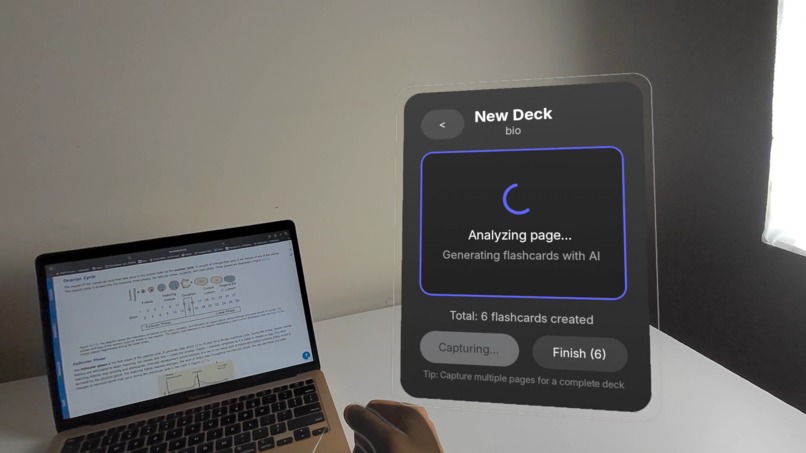
Convert textbook pages, notes, or articles into easy-to-learn flashcards in seconds (uses Passthrough Camera API).
-
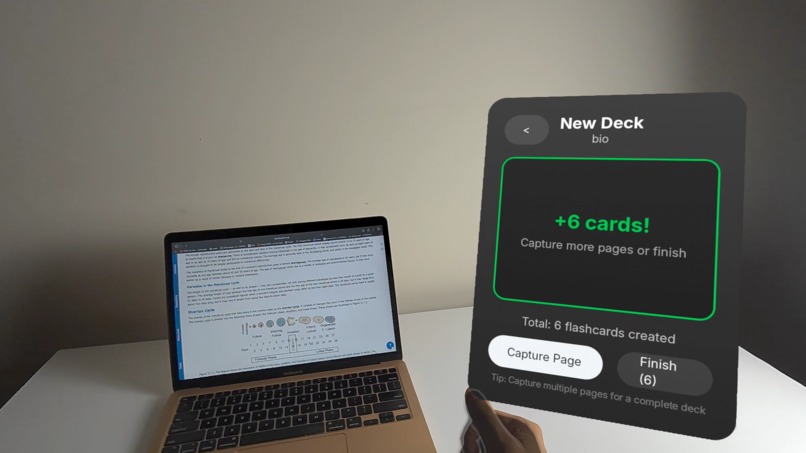
Flashcards are efficiently generated with AI and added to decks for practice.
-
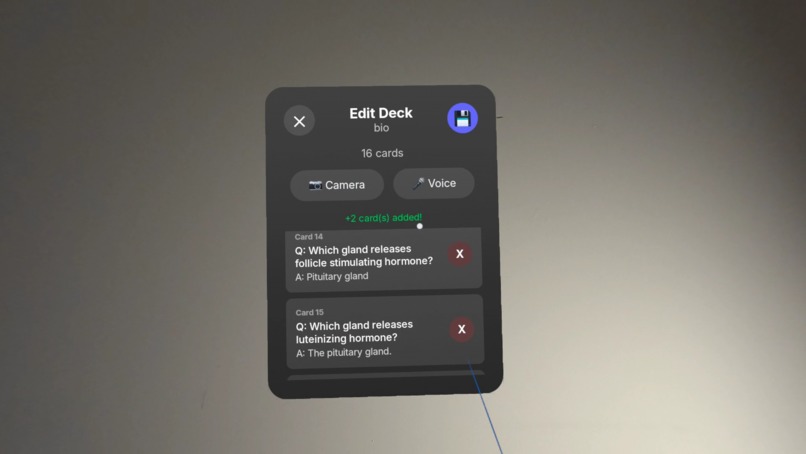
Flashcards can be added/removed from decks with voice, camera, or manually.
-
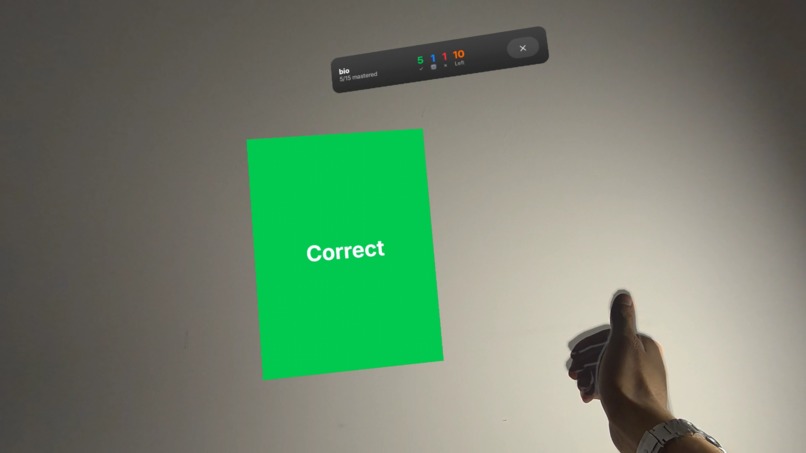
Our app incorporates space repetition techniques to ensure you learn content effectively and efficiently.
-
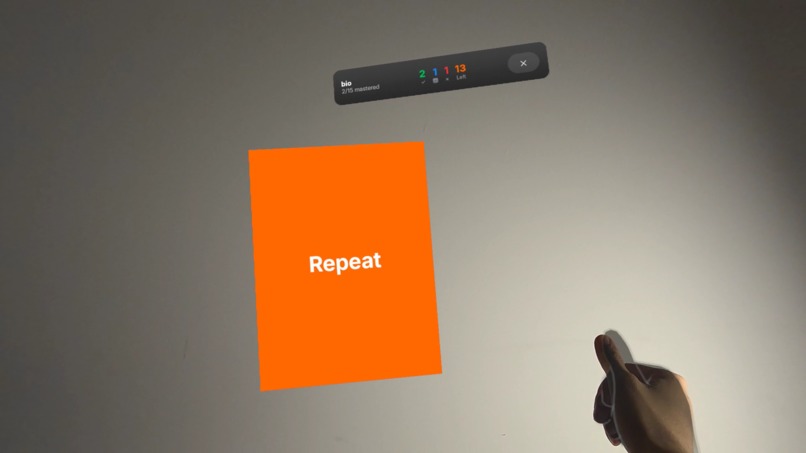
Microgestures allow you to swipe effortlessly between flashcards.
-
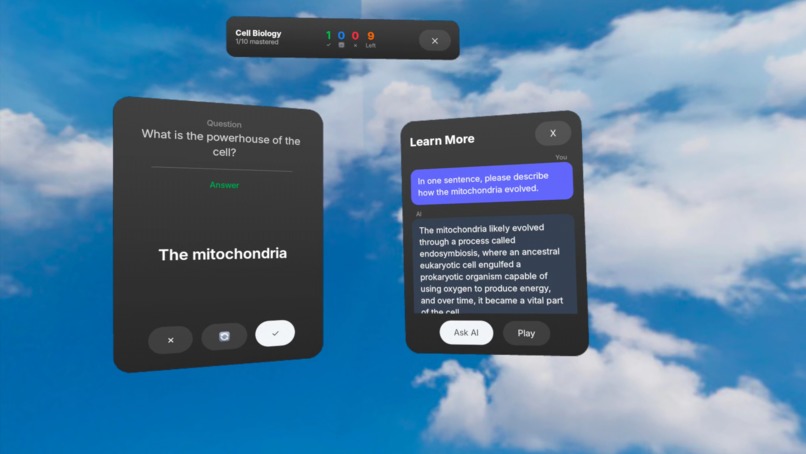
An AI assistant can be accessed through the swipe-down microgesture, and you can chat with it over voice to learn more about any topic.
-
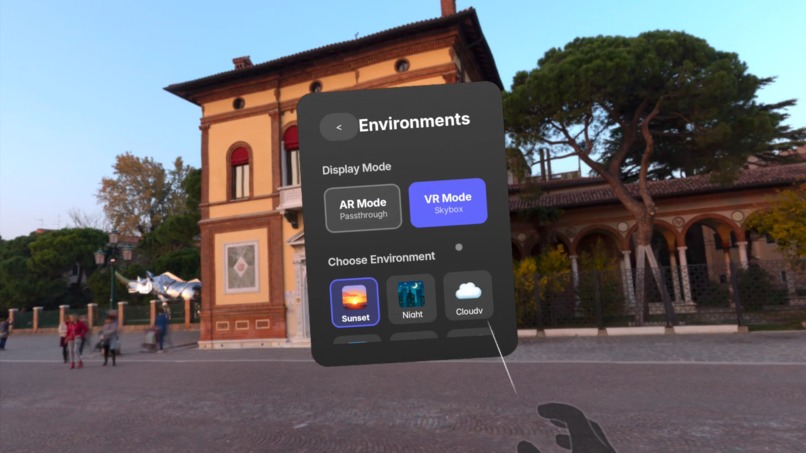
Explore different immersive environments and color themes to customize your learning experience.


💡 Inspiration
The idea for FlipSpace came from watching a friend struggle through a 50-page study packet. She was constantly distracted, making slow progress, and getting bored. Let's be honest—who in 2025 can focus on a wall of text for more than 10 minutes?
I envisioned something better: a tool that transforms dense material into engaging, digestible content. Something immersive and personalized. Something that uses spaced repetition to focus on what you don't know. And something that makes learning genuinely fun.
That's FlipSpace—the ultimate learning and memorization tool for Meta Quest 3.
✨ Features
| Feature | Description |
|---|---|
| 📸 AI-Powered Deck Creation | Point your Quest at any study material—textbooks, notes, whiteboards. The Passthrough Camera API + Vision LLM extracts key concepts and generates flashcard decks in seconds. |
| 🔄 Spaced Repetition | Practice using proven methods (like Anki) that prioritize cards you haven't mastered yet, maximizing learning efficiency. |
| 🌄 Immersive Environments | Switch between AR (passthrough) and VR modes. Choose from beautiful skyboxes to eliminate distractions and create your ideal study space. |
| 🤌 Microgesture Control | Swipe through flashcards hands-free using intuitive pinch gestures. Eat popcorn while studying—try that with physical flashcards! |
| 💬 AI Voice Assistant | Swipe down on any card to ask AI questions via voice. Get personalized explanations spoken back to you. |
| 🥷 Ninja Mode | Need a break? Grab flashcards and throw them like shurikens! Toss right for correct, left for incorrect. Learn and burn calories. |
⚔️ FlipSpace vs. Traditional Methods
| 📚 Traditional | 📱 Phone Apps | 🥽 FlipSpace | |
|---|---|---|---|
| Distraction-Free | ❌ | ❌ | ✅ |
| Hands-Free Control | ❌ | ❌ | ✅ |
| AI Content Generation | ❌ | ⚠️ | ✅ |
| Immersive Environment | ❌ | ❌ | ✅ |
| Physical Engagement | ❌ | ❌ | ✅ |
| Fun Factor | ❌ | ❌ | ✅ |
🛠️ How I Built It
I had zero experience with Unity, Unreal, or mixed reality development. But the Meta Spatial SDK changed everything.
As someone familiar with Android/Kotlin development, the Spatial SDK let me leverage existing skills to build a powerful MR application. The learning curve was real, but the Horizon OS Developer MCP server provided invaluable guidance for navigating Meta's documentation and debugging device issues.
Key Technical Implementations:
- 🎯 Passthrough Camera API for real-world content capture
- 🤖 OpenAI Vision API for intelligent flashcard generation
- 🎙️ ElevenLabs TTS for natural AI voice responses
- 🖐️ Hand Tracking & Microgestures for intuitive control
- 🧲 Physics System for Ninja Mode throw mechanics
- 🎨 Meta UI Set for polished, native-feeling interfaces
🧗 Challenges & Learnings
The biggest challenge was mastering panel management in the Spatial SDK. I iterated through multiple architectures before landing on a single dynamic panel approach that eliminated z-fighting and overlay issues.
Building the Ninja Mode physics system taught me about velocity tracking, quaternion rotations, and creating satisfying throw mechanics that feel responsive and fun.
Integrating microgestures required careful state management to prevent accidental triggers while keeping interactions feeling natural and immediate.
🎯 Why Quest 3?
FlipSpace isn't just possible on Quest—it's better on Quest:
- Passthrough Camera enables instant content capture from the real world
- Hand Tracking allows natural, hands-free interaction
- Immersive Display creates distraction-free study environments
- Spatial Audio enhances AI voice interactions
- Portability means you can study anywhere
🚀 What's Next
FlipSpace is just getting started. Weekly updates will bring collaborative study sessions, more environments, and enhanced AI tutoring—all built on the foundation of making learning genuinely enjoyable.
Because studying shouldn't feel like a chore. It should feel like play.
Built With
- java
- kotlin
- meta-spatial-sdk


Log in or sign up for Devpost to join the conversation.