-
-
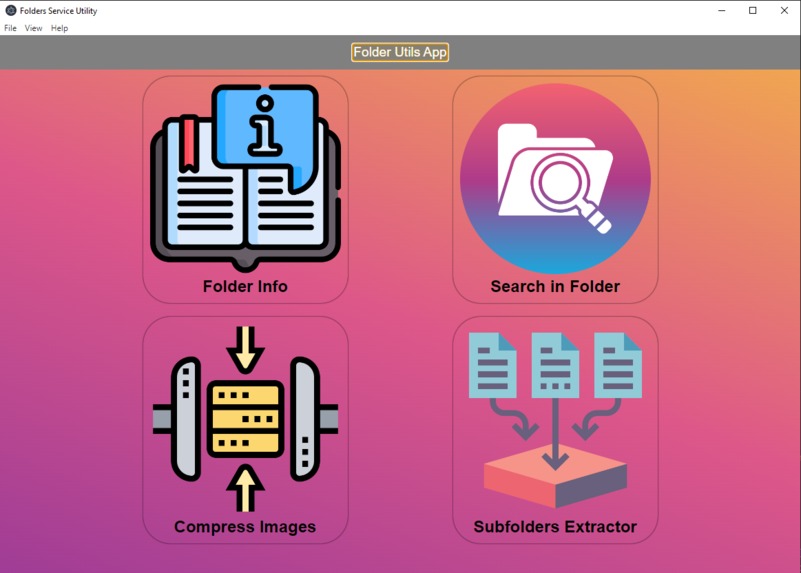
Home page of the application
-
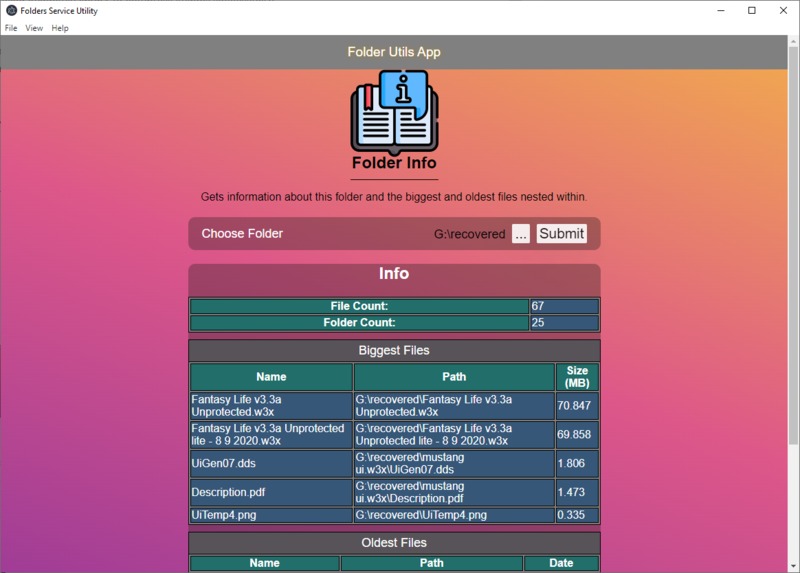
Folder Info Page - display information and show biggest and oldest files in the folder
-
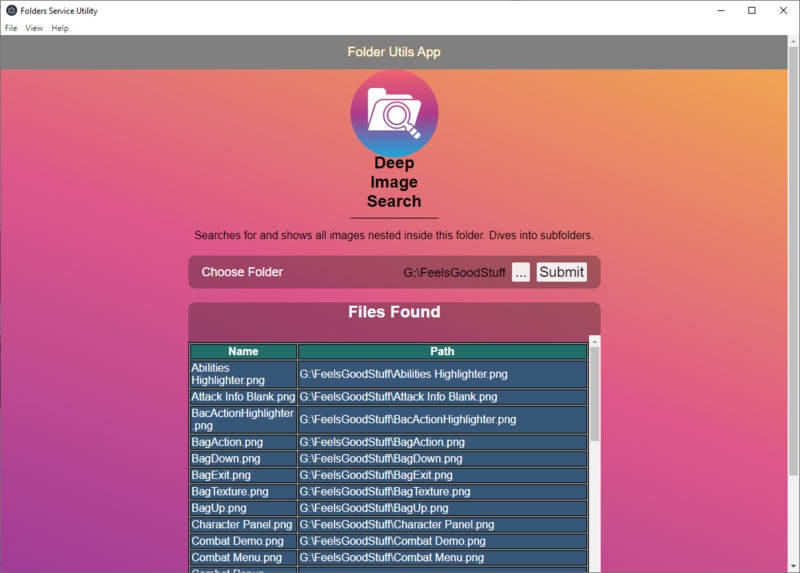
Image Search Page - find all images nested within that folder and display their paths
-
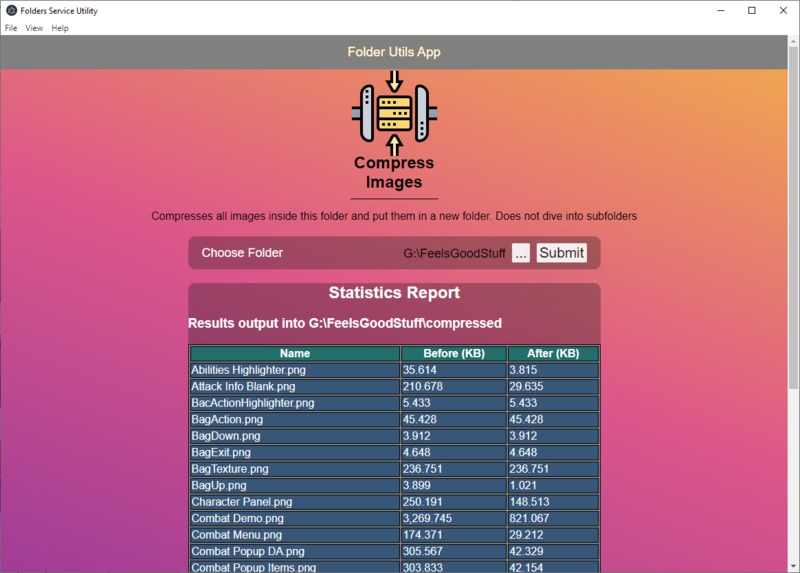
Image Compression Page - Compresses all images directly within the folder
-
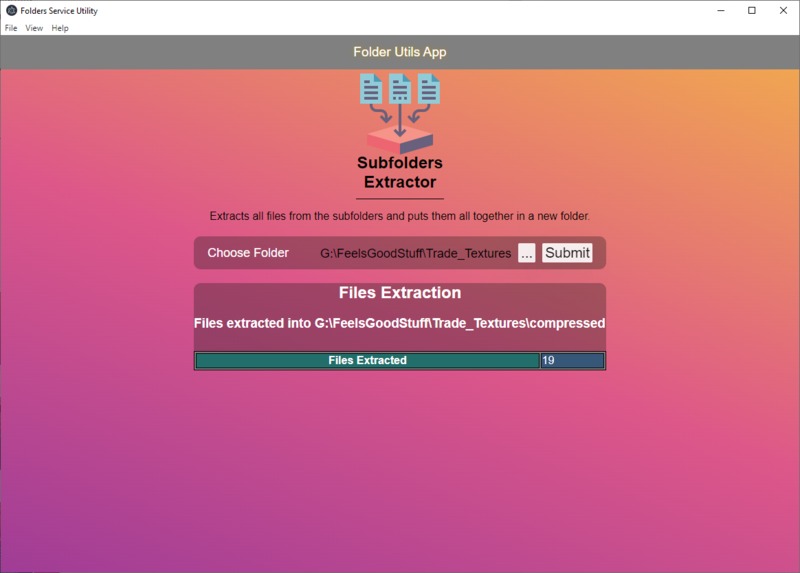
Subfolder Extraction Page - Extracts all files nested within subfolders and put them together in a new folder


Inspiration
Sometimes we wonder what the biggest subfolders or files are in a specific folder, that is taking too much space. Sometimes we may want to quickly compress a lot of images, but we have to upload it 1 by 1 to an online site for compression. Other times we may want to search for or extract files of specific type like videos from a folder without having to manually search for them in the subdirectories.
What it does
- Count folders and files in a folder.
- Display the biggest files in size, and the oldest files in creation date.
- Compress images in a specific folder and it's subfolders.
- Search for and view for files of specific type like videos or images in a folder and it's subfolders.
- Extracts all nested files within a folder and put them together.
How we built it
We used Electron.js to make it into a desktop application that has an interface built with React & TypeScript, and uses Node.js and TypeScript for performing actions and interacting with the file system. Also used imagemin for compression.
Challenges we ran into
- Communication between the frontend renderer process and the backend main process.
- Making the algorithm for reading the nested folders and ranking the files, while preserving the use of promises.
- Tried a lot of compression libraries, but a lot had issues or were not working.
- Biggest challenge was the lack of time due to late start and being solo on the project.
Accomplishments that we're proud of
- Completing the targeted 4 main features of the app.
- Successfully getting the biggest and oldest files of a folder in correct order.
- Successfully used Imagemin library to compress images successfully.
- Finished this application in just 2 days.
What we learned
- Learnt a lot more about the communication inside Electron.js framework.
- Practiced more about using React with TypeScript.
- Practiced more about using algorithms like the ones for diving into subfolders.
What's next for Folder-Utils
More functionalities can be added into the current 4 main functionalities like:
- Ability to click on paths to open file explorer.
- Options and controls to expand these features.
- Improved error feedback.


Log in or sign up for Devpost to join the conversation.