-
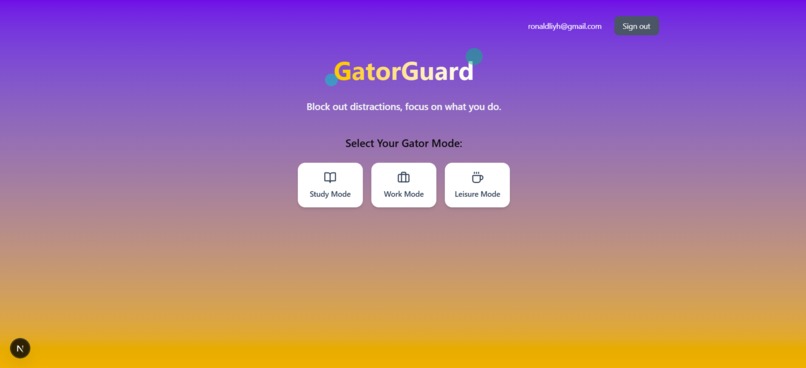
GatorGuard Home Page
-
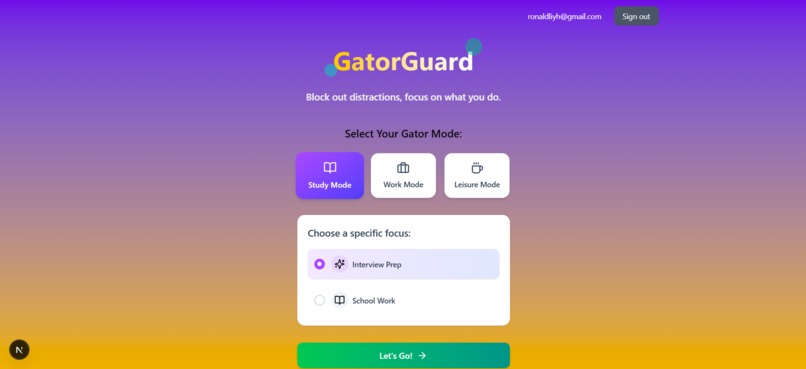
GatorGuard's Focus Modes (Now on Study Mode)
-

GatorGuard's Browser Extension
-

GatorGuard's Popup Message
-
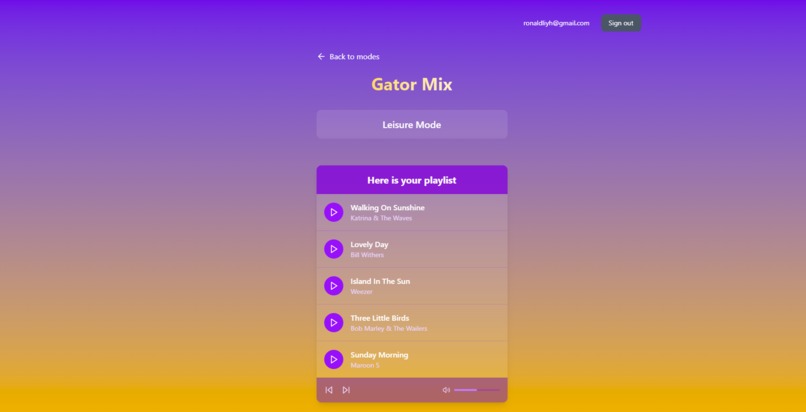
GatorGuard's Music Recommendation System, "Gator Mix"


Inspiration
Studies have found that more than half of Gen Z has experienced burnout and/or consistent stress and worry. As college students, we have felt the impact of burnout and stress firsthand. This is why we built GatorGuard, an immersive, AI-powered productivity application that helps users stay focused while also managing their stress and burnout levels.
What it does
GatorGuard is a full-stack application that manages browser sessions to ensure that the user is staying on task. Users are provided with three browsing modes: Study Mode (with optional focus areas of Interview Prep or Studying for School), Work Mode, and Leisure Mode. GatorGuard's browser extension analyzes whether the current tab the user is on is appropriate for the current browsing mode, and notifies the user if it is not. We believe this allows users to make sure they stay on task when working/studying, while taking their much-deserved time away from work when they have set aside time to relax.
How we built it
Frontend: NextJS, React, TailwindCSS Backend: FastAPI APIs: Google Gemini, SpeechRecognition API, Spotify API Database: Supabase
Challenges we ran into
Chrome Extension Development: This was our first time building a Google Chrome extension, so we faced a steep learning curve understanding how extensions interact with web pages, background scripts, and browser permissions.
Browser Scraping: Extracting data from complex web pages proved challenging due to the sheer volume of information. We had to invest significant time optimizing our AI agent scraping logic and managing dynamic content to ensure fast and reliable data extraction.
Accomplishments that we're proud of
It works! We built a fully functionally web application incorporating Google Gemini that enhances focus and filters out irrelevant websites.
What's next for GatorGuard
Deployment and gain actual users.
Built With
- fastapi
- gemini
- javascript
- next.js
- python
- react
- stagehand
- supabase
- tailwindcss
- typescript


Log in or sign up for Devpost to join the conversation.