-
-
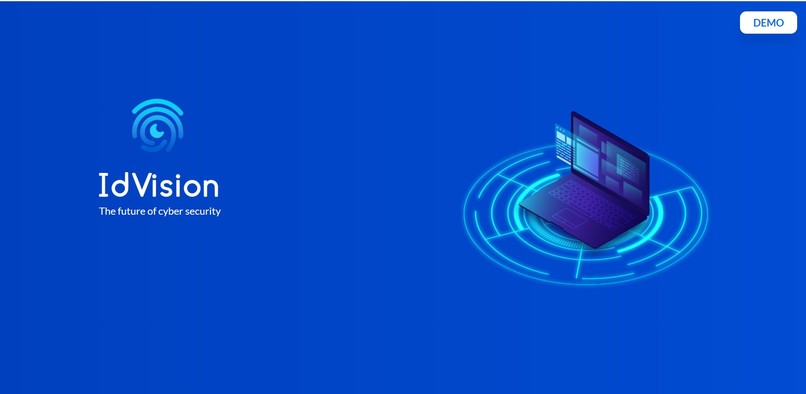
Landing Page
-
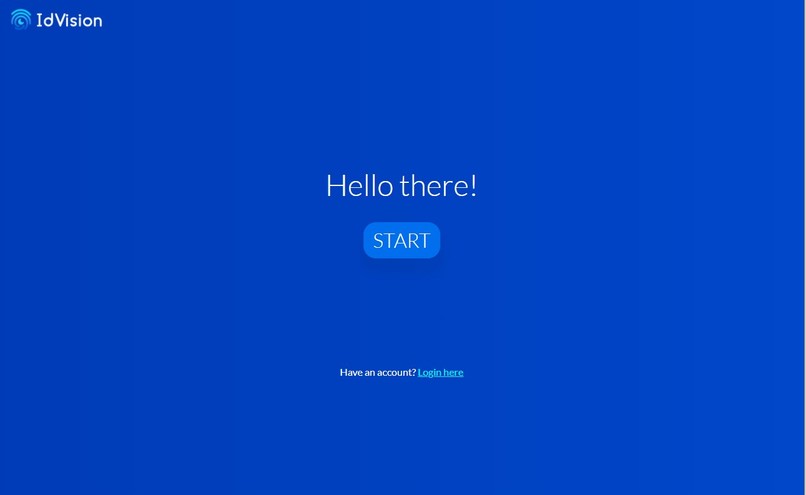
Landing Page
-
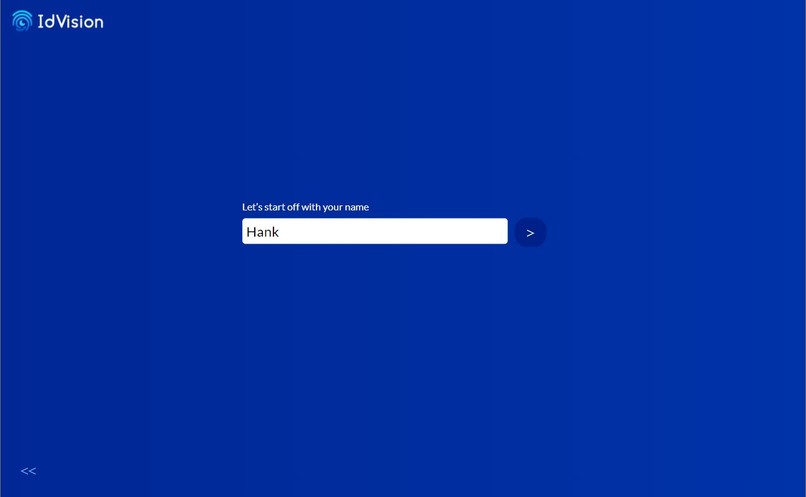
Name Input
-
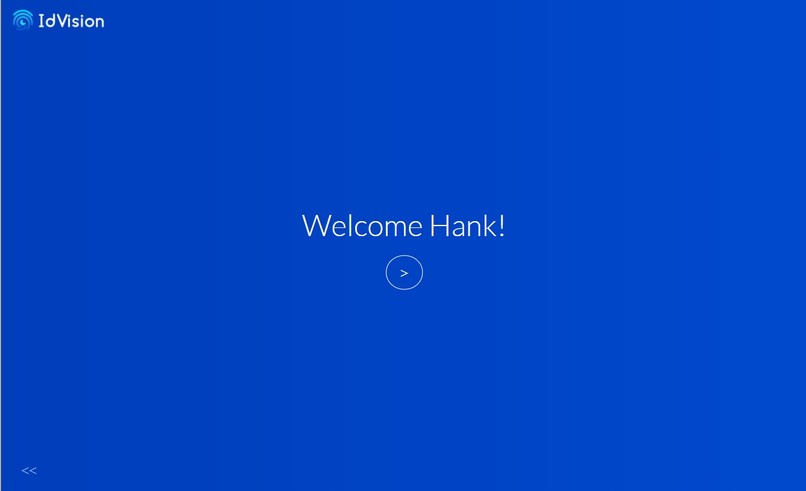
Signup Page
-
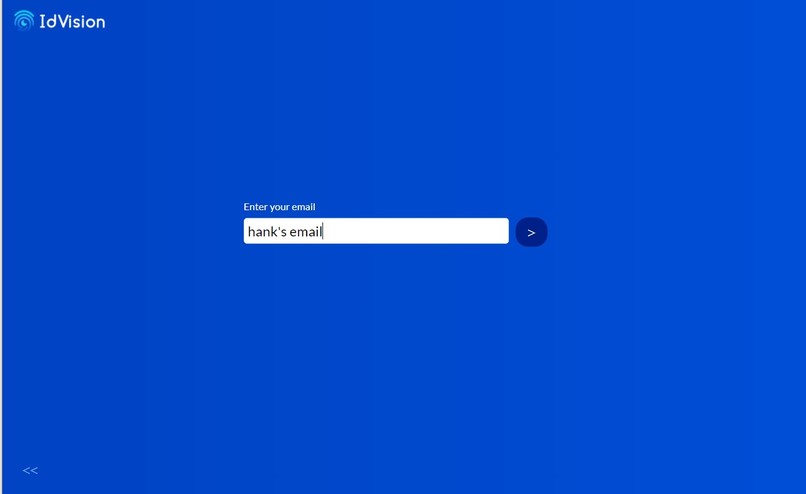
Email Input
-
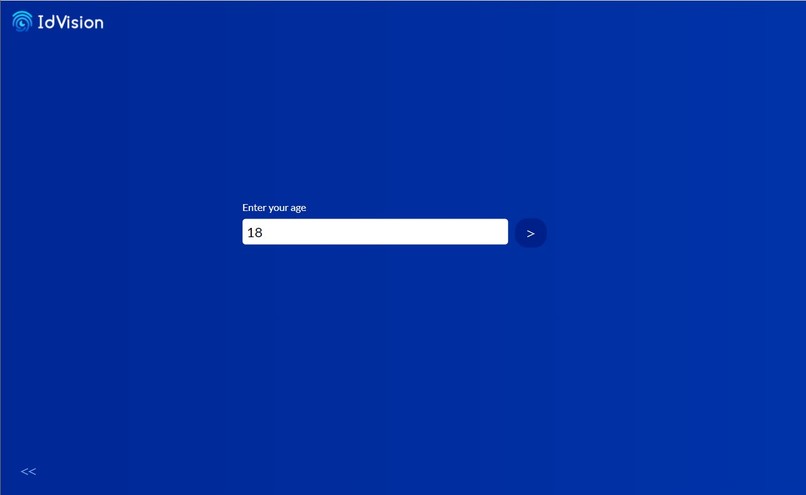
Age Input


Inspiration
When it comes to data security, I'm sure that you (our dear reader) have run into two of the following problems:
Hacking: A hacker finds one of your passwords from a site that has poor security (Webkinz, Newgrounds, etc..) and uses that password to access all your other password secure accounts.
Remembering: You could have lots of passwords!! So sometimes it's very hard to remember what specific one you had for the given website.
In order to solve this problem, we thought we would come up with a system that would allow you to authenticate without remembering any passwords and which is even safer than just a password string. Our solution was to authenticate simply a video of you talking about a moment in your life (an event that is easy to remember)!
What it does
In short, we used a three-step approach in order to authenticate each user:
Voice: we compare some of the frequencies and pitches of voices to get a confidence score for the voice in comparison to the voices we have in the database. Done using:
Google Cloud Speech / Google Cloud Storage.Content: Using speech to text we compare the content of the words, using our custom natural language processing algorithm. Done using:
Google Cloud Speech, npm synonyms. npm natural, npm pos.Face: By taking screenshots during the video we can compare your face with the faces of our database, which is another confidence score metric. Done using
AWS Rekogntion, AWS S3.
Then we apply our confidence score function, the confidence is calculated using:
Confidence = (Voice_score *0.1) + (Content Score * 0.3) + (Face_score * 0.6)
We will only return data if the confidence is:
Confidence > 80
How we built it
The overall structure of our code can be viewed Here!;.
The front end is made using react, we use a bunch of modules to parse the audio and video. It is then "jsonified" and passed to the backend via at Rest request which passes the audio and video segments.
From here the backend will pass the audio to google cloud in order to be processed and we will pass the video segments and images to AWS S3. All the links and information is then passed to a firebase database which is used in our comparison function.
We then run our comparison function which uses Google Speech, AWS Rekognition, and our NLP program to get a confidence score, based on this confidence score we then chose which user's data matches, and if it passes the thresh hold we then return in. Updating the profile page.
What we learned
Throughout the process of building this project, we learned to collaborate between team members who are each in charge of different aspects of the project. For example, Annie, Hank are in charge of Frontend, Chris and Robert and in charge of Backend. We became more experienced with Git version control as well as knowing how to distribute our tasks in an efficient fashion. Let's talk about some of the specific technologies/tools that we tried out in our project! On the frontend React portion, we implemented routing between webpages from npm package "react-router-dom."
We learned how to properly manipulate the state values, and send state data from child components to parent components. On top of that, we had to learn how to communicate/send data between the backend server and the frontend React server through REST request, more specifically POST and Get. We utilized Google Firebase to store the data references to videos and audio data in other databases, as well as the user's information including name, email and age. The videos are stored in AWS and the audios data is stored in Google Speech.
What's next for IdVision
First thing we would do next is to push the frontend React server to Heroku, so that it is available for the public. Then, we can add more sub webpages that we can route to and add more features to the webpage. Finally, I believe that there is plenty of improvements that can be made to our user interface so that it is more appealing to our users.
Note:
The frontend server is: https://idvision-frontend.herokuapp.com
The backend server is: https://facetextcontent.herokuapp.com/data
Built With
- amazon-web-services
- cors
- css
- express.js
- firebase
- fs
- gc
- google-speak
- html
- natural
- natural-language-processing
- node.js
- pos
- react
- react-lottie
- rekognition
- rest
- s3


Log in or sign up for Devpost to join the conversation.