-
-
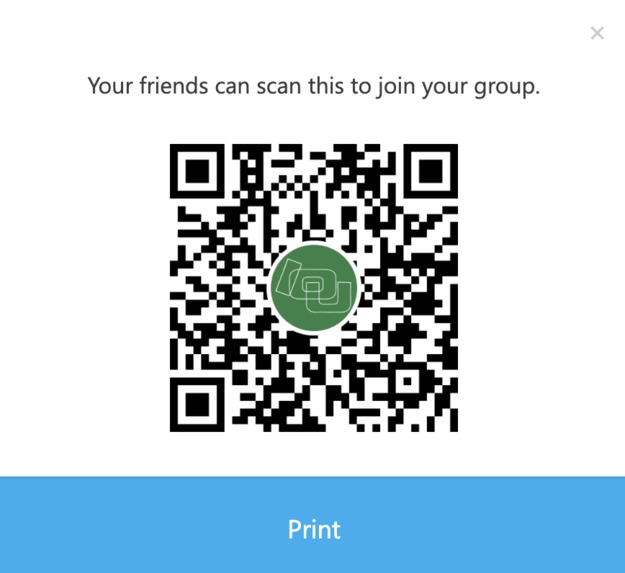
Use this QR code (or the first "try it out" link) to join the beta chat. You'll need to log in with any GroupMe account.

Inspiration
Recently, we went on a day trip to D.C. with a few of our high school friends. We did the usual touristy stuff - visit attractions, eat at Chinatown, buy ice cream. At each place, it was usually faster for one person to pay for the group (so as to not hold up the lines) and the rest would later Venmo what they owed.
However, by the end of the day, as we spent our whole metro ride back trying to tally up how much we owed each other, we ran into some blockers. First of all, not everyone ate at every place we visited, so sometimes the bill would only be split between a few people, rather than equally divided amongst the whole group. Since certain places only accepted cash or card, not both, different people paid for different things, and it was hard to keep track of who paid for whom. Sometimes one person paid for others without getting anything themselves, while sometimes the bill included their portion. After sitting there with 4 calculators out and a pile of receipts, we thought...there has to be a better way to go about this.
What it does
The IOU ChatBot integrates directly with the user's existing group chats to help keep track of these "IOU" transactions between group members. It is currently compatible with GroupMe chats. Its main features include the creation of user profiles, the ability to log transactions (automatically performing math to split the bill), differentiating between payment splitting calculations that are inclusive and exclusive of the person owed, the ability to view running tabs, and the ability to clear tabs. The best part is, not all users need to even have GroupMe - they can simply be added via phone number and still communicate in the chat (and with the bot) through text messages. This makes this chatbot accessible to all.
How we built it
We built this technology leveraging Google Apps Script and the GroupMe API. The script is written entirely in Javascript and is designed to respond based on what commands the user sends into the GroupMe chat that the bot is connected to.
We created a GroupMe bot for test purposes on https://dev.groupme.com/bots Our workflow consisted of deploying the program on Google Apps Script as a web application, then copying that URL to the GroupMe bot's callback URL field. We could then test the commands within the group chat and adjust our code accordingly.
Challenges we ran into
The first challenge we faced was finding GroupMe API documentation that would allow us to seamlessly integrate our project into their existing application. We didn't want users to need to download an entirely new app and we knew making this application compatible with previous messaging apps would make it more appealing to users, as they can just continue texting in their existing chats. However, it took quite some time to figure out the process of sending data from a GroupMe chat to our code and vice versa.
Another challenge we faced was figuring out the best way for users (and judges) to test the beta version of the application. We initially thought we could just provide our login credentials for access to the app, but soon realized GroupMe requires two-factor authentication when logging in from a new device. We addressed this by using a URL and QR code that allows anyone to join the group chat that has the bot integrated. We also created a website with more detailed information on how to install the bot into any group chat, if anyone wishes to follow that process.
Accomplishments that we're proud of
We're proud of the fact that we were able to create this bot entirely from scratch to address a relevant (and dare we say universal) problem that we have faced in the real world. For both of us, this is our first personal programming project (outside of the scope of school, work, etc.), and it's certainly empowering to have successfully completed it.
We are also very proud of the branding that we have created for this project. We wanted to take this seriously, and market this application as something people would want to use. So, although not required, we created a logo, established brand colors, and built a website to further explain how this bot can benefit users' lives.
What we learned
We learned a lot about user experience, as we had to closely consider what would make this bot most helpful. This was reflected upon when determining what commands the user would use, what features should be offered, etc.
What's next for IOU ChatBot
After soliciting user feedback, we'd love to fine tune our commands to make them as easy to use as possible. We are also looking into expanding compatibility with other messaging apps, such as WhatsApp and Discord.
For Judges
Testing Process: 1) Please visit our website first to have a full list of the commands and how to properly use them: https://iouchatbot.wixsite.com/ioubot 2) Try it out yourself by joining our beta group chat with the "Try it out" link or QR code provided. We've already done the installation steps for you, to save you some time! There is already a chat history to demo the commands, and you can send commands yourself! (Reference the syntax on the website or type ".help")
Built With
- google-apps-script
- groupme-api
- javascript


Log in or sign up for Devpost to join the conversation.