-
-

Welcome page
-
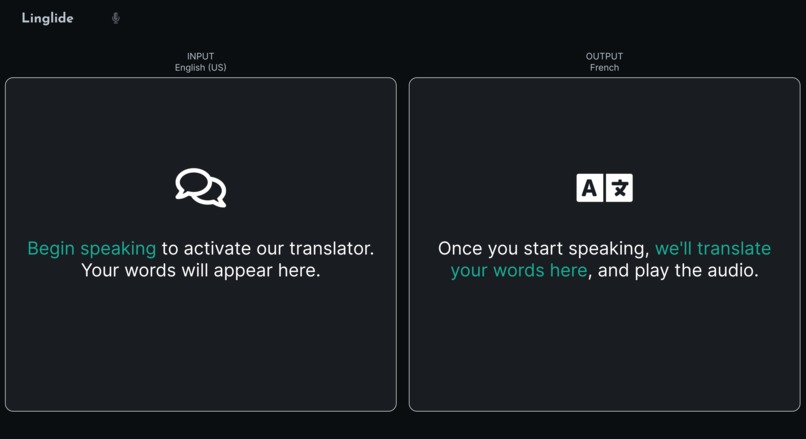
Custom dark mode CSS implemented to reduce glare at night (Hint: Click the logo)
-
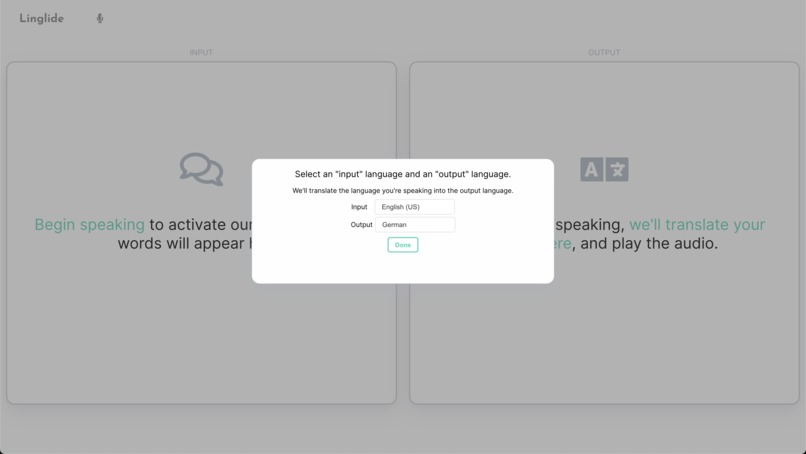
Prompt to set input (what language you'll be speaking in) and output (what language you'd like to hear)
-
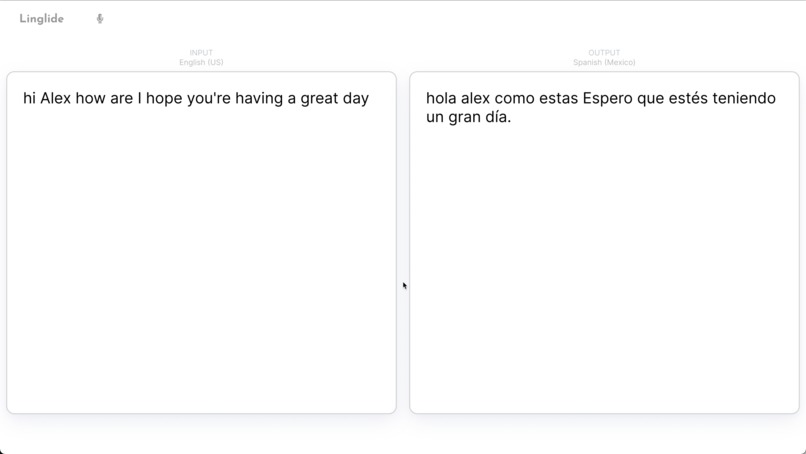
Example transcript generated if needed. Most users will have Zoom open to see the other person, however
-

ASL Example (showing terminal output for image display)
-
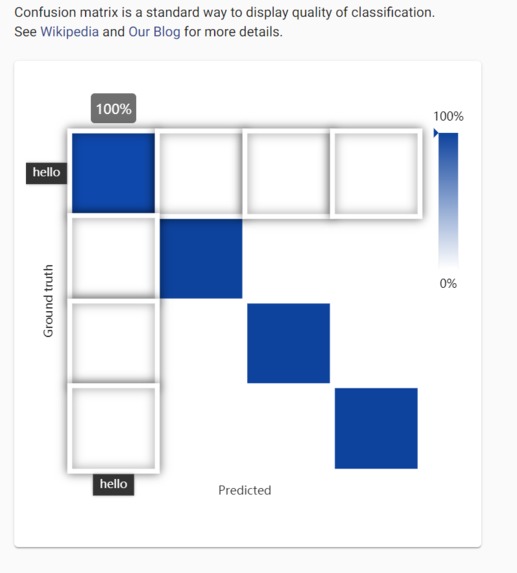
Ximilar image recognition portal: high accuracy scores for some of our sign language words


Personal Inspiration
For a lot of us, staying in touch with relatives from another country faces the language barrier - conversations in disjointed English and Hindi, for instance, end up being more difficult than engaging and meaningful. All of our group members have had specific experiences with this and through research realized it was important not only for us, both for people around the world.
Motivation
As touched on in our video presentation, we aim to reduce severe disparities that exist in video calling software. One avenue is live translation, which can bring people together by allowing them to comfortably talk in the language they want, and hear others in the language they want. A second avenue is live translation of signed phrases to allow the hearing impaired (many of whom fail to successfully learn spoken language) and those with speaking disabilities to have their messages read aloud quickly and seamlessly.
Function
Linglide is a web app that serves as a Zoom plug-in to generate real-time audio or video translation between two languages. Communication is powerful, and we hope that Linglide can help empower those for whom quality online video-based communication isn’t a given. Our solution bridges the language barrier between two Zoom users by using natural language processing to translate one speaker’s words into the other’s preferred language, all in real time. And Linglide brings Zoom accessibility to American Sign Language users who want to communicate with non-users by using image recognition (machine-learning) algorithms to translate hand signs into spoken word.
Note: Due to time constraints not every feature was able to be demoed in our video. We have provided images in the carousel above to help visualize some of our descriptions :)
We 1) harnessed Google's Media Translation service for speech-to-speech live translation, and 2) created our own dataset of images depicting American Sign Language gestures for popular phrases such as "Hey, how are you?" and "I love you" and built a convolutional neural network for classification via the Ximilar platform. The React/Node+Flask web app channels the video/audio stream into the appropriate service (Google or Ximilar), and then channels spoken output into Zoom

Tech Stack
- React for UI
- Flask for Sign language translation script
- Node for Speech-to-speech translation script
- Ximilar for sign/gesture image recognition
- Google Cloud > Media Translation for speech-to-speech streaming-based translation
- Google Cloud > App Engine for deployment
Addendum
 As we couldn't get it into the video, we've provided an image showing our sign language detection abilities within the app.


Log in or sign up for Devpost to join the conversation.