-
-
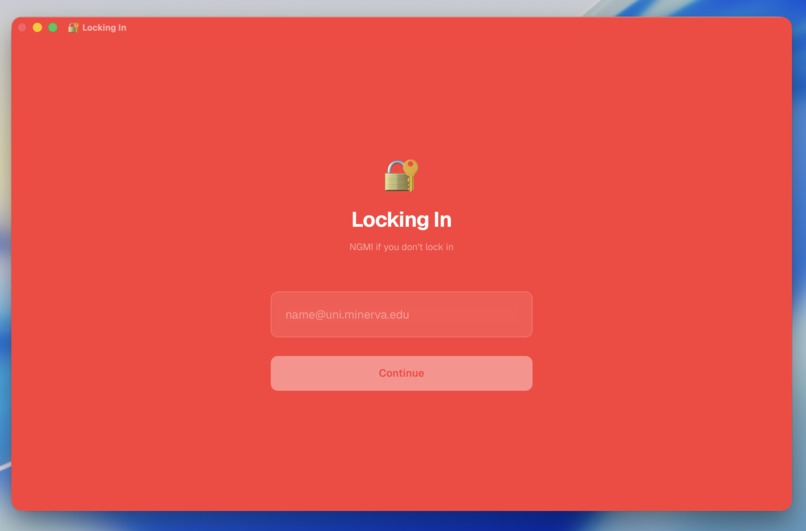
Login
-
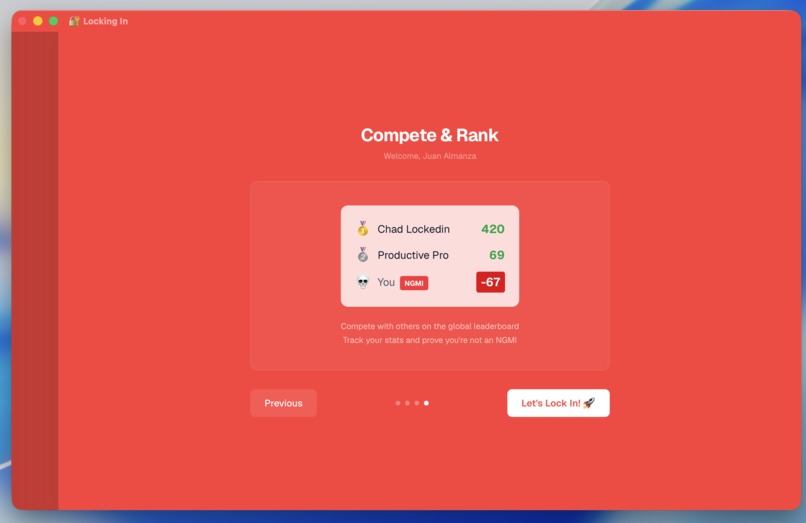
Tutorial
-
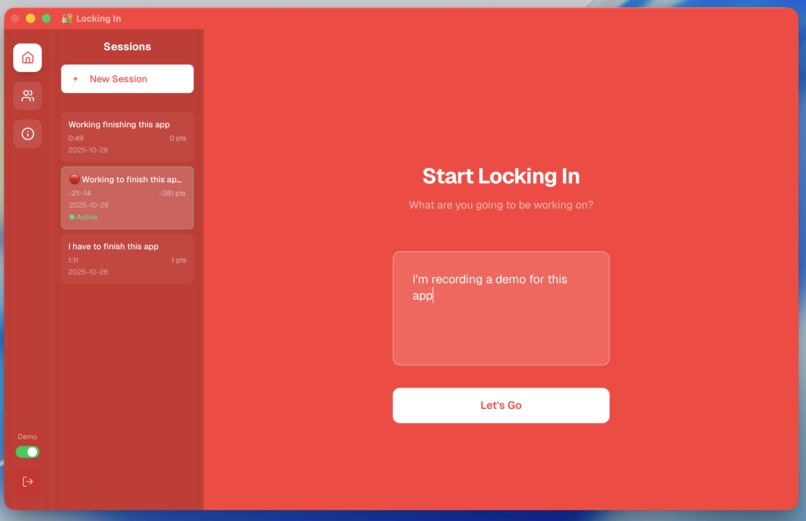
Session prompt
-
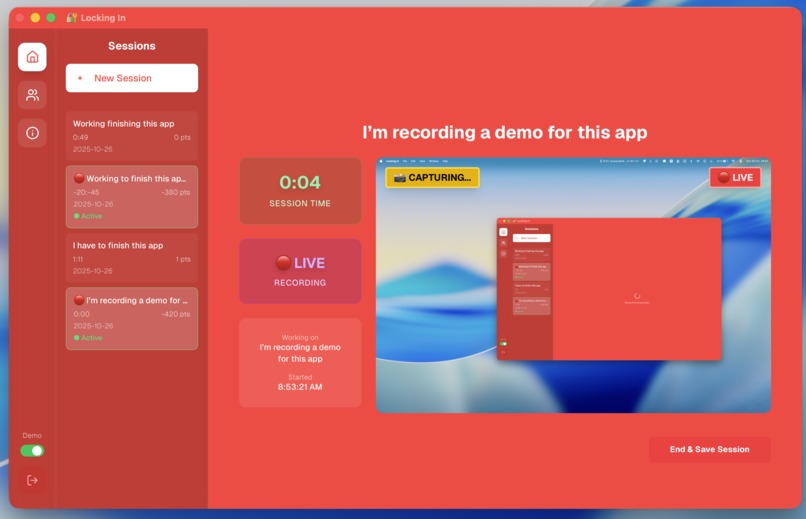
Session recording
-
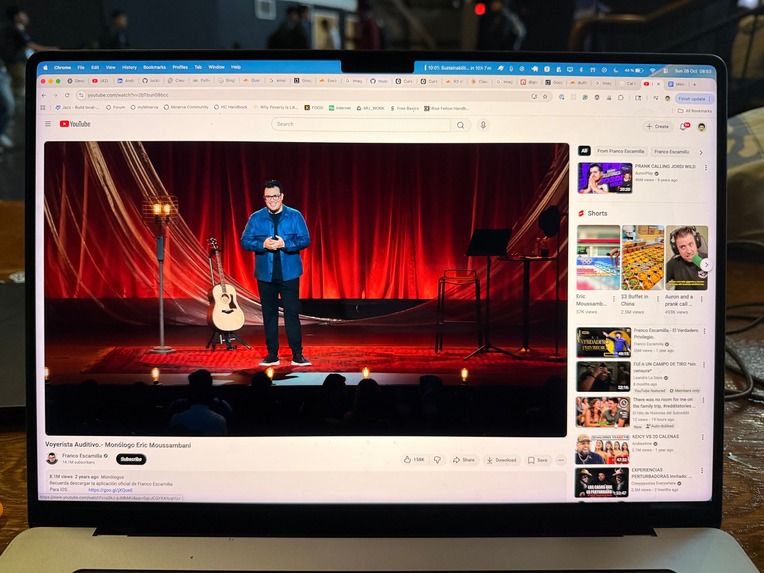
NOT LOCKING IN
-
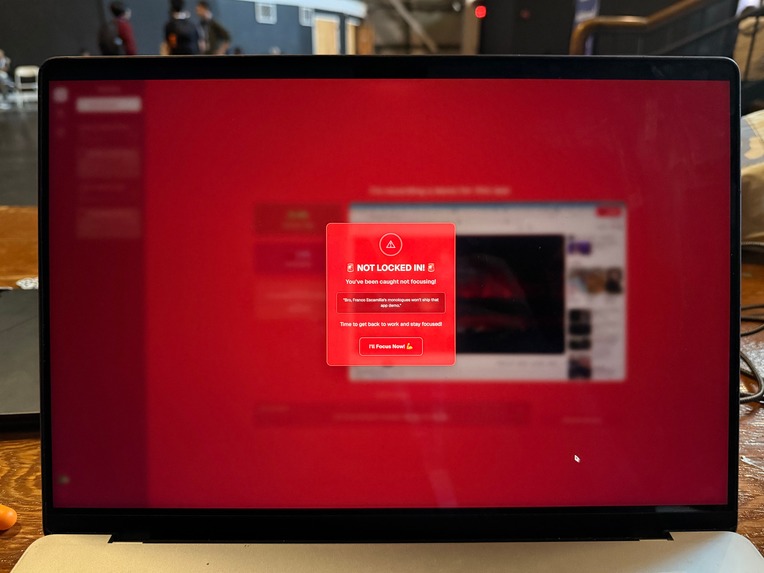
Locking In Reinforcement
-
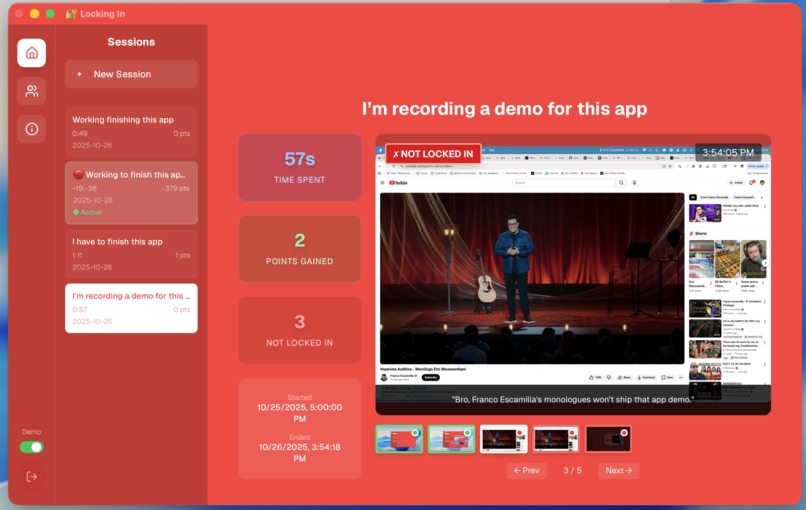
Session Replay
-
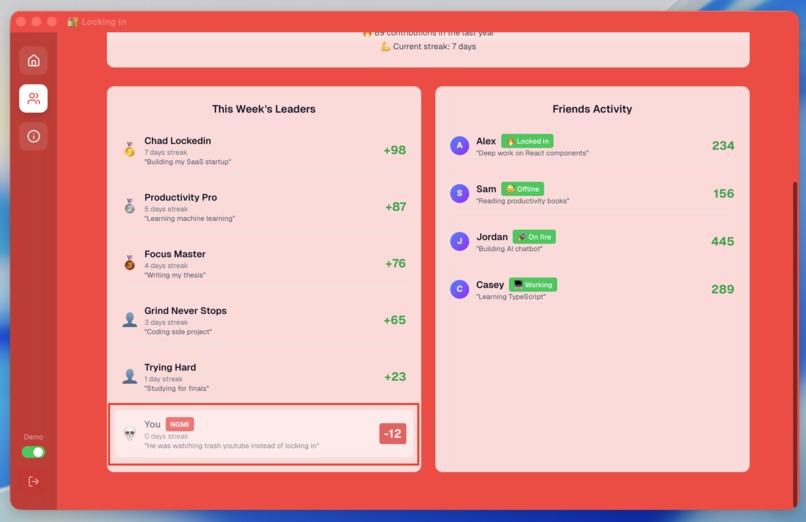
Social ranking
-
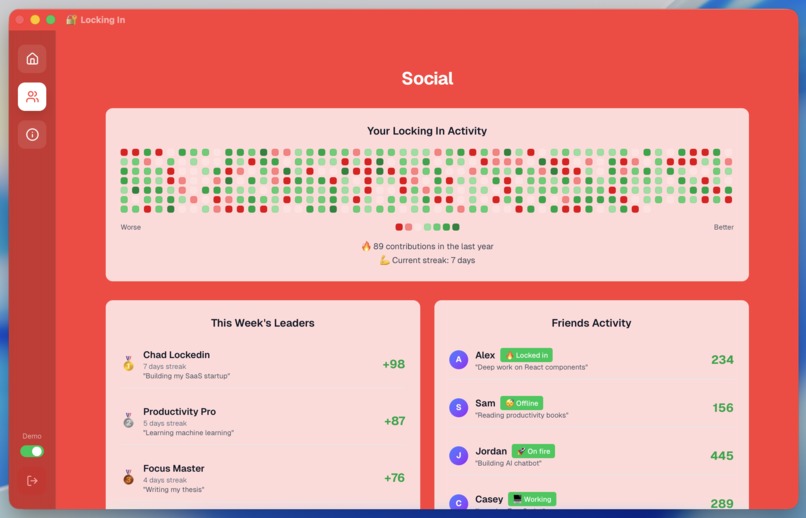
Activity graph


Inspiration
We all know that feeling: you open your laptop to study... and suddenly it’s three hours later, you’ve watched five cooking videos, and somehow you’re reading about penguin migration patterns. So we made Locking In, an app that keeps you from wandering into the depths of distraction — by literally watching you (nicely).
What it does
You tell the app what you’re supposed to be doing — “study math,” “code,” “pretend to study math while coding,” whatever. Then the app starts taking screenshots every few seconds to see if you’re actually working or, uh, "researching" memes again. Stay focused? You earn points. Get distracted? Lose points. Your friends can see your score, so there’s extra motivation not to go down a YouTube rabbit hole.
How we built it
We built both the client and server sides, glued them together with an API, and sprinkled in some AI magic to figure out what you’re doing on your screen.
Challenges we ran into
Gemini API had an update that broke everything right when we thought we were done. So yeah, we got some surprise learning opportunities.
Accomplishments that we’re proud of
The app gives feedback in around 20–30 seconds — fast enough to catch your distraction before you’ve fully spiraled into Wikipedia.
What we learned
The MacOS accessibility API is... an adventure. Let’s just say it taught us patience, resilience, and a deep appreciation for working documentation.
What’s next for Locking In
The core app works, but we’re dreaming big — think “social media meets productivity.” Imagine liking your friend’s focus streaks, sending accountability memes, or competing to see who can stay locked in the longest (without crying).


Log in or sign up for Devpost to join the conversation.