-
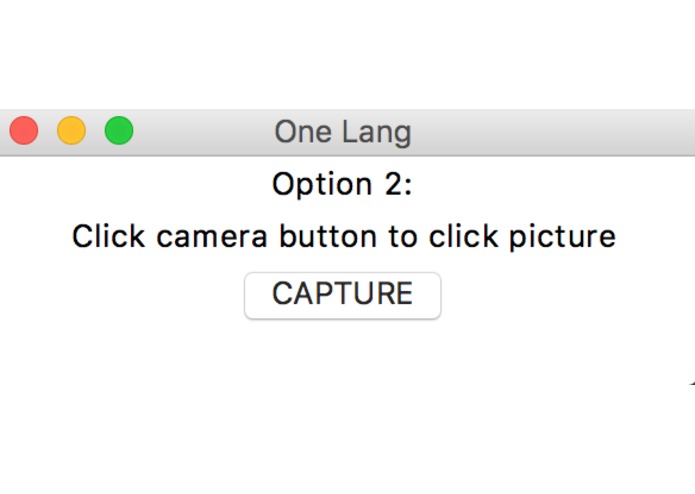
One Lang capture image
-
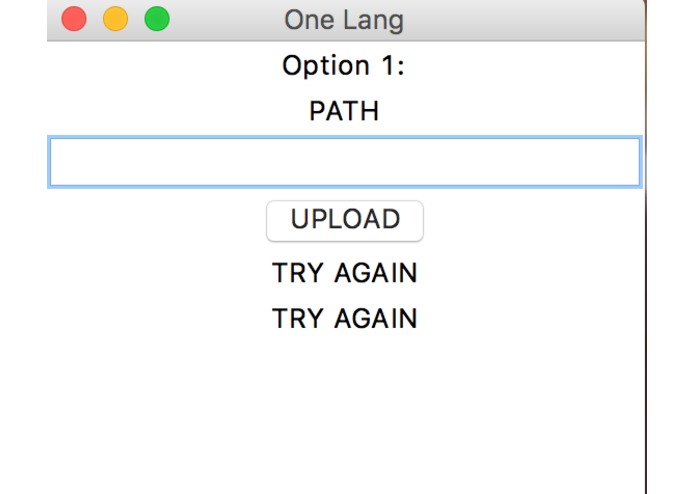
Throwing errors and re asking for correct user input
-
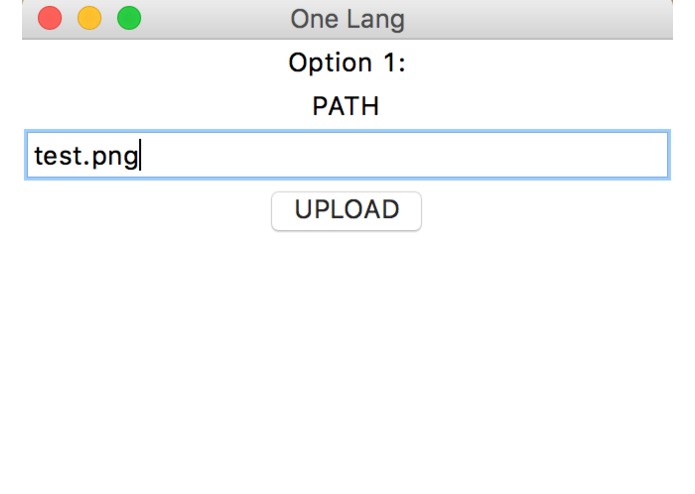
Ability to upload saved images
-
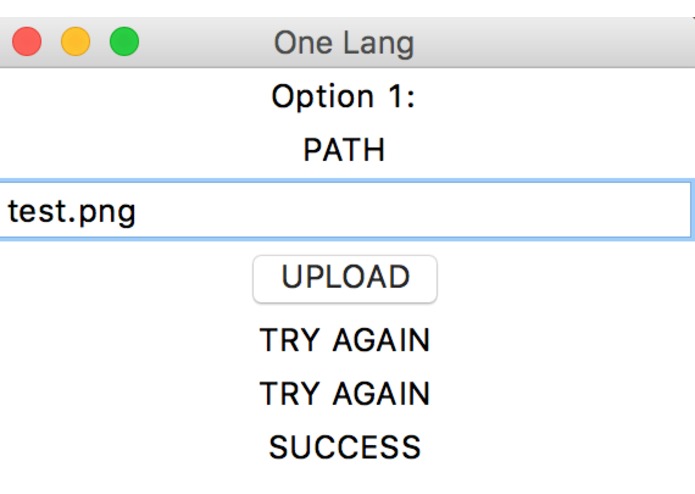
Asking the user until correct input is received
-
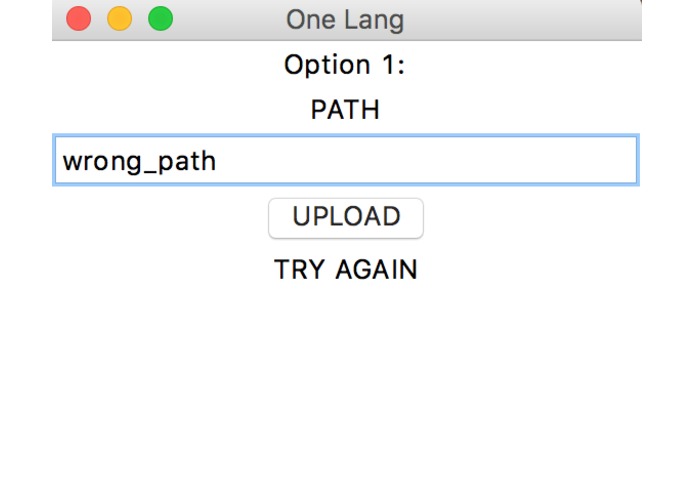
Accounting for incorrect path
-
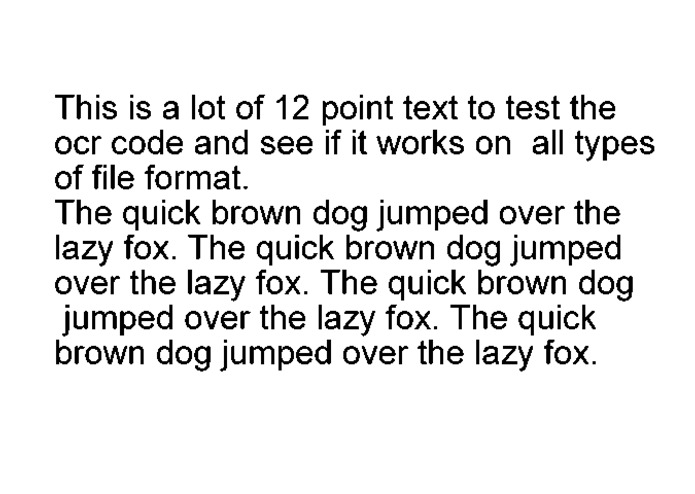
Sample text image
-
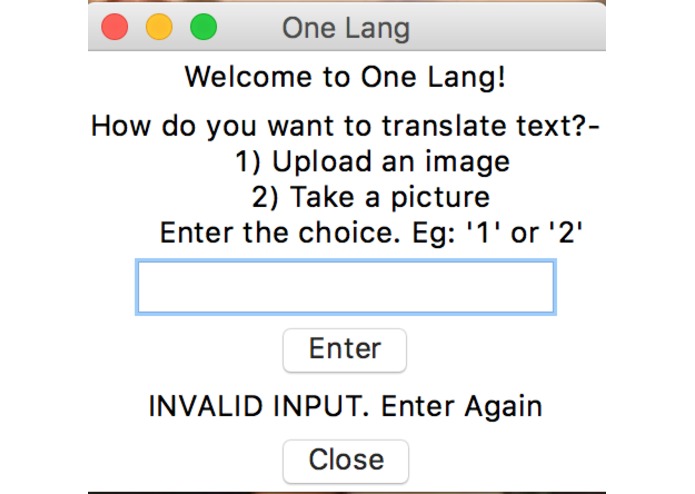
Accounting for no input
-
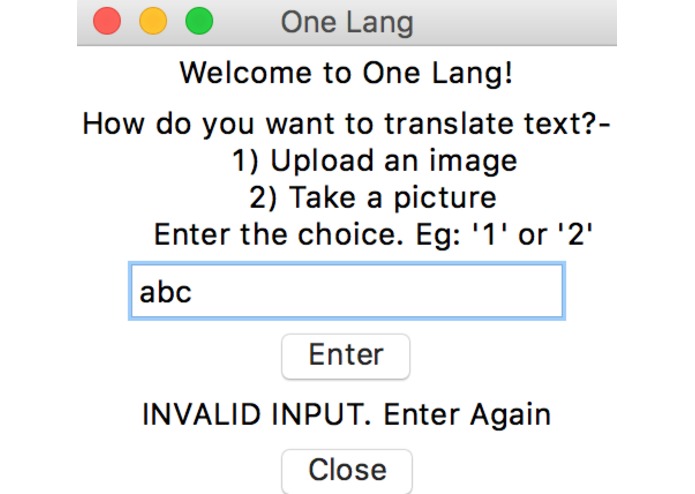
Accounting for invalid inpuot
-
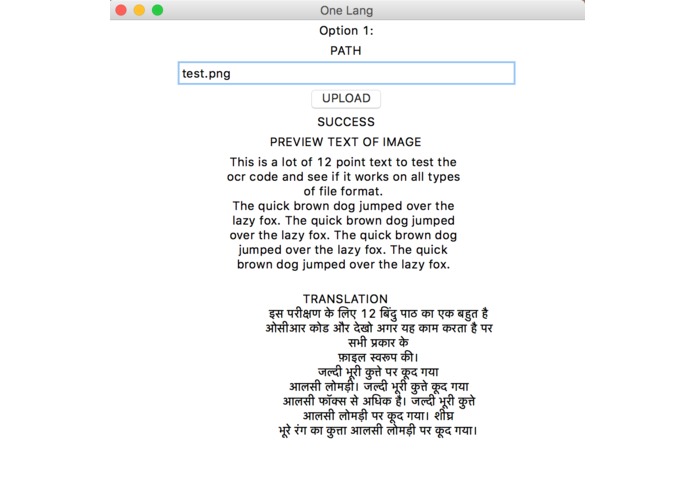
Sample of conversion of text from image into the Language- Hindi


Inspiration
As international students, we were focused on finding out what we could do differently to make our lives easier. Since language problems persist among international students we thought of building something on those terms.
What it does
One Lang recognizes text from an image and translates it into the language you want. It can be helpful for non-native people as they can capture the image that contains the unfamiliar text and get its translation in the language they want.There is also an option to upload an image in case you already have it. The bottom is that: You don't need to struggle anymore!
How we built it
We coded it in python using Tkinter for a GUI using different libraries and modules such as opencv, py-translate, etc.
Challenges we ran into
We had to find the most efficient translation method- an API or an inbuilt method. It took the time to read through the documentations and understand to go about it. We had to discard many ideas so it was time-consuming.
Accomplishments that we're proud of
We're proud of successfully being able to capture an image or upload an image, recognize it's text and gets its translation. We're proud to finish this in about 24 hours.
What we learned
We learned that parsing text from an image can be really helpful in day to day life as the world is digitalising. Our next steps focusing on Augmented Reality which is the growing technology of the day. Making people's life easier is what is the need of the hour and learned to accomplish.
What's next for One Lang
Right now, we have only enabled translation in Hindi. But we see it giving the user options for the various languages which he could transfer it into. We also envision an application running on Android and iOS with the capabilities of AR converting text in real time without even taking pictures. So you can just focus your camera on the text and receive its translation in the language you choose.
Built With
- ocr
- python
- tkinter


Log in or sign up for Devpost to join the conversation.