-
landing_page_ui

Inspiration
The main inspiration for this project came from having to attend large undergraduate lectures at university. The difficulty with large classes is that sometimes it is very difficult to hear what the professor is saying. Sometimes students are unable to take notes at high speed. Additionally, we have friends who are deaf and we were inspired to create a tool to aid them in note taking. So producing a transcription of a lecture is very handy.
What it does
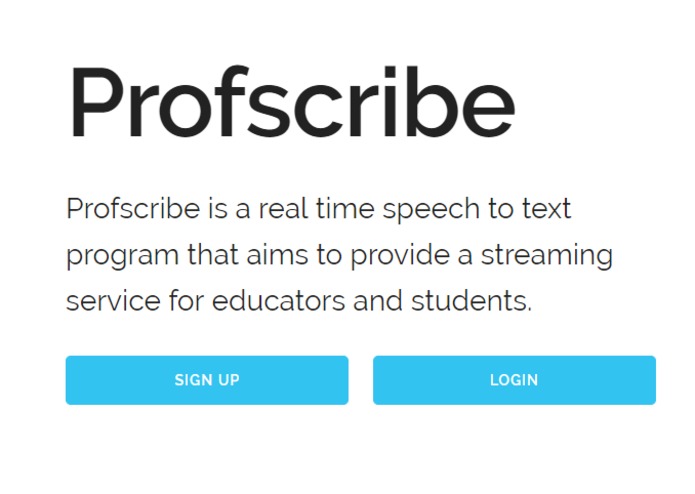
Profscribe uses the built in microphone present in a computer to record audio. After selecting the option to start a recording any audio is captured and streamed to a speech to text service. This audio is processed and text is returned. The text file is then broadcast to the clients.
How we built it
The project was mainly built using a full stack javascript solution. This included a MERN stack. The transcription of incoming audio is continuously sent back to the client, and it is corrected as more speech is heard. The service is accessed via a WebSocket interface.
Challenges we ran into
One of the biggest chalenges was working with the binary audio formats. The files originally were generated in a .wav format.
We then converted the files to .flac for compression purposes as well as to make it easier to interact with the IBM Watson Speech to Text API.
Another challenge was synchronizing the ports for websockets.
Accomplishments that we're proud of
Producing an application that can stream audio and perform speech to text transcription fairly accurately.
What we learned
Streaming audio to text conversion in real time to different devices. Using websockets for simplified two way communication between the client and server.
What's next for Profscribe
ProfScribe could be improved as work on the project continues. The user interface could be enhanced so it looks cleaner and streamlined.
Built With
- css
- digitial-ocean
- express.js
- html
- ibm-watson
- javascript
- letsencrypt
- node.js
- react
- real-time
- streaming
- web-audio-api
- websockets


Log in or sign up for Devpost to join the conversation.