-
-
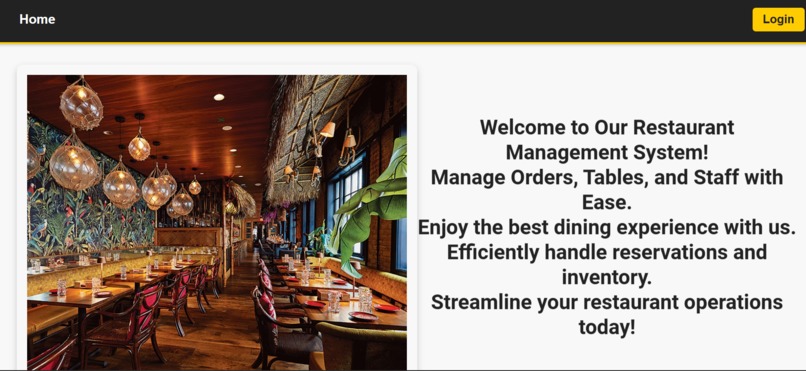
front page
-
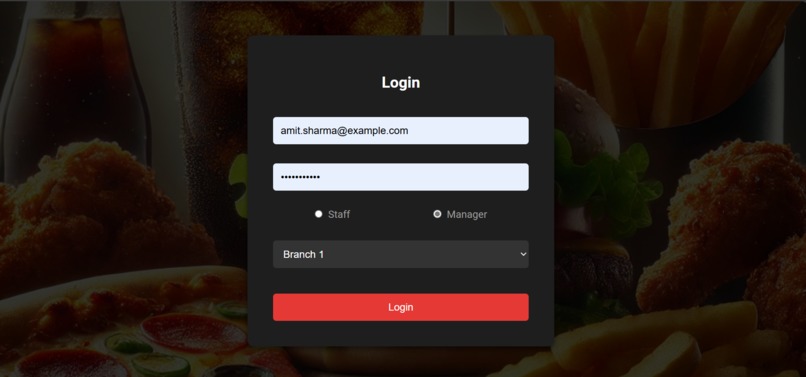
login page
-
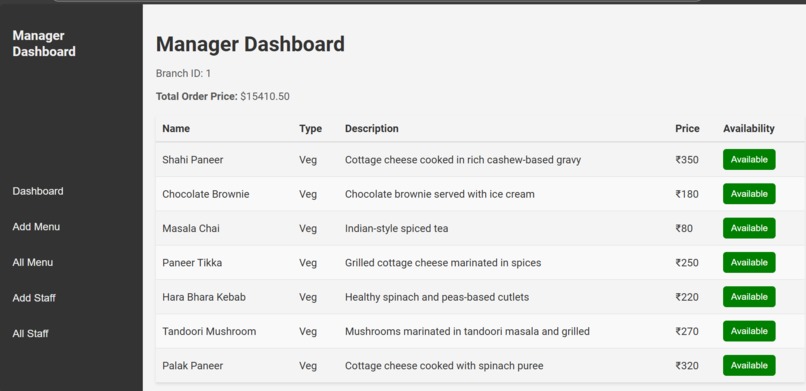
manager dashboard
-
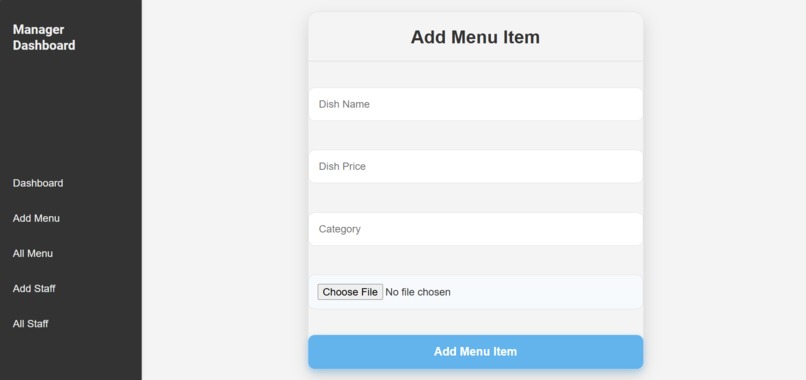
add menu
-
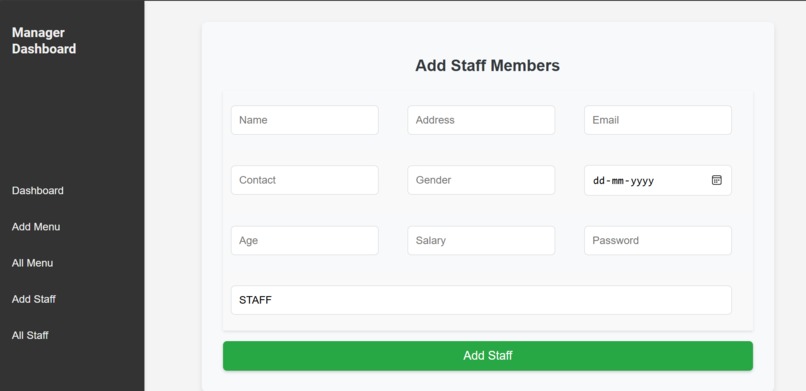
add staff
-
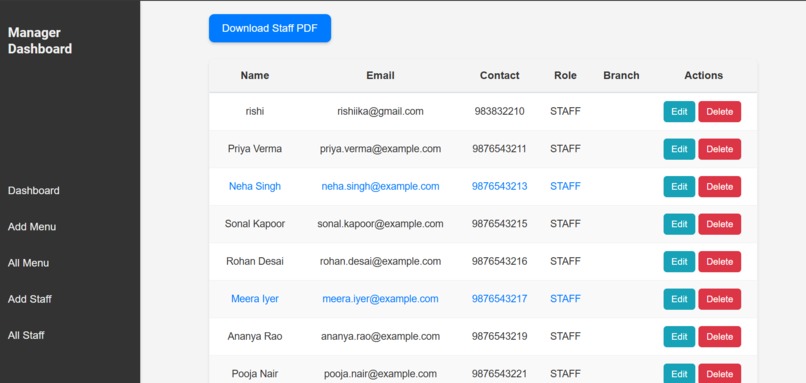
edit /delete staff
-
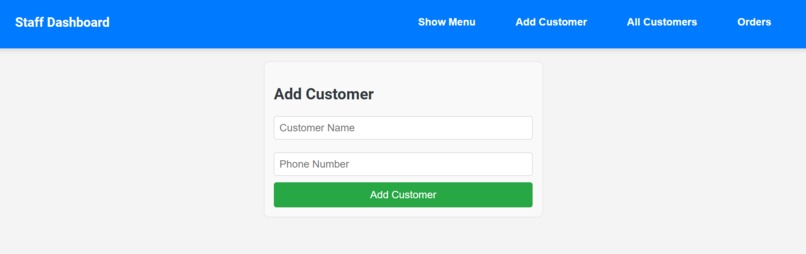
add customer
-
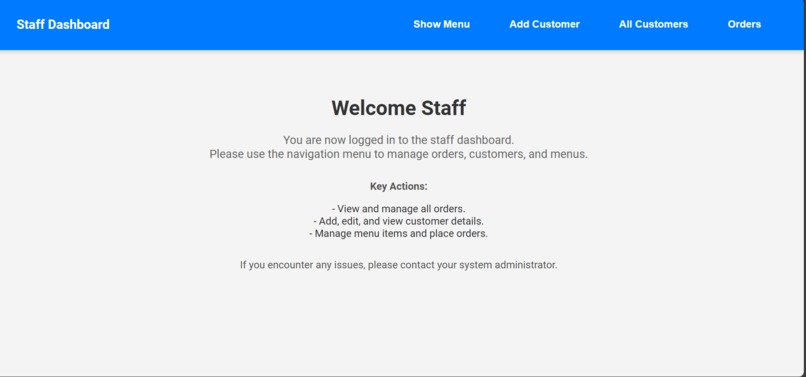
staff dashboard
-
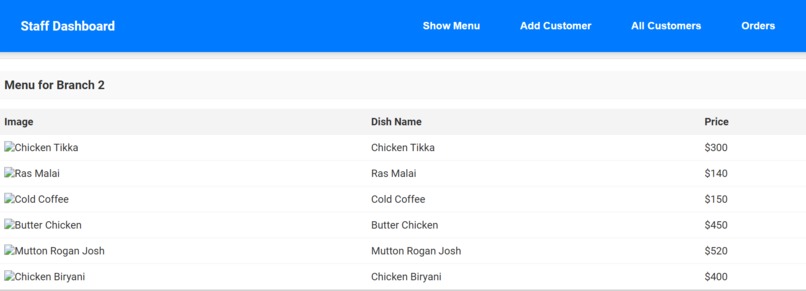
menu
-
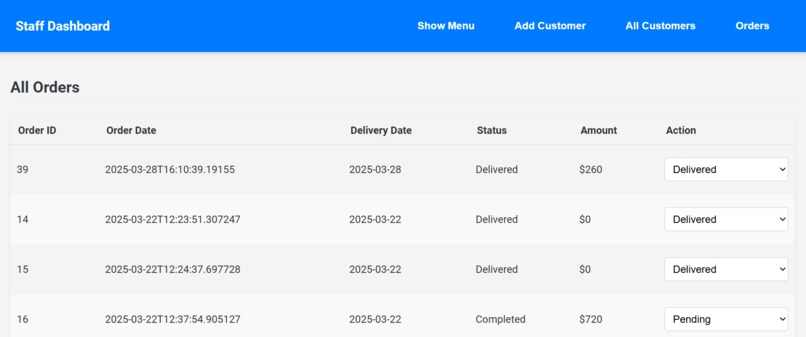
all orders
-
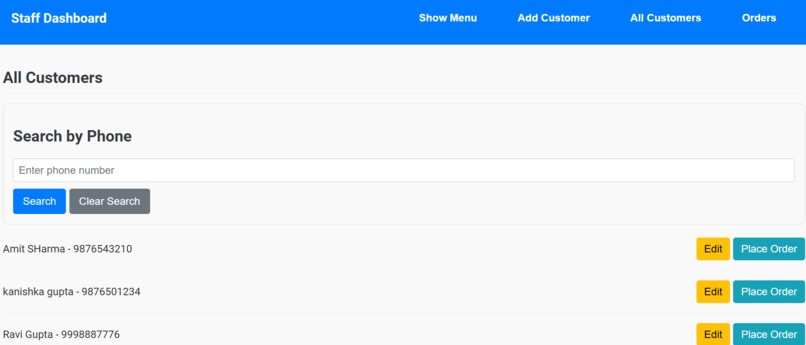
place order


Restaurant Management System
Project Description
This project is created to efficiently manage restaurant operations, including user roles, menu management, food orders, and branch management. It provides role-based access for managers and staff to handle restaurant operations smoothly.
Entities
The project consists of the following entities:
- User
- Customer
- Branch
- Menu
- Food Product
- Food Order
- Item
Entity Description
1. User
The User entity has two roles:
- Manager
- Staff
Role-based Operations:
Manager
- Menu Management:
- Add a menu for the associated branch (only one menu per branch).
- Edit, delete, and view the menu.
- User (Staff) Management:
- Add, edit, remove, and view staff users.
Staff
- View the menu associated with the branch.
- Add new customers.
- Food Order Management:
- Add, edit, and cancel food orders for customers.
Database Analysis
1) Table: User
| Column Name | Data Type |
|---|---|
| user_id (PK, auto-increment) | Integer |
| user_name | Character Varying (255) |
| user_email | Character Varying (255) |
| user_contact | Character Varying (255) |
| user_addr | Character Varying |
| user_gender | Character Varying (6) |
| user_dob | Date |
| user_age | Integer |
| user_salary | Double Precision |
| user_pwd | Character Varying (255) |
| user_role | Character Varying (255) |
| branch_id (FK, many-to-one) | Integer |
2) Table: Customer
| Column Name | Data Type |
|---|---|
| cust_id (PK, auto-increment) | Integer |
| cust_name | Character Varying (255) |
| cust_phone | BigInt |
3) Table: Menu
| Column Name | Data Type |
|---|---|
| menu_id (PK, auto-increment) | Integer |
| user_id (FK) | Integer |
4) Table: Branch
| Column Name | Data Type |
|---|---|
| branch_id (PK, auto-increment) | Integer |
| branch_name | Character Varying (255) |
| branch_address | Character Varying (255) |
| branch_phone | BigInt |
| branch_email | Character Varying (255) |
5) Table: Food Product
| Column Name | Data Type |
|---|---|
| food_prod_id (PK, auto-increment) | Integer |
| food_prod_name | Character Varying (255) |
| food_prod_type | Character Varying (255) |
| food_prod_about | Character Varying (255) |
| food_prod_availability | Character Varying (5) |
| food_prod_price | Double Precision |
| menu_id (FK) | Integer |
6) Table: Food Order
| Column Name | Data Type |
|---|---|
| food_order_id (PK, auto-increment) | Integer |
| status | Character Varying (50) |
| total_price | Double Precision |
| order_crt_time | DateTime |
| order_dlv_time | DateTime |
| cust_name | Character Varying (255) |
| cust_contact | BigInt |
| cust_id (FK) | Integer |
7) Table: Item
| Column Name | Data Type |
|---|---|
| item_id (PK, auto-increment) | Integer |
| prod_id | Integer |
| item_name | Character Varying (255) |
| type | Character Varying (255) |
| quantity | Integer |
| price | Double Precision |
| food_odr_id (FK) | Integer |
Installation Guide
- Clone the repository:
sh git clone https://github.com/your-username/restaurant-management-system.git - Navigate to the project directory:
sh cd restaurant-management-system - Install dependencies:
sh npm install # or yarn install - Configure environment variables (
.env). - Start the server:
sh
npm start  # or yarn start
Contribution Guidelines
- Fork the repository and create a new branch.
- Make your changes and test them.
- Submit a pull request for review.


Log in or sign up for Devpost to join the conversation.