-
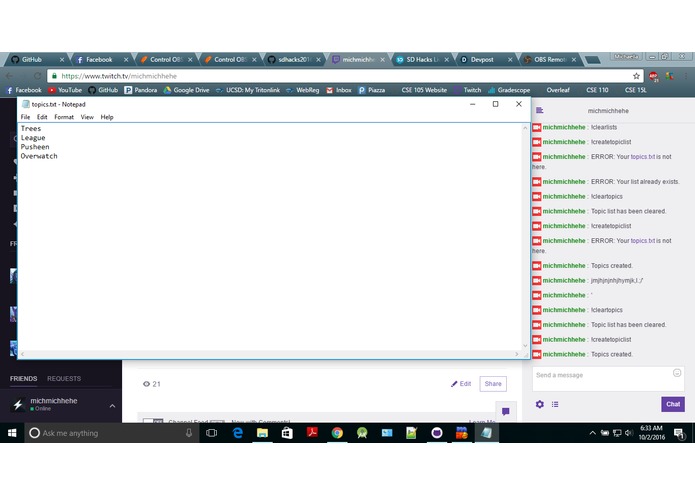
Creating topics via twitch command
-
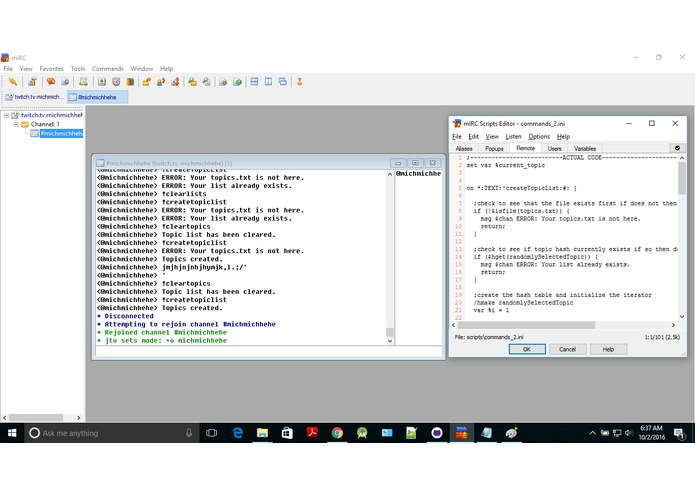
mIRC joined channel
-
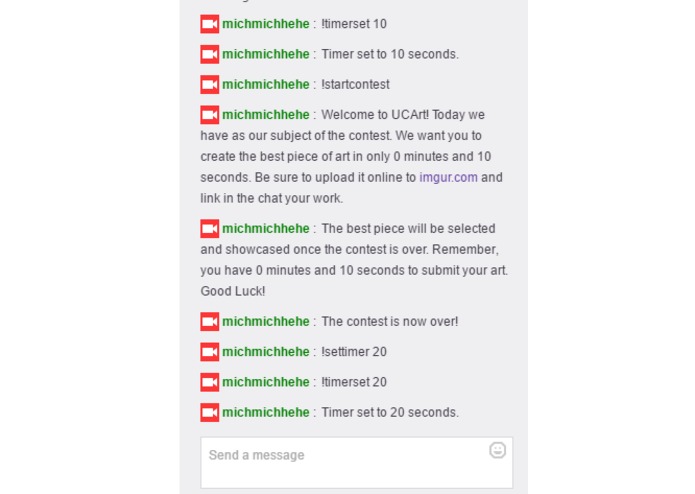
Commands to start contest timer
-
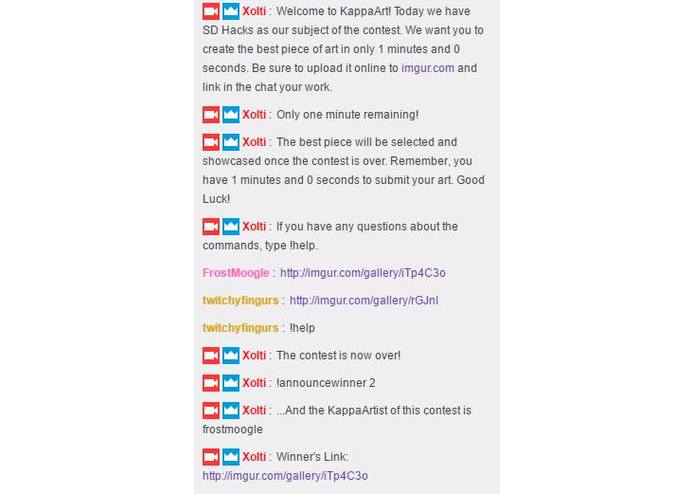
Image uploads and Commands to end contest
-
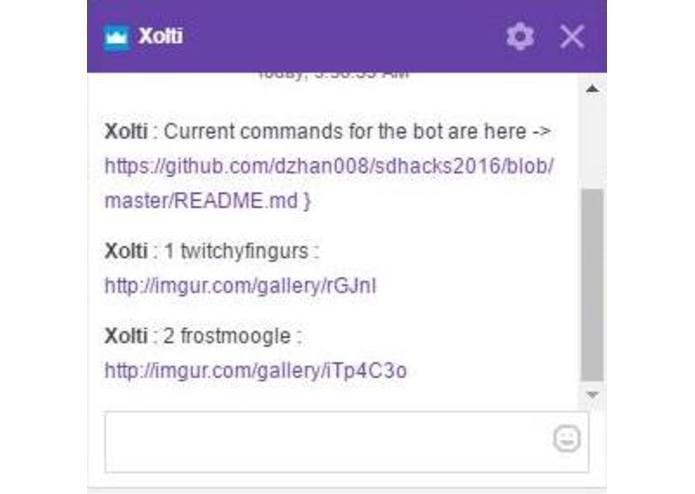
!getinfo command to pull usernames and image submissions


KappaArt
SDHacks 2016 Submission
By: Danny Diep, John Li, Michaella Sheng, David Zhang
The greatest thing about twitch is streamer to viewer interaction.
KappaArt is a Twitch chat bot that encourages users to create art through contests and streamer connection. It serves to provide a way for chat to have fun creating anything from handdrawn fanart, to a photoshopped meme based on a specified topic of choice. KappaArt bot will give a certain amount of time for each contest, specifying the rules ahead of time and then allowing for users to draw, paint, or sketch and submit their art for the moderators and further chat voting.
How does it work?
The bot will hold contests and store all user submissions through parsed imgur links. Depending on the style and preference of the streamer, either they themselves or a moderator can decide what topics they would like to have for the contestant if any. They will then set a length of time to allow chat time to create and begin the contest. Users will be able to upload their artwork on imgur. The bot will take all posted links in chat and store them in a secure hash table until the contest is over. Afterwards mods will be able to access the list of users and their drawings and filter or remove any inappropriate or offensive content. From there they can crown a user the KappaArtist of the stream.
Required Software
Instructions
- Navigate to your mIRC directory.
- Copy the contents of the ucart folder into the mIRC folder.
- Run mIRC, and connect to the server.
- Enter a channel name with #username. This channel name should match your twitch bot account.
- Join that channel to begin typing commands and comments under that channel.
Commands
Contest
!timerset
Sets the contest duration in seconds.
!startcontest
Starts the contest with the given parameters.
!stopcontest
Stops the current contest.
!announcewinner
Announces the winner of the contest for the given person's id.
Topics
!createtopiclist
Creates a new list of topics from the external text file.
!listtopics
List all topics.
!selecttopic
Select a topic based on the id.
!selectrandomtopic
Selects a random topic from the list.
Contestant Data
!save
Saves recent contestant data into the a text file.
!load
Loads the data saved from the text file into a hash table.
!reset
Resets the hash table that stores all the recent contest information. Use only if you want to start a new contest or if something is wrong with saving, loading, or getting contestant information.
!getinfo
Grabs all pooled information from a recent contest.
Built With
- mirc
- twitch


Log in or sign up for Devpost to join the conversation.