-
-
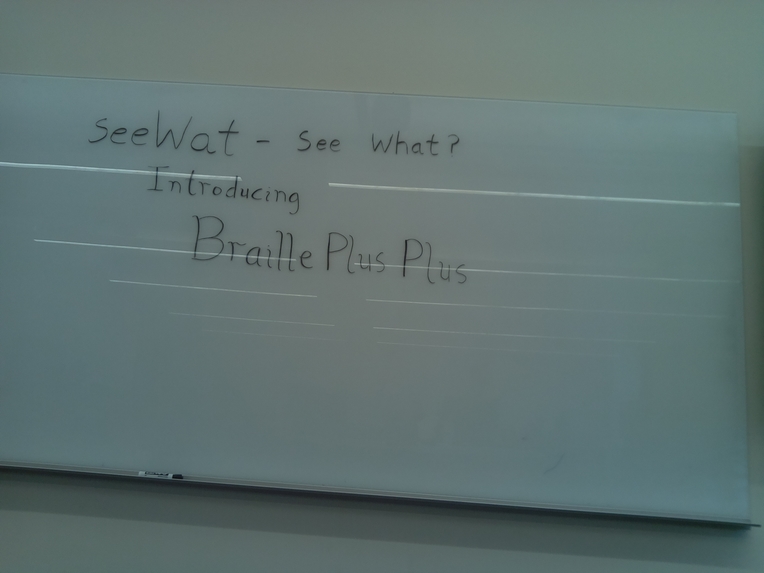
Image taken by Raspberry Pi in the demo
-
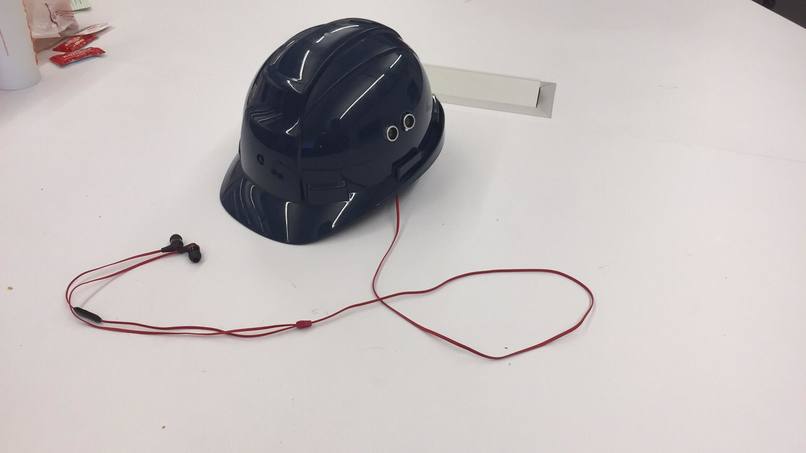
Full setup
-
-


What it does
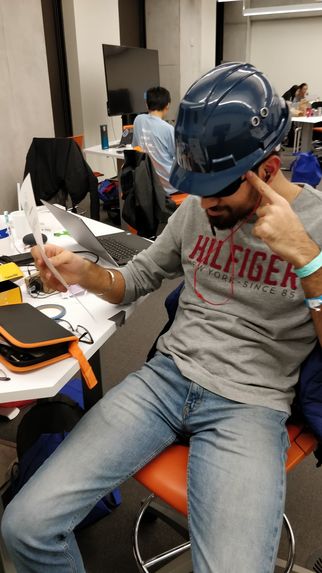
A device made to empower people with visual impairment. seeWat takes a picture from a mounted camera when the user gestures to the ultrasonic sensor and reads the text in the image to the audio outlet of their choice.
How it works
Hardware:
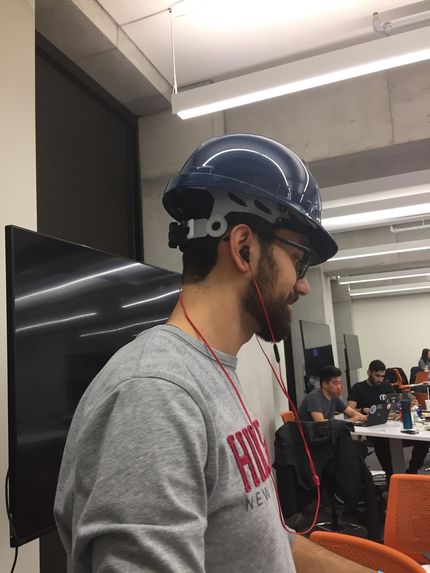
The Raspberry Pi 3B+ was connected to an Arduino ultrasonic sensor and Raspberry Pi camera Rev 2.0. The ultrasonic sensor is used as a trigger to execute the text recognition software and so on. The camera was used to take a picture of whatever is in front of the user. The entire device is mounted inside of a hard hat, this allows near universal use across ages and head sizes, while allowing for a comfortable wearing experience.
Software:
When the Raspberry Pi starts up, it automatically runs the main python file. The code executes by looping indefinitely when the program is run and uses tight polling to check if the ultrasonic sensor senses a distance less than 10cm. (decided upon as a means to prevent constant sensor input) Once this is detected, the program takes an image using the camera and plays a shutter sound after it finishes to show the user that the camera took a picture. Once the image is taken, the python script sends an API request to the google cloud which requests for an image to text conversion. Once this finishes, the python executes a text to mp3 function which changes it to an mp3. Once it finishes, the code plays the mp3 that is created on the audio output of choice (earbuds, speaker, etc).
After this sequence, it continues the tight polling and waits for any further requests made by the user motioning in front of the ultrasonic sensor.
Design choices
A hard hat was selected because it provided enough space inside while also providing a strong mount for the head and allows for nearly universal adjustable size. The camera was mounted on the front in order to simulate how a person would be seeing a view.
How we built it
We built it using python 3.7 and the Google API for an image to text converter(AI). Using a raspberry pi, we put it into a compact package which can be mounted in a helmet as a mobile device that people can wear
Challenges we ran into
Software:
By far the hardest experience we had software wise was getting the main python file to run from boot. Rather than having to open the Raspberry pi remotely from your laptop for it to work. Fortunately StackOverflow saves the day.
Hardware:
Connecting the ultrasonic sensor the raspberry pi directly required some circuit work with resistors and a breadboard as well as finding the right GPIO pins to plug it in
Design Choice:
Using different boards was considered, Qualcomm board had a more efficient processor, Telus module would allow us LTE coverage instead of Wi-Fi. Raspberry Pi in the end was what we had the most experience with and had means to troubleshoot.
Built With
- google-cloud-vision
- python
- raspberry-pi


Log in or sign up for Devpost to join the conversation.