-
-

Used for thumbnail in DevPost (created with Canva)
-

Logo/Icon used as face of chrome extension (created with Canva)
-
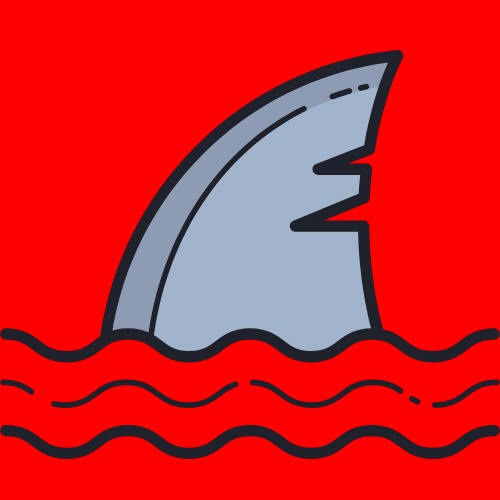
Animation image for warning page (created with Canva)


IMPORTANT!!
Extract the folder, turn on Chrome developer mode, and follow the instruction in the demo to try the extension.
Inspiration
It is not a rare experience to find yourself on a malicious website that may be stealing your personal information. This could happen while trying to download a file or even accidentally clicking on those pesky pop-up ads, negatively affecting your digital privacy. So, we wanted to create a chrome extension that is easy to use to protect a wide range of users, especially those that do not have much experience on the web.
What it does for your digital privacy
Our chrome extension detects ads, trackers, suspicious websites, pop-ups, redirects, and other malicious content on over 180,000 domains. When the software detects these pages are being visited, a warning page pops up in order to protect the user's information from harm, along with blocking ads completely from ad domains. With over 180,000 ads domains, trackers, and malicious websites on the database, this app will work on almost all websites and protect your digital privacy while using the internet.
How we built it
for further explanation, please view code in our GitHub repo linked below; if this link does not work we prepared an alternative google drive link
- ad blocker We utilized chrome API with the database of more than 180000 domains to block traffics from them. Implementing the binary search function, we were able to iterate through all domains from the database with great performance and speed.
- website blocker (includes redirections and pop-ups) Again, we use our database of malicious websites to block traffics toward it. Instead, we show a warning screen that tells you to turn back! The warning screen was created using javascript and involves complex maneuvers, shapes, sizes, speeds, shades of images, and also adjusting the size and the position of the font that are presented on the screen when one tries to enter a suspicious website. It also uses our database for identifying these "suspicious websites" blocking them and warning a user about the risk they are taking. It changes the inner HTML of the visiting malicious site and then gives a warning.
- database The database was composed of multiple malicious websites, trackers, and advertisers' databases on the internet. To convert a list of data into workable arrays in javascript, we had to utilize python to parse a .txt file. There were great challenges parsing, sorting, and editing the database, but we managed to put it together.
Breakthroughs
-binary search method The binary search method is used to read through an array much more efficiently. With it, we were able to determine if an URL belongs to the database with only 18 guesses! -user interface The user interface was implemented later with a clean design and an option to enable or disable the extension. It is an improvement from the previous version of the software. -animated shark page It's cool and it fits our sea theme.
Challenges we ran into
Since our team is only made of beginner coders, we ran into a lot of issues due to our inexperience.
- our database of malicious pages contained thousands of links/lines which caused the extension to have a long run time
- wanted to include a way to turn off our ad blocker without needing to turn off the other safety procedures; for pages that require ads for the page to work.
- front-end user interface; wanted to include an animation on our page to make it more interesting for users
Achievements that made us proud
One of our greatest accomplishments was creating our binary search algorithm that helps iterate through 180,000+ malicious pages 10,000 times faster than a regular iteration sequence. Our large database of sites is another accomplishment that we are proud of because we were able to collect pages from all around the world and block their untrustworthy content. We also were able to dedicate energy toward front-end programming as well with our warning page that includes a neat animation of a dangerous shark that could attack a user while they surf the web.
What we learned
- Overall, we all concluded that working on a large-scale project (specifically beginners with little experience) is very difficult. However, we learned to dedicate ourselves to our project, to persevere, and most important stay awake!
- On the technical aspect, we all improved our javascript experience and different ways to apply it to a topic we deal with every day (ads).
What's next for Smooth Surfing
The vision we have for the future of Smooth Surfing is to extend the reach of our software to other internet browsers such as firefox and edge and make it even more accessible.
Built With
- chromeextensionapi
- html
- javascript
- python


Log in or sign up for Devpost to join the conversation.