-
-
Icon
-
Preview Feature Image
-
-
-
-
-
-
-
-
-
-


Inspiration
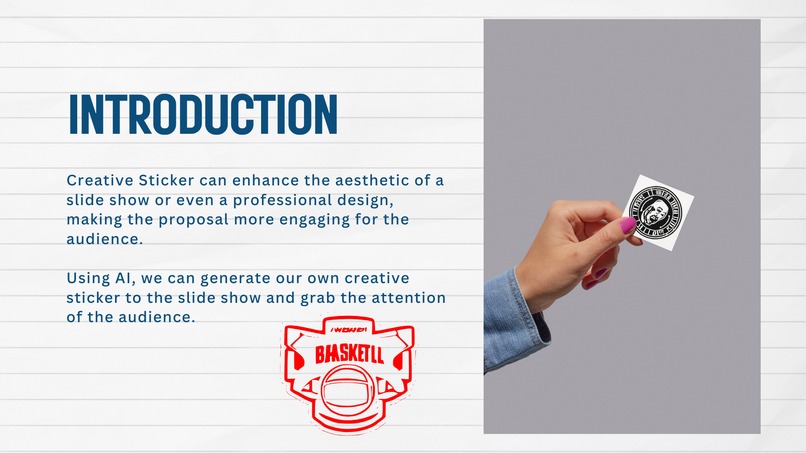
This project is inpired by other AI products on Canva that use AI model to generete custom logo design. However, logo has been explored in many aspect so I want to explore other potential field that may benefit from AI generated images. Stickers has been used in many different ways like on the poster, on the table, or even on your bottle. Sickers can grab the eyeball of an individual in our daily life, so why not use it on the presentation?
What it does
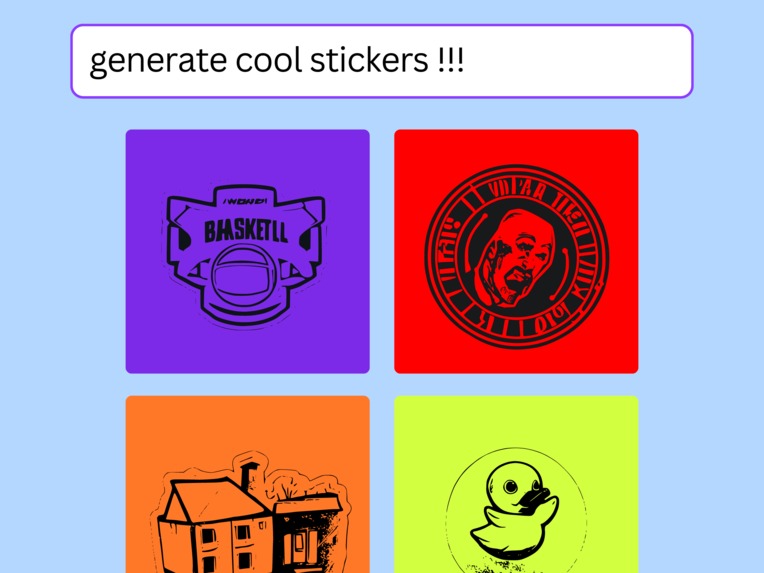
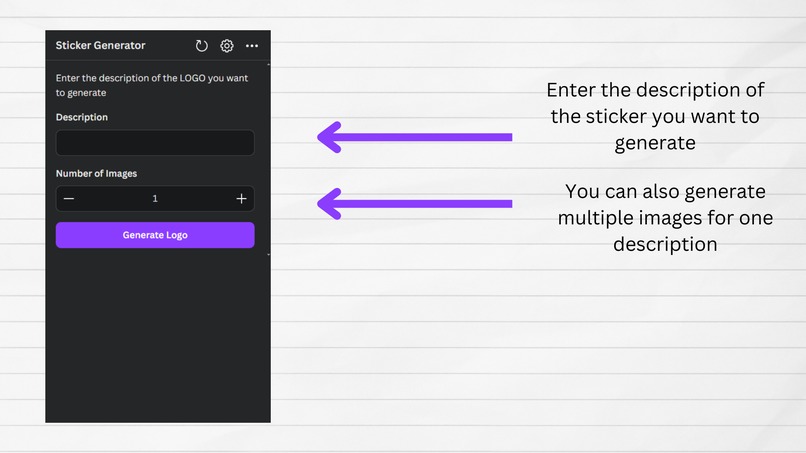
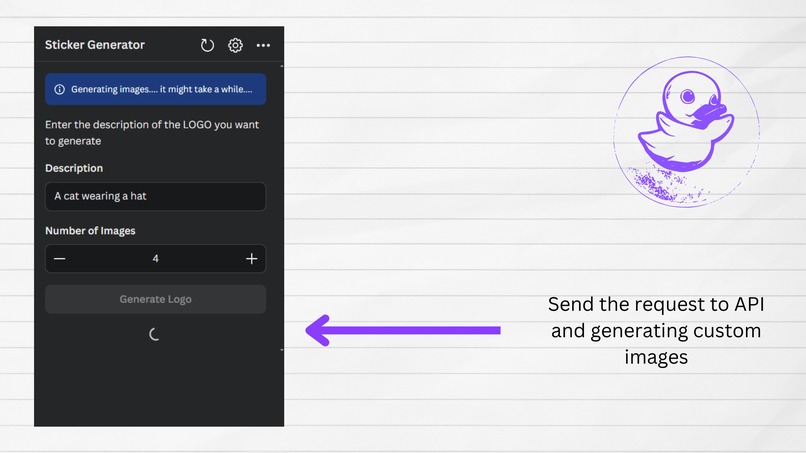
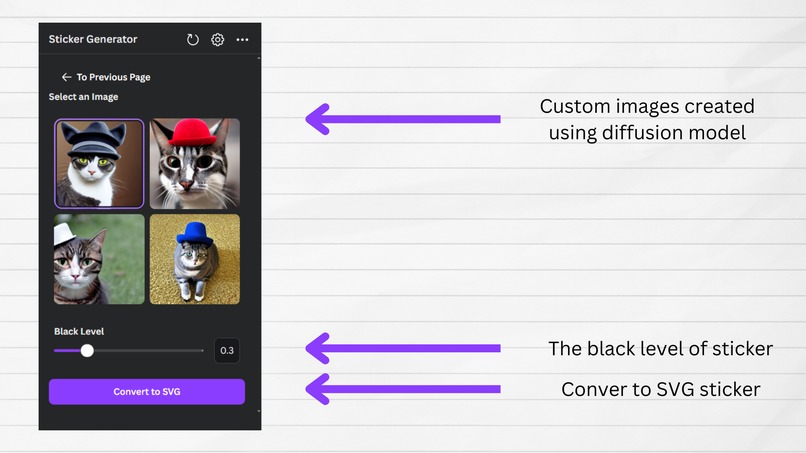
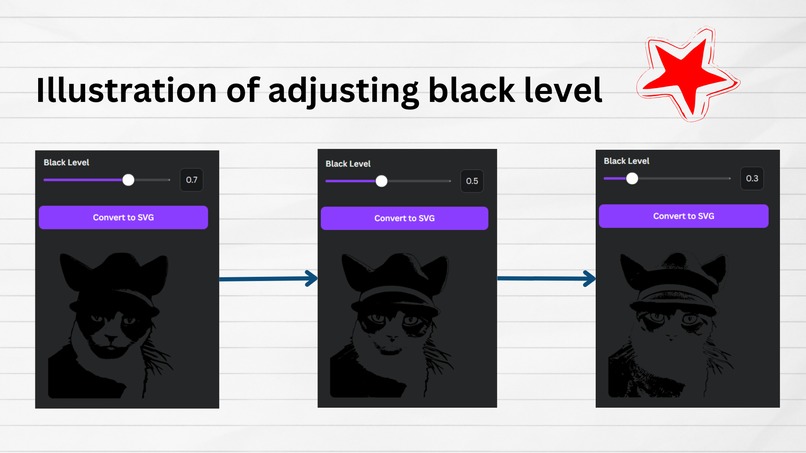
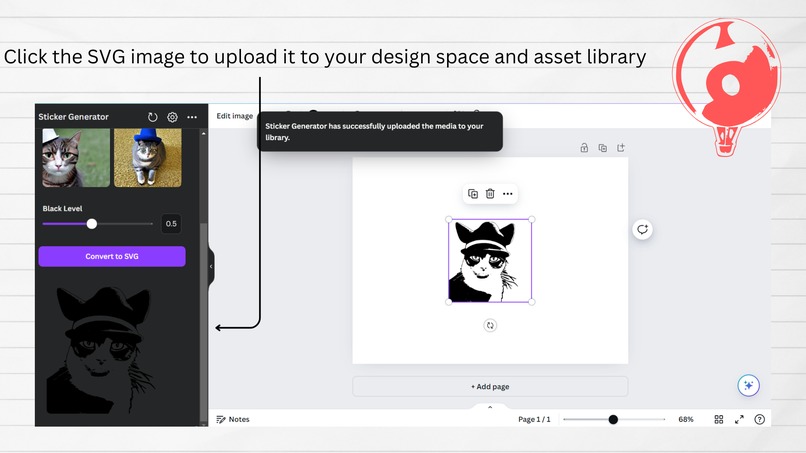
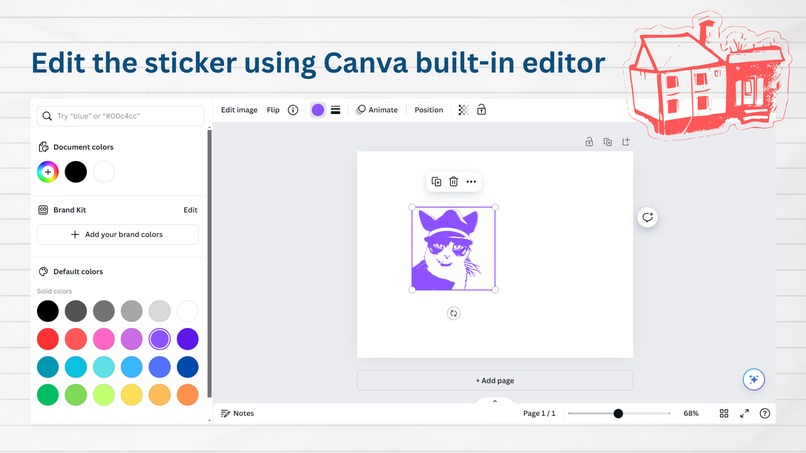
This application allow user to explore AI to generate custom stickers using prompt. AI model will generate images and after choosing an image you like, the user can transpose it to SVG image and remove all the background noise. The SVG image can be added to canva design space and user's asset library. The user can edit the SVG image with Canva built-in editor.
How we built it
Frontend
The frontend is built using Canva UI SDK with React and Typescript. All of the Canva App UI design is in the example folder so I just use it. I also used Axious to send the request to backend to get the AI generated image and process the image. The hard part is sending the image to the backend. I first encode the image into base64 and send the ascii to backend and decode it there. The backend also send the base64 encoded image to frontend. It is convenient that Canva SDK uses base64 image to present the image on the website so I don't need to preprocess the respond from the backend. The images send from the backend are stored and access through local storage.
Backend
I used FastAPI to quickly build the backend. Backend is used for generated images and converting the image to SVG. The model I use for generating images is stable-diffusion-v1-5 provided by huggingface. Huggingface provides many pretrain models and are easy to use. I use Potracer to convert images to SVG and rembg package for background removal. Canva doesn't allow HTTP for backend connection, so I have to generate SSL key and certificate to use HTTPS while setting up server.
Challenges we ran into
What challege the most is to understand how to submit the app to Canva. I have to learn some term and condition as well as privacy policy. Although it is not a big deal for most people but it is the most challenge thing I face during this project.
Accomplishments that we're proud of
- Successfully submit the app for review to Canva
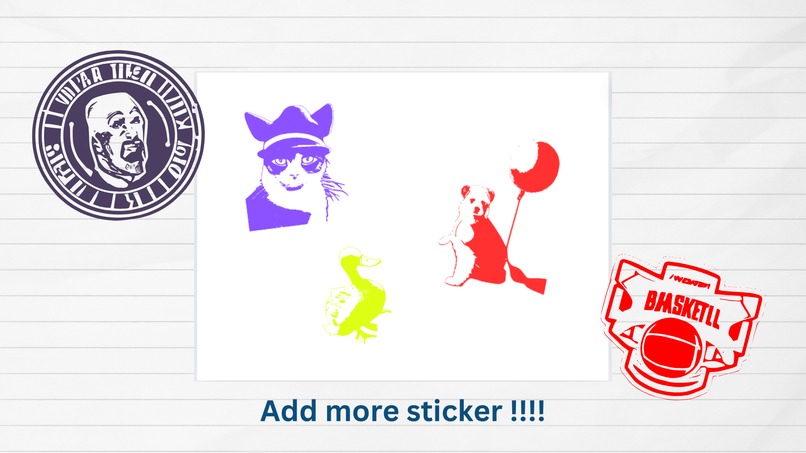
- Generate eye-catching stickers for user to use on their slide show
- Generate Term and Condition as well as Privacy Policy for the app
What we learned
- Learn the whole process for submitting app
- Learn how to generate SSL certificate and use it on backend server
- Learn to use Canva SDK for UI design
What's next for Sticker Generator
- Adding color to the stickers
- Generate gradient color for the stickers
- Let user design their own sticker instead of using AI model
Built With
- axious
- canva
- fastapi
- python
- react
- ssl
- typescript
- uvicorn


Log in or sign up for Devpost to join the conversation.