-
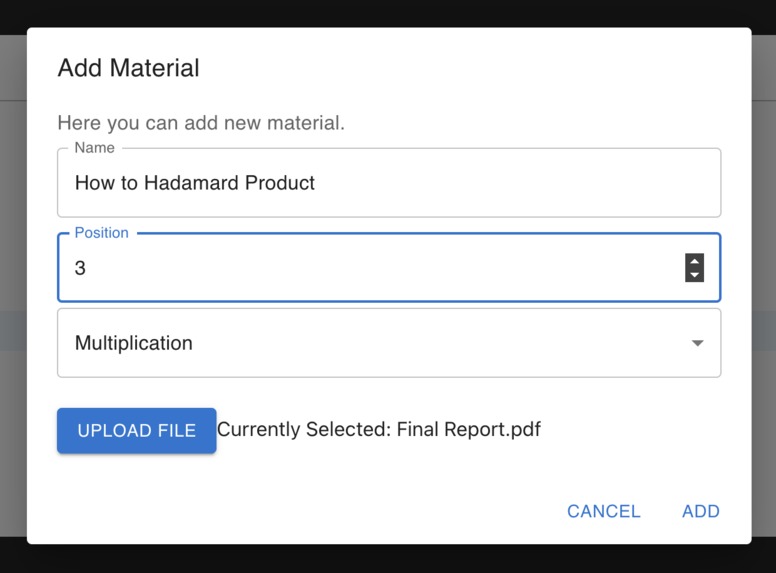
Adding a course material
-
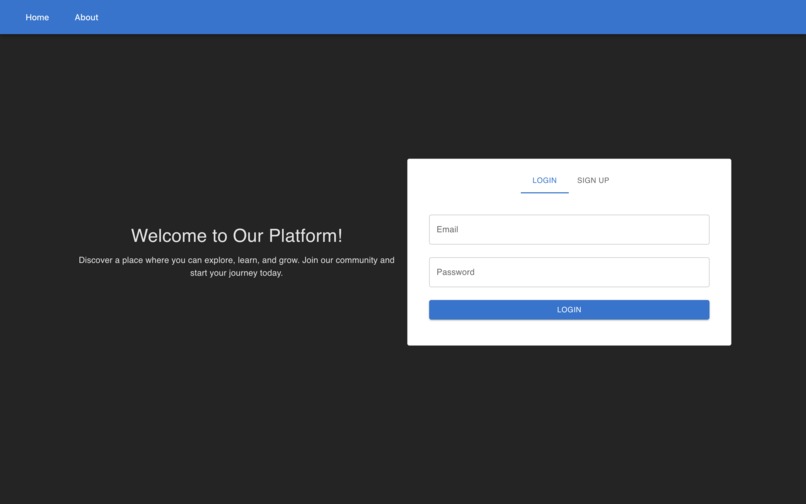
Our Login Screen for the CMS
-
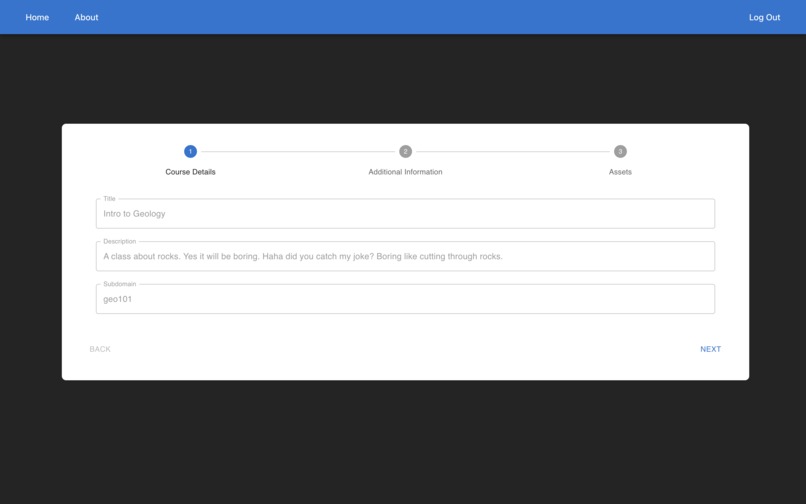
First screen when editing a course
-
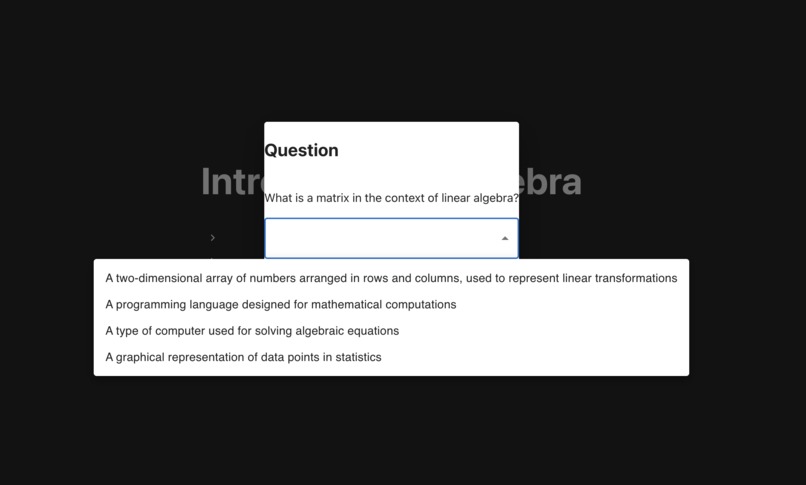
Answering question
-
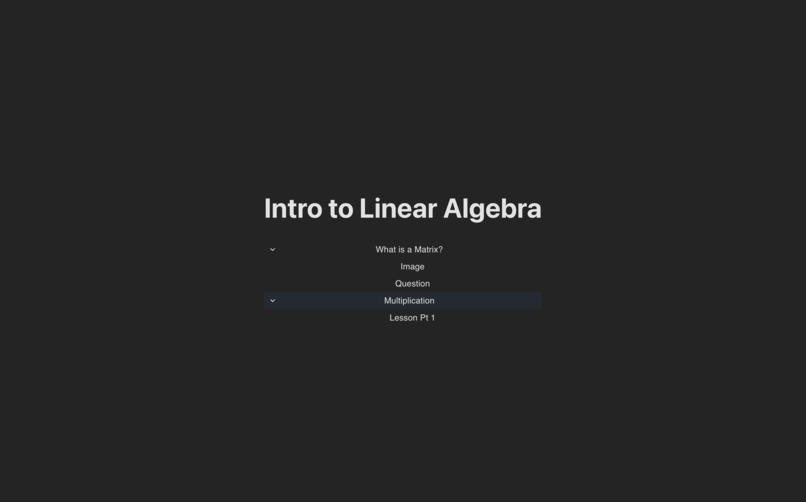
The modules for a course
-
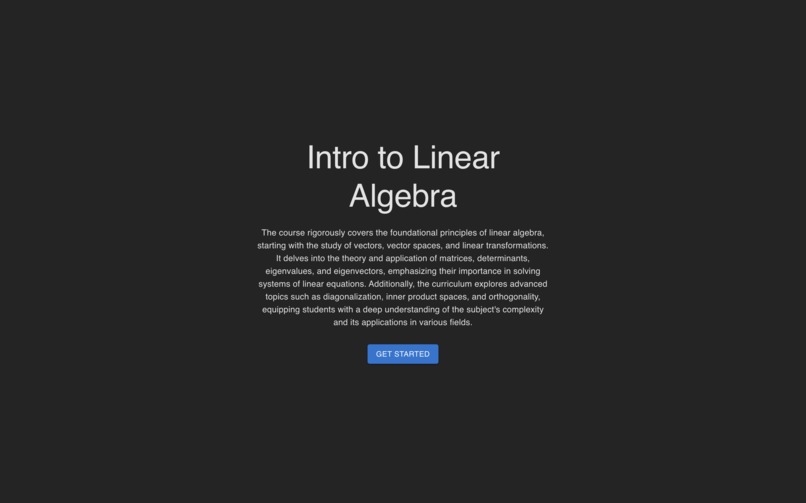
A course frontend
-

Previewing uploaded PDF
-
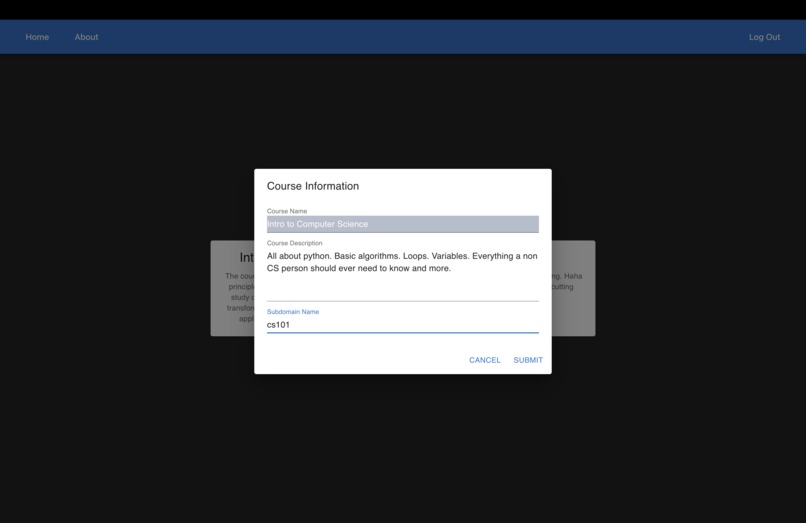
Adding a new course
-
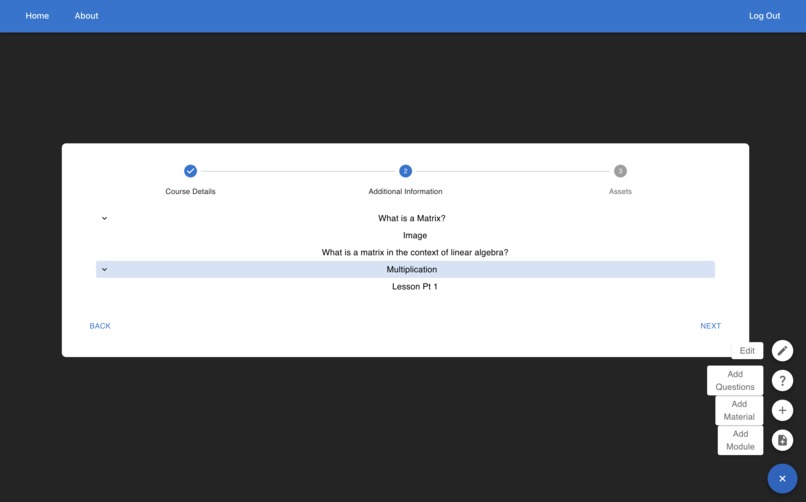
The main CMS area
-
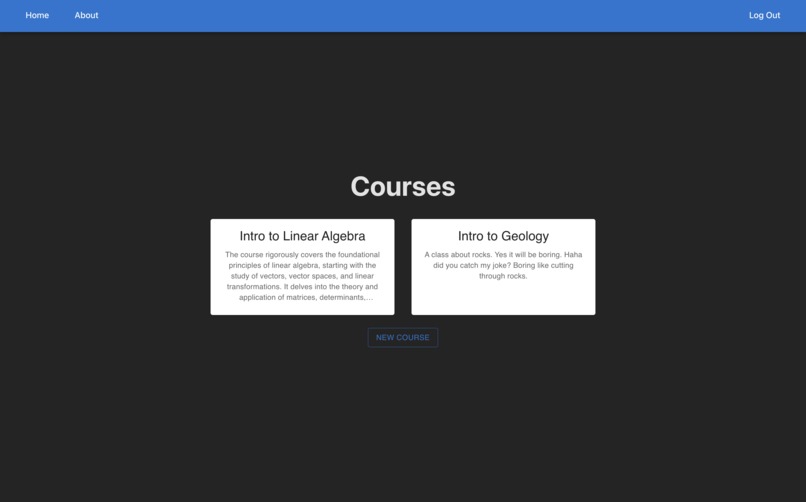
A grid of your courses


Inspiration
The thing that most impacted this project was websites like Cloudflare pages, Github pages, and Notion. I was very interested in how they could provision subdomains so quickly, as such I wanted to build something that did that same thing. I decided a study system where courses are given a dedicated URL seemed like a good idea because that makes them easy to share, very discoverable, and just kind of extra fancy. Plus we all have been or are students, and every tool to study is a great benefit for all students alike.
What it does
Sometimes it feels nice to have a resource dedicated to just one thing. When we really need to focus, cutting out the clutter of the internet and having a simple focused tool would be exceptionally helpful. Together We Study is a tool for building dedicated study spaces. You can currently upload any type of file and it will then we accessible in its own web portal. In real time users can make new portals that are automatically instantly provisioned. They then can upload files, organizing files into modules. Users can also add multiple choice questions to their modules.
How we built it
At the core, this application is a Typescript React frontend with a Python FastAPI backend, but it's a lot more than that. Holding everything together and making life twenty times easier and harder at the same time is Docker. I have used docker for local development and for deployment in Google Cloud, more on that later. Automatically and instantly provisioning subdomains seemed really complicated but actually it boiled down to mostly just being a reverse proxy and wildcard domain that on every request checks with a database to determine if it knows where to route that subdomain. I built the reverse proxy in Go and then Dockerized it. There is a central Postgresql database that the backend and proxy talk to. The backend also talks to memcached so that it can be scaled horizontally when deploying. Now let's talk a bit about Google Cloud. This full application is deployed on Google Cloud (for a limited time, it's a little expensive to run) and its done to mindfully utilize Google Cloud's versatile product range. All the containers I wrote for the frontend, backend, and proxy were able to migrate to Cloud Run which was an ideal solution for me because I ended up having some other issues and not having enough time to set up a full Kubernetes deployment, but I still get autoscaling to show off the cool horizontal scaling of the app. Google Cloud has direct options for hosting Memcached and Postgresql, Memory Store and Google Cloud SQL respectively, which were utilized to minimize time spent on this. For file storage, the app uses Google Cloud Storage, which is Google's storage buckets.
Challenges we ran into
You would think that since this application was designed with Google Cloud in mind deployment would have been smooth, but that was far from the case. To start off, none of my Docker images were working on Cloud Run, and this baffled me because when you use Docker if it works on machine it works everywhere, usually. I recently switched to using a Apple-silicon based Mac, which means Docker builds arm64 based images and Google Cloud Run unsurprisingly wants amd64 based images. Finding this issue was a challenge because I didn't know Docker images cared about system architecture and it took some deep searching to figure out that this was problem. The bigger issue was that I worked alone and only have one machine, how was I going to make Docker work for Cloud Run now that I know I need to build for amd64 machines? While I later learned that you can use flags in the Docker build command to target a specific platform, I didn't figure that out quickly, so I set up GitHub actions to automatically build my 4 images and push them to Google Artifact Registry. Even though this turned out to be unnecessary, it was cool to use Google's Github actions image, and it allowed for continuous deployment basically for free. Google Cloud presented me with another challenge after I got Docker images working on Cloud Run though, my containers couldn't talk to the Google Cloud SQL database or Google Memory Store cache. It turns out that the IP addresses given to the database and cache are internal addresses which is to be expected, but unexpectedly Cloud Run containers don't get addresses internally automatically, so I got to set up serverless virtual private cloud access for my containers to talk to the cache, for Cloud SQL it turned out there was a dedicated way to access it and it used a special connection string instead of the typical connection string with an IP address. An ongoing problem I have with Google Cloud is certificates. Certs seem to be problem everywhere; today with Google its a double whammy. First off the certs that Google provide don't work with wildcards, which breaks the really cool proxy that gives everything its own subdomain. Secondly, if I don't want to use the ugly Google provided domain, instead I would rather use the free domain from this hackathon, but Google only allows you to route to Cloud Run using a custom domain through a load balancer, which should be fine, but it takes an absurd amount of time for Google to provision a certificate for the domain and then the bigger issue is that it having some issue with the load balancer it automatically set up and I don't have the time to debug it, since if I want to go through the same process again, I will be waiting for another hour to get certs provisioned again.
Accomplishments that we're proud of
As much as I just said Google Cloud was difficult to work with, I am most proud of how I used Google Cloud in this project. Before I ever started coding, I was like I am going to have design this for cloud from the beginning if I want any chance for it to be deployable in hackathon. So I mocked up the architecture:

I actually think I did pretty good too because I updated my diagram as I went and the current iteration looks like:

One of the biggest changes I made about my choice in architecture was how to deploy the containers. I wanted to use Kubernetes, but Kubernetes takes some time to configure and I decided that it would be better to save that time by using Cloud Run which gives a lot of the good features of Kubernetes like autoscaling without the hassle of configuring Kubernetes.
Other than Google Cloud and architecture, I am quite happy with the reverse proxy I wrote for subdomain provisioning. It was my first time writing anything of substance in Golang and the proxy turned out readable, fast, and pretty concise. Overall, I would say it has piqued my interest in using more Golang in the future.
What we learned
Even when you have a plan, building and deploying a scalable app during a hackathon is HARD. Cloud has a ton of benefits but unless you spend a lot time working on Cloud, saving time for deployments is not one of them. I also learned that Docker is platform dependent for images.
What's next for Together We Study
So many upgrades! For one just putting together the UI a bit more for better user experience would be a great next step. I would also like to make an account system for tracking what classes you do so that there can be a central place to access courses and to track progress in courses and monitor scores on questions. Speaking of questions, I have a bunch more ideas of new question types that would be fun to implement. Think of matching games, fill in the blanks, multiple select questions, and more. Also previewing more content types would be helpful. I thought about making a Cloud Function to convert files to PDFs to support more filetypes in preview mode, but I didn't have time for it.


Log in or sign up for Devpost to join the conversation.